
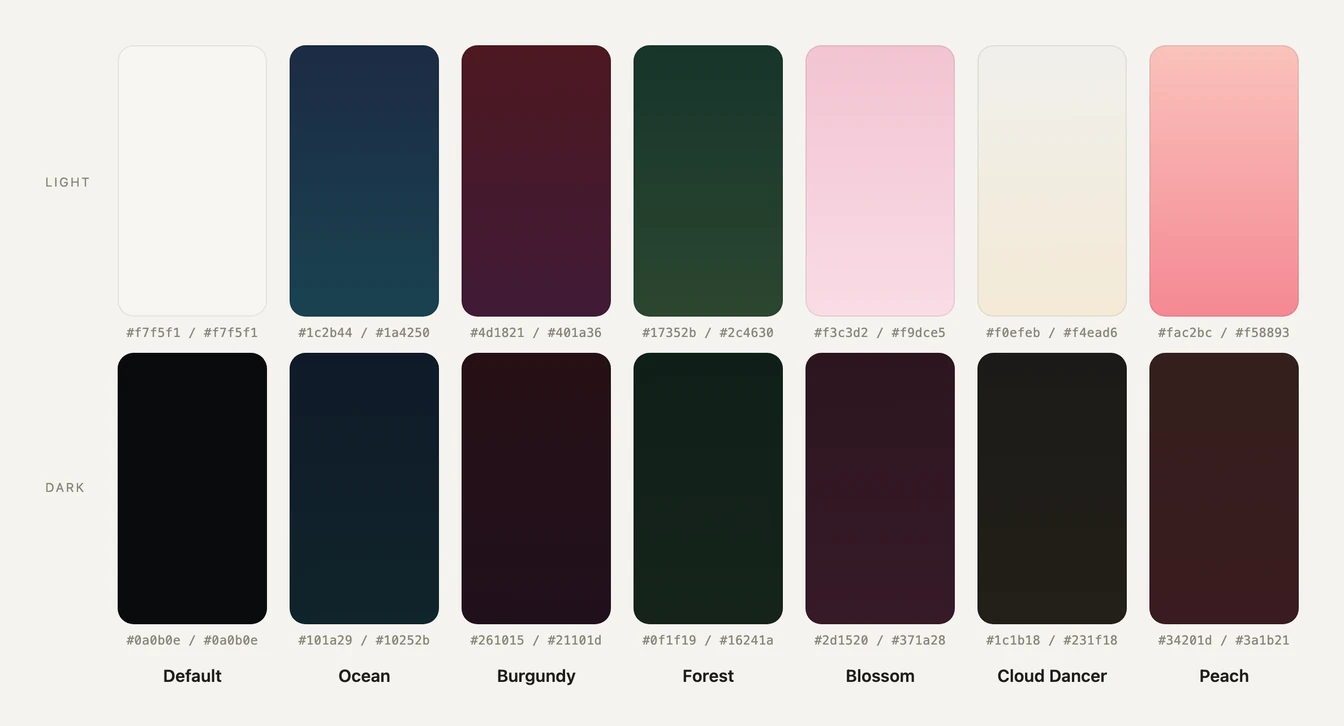
Seven themes, each in light and dark.
Routines 1.9 brings seven color themes to the Mac app. The six colored ones give the sidebar a soft gradient, Default keeps the look you know, and all seven work in light and in dark. Every app screen below is a real capture with demo data.
Ocean
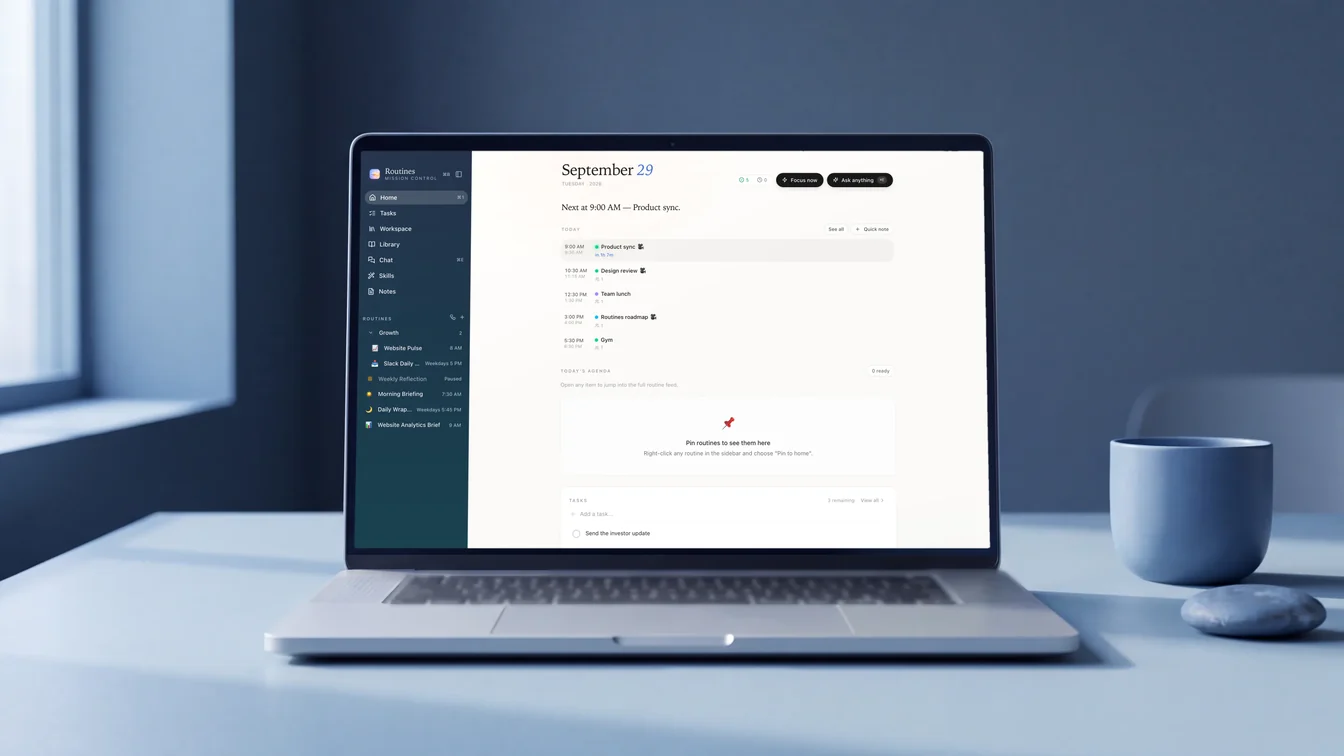
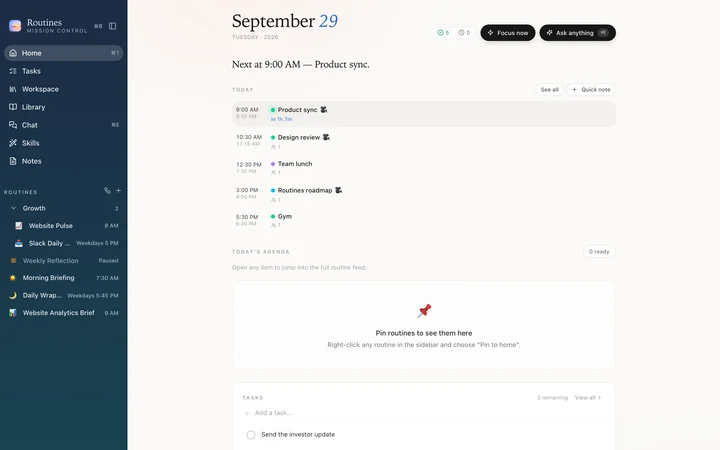
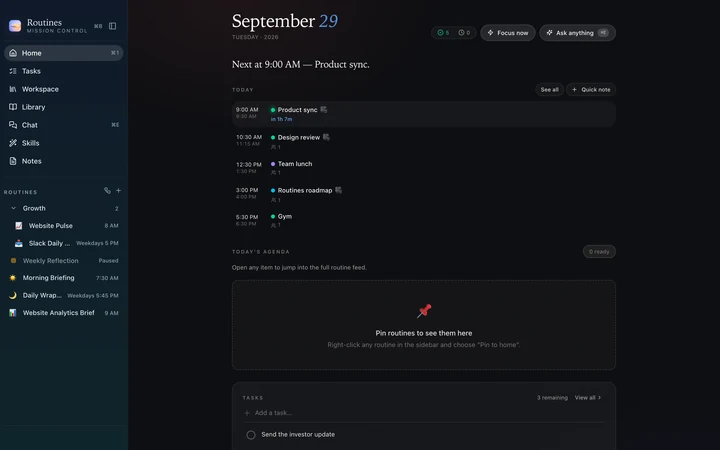
Ocean: navy fading into teal, made for deep-work mornings.
Burgundy
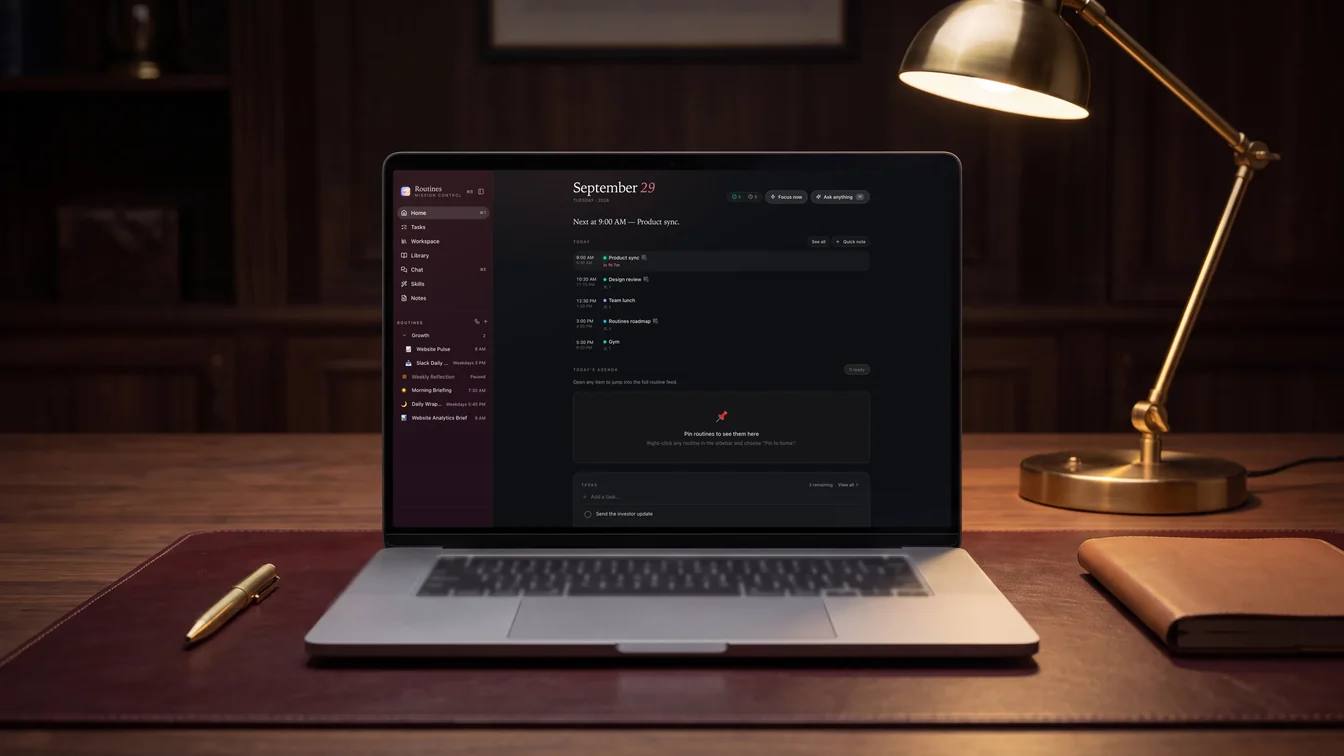
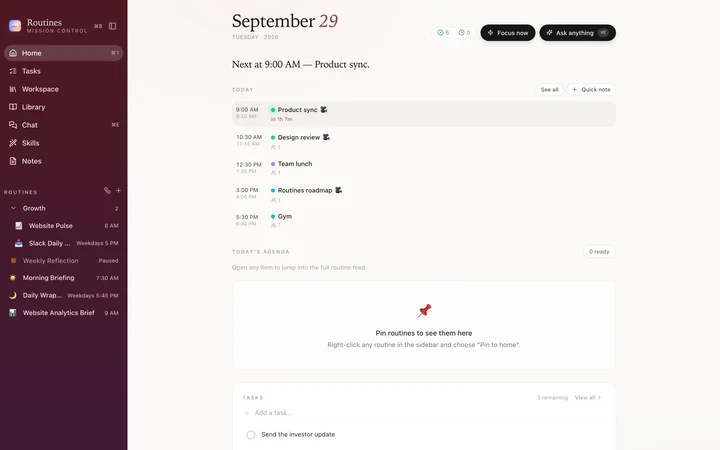
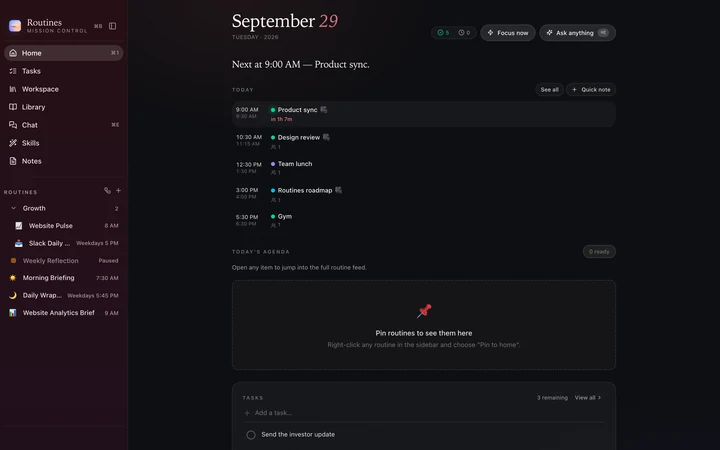
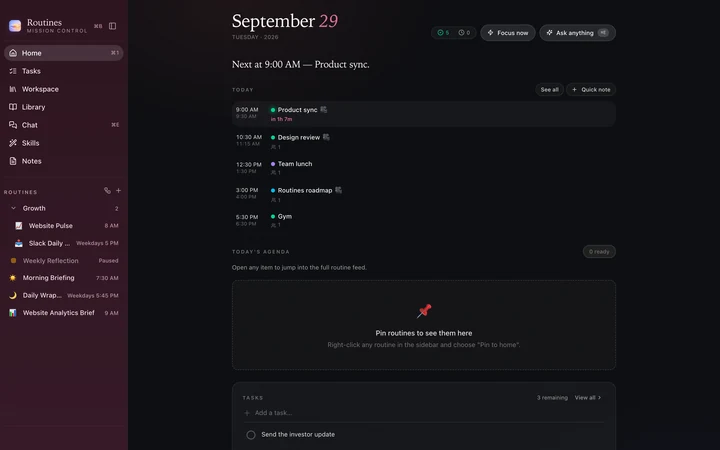
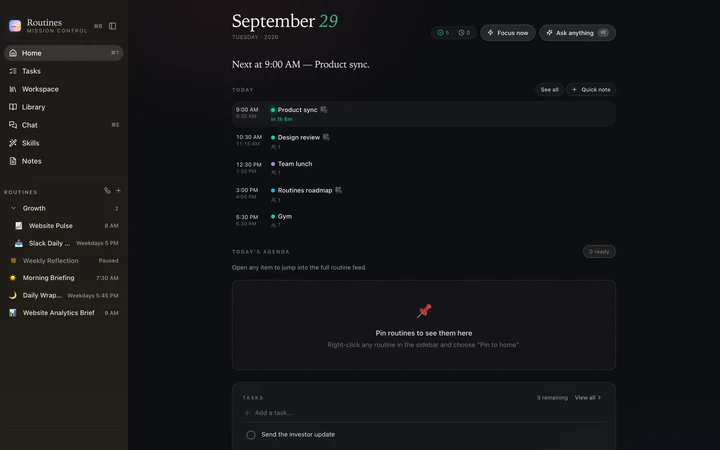
Burgundy: for late-night planning, easy on the eyes. Inspired by the 2026 iPhone finish of the same name.
Forest
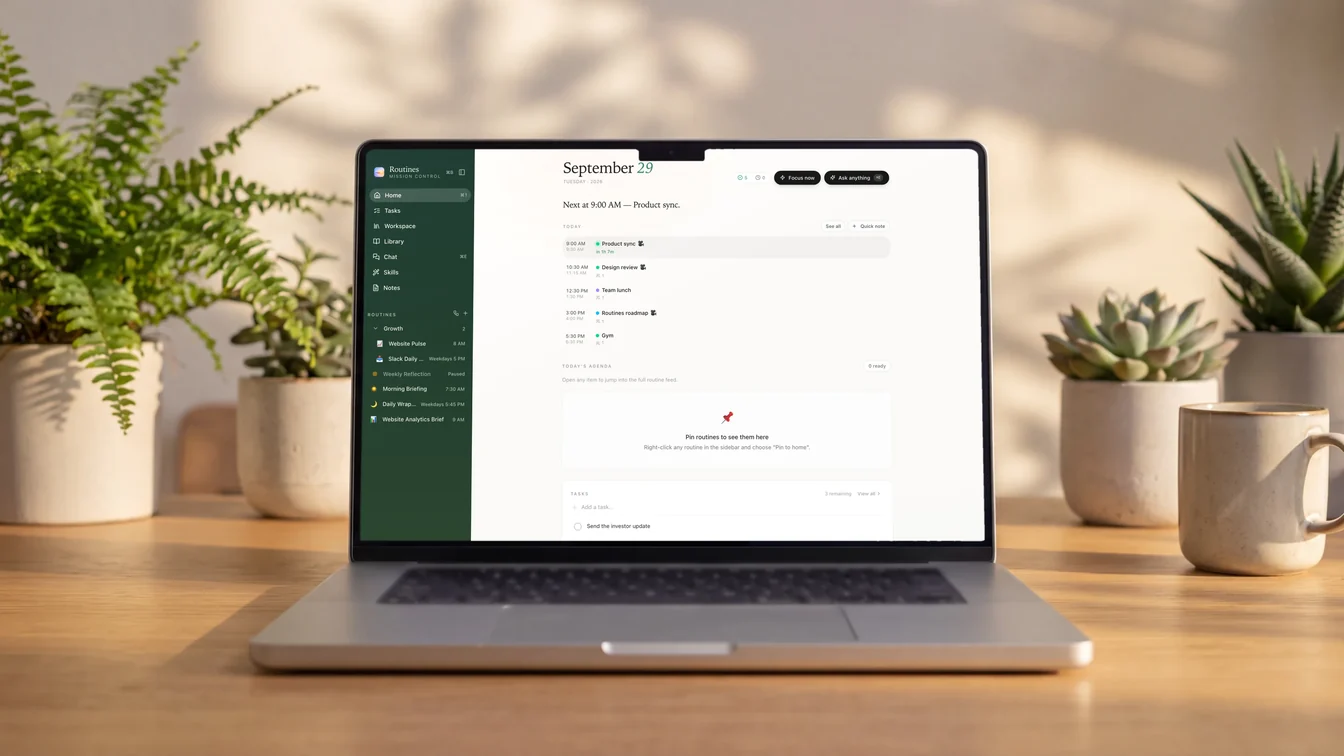
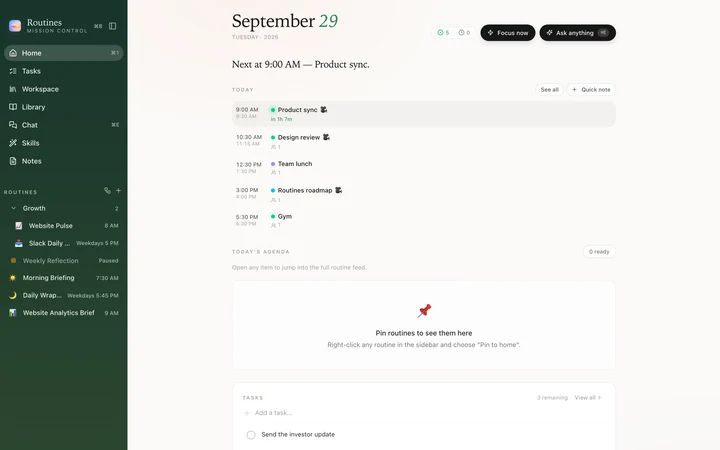
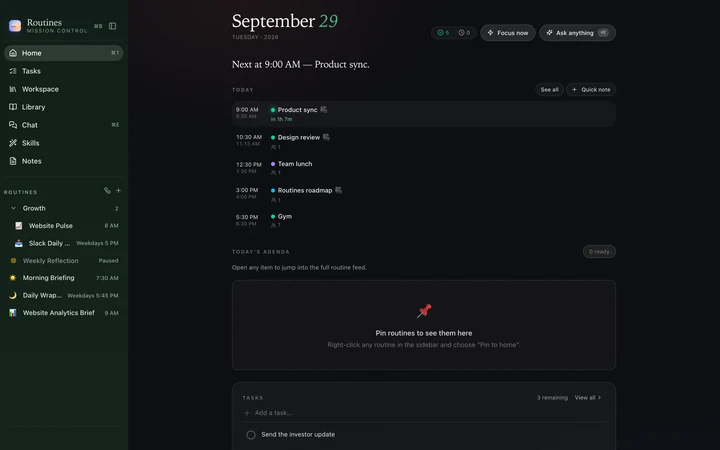
Forest: pine to moss, calm in both modes.
Blossom
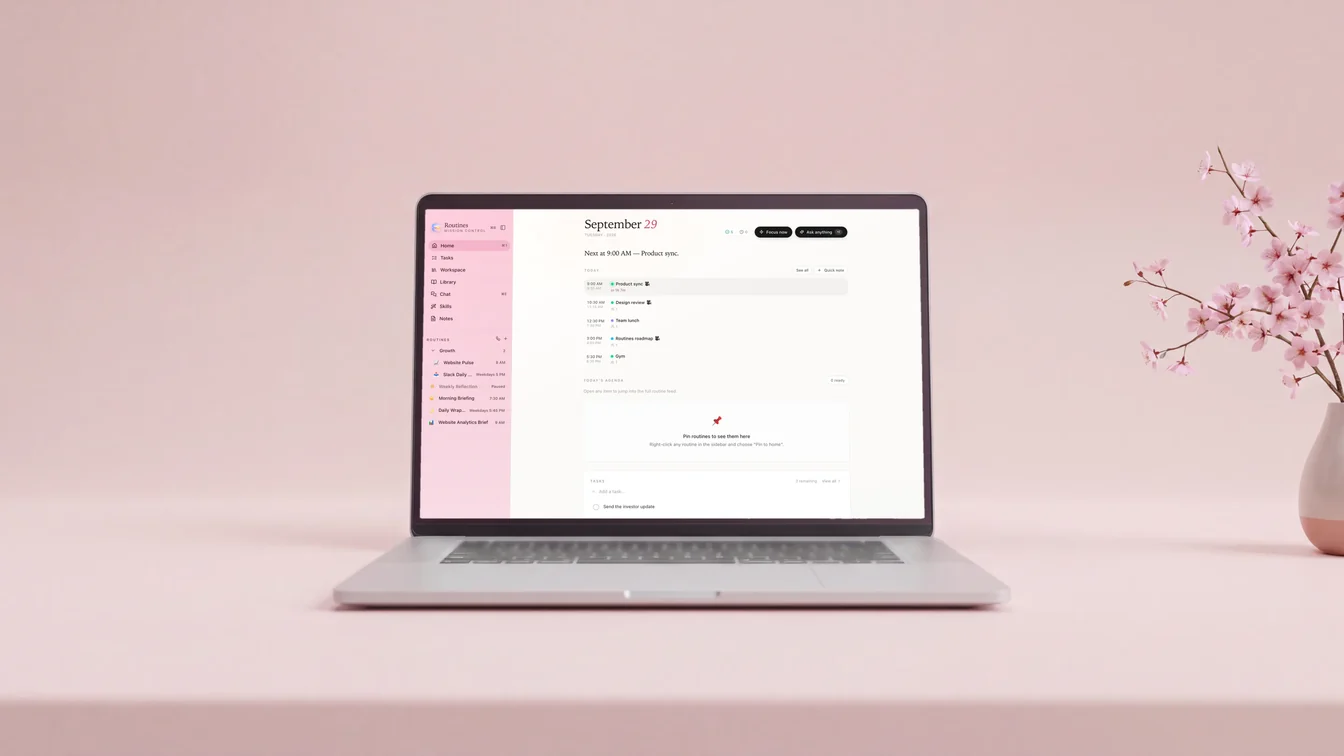
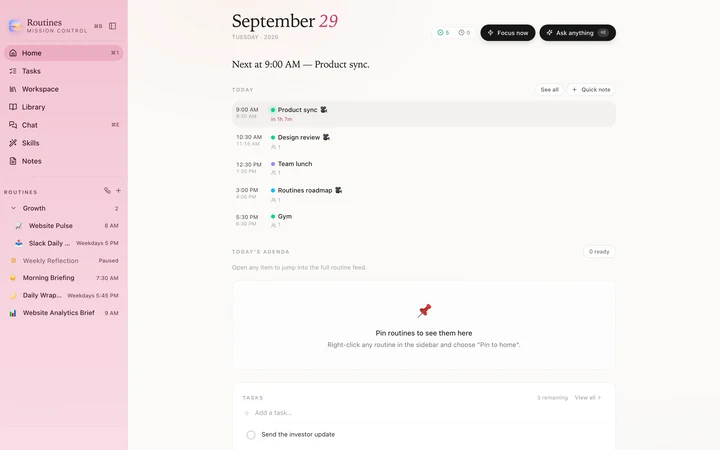
Blossom: a soft pink sidebar with dark text, bright for the daytime.
Cloud Dancer
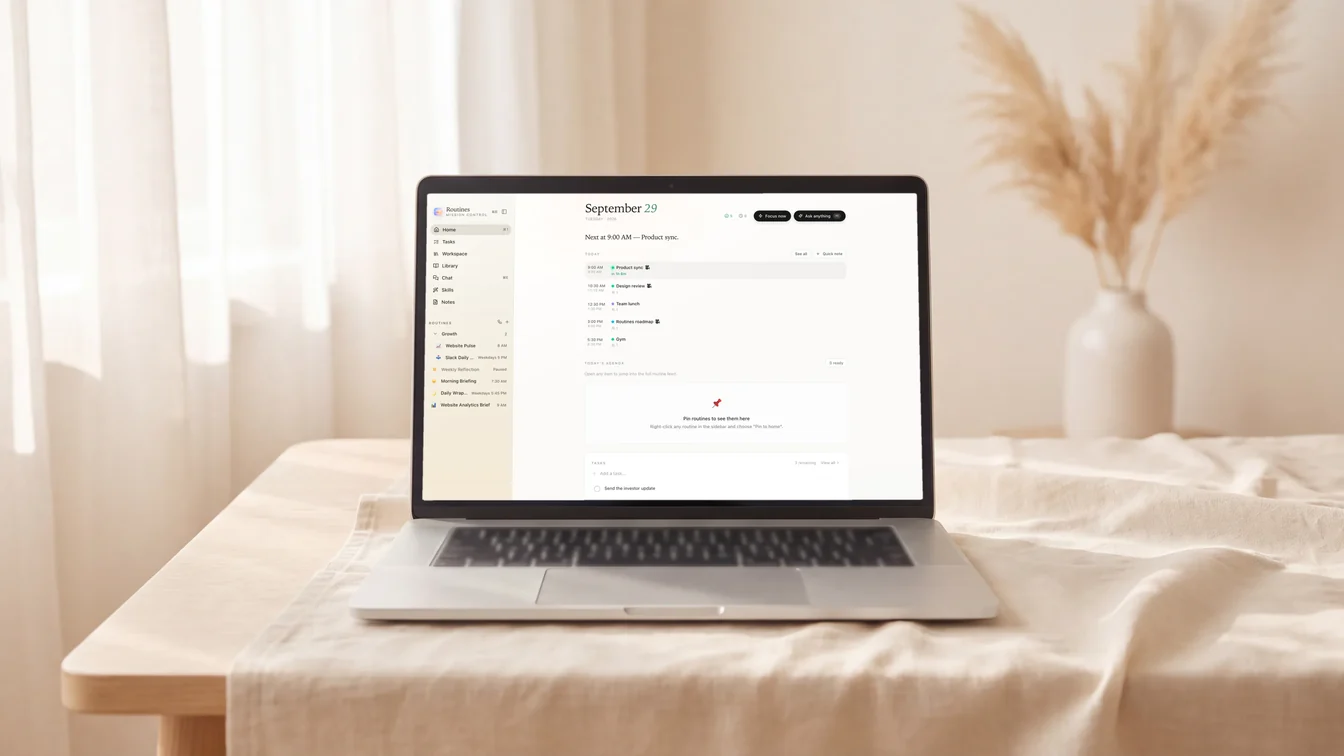
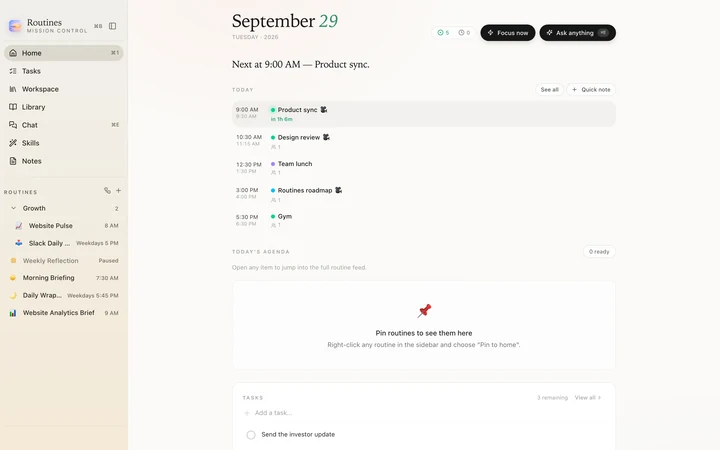
Cloud Dancer: the Pantone Color of the Year 2026, 11-4201.
Peach
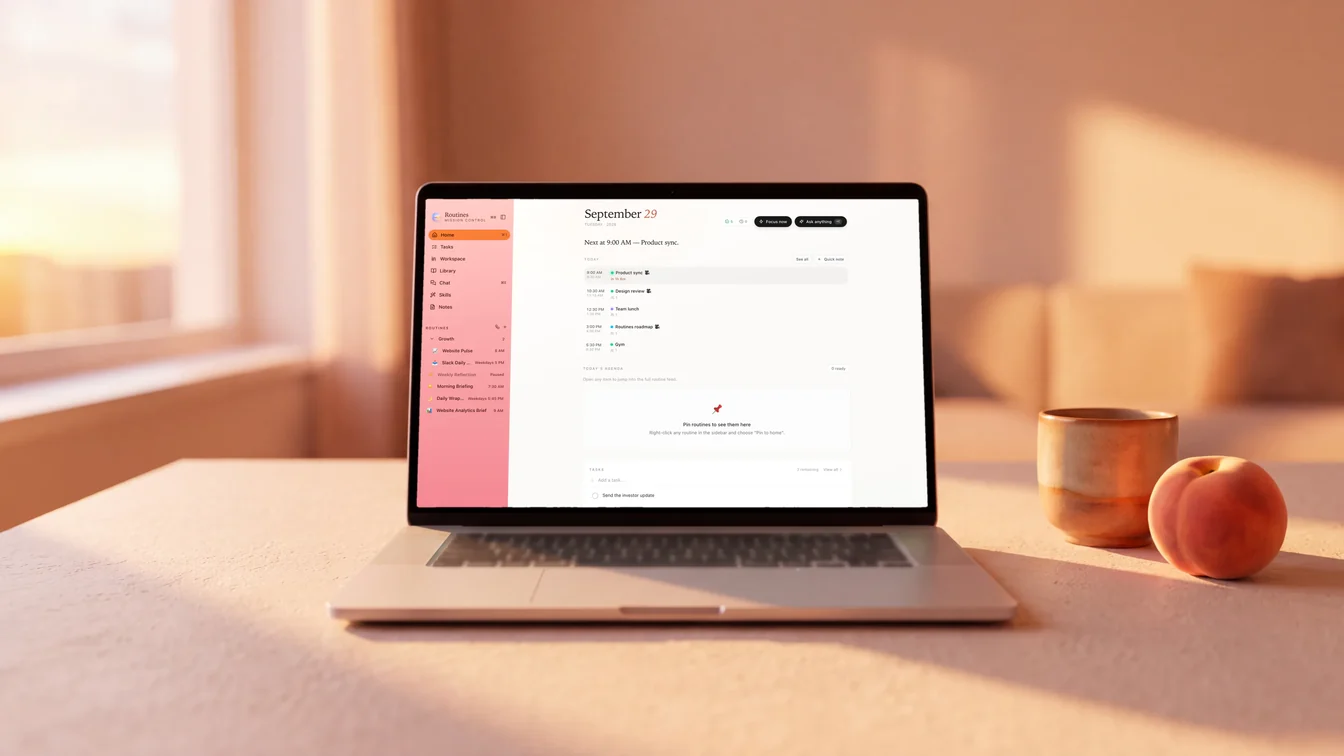
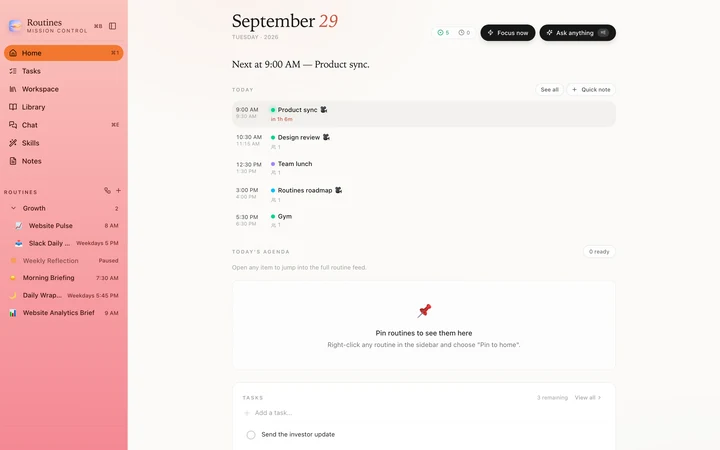
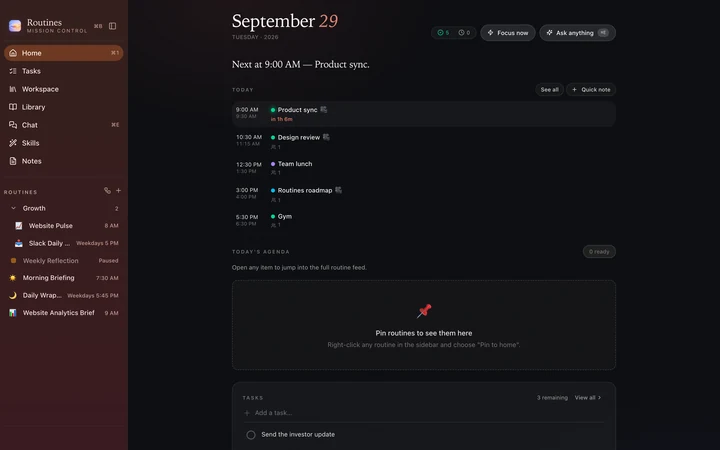
Peach: warm, and it follows you into the popover and the clipboard.
Default
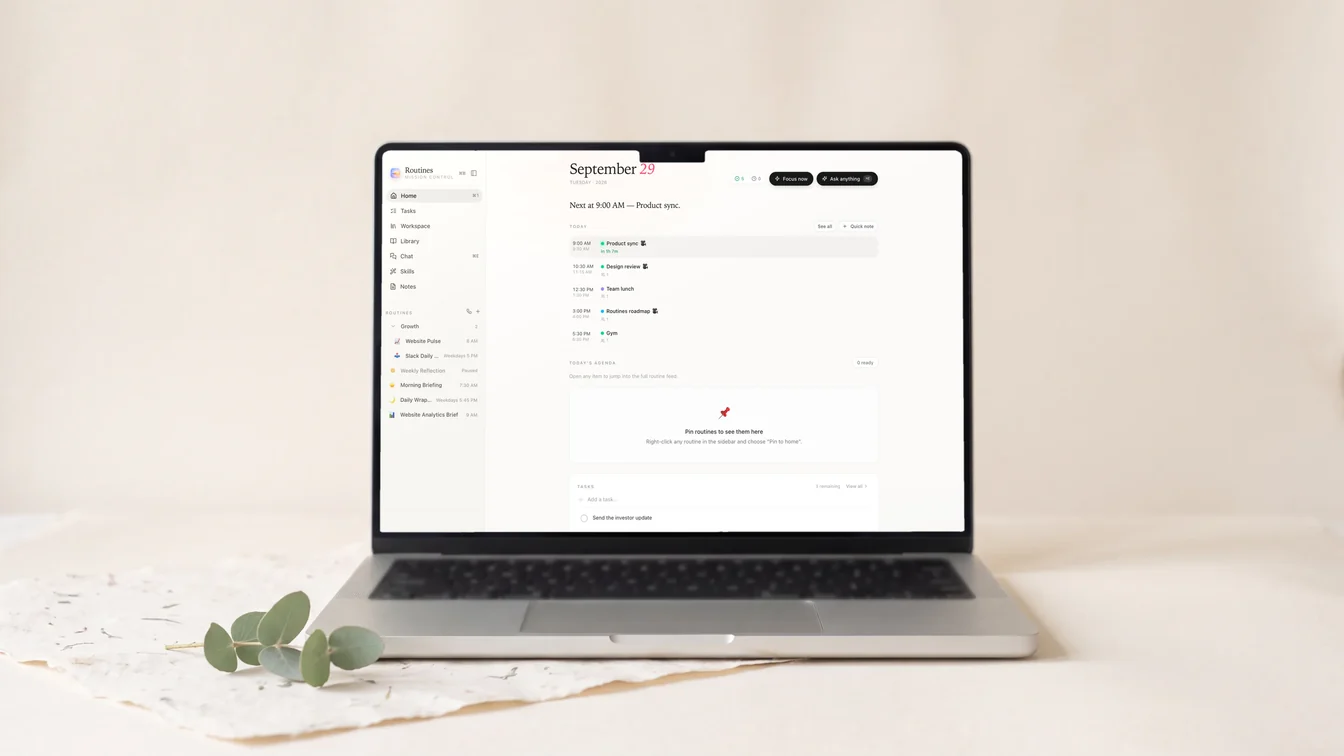
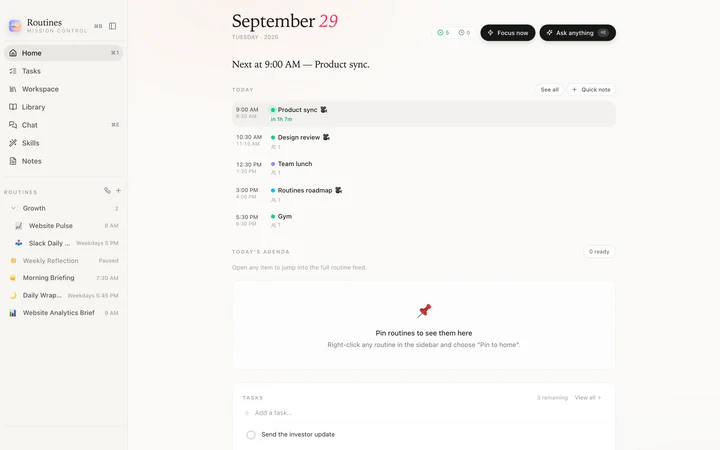
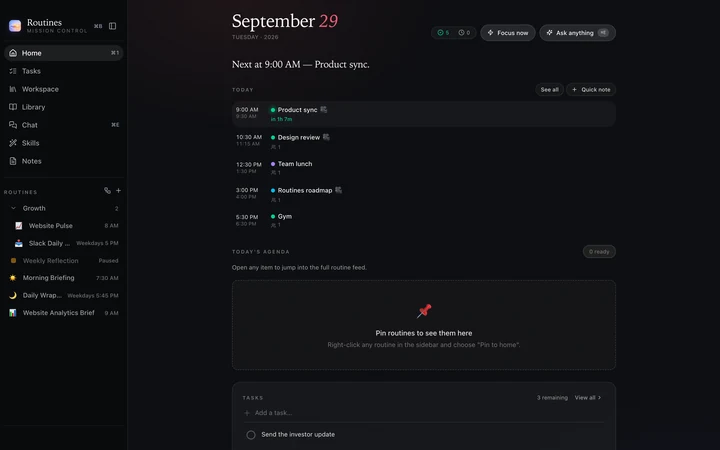
Default: the green you know.
The whole app follows
A theme is more than the main window. The menu bar popover, the clipboard history panel and the screenshot editor pick it up too.
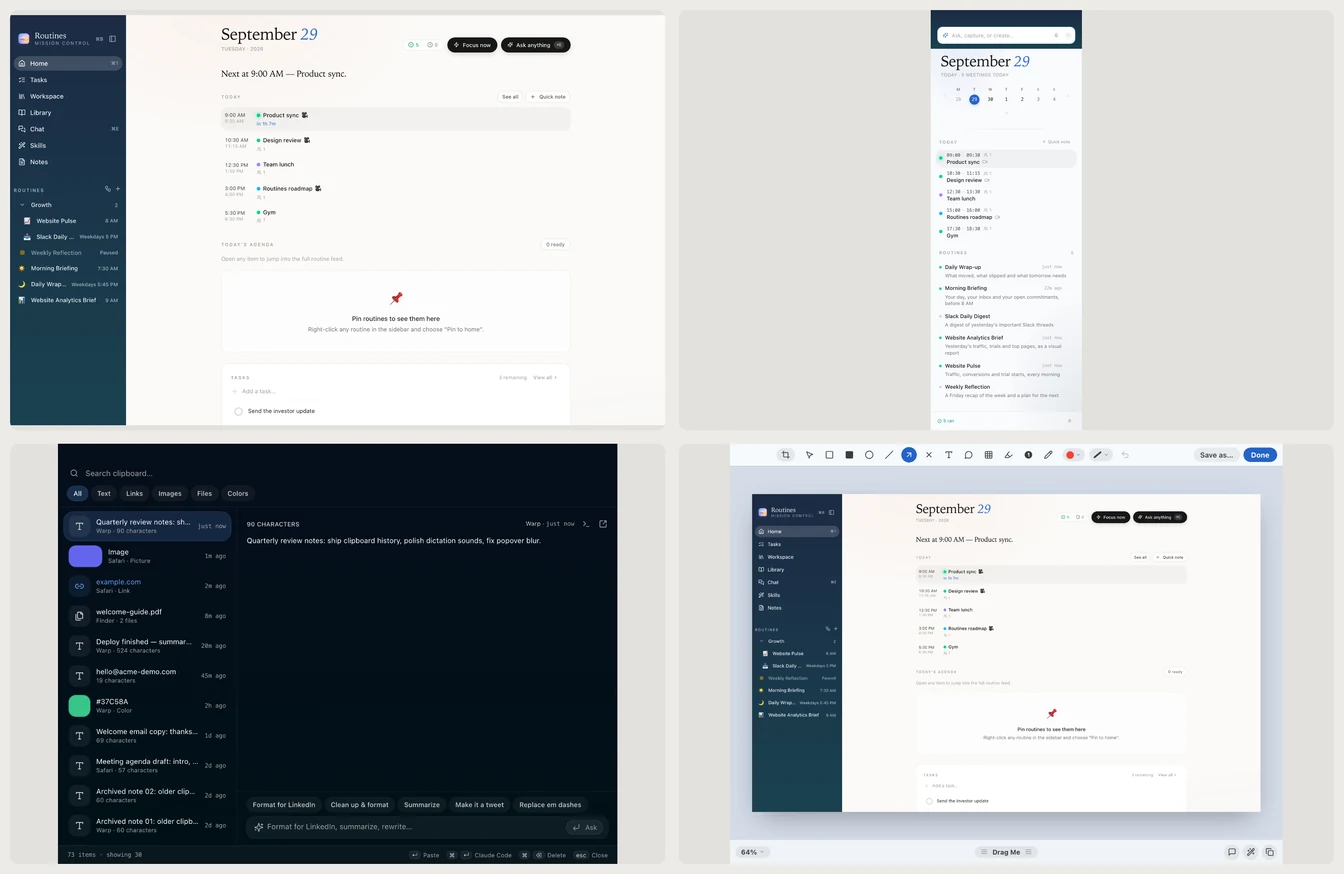
Ocean: main window, popover, clipboard history, screenshot editor.
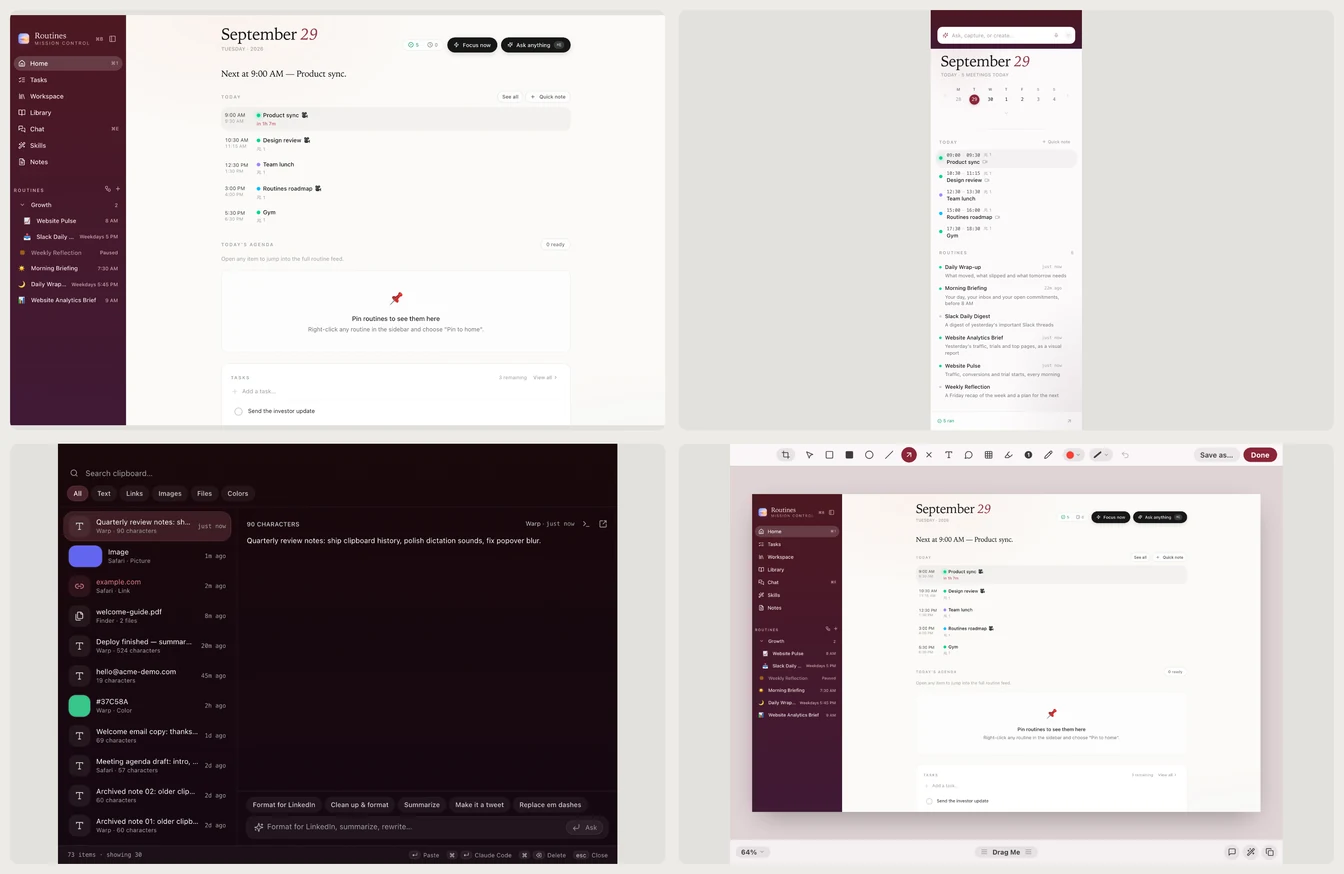
Burgundy, across the same four.
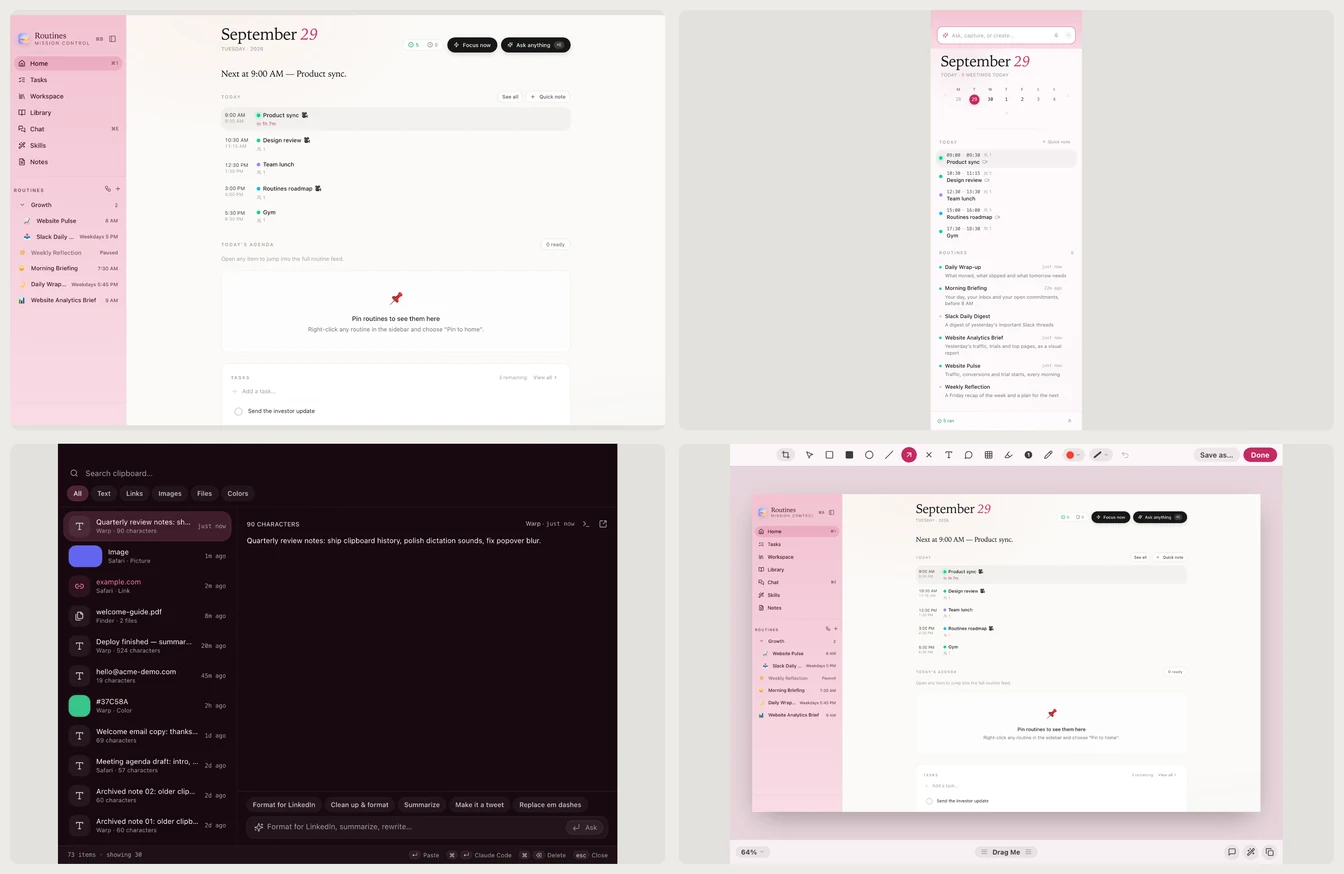
Blossom, across the same four.
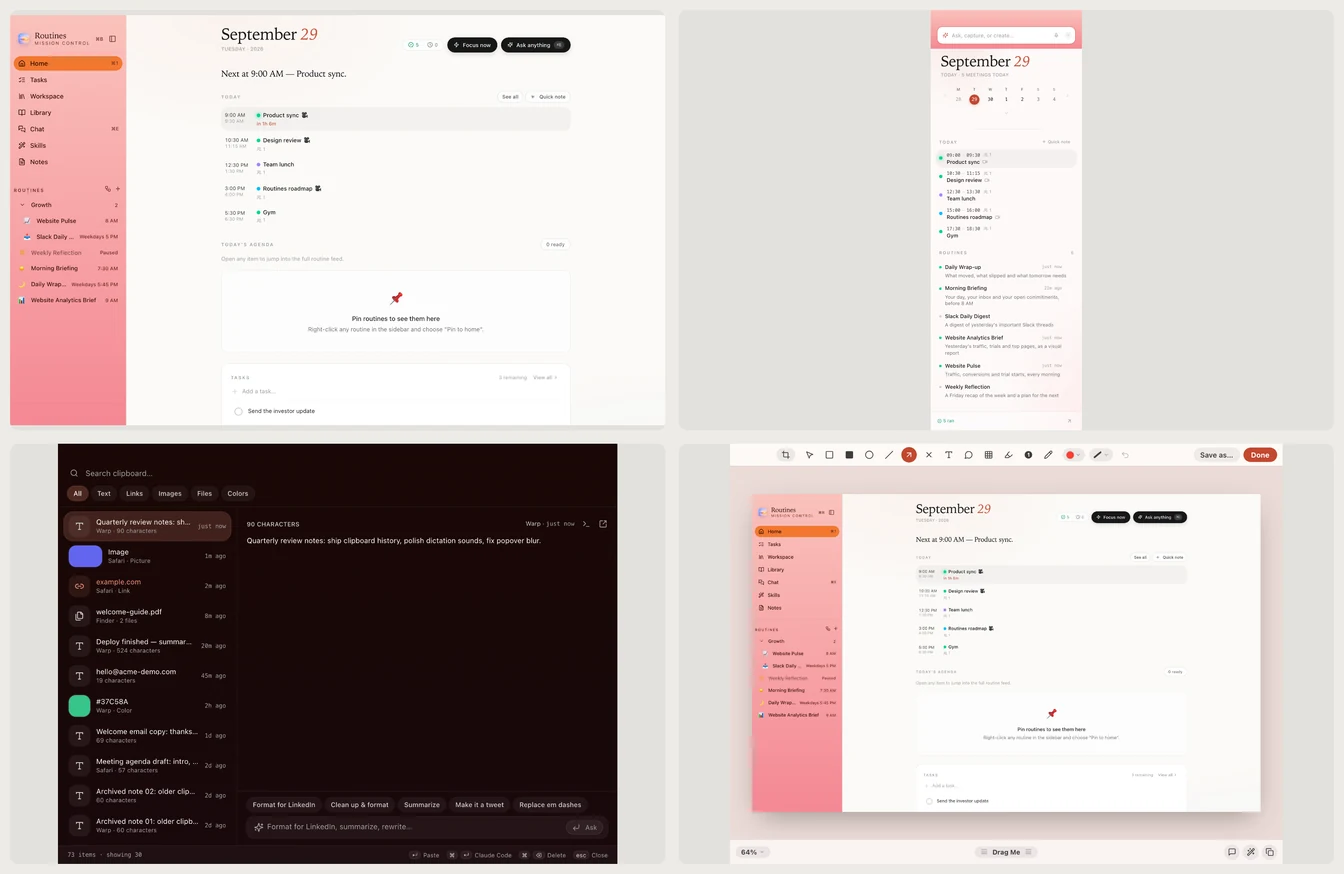
Peach, across the same four.
Where to pick yours
Open Settings > General > Appearance. Choose Light, Dark or Follow System, then pick a color.
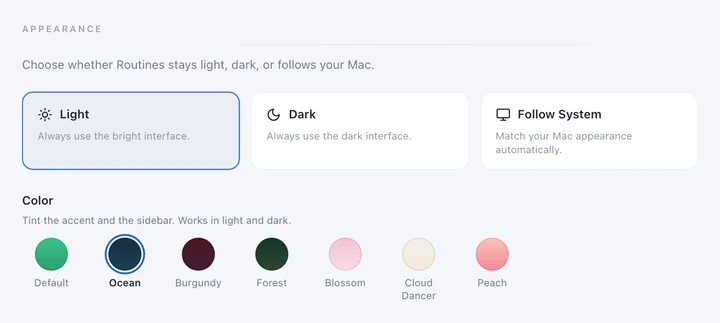
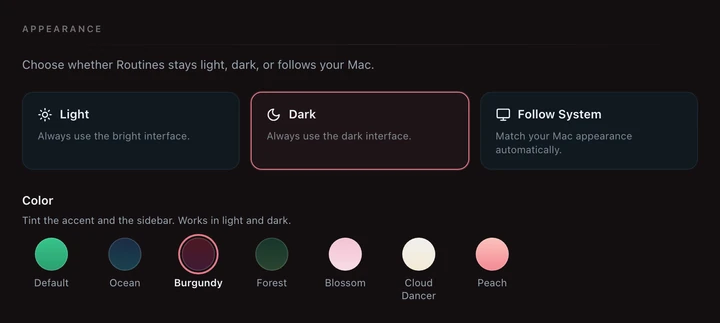
Settings > General > Appearance.
Let a routine pick it
Since v1.9.1 a routine can set the theme for you. The Theme by Sleep recipe reads last night's sleep from your health notes every morning: under 6 hours it picks Burgundy, 6 to 7.5 hours Ocean, over 7.5 hours Peach. You can also switch from Terminal with routines theme ocean. Whatever you choose syncs to your other Macs.
Want more ways to make the app yours? Read how to set up and customize Routines, browse the recipes, or download Routines for Mac.