
01
Global hotkey dictation
Press Alt+D from anywhere in macOS and Routines starts recording your voice instantly. No window switching, no app to open. The floating pill confirms it's listening, and a second hotkey records in your other language.
04 / Dictation
One global hotkey turns your voice into text in whatever app you are using. Speak naturally, and Routines transcribes, polishes, and pastes for you. Speech recognition runs through a transcription service with model training opted out, and the text lands on your Mac without passing through a Routines server. If you are setting this up for the first time, our guide to dictation on Mac walks through the options.
New Message — Mail
Transcribed in seconds · pasted automatically · the text lands on your Mac
Talk into the chat
Tap the mic in the Routines chat and your voice streams in live, word by word, into the input. The red button means it is listening. Review and edit before you send, no keyboard required.
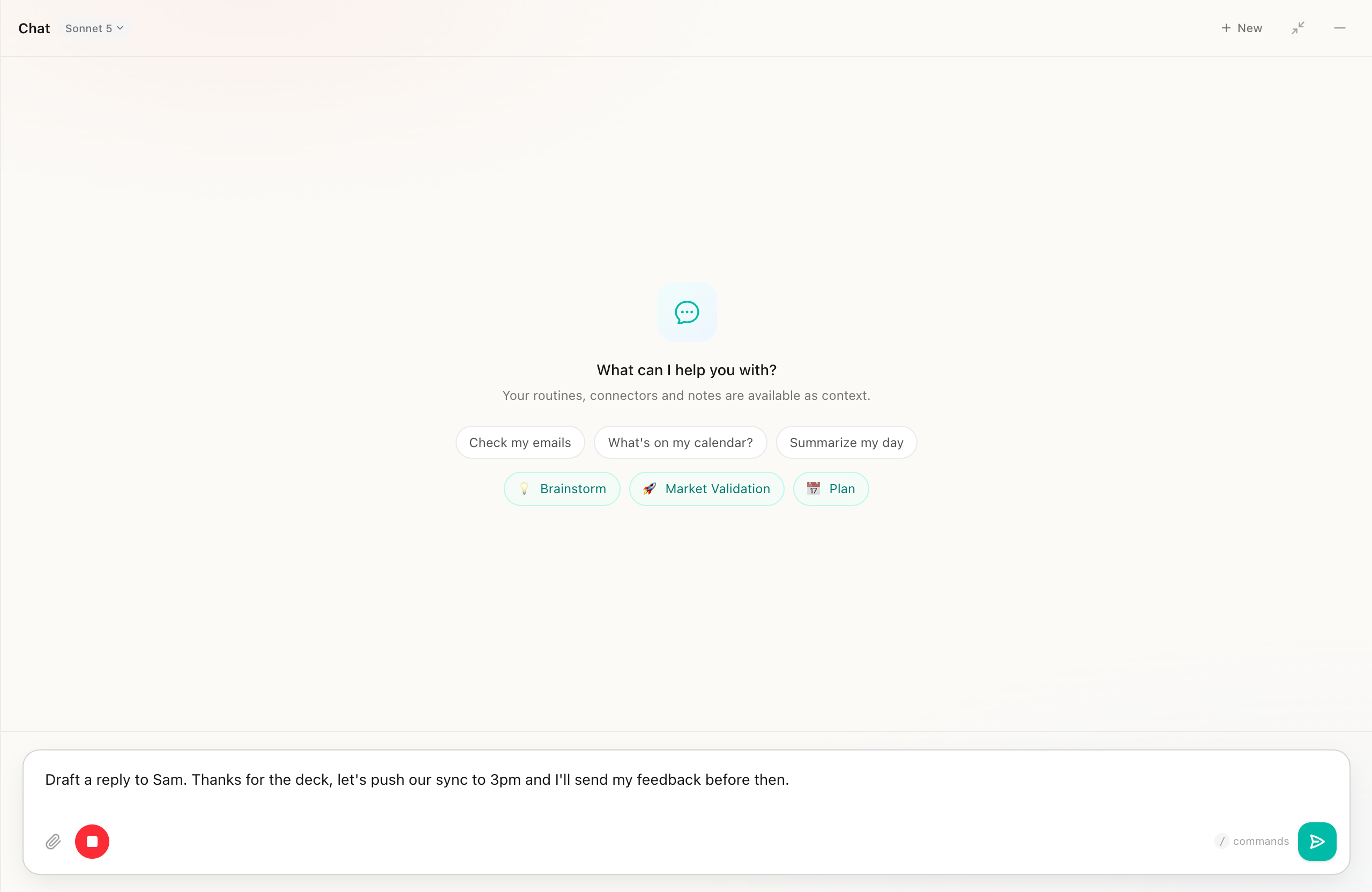
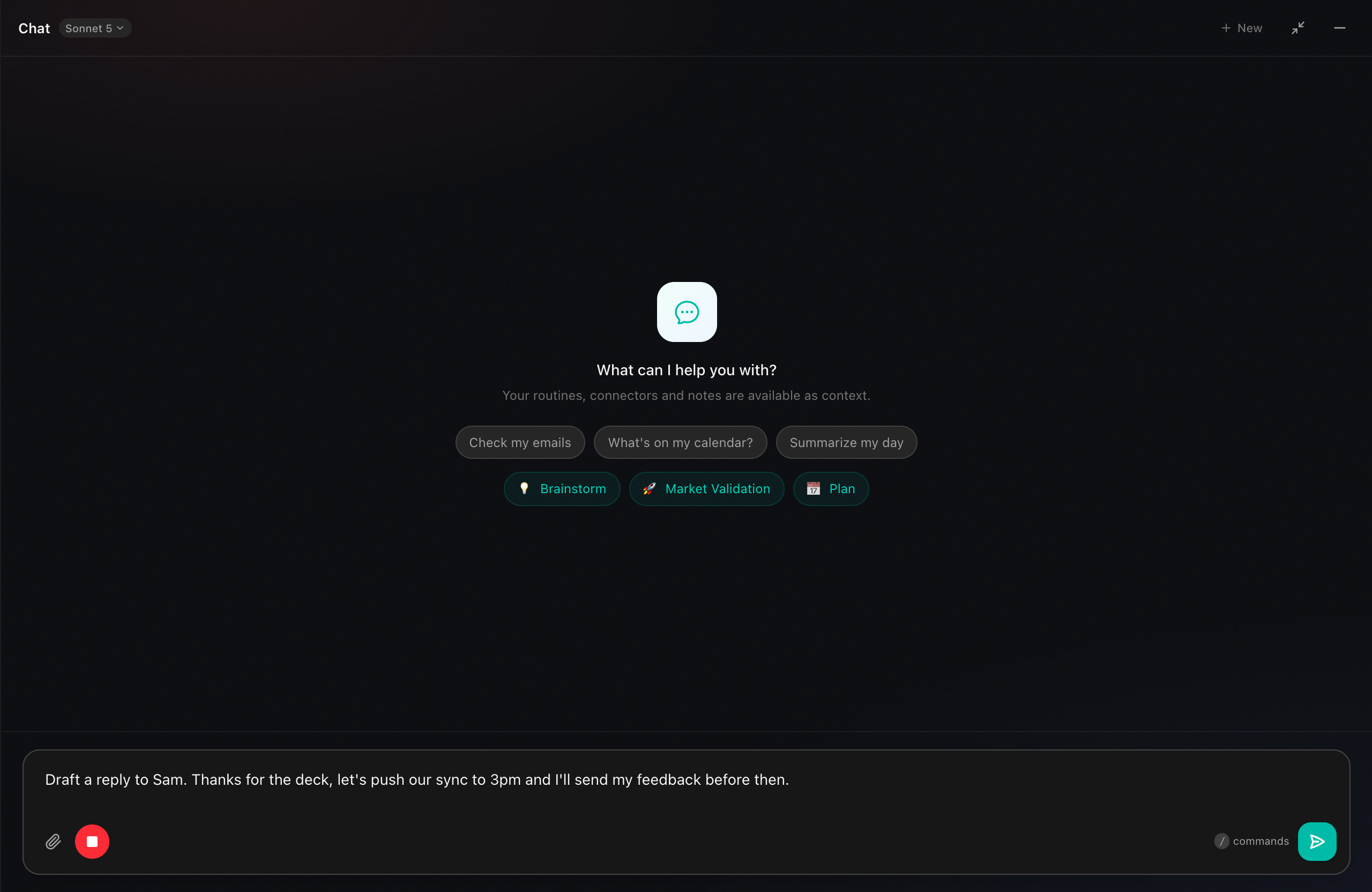
Live transcription · streams as you speak · edit before sending
01
Press Alt+D from anywhere in macOS and Routines starts recording your voice instantly. No window switching, no app to open. The floating pill confirms it's listening, and a second hotkey records in your other language.
02
When you finish speaking, the transcript copies to the clipboard and a native Cmd+V fires into whatever app you were using, with an AppleScript fallback if needed. Words just appear, no extra steps.
03
Dictate in English, Romanian, or your second configured language. English stays instant, while non-English transcripts are polished by the LLM, fixing errors, adding punctuation, and restoring ă, ț, ș automatically.
04
Tap the mic in the chat popover to dictate straight into a conversation. The transcript lands in the input field so you can review and edit before sending.
05
Started by accident? Press Escape for a clean abort, nothing transcribed, nothing pasted. Distinct macOS system sounds confirm each stage so you always know what's happening.
06
In Settings, customize every shortcut, pick primary and secondary languages, toggle LLM polish, choose your mic (built-in, USB, AirPods), and run a live test. Everything persists across sessions.
Make it yours
Set a global shortcut per language, so one key dictates in English and another in Romanian. Add a voice shortcut for the popover, toggle LLM polish for non-English text, and run a live test right from Settings.
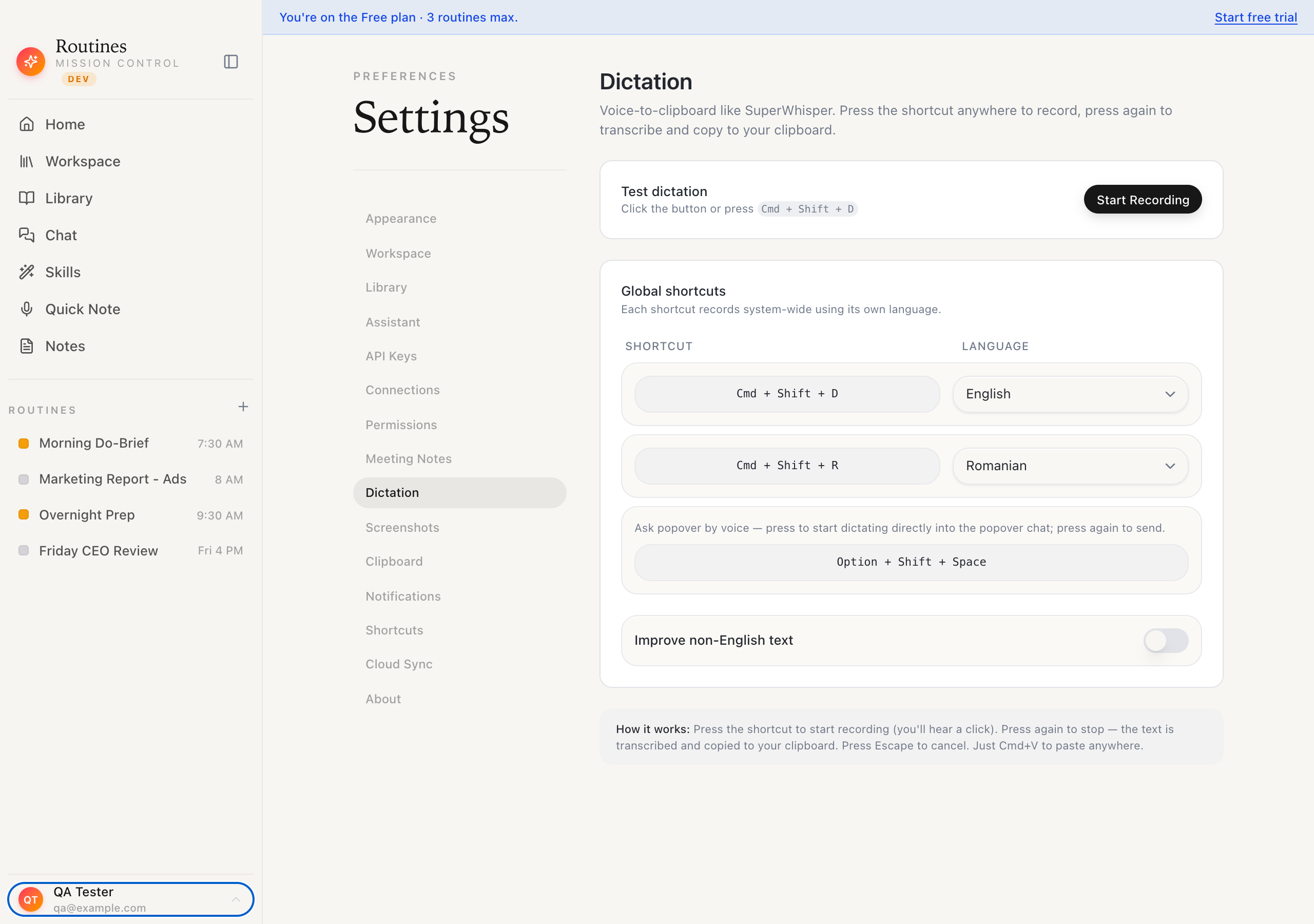
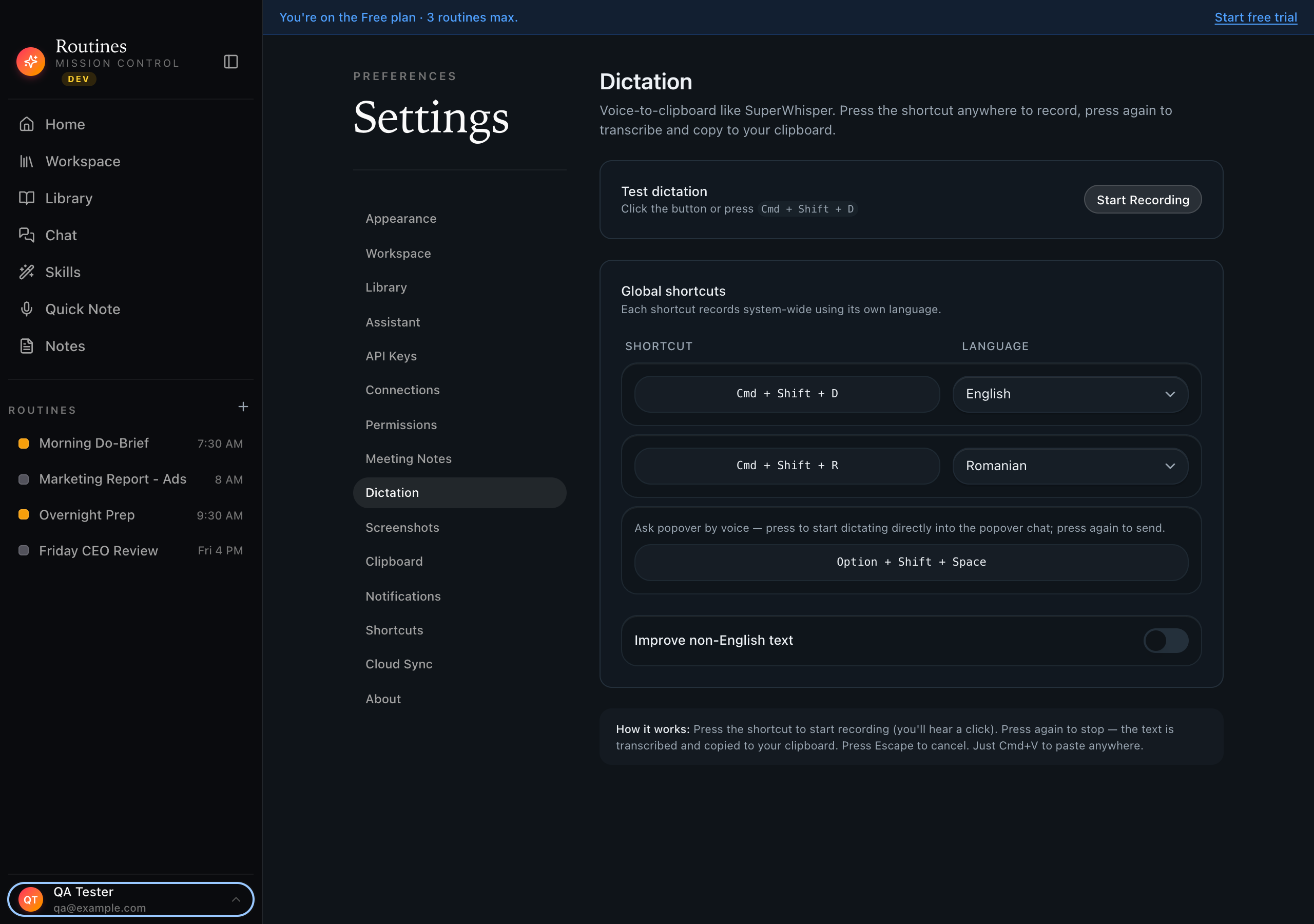
Per-language shortcuts · popover voice · live test
One hotkey turns your voice into text in any Mac app. Instant, polished, and never parked on a Routines server. Still comparing tools? We ranked the best voice to text apps for Mac, or see exactly how we stack up against Wispr Flow and Superwhisper.
Download