Routines Routines

03 / Memory

Your second brain,
on YOUR disk. Markdown. Forever yours.

Every note, transcript, and routine output lives as plain markdown files on your Mac — indexed locally, full-text searchable, editable in any app. No vendor database. No cloud to leak from. Just your knowledge, portable forever. We compared that approach against the best second brain apps.

Mission Control

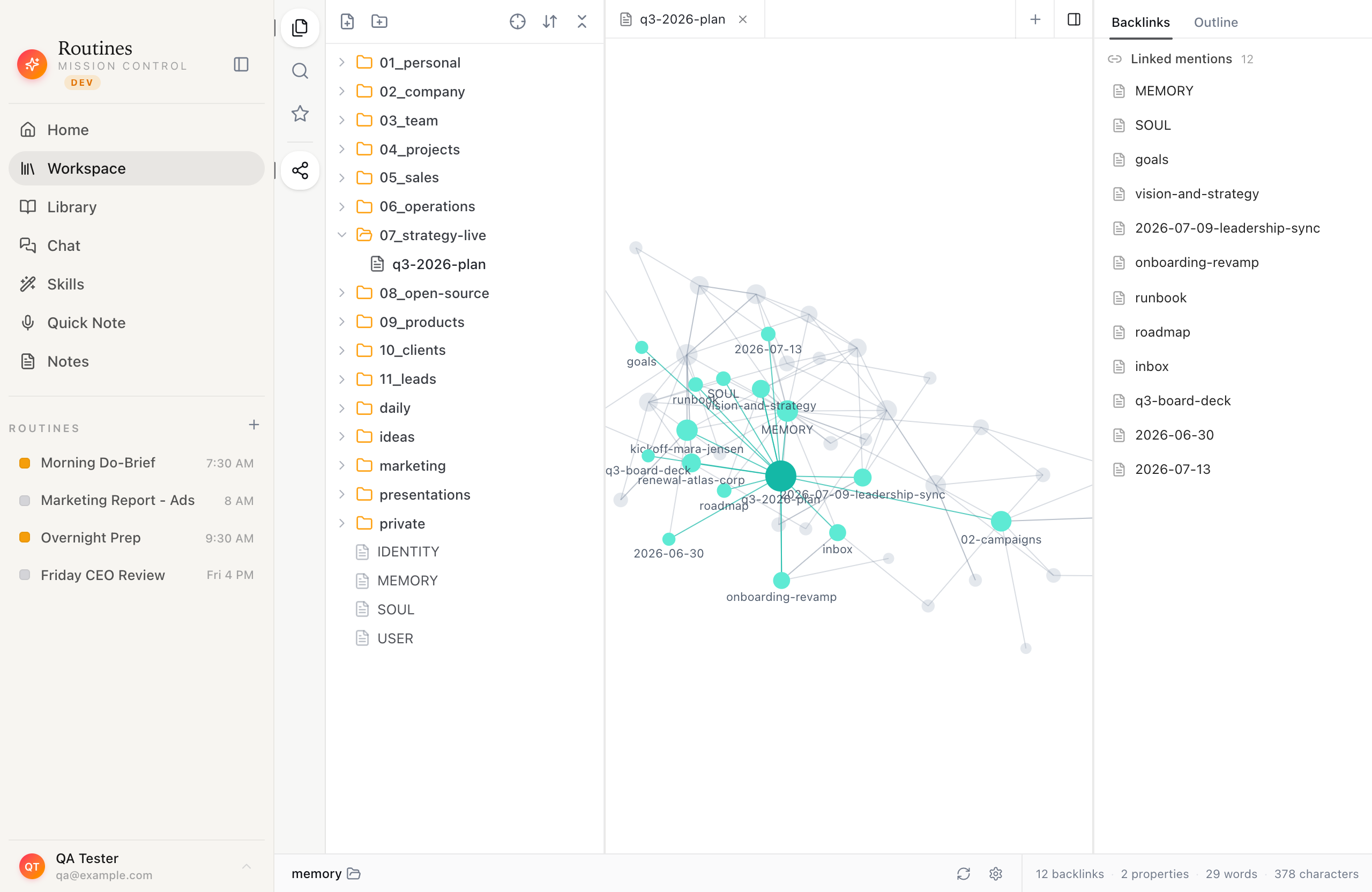
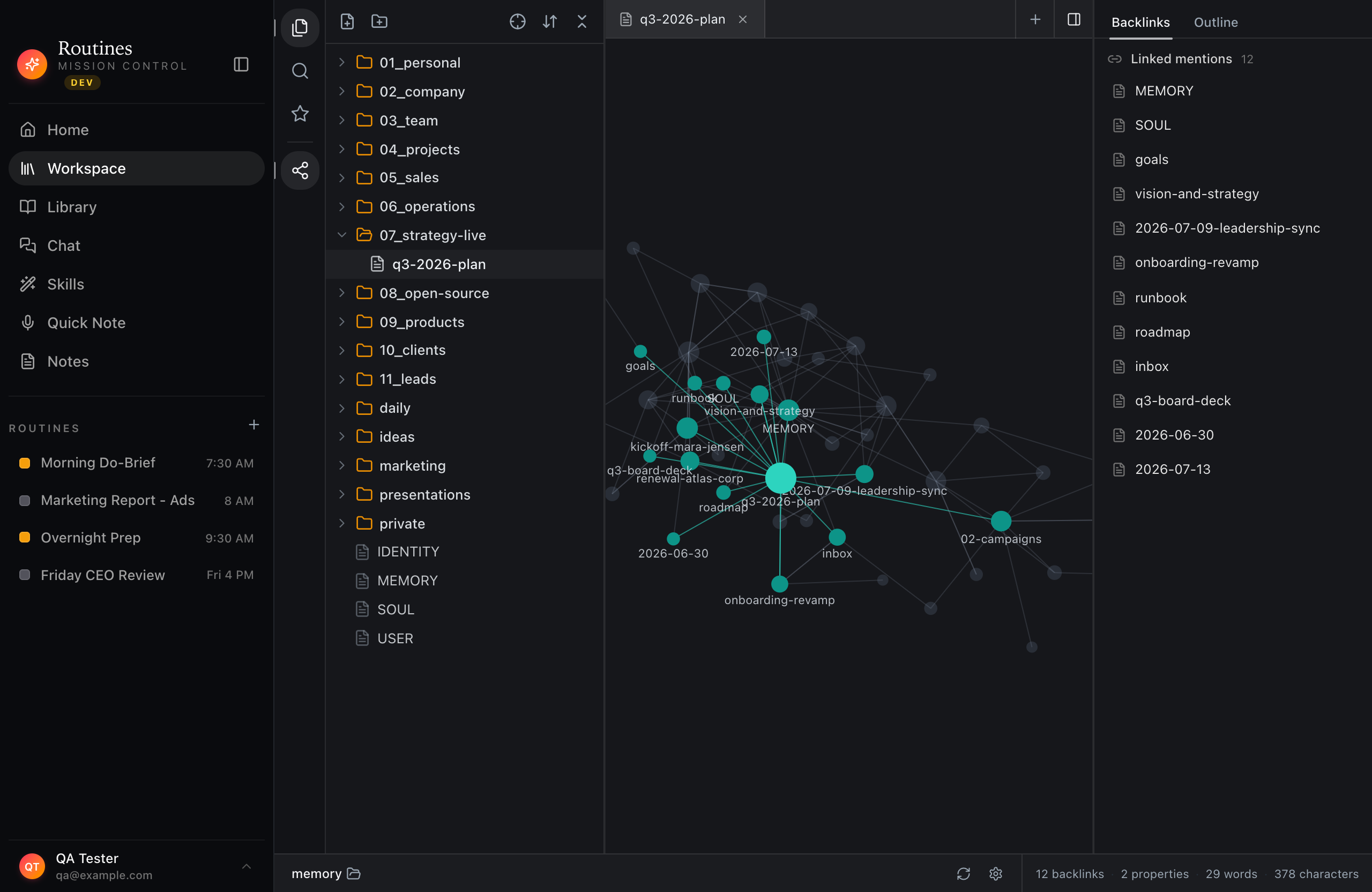
See your knowledge as a living graph.

Every note becomes a node, and every link becomes a thread between them. Watch how your projects, clients, meetings, and daily logs actually connect around a single MEMORY index, so you can spot what matters and jump straight to it. It is your whole second brain drawn out, and it all lives on your Mac.

The Routines memory workspace in graph view: a force-directed knowledge graph with a central MEMORY node linked out to notes like goals, SOUL, vision-and-strategy, runbook, roadmap, inbox, dated daily logs and client notes, beside a file tree of numbered folders from 01_personal to 11_leads and a backlinks panel listing linked mentions

Plain markdown · SQLite FTS5 · never uploaded

New: an Obsidian-like workspace

A real vault, not another cloud database.

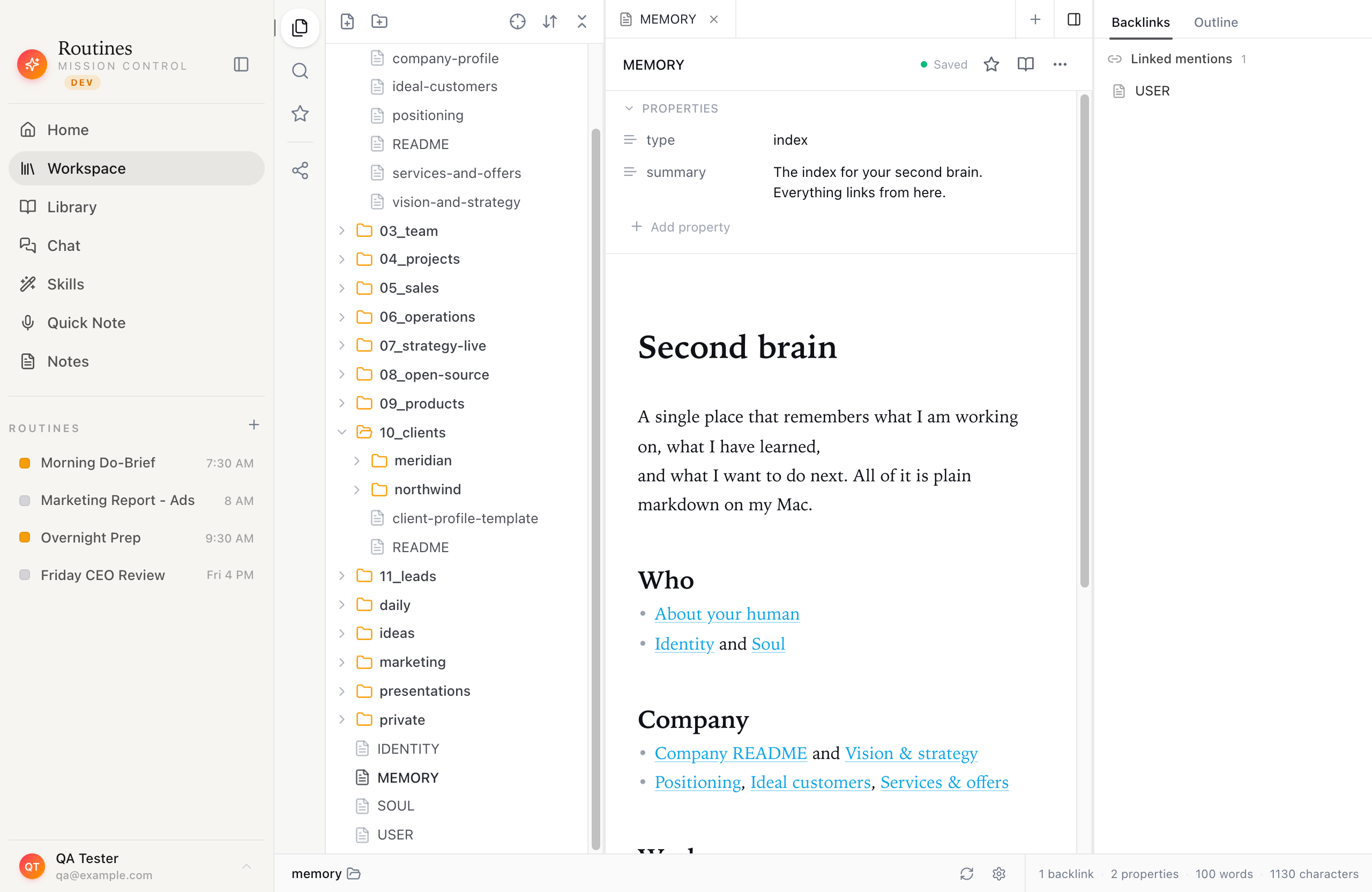
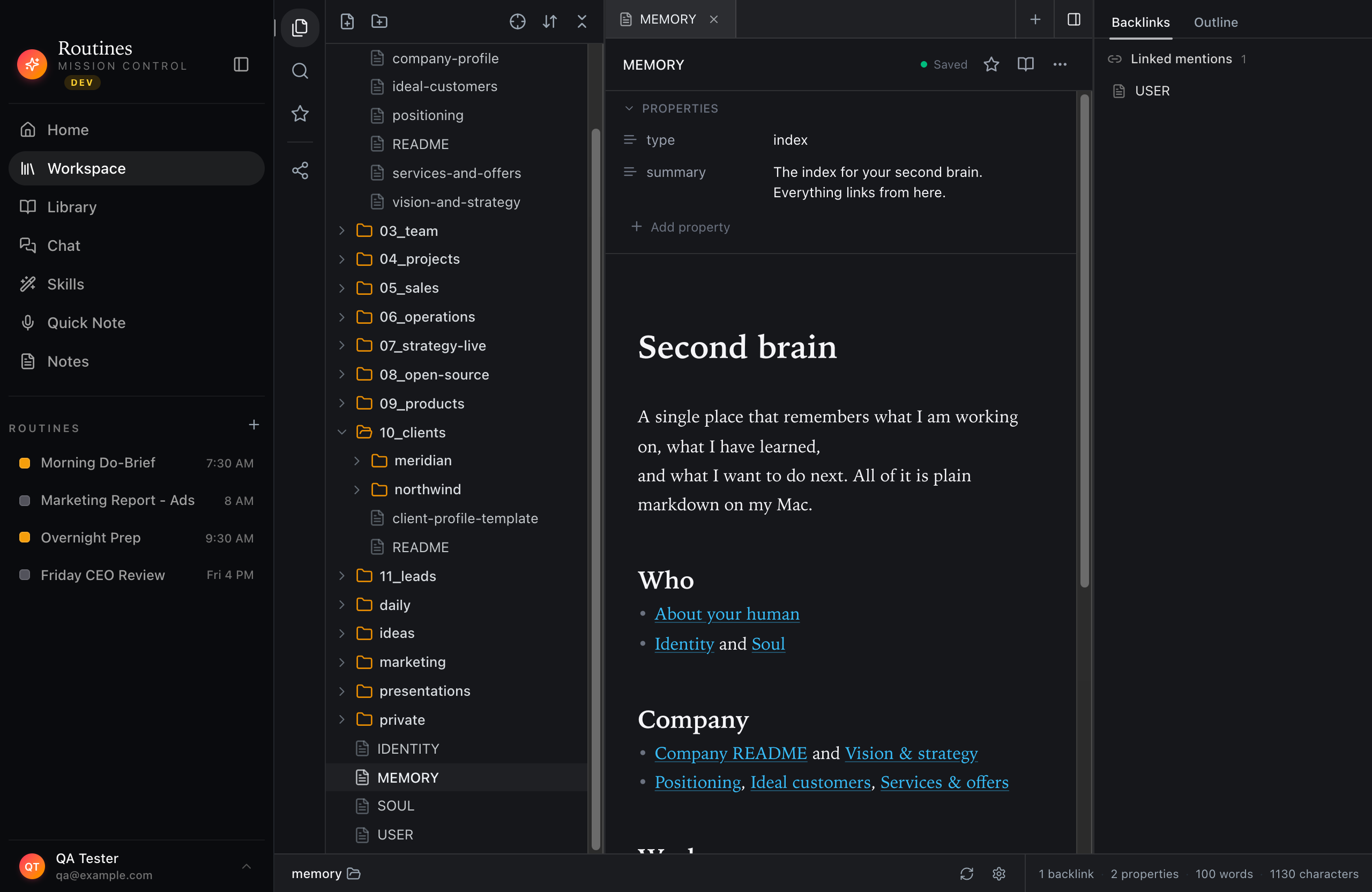
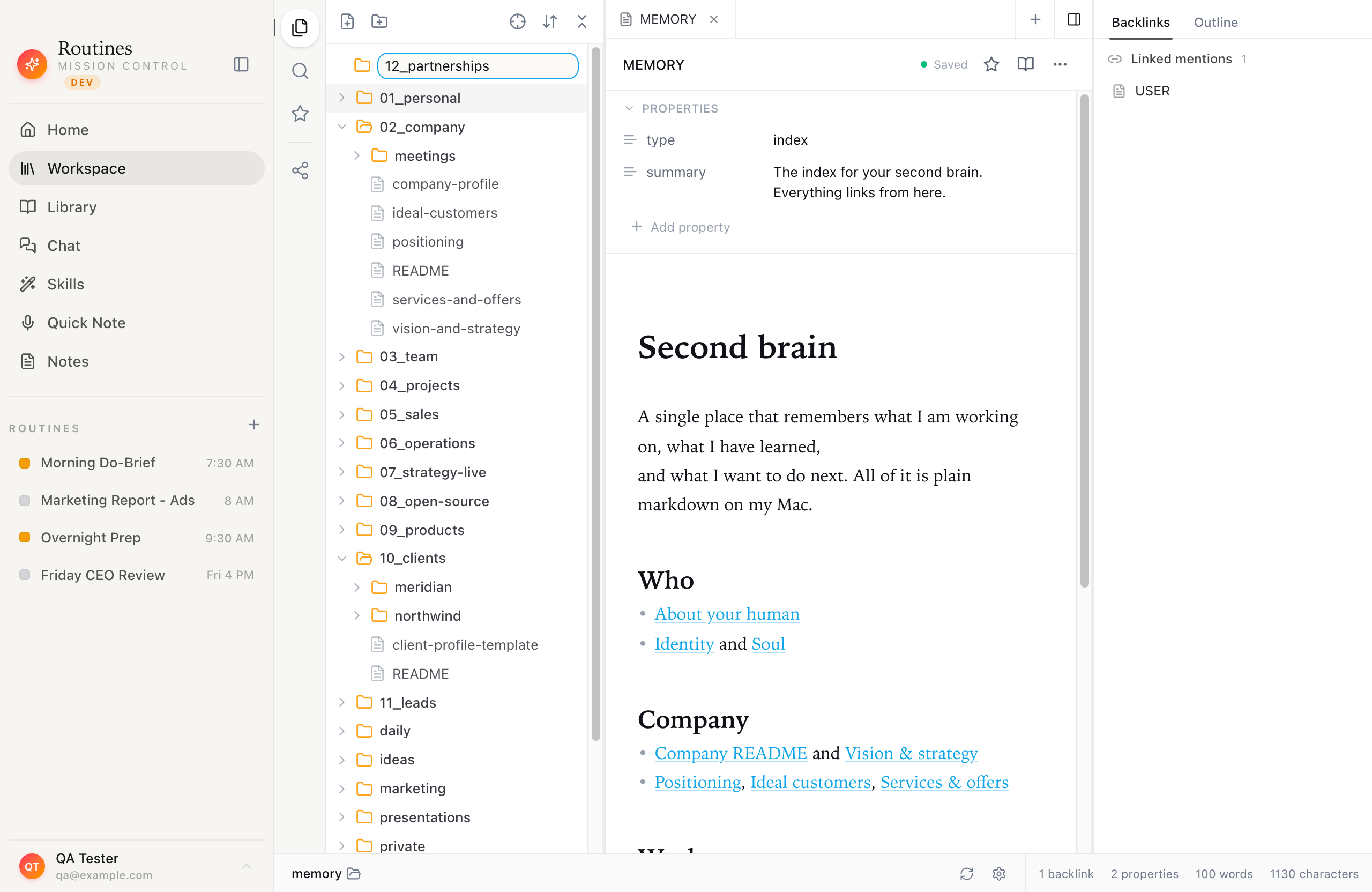
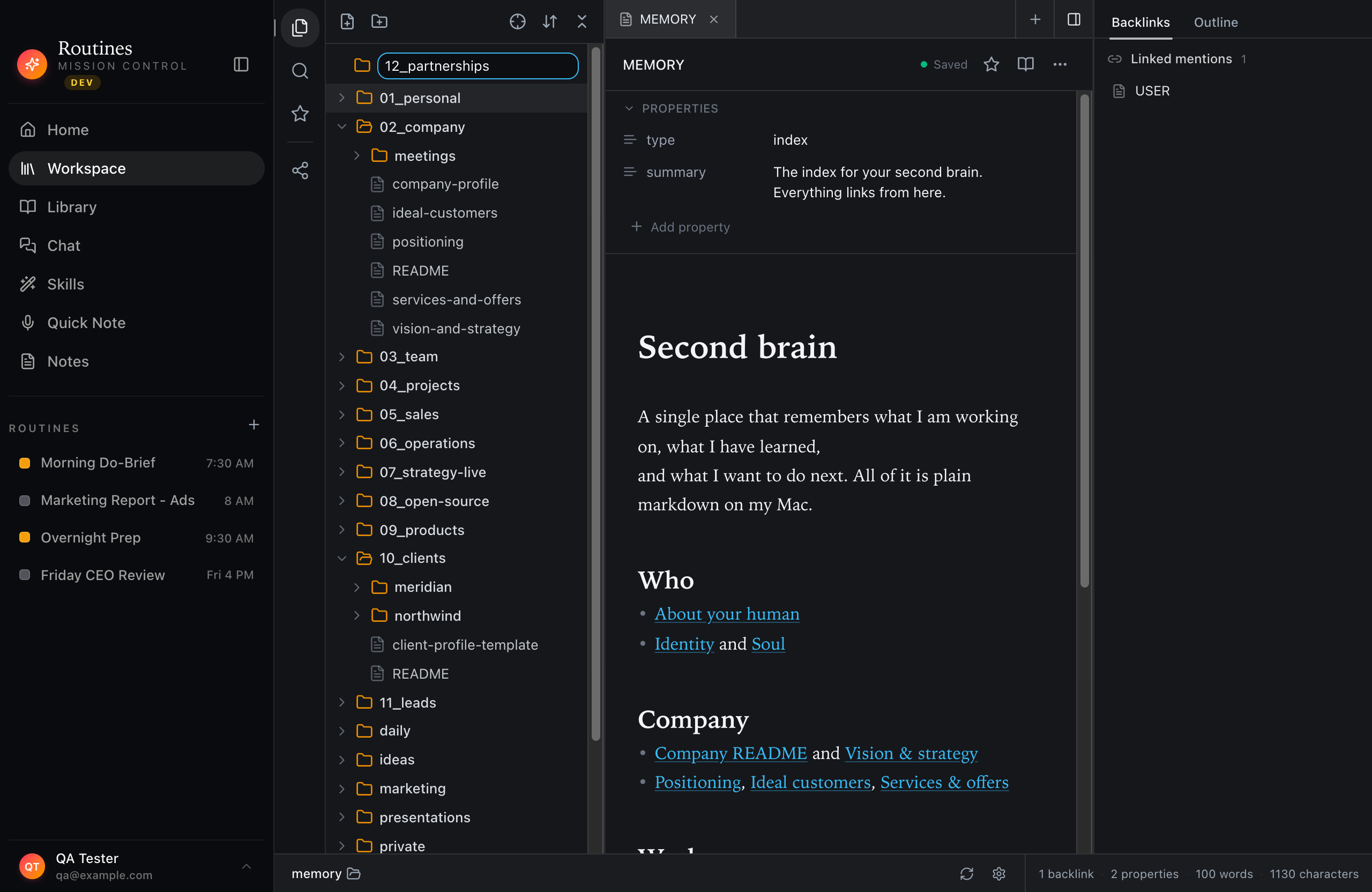
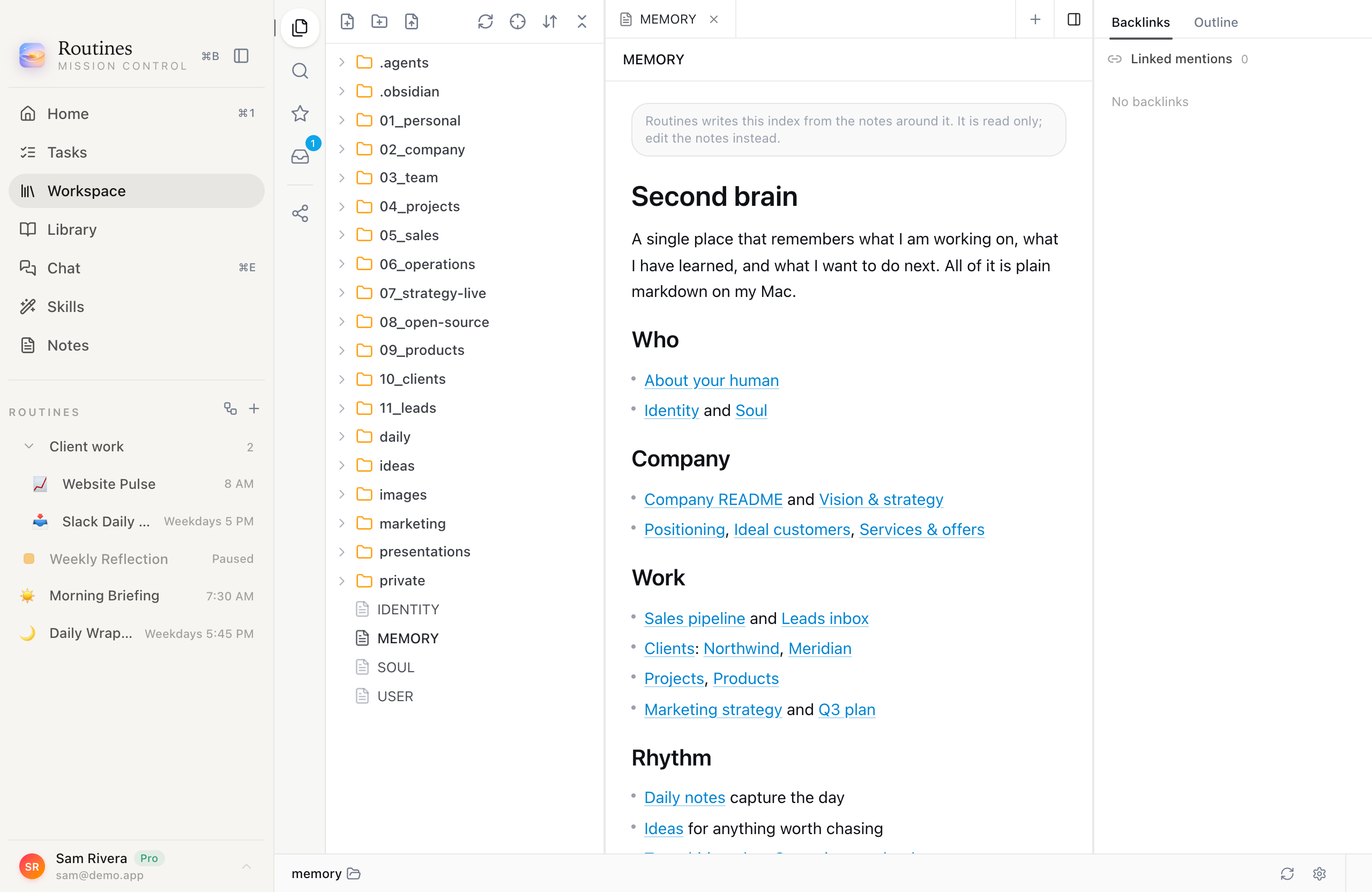
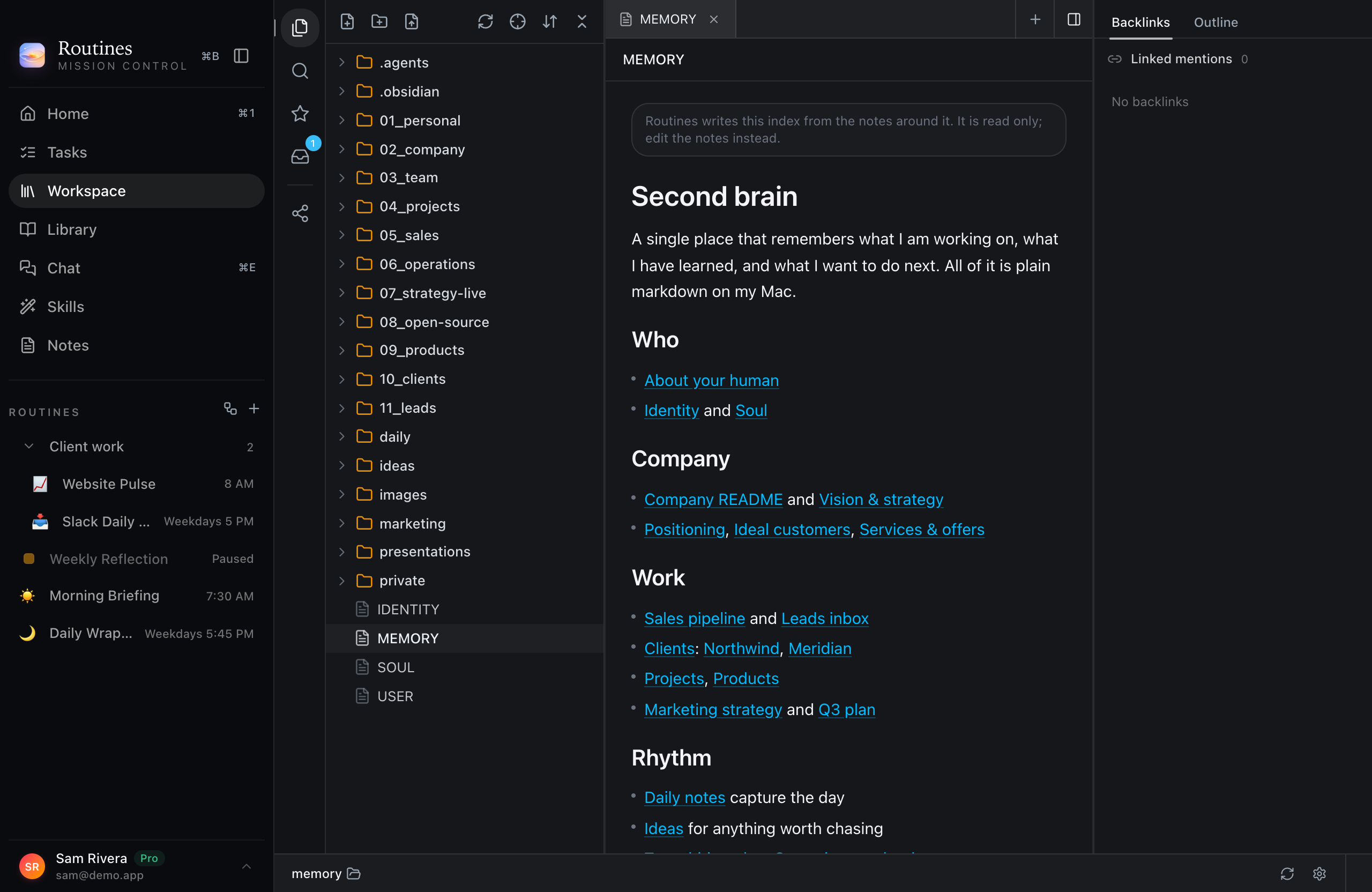
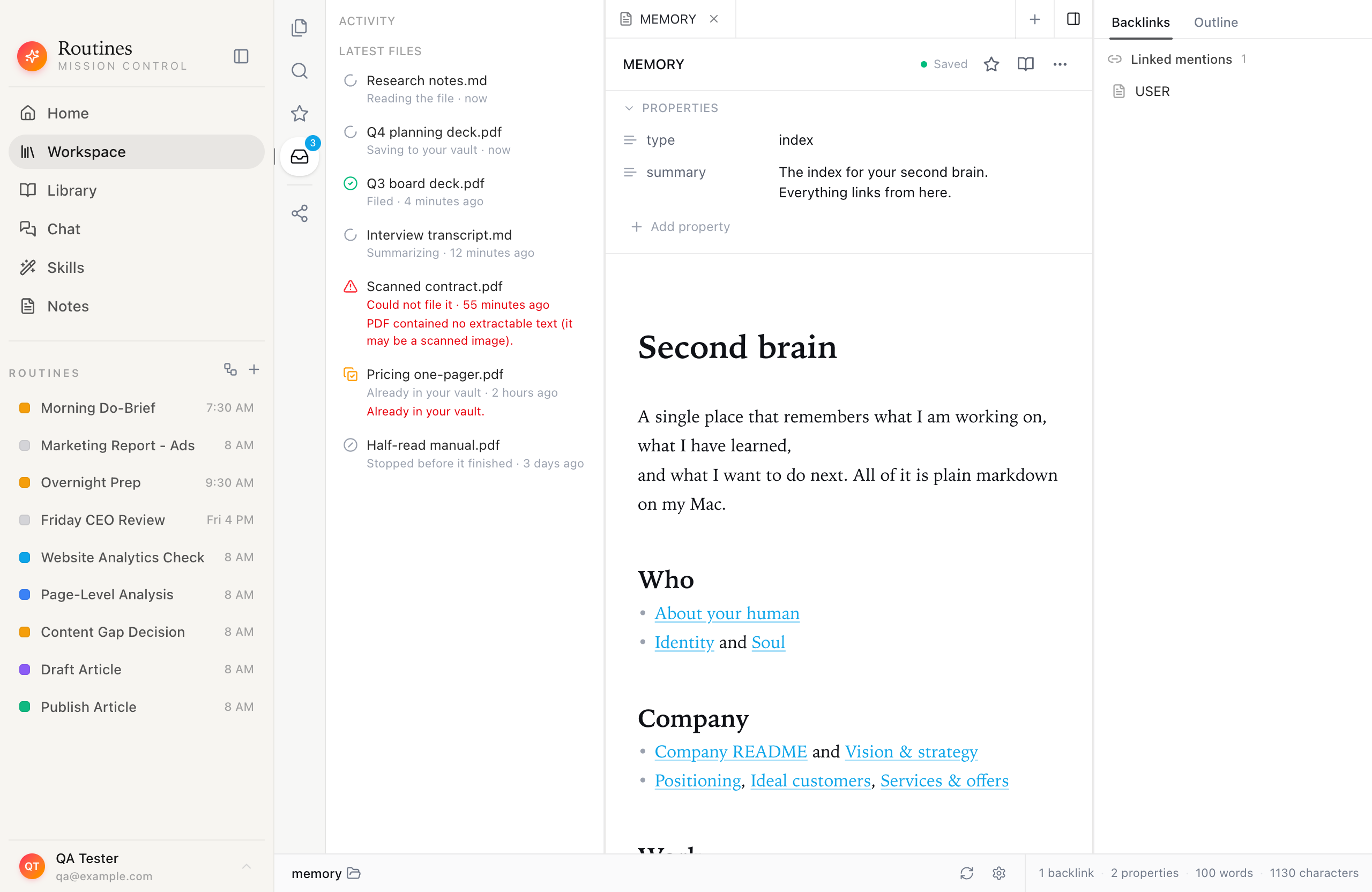
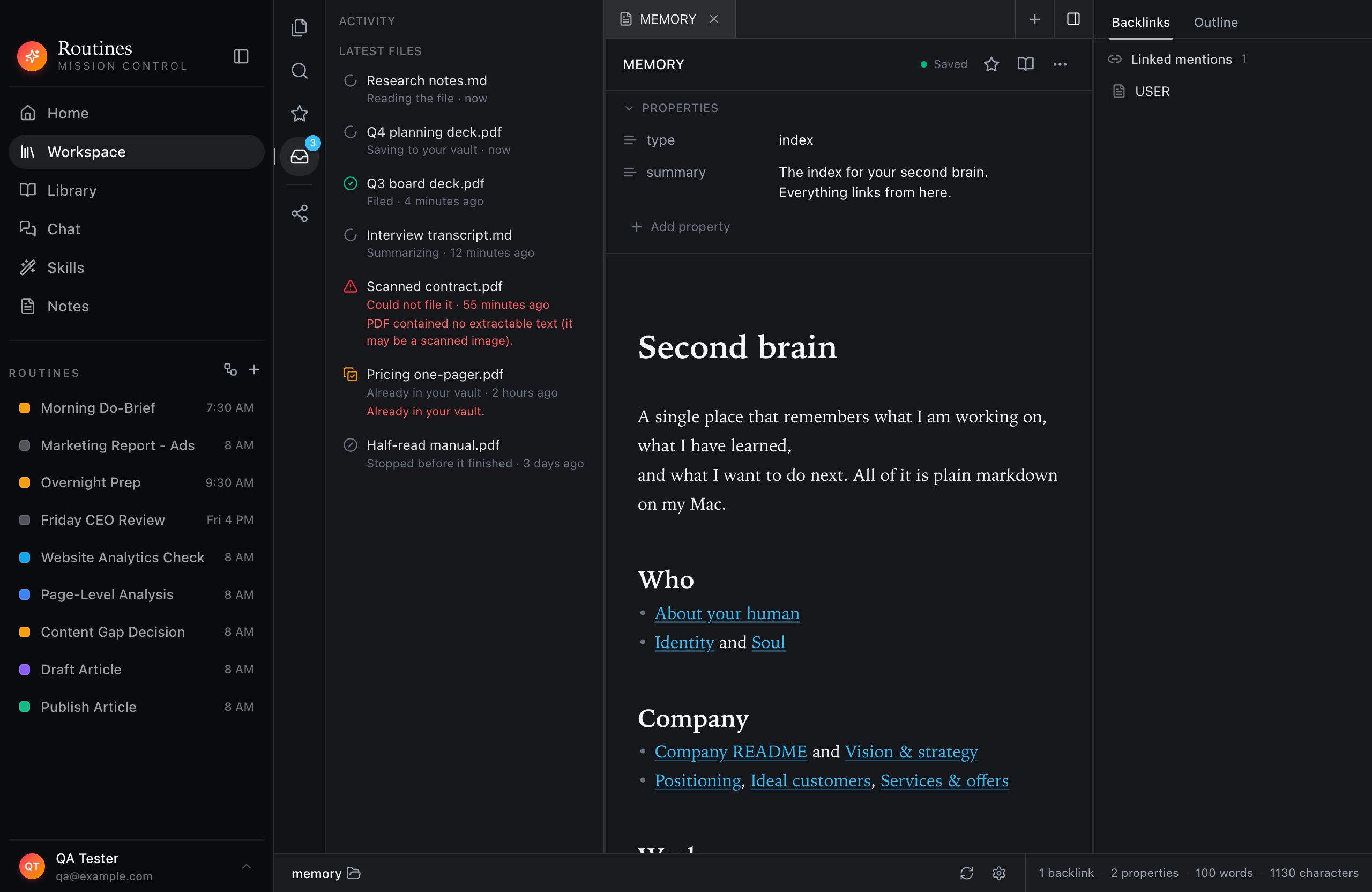
A file tree on the left, your note open in the middle, and backlinks on the right. Every note is a plain markdown file in a folder you picked, and the links are normal markdown links, so the same vault opens in Obsidian or any editor you already use. This is the whole second brain your assistant reads from, living on your Mac.

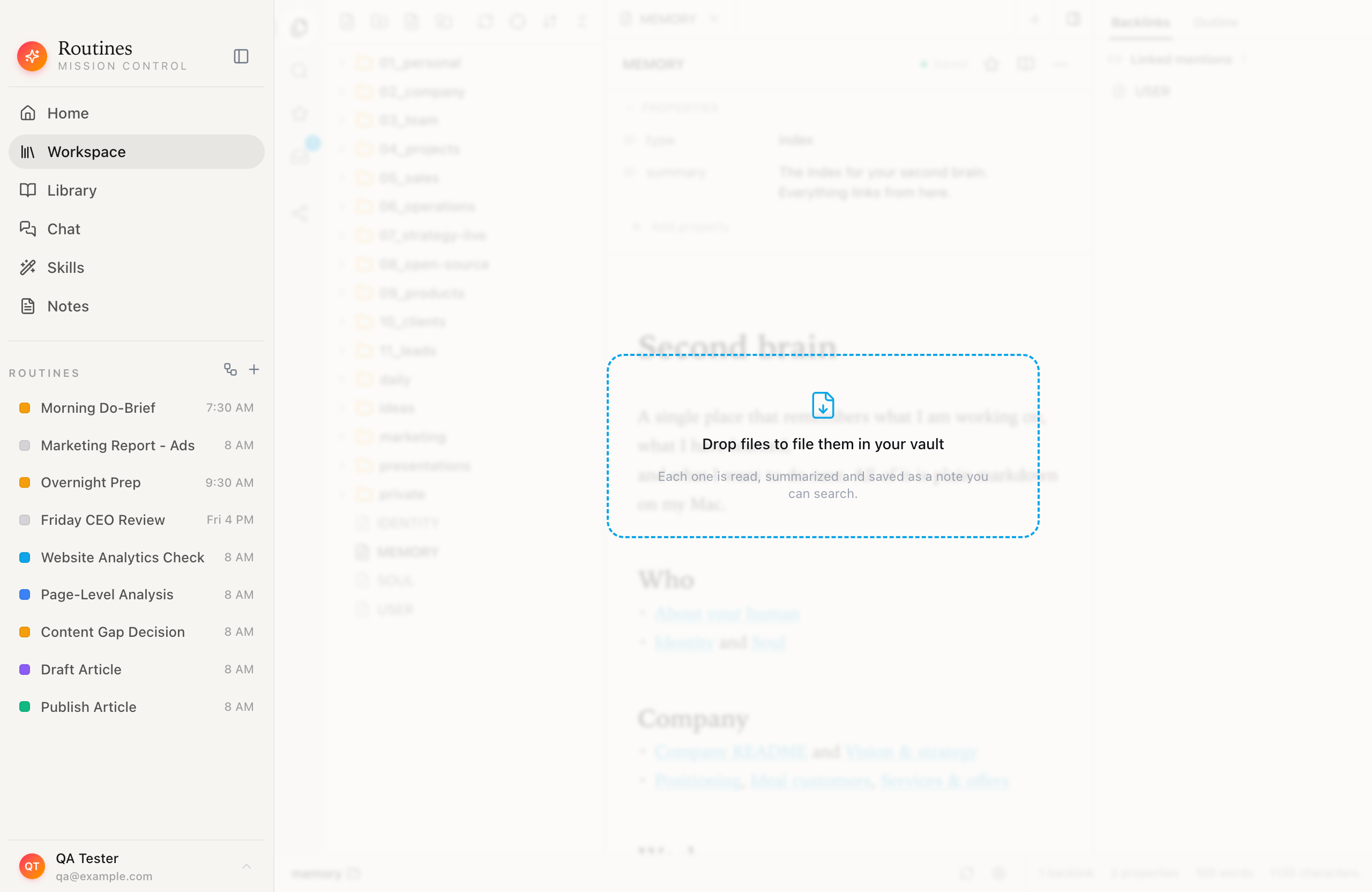
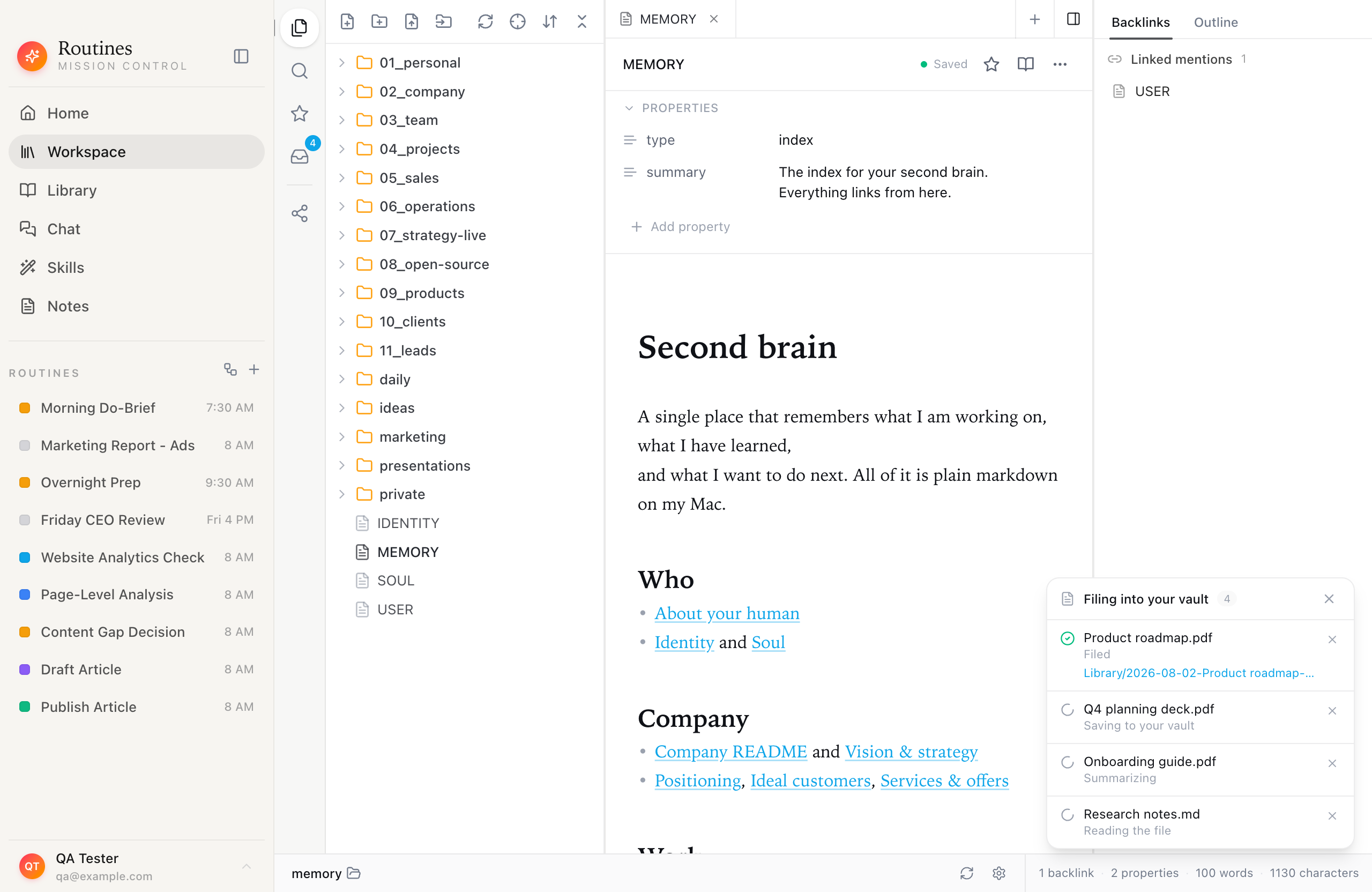
The Routines memory workspace shown as an Obsidian-like vault: a file tree of numbered organization folders like 03_team, 04_projects, 05_sales, 10_clients (expanded to show meridian and northwind client folders plus a client-profile-template) and a daily notes folder on the left, an open MEMORY.md note titled Second brain in the center with clickable markdown links to Identity, Soul, Company README and Vision and strategy, and a backlinks panel on the right

File tree · markdown links · backlinks · all local

Build it out

New file, new folder, your structure.

Add a note or a folder right in the tree and organize your knowledge the way you think. A new folder appears the moment you name it, and a new note opens ready to write. Everything you add becomes a real file on disk that your routines can read from the next time they run.

The Routines memory workspace with a new folder being created inline at the top of the file tree, named 12_partnerships, above the existing numbered organization folders 01_personal through 11_leads and daily notes, with 02_company and 10_clients expanded to show their notes and client subfolders, alongside the New note and New folder buttons in the explorer toolbar

One click to add · real files on disk

Settings → Workspace

It organizes itself while you sleep.

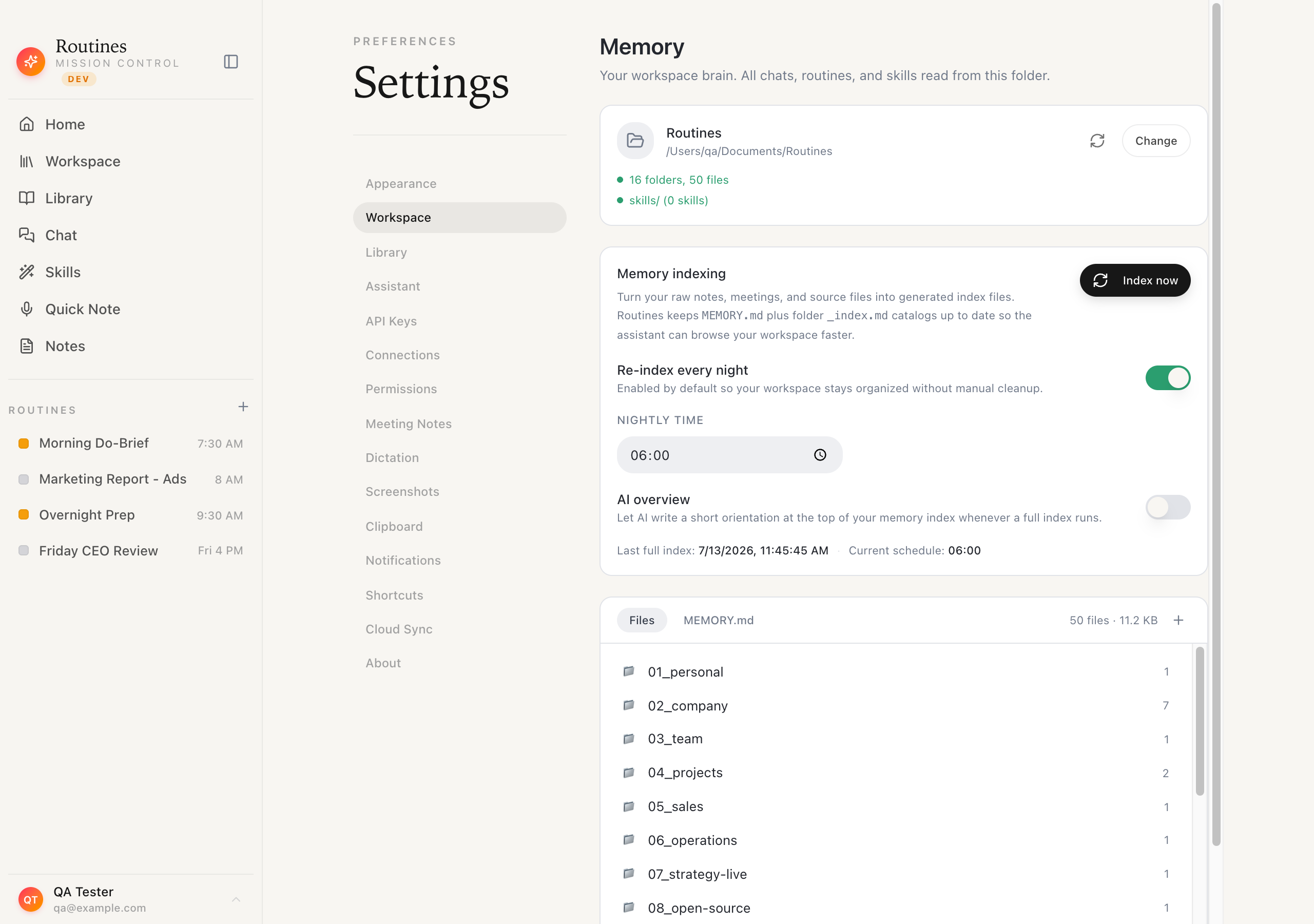
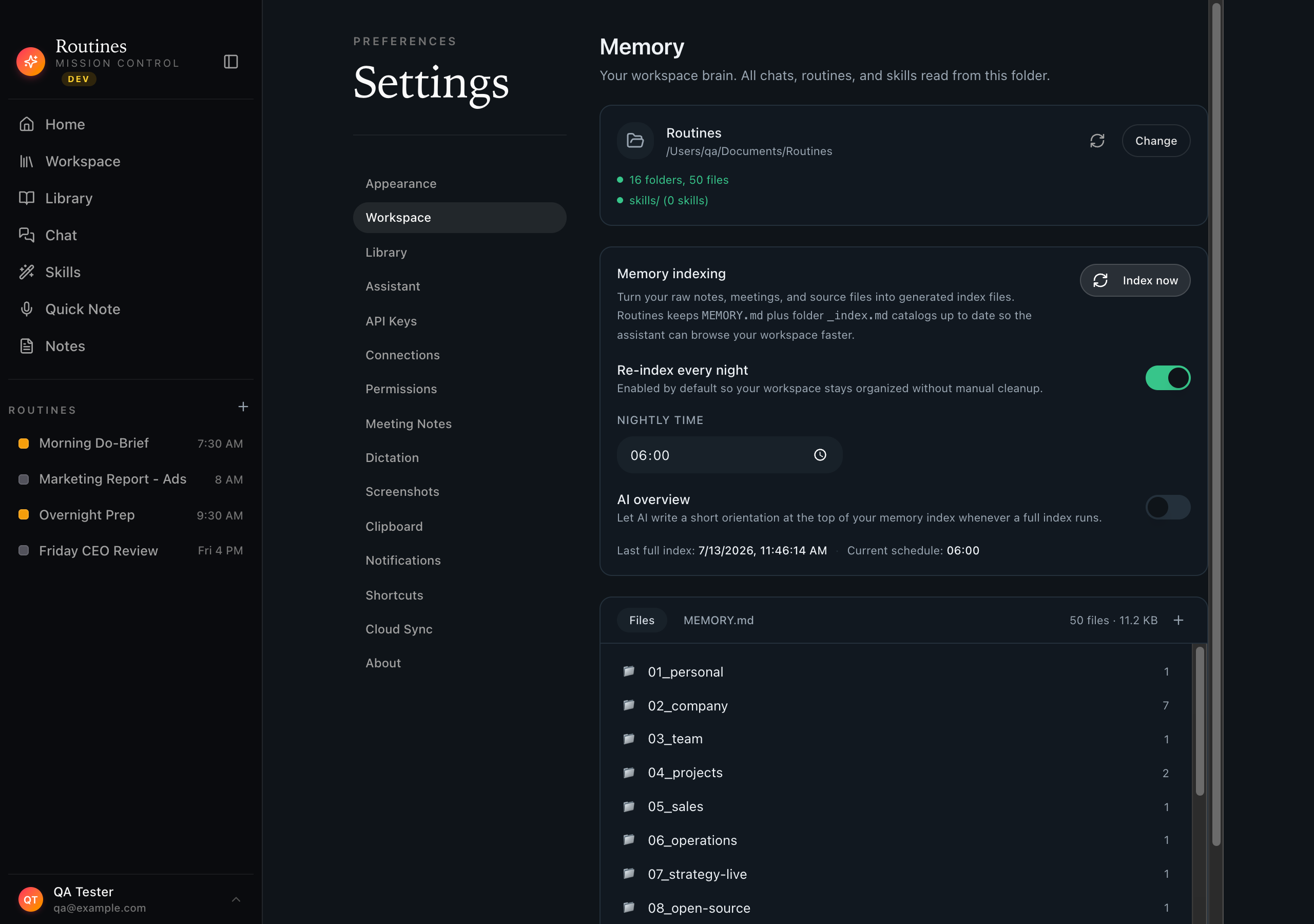
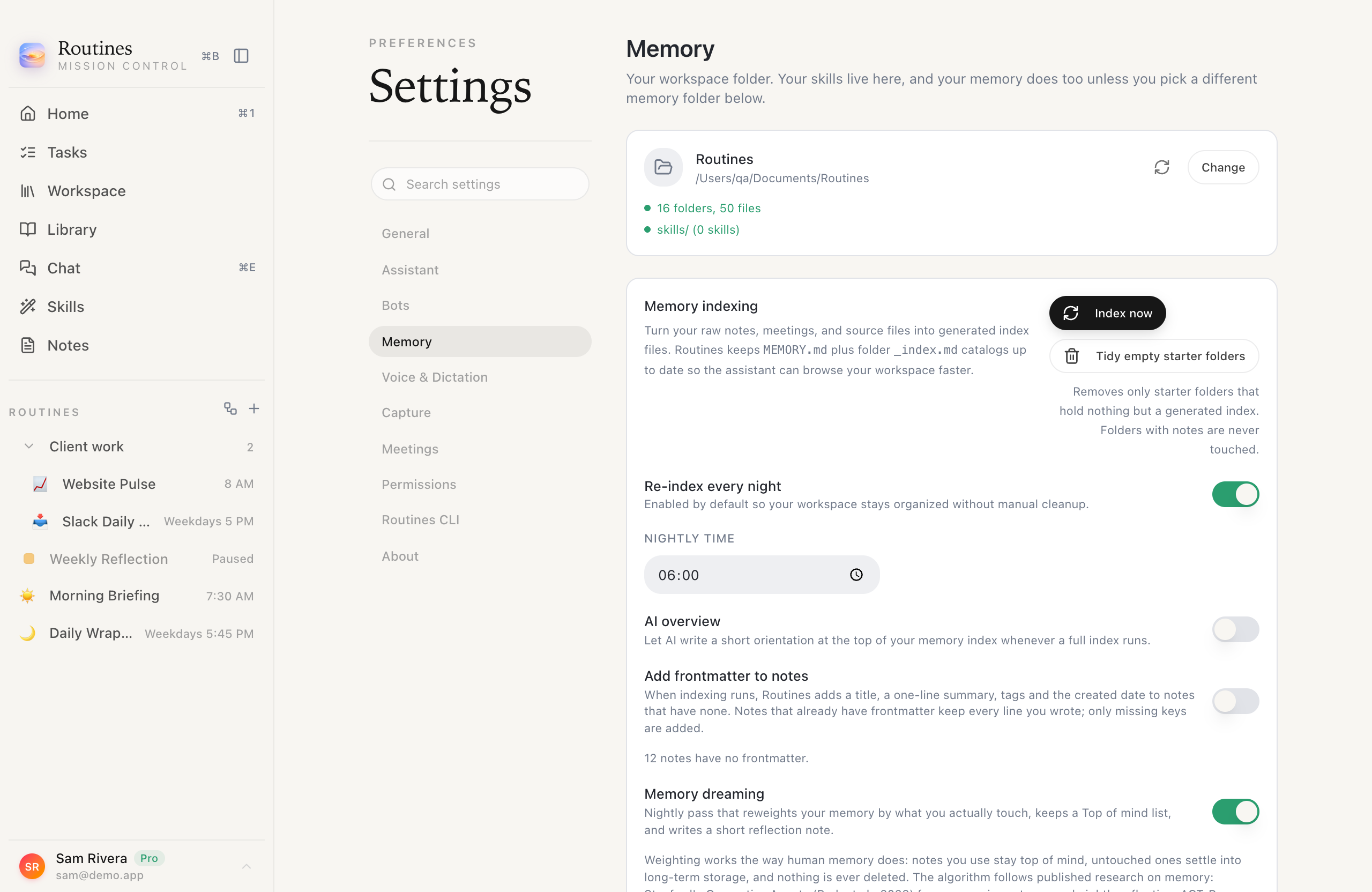
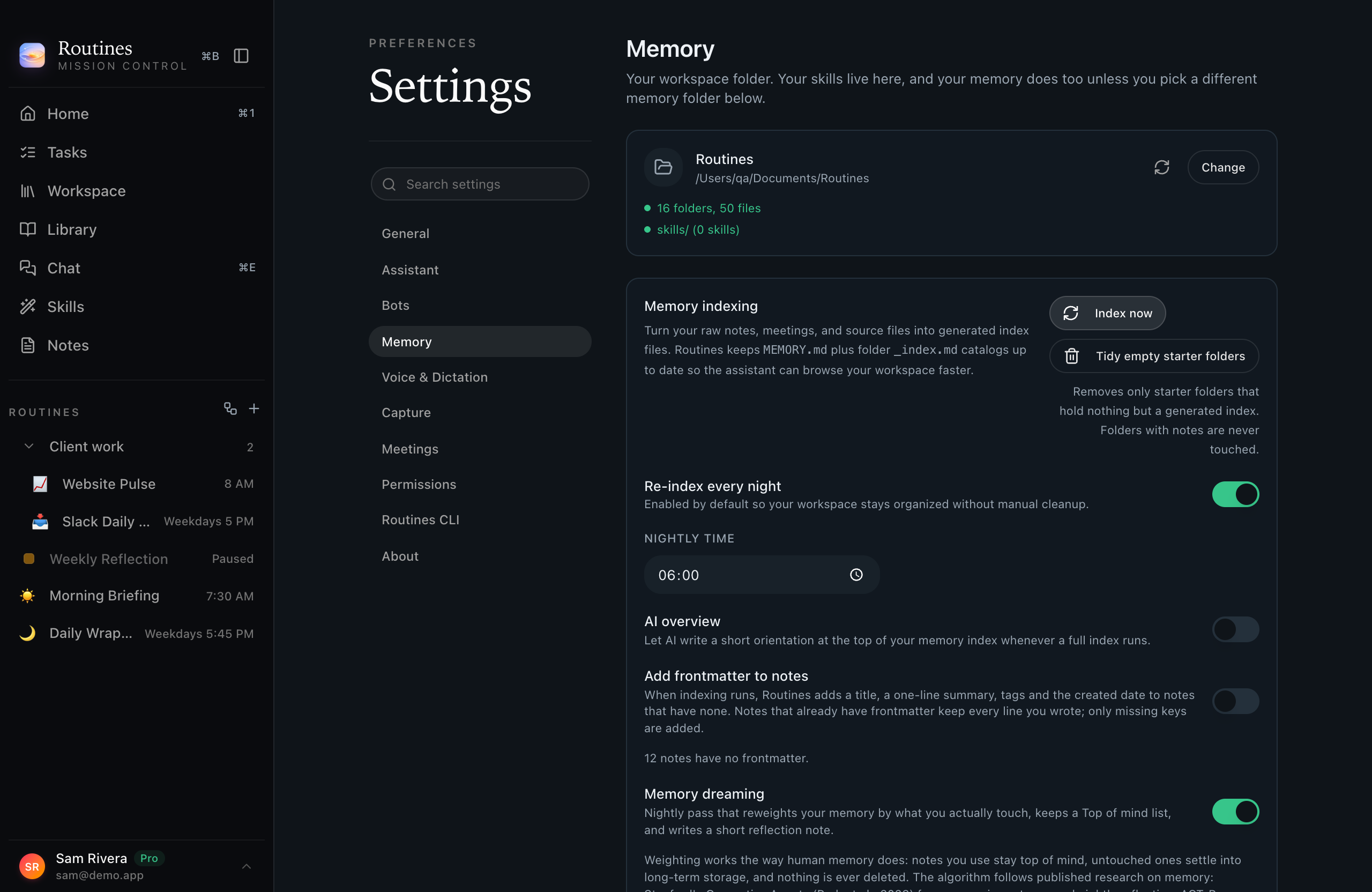
Routines reads your raw notes, meetings, and files overnight and keeps a MEMORY.md plus per-folder index catalogs up to date, so your assistant can find what matters fast. Leave the nightly pass on, pick the time, or hit Index now whenever you want. It all runs locally, nothing is uploaded to index it.

The Routines Workspace settings showing Memory indexing with an Index now button, a Re-index every night toggle turned on, a nightly time set to 06:00, and a per-folder file list of the workspace showing numbered organization folders 01_personal through 08_open-source with their file counts

Nightly re-index · on by default · runs on your Mac

New: capture anything

Save any link, even X posts most tools can't read.

Paste a URL, a PDF, or a few lines of text, or share straight from your phone, and Routines pulls the whole thing into your vault. It reads regular articles, and it reads X posts and long-form X Articles in full, the ones that come back empty in every normal scraper. Then the same local pipeline gives you a TL;DR, key points, and tags, and lets you ask questions about it, all on your Mac.

real capture · shared from the X app

Library · Capture

saved locally
https://x.com/sam_rivera/article/1789042 Capture
enriched locally, saved to your vault
X Article@sam_rivera · full body captured

Why local-first agents win the next decade

TL;DR

A long-form argument that agents you run on your own machine, on your own model key, beat cloud agents on trust, cost, and staying power.

Key points

  • Local-first tools keep your context on your own machine.
  • You bring your own model key, so there is no vendor lock-in.
  • Markdown plus SQLite means your notes outlive any single app.
#ai-agents #local-first #product
Ask AI about this…

Posts · articles · PDFs · links · all indexed on your Mac

01

Local-first markdown memory

Your entire knowledge base lives as .md files in a folder you choose. Routines chunks everything into a local SQLite database with FTS5 full-text search — without uploading a byte.

02

Shared memory for every routine

Create reusable identity, persona, and context snippets — your role, values, expertise — stored as standalone markdown files. Every routine references them by ID so your assistant always knows who you are.

03

Live file-system sync

Edit memory in VS Code, Obsidian, or any text editor. Routines auto-detects the change via real-time file-system events and re-indexes — no sync button, no polling, no loops.

04

Interactive knowledge graph

See every note as a node in a force-directed graph — each markdown link becomes an edge between them. Select any note to highlight its connections and backlinks, then jump straight to it. Renders entirely on your Mac.

05

Model-agnostic memory

Because your memory is plain markdown + SQLite, you can swap between Claude, OpenAI, or OpenRouter anytime. Your entire knowledge base stays perfectly intact — the model is just a swappable parameter.

06

Full-text search

Find anything across all your markdown files with sub-millisecond SQLite FTS5 search. Search works fully offline and never leaves your Mac.

07

Save from anywhere, even X

Paste any link, PDF, or note and Routines captures the full content as a markdown file in your vault. It even reads X posts and long-form X Articles in full, where scrapers get blocked and return an empty shell.

Your brain, portable forever.

Markdown on your disk, indexed locally, searchable in seconds — and it follows you to any AI model you choose.

Download