01
Cron scheduling
Schedule routines with standard 5-part cron expressions or simple presets — daily at 8am, weekday mornings, hourly. The Rust scheduler fires jobs at the exact second and enqueues them for execution.
01 / Routines
Describe it — it gets built — it runs on schedule — you wake up to the result. It is the same idea as running an AI agent on your Mac without the terminal.
Step 01
Create a routine
Create a routine
Describe what you want — we'll handle the rest.
Morning briefing
Weekday at 8am with inbox & calendar
When my Mac wakes up
Quick agenda from calendar
Step 02
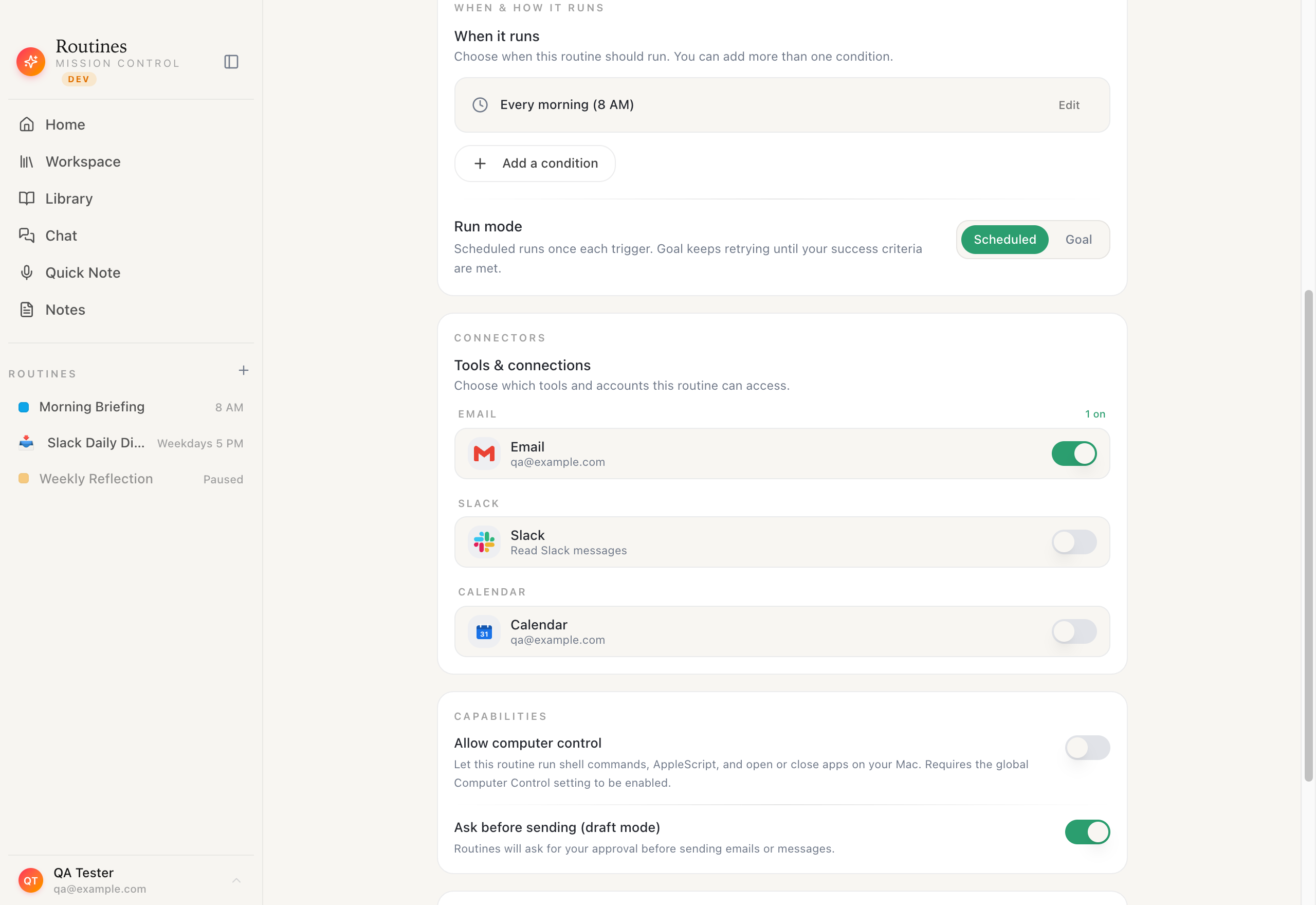
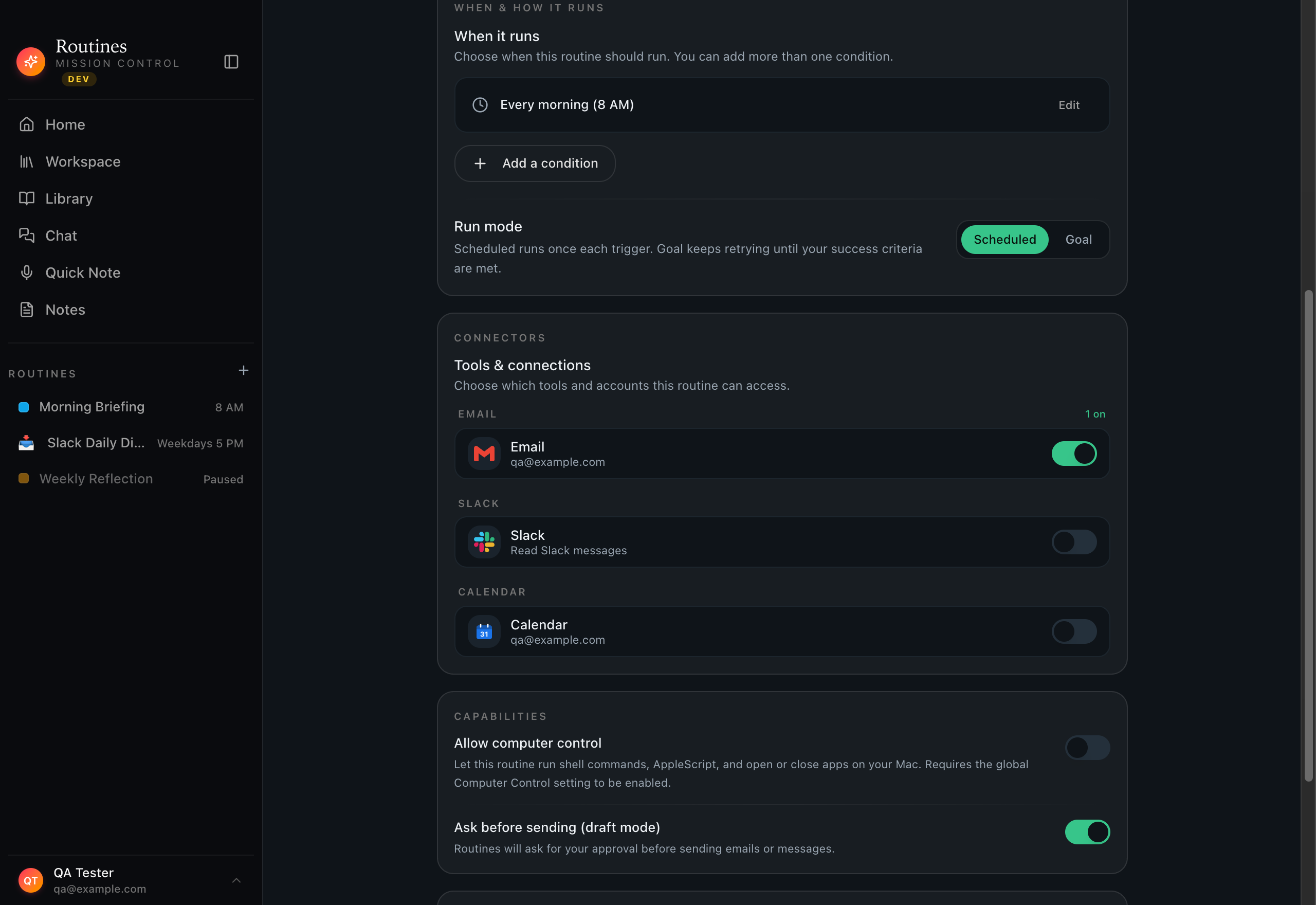
Designing your routine
Set it once
Pick when it runs — every morning, on a webhook, when your Mac wakes — and which tools it can reach: Gmail, Calendar, Slack, the browser. Flip the switches, save, and never touch it again.


Schedule or event · pick your tools · save once
Step 03
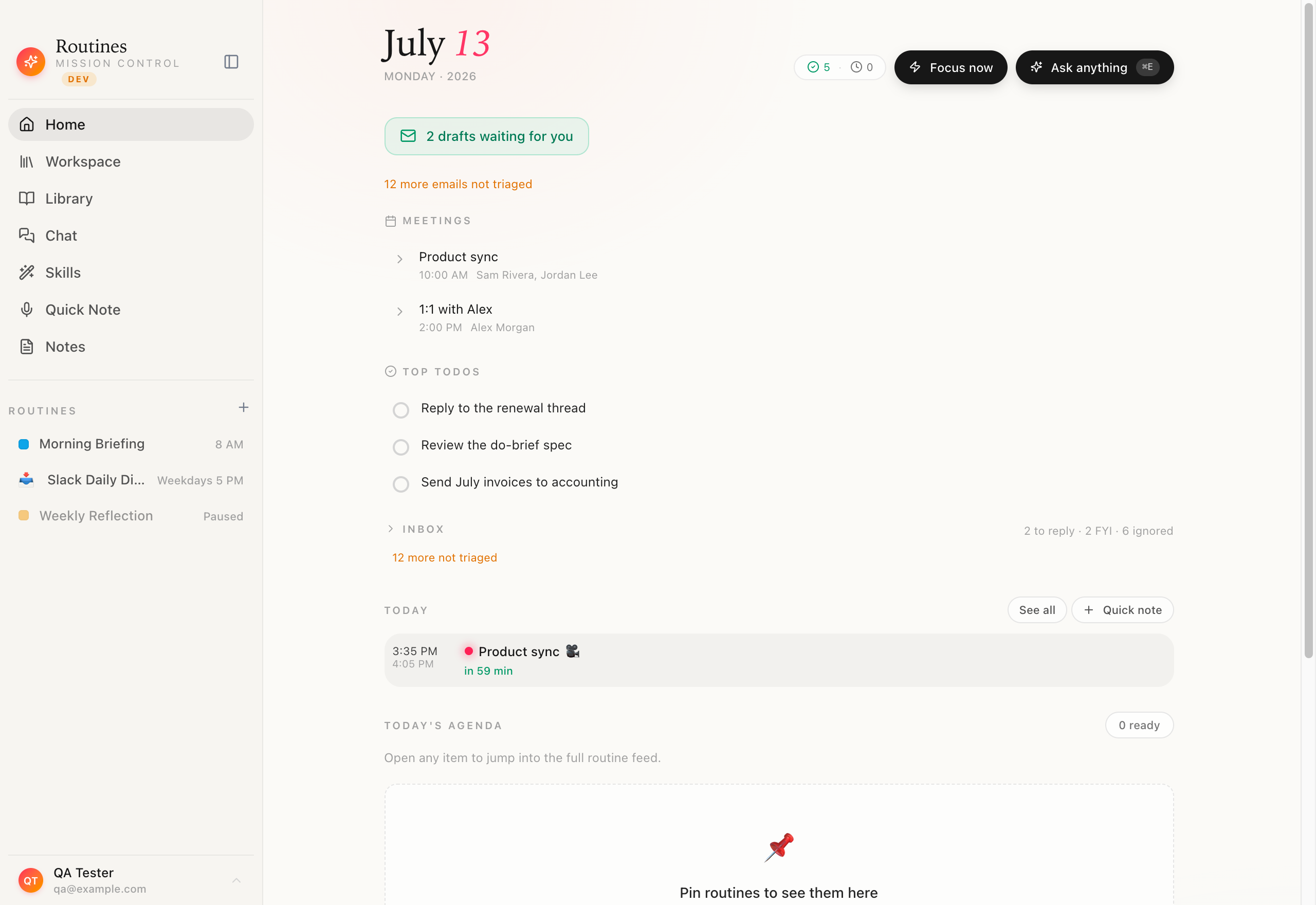
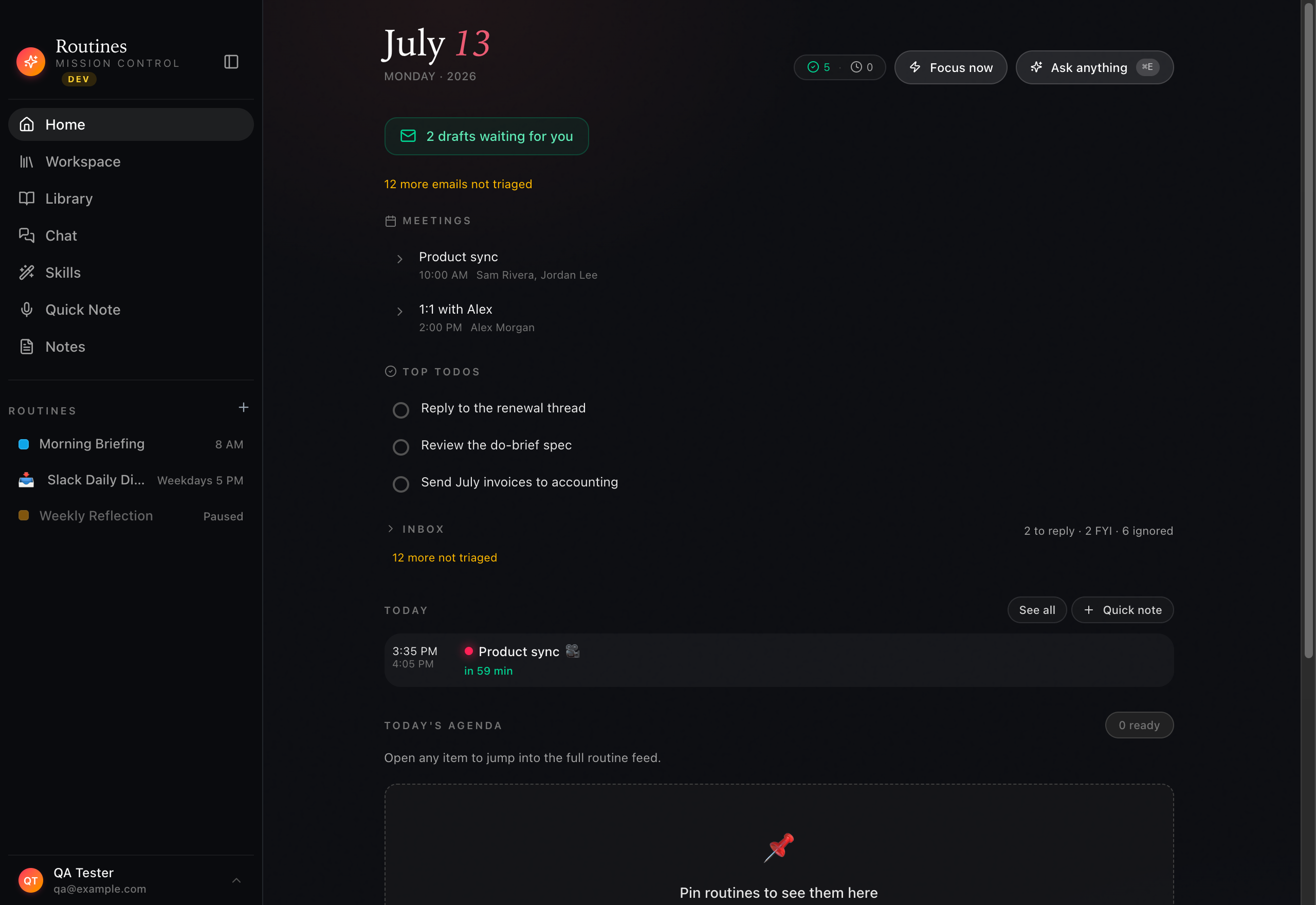
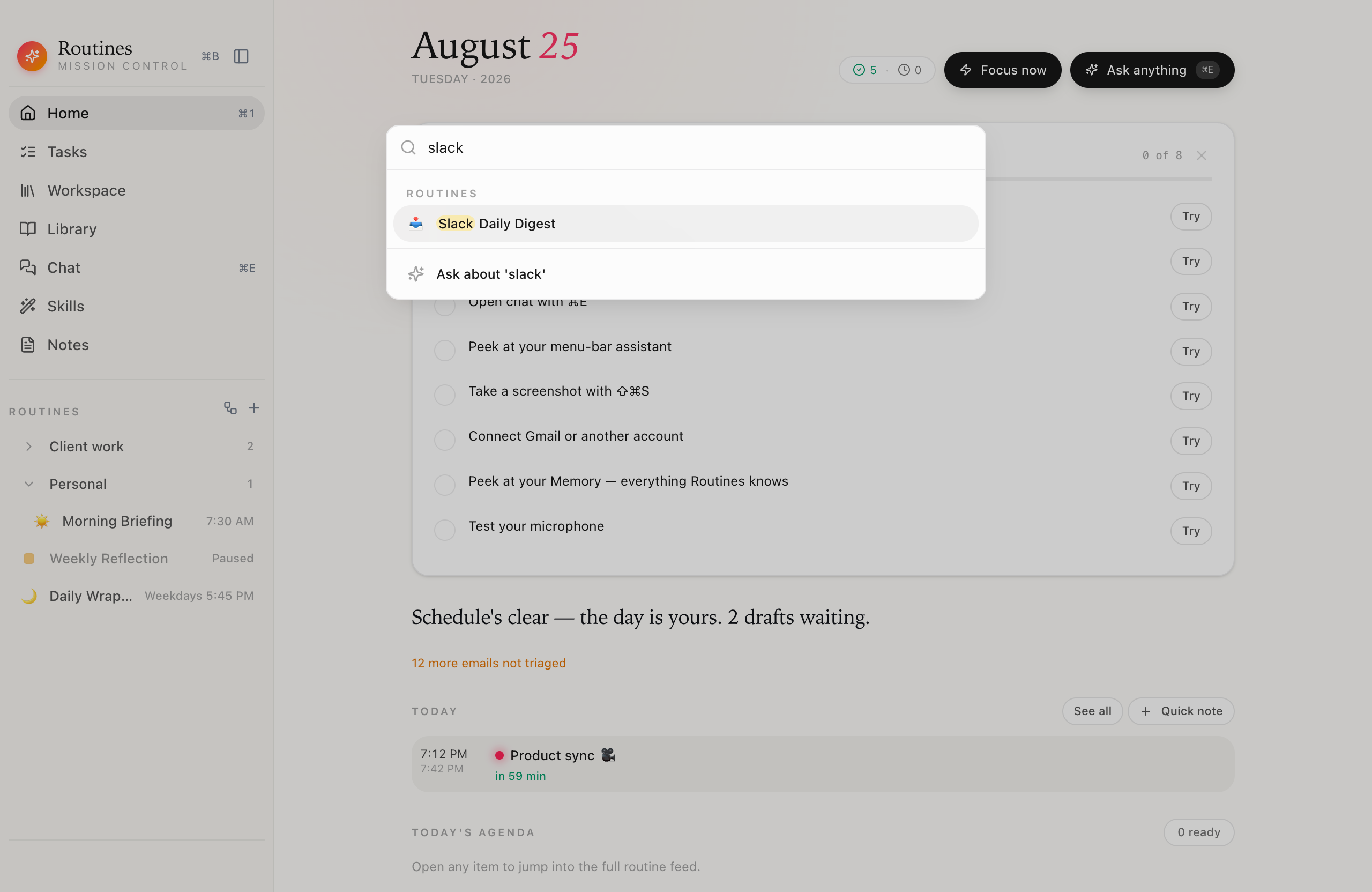
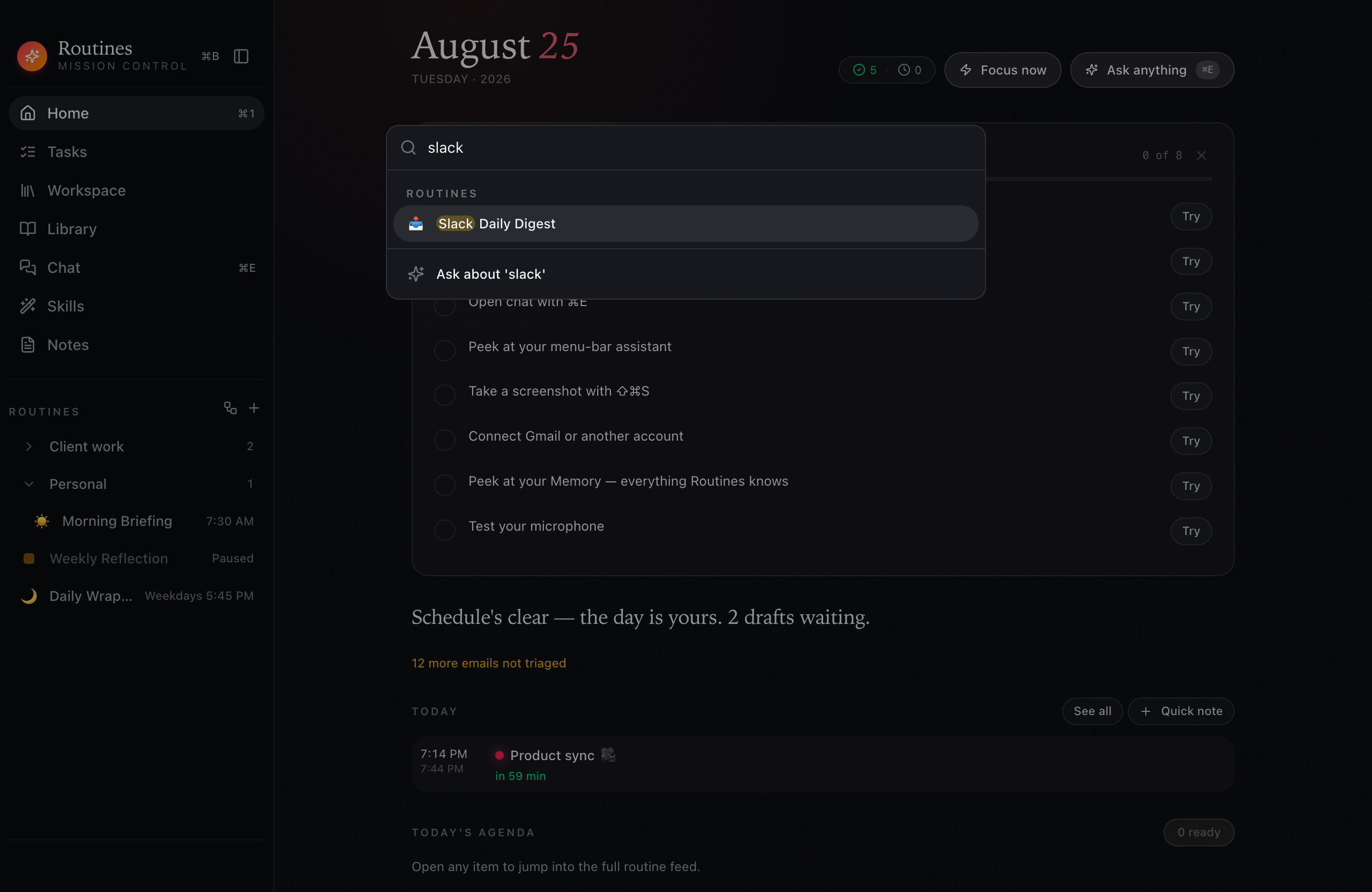
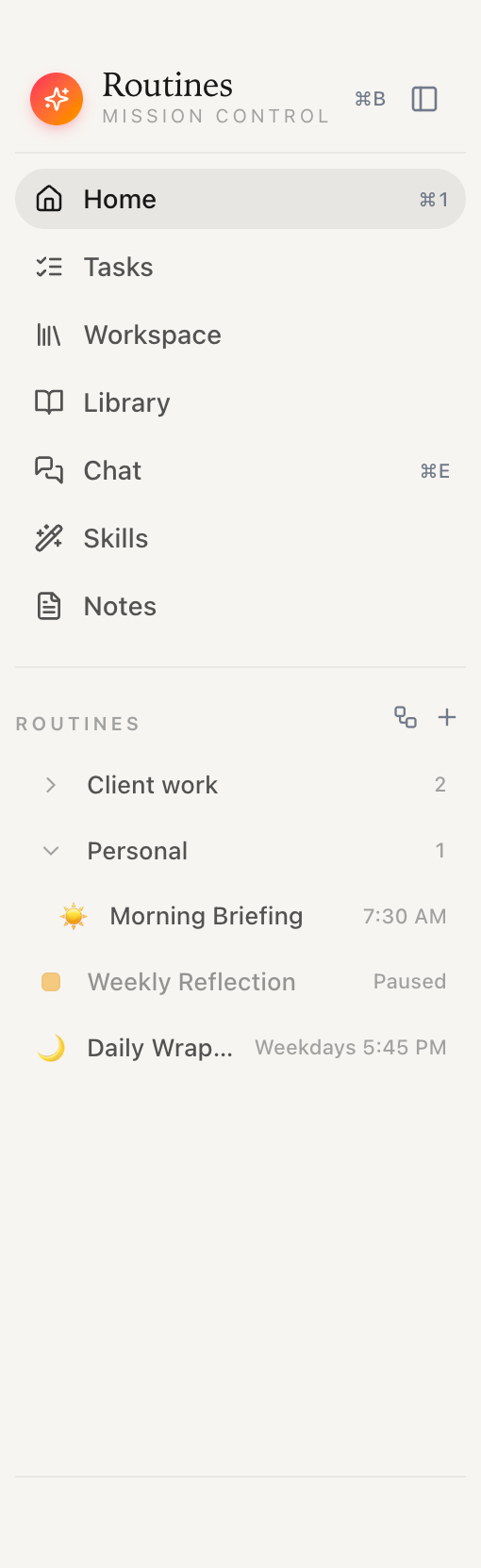
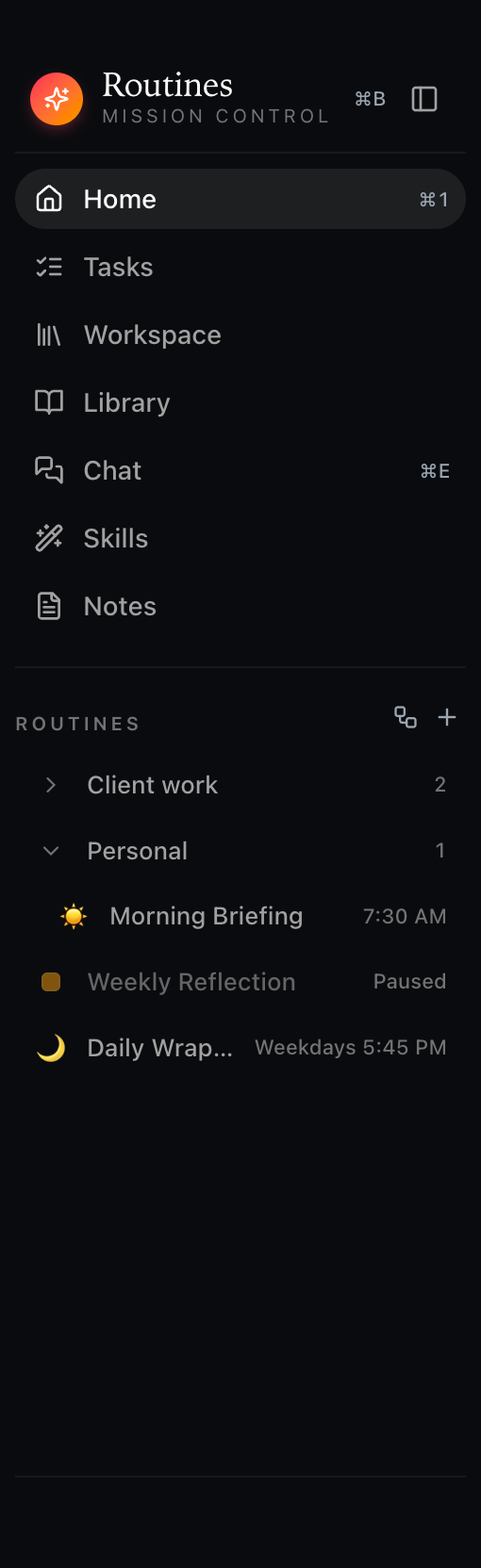
Every routine you've set lives in one place, each with its schedule and last run. Morning Briefing at 8 AM, a Slack digest in the evening, a weekly reflection on Friday — all firing on their own, all on your Mac.


Every routine · its schedule · its last run
Step 04
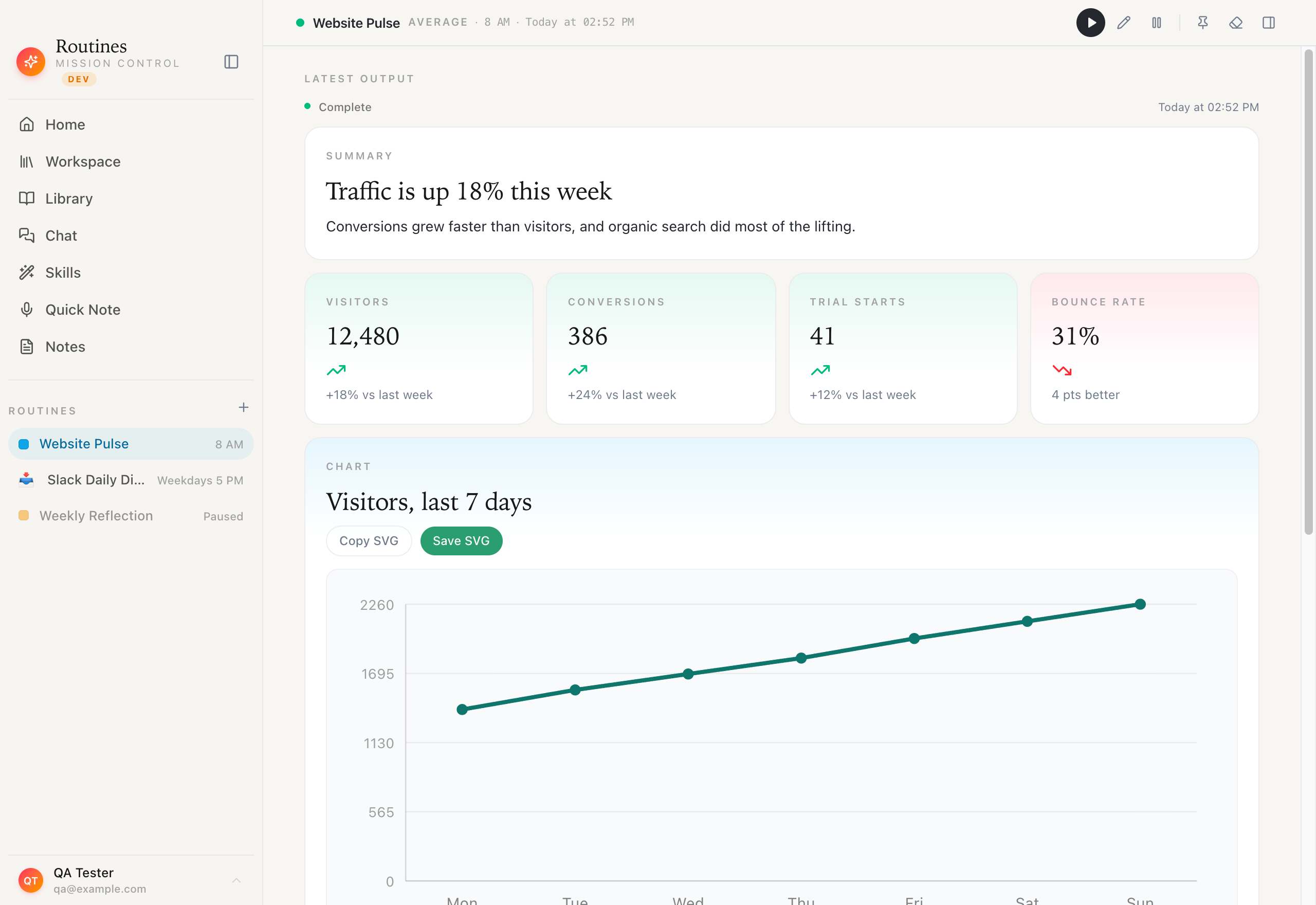
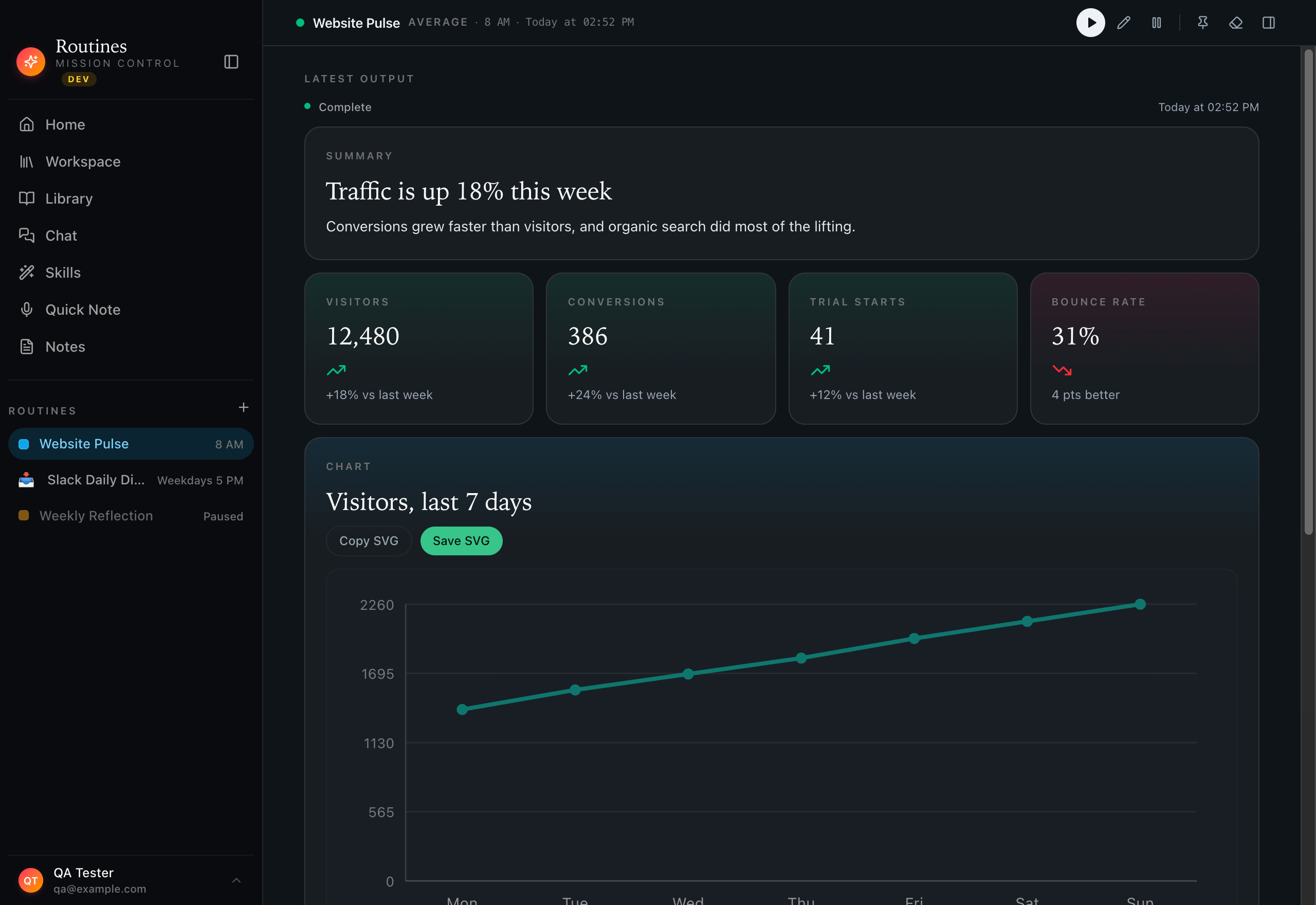
Ask how your site did overnight and wake up to a dashboard, not a paragraph: visitors and conversions with their trend, a seven-day traffic chart, the pages pulling their weight — generated by the routine as native widgets. Open it, ask a follow-up, and the whole thread stays on your Mac.


Ask in plain English · Widgets out · Runs locally
01
Schedule routines with standard 5-part cron expressions or simple presets — daily at 8am, weekday mornings, hourly. The Rust scheduler fires jobs at the exact second and enqueues them for execution.
02
Fire routines on real-world events: Mac wake from sleep, app launch or focus, file-system changes, incoming webhooks, global hotkeys, or the completion of another routine — chaining unlimited automation.
03
Describe what you want — "Send me a morning briefing at 8am with my calendar and emails" — and the AI parses it into a full config: name, schedule, connectors, and system prompt. No cron syntax required.
04
15 pre-built, ready-to-customize templates across 8 categories: Morning Briefing, Email Digest, Competitor Watch, Slack Digest, Weekly Report, News Scanner, and more — each with sensible default schedules.
05
Run any routine on demand with one click, regardless of its schedule. Perfect for testing before automating or grabbing a report this instant — no waiting for the next scheduled run.
06
Routines run through a single queue with up to 4 executing in parallel, governed by a semaphore. Network-dependent failures auto-retry after five minutes — your automations finish even when the network stumbles.
07
On app startup and Mac wake, Routines checks whether any scheduled runs were missed while closed or asleep — and runs them retroactively, flagged so you know they ran late. Your 8am briefing still arrives.
08
Every run produces a result record with status, content, errors, and timestamps — rendered as rich, specialized cards: summaries, weather, calendars, email digests, news, and charts, organized by date.
Routines schedules, triggers, and runs every automation on your own Mac, with no server fees and no account to keep. When a step calls a model, that request goes straight from your Mac to your provider. When you want to change how one behaves, here is how to customize a routine on your Mac.
Download