01
One-click recording
Routines watches your calendar and your screen — when a Meet, Zoom, Teams, or Slack huddle starts, it offers to record. One click and the transcript begins.
02 / Meetings
Routines notices the call, records it on one click, transcribes it live — and answers your questions before the meeting even ends. See how it sits next to the rest of the field in our roundup of the best AI note takers.
Step 01
Weekly Product Sync
Google Meet
Step 02
Weekly Product Sync
Step 03
Step 04
Notes posted to #product
Summary · decisions · 3 action items
Recorded locally · live transcript · chat with your meeting
The real app
Real screens, captured straight from Routines on a Mac. Every transcript, summary, and chat below lives in local storage on your machine.
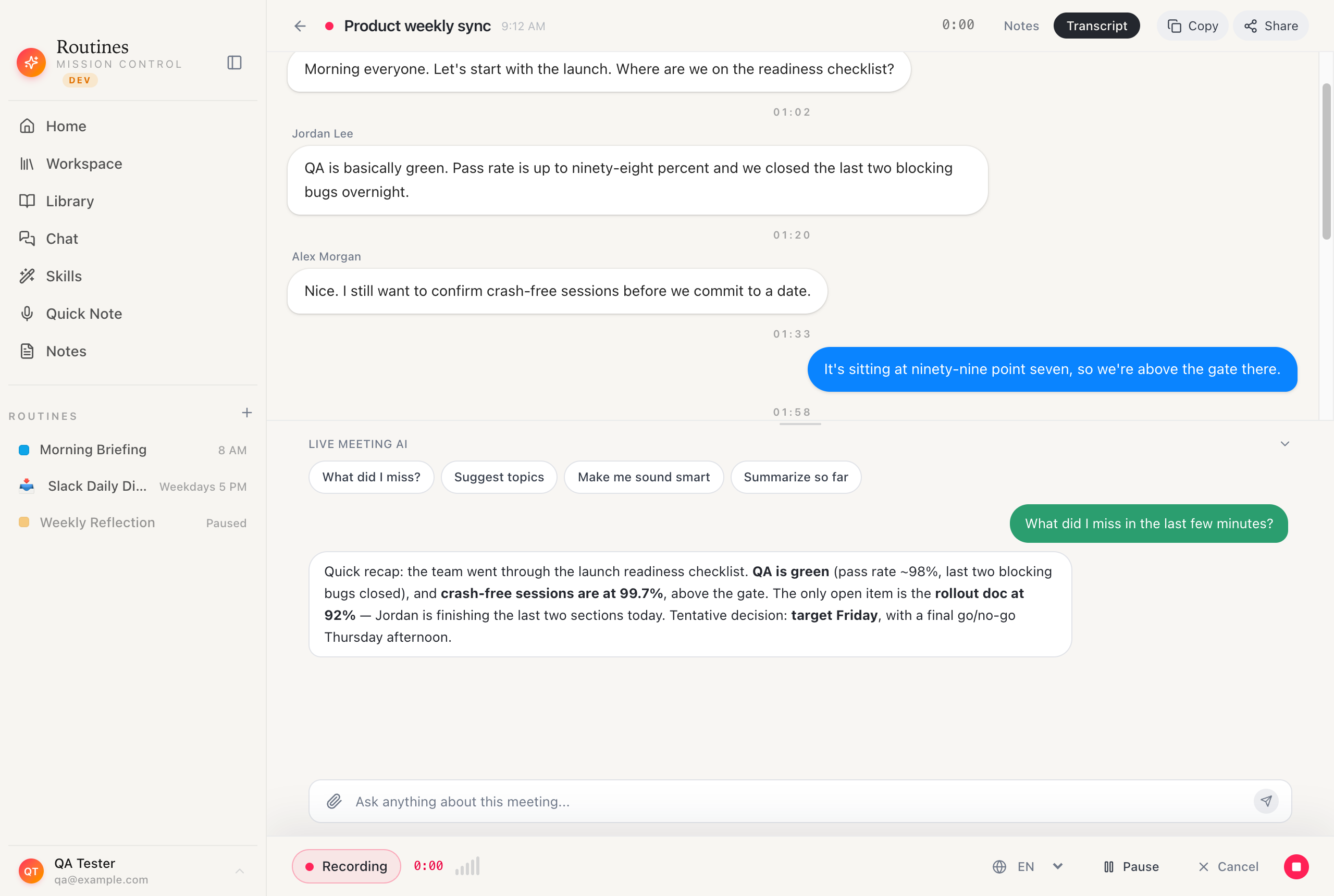
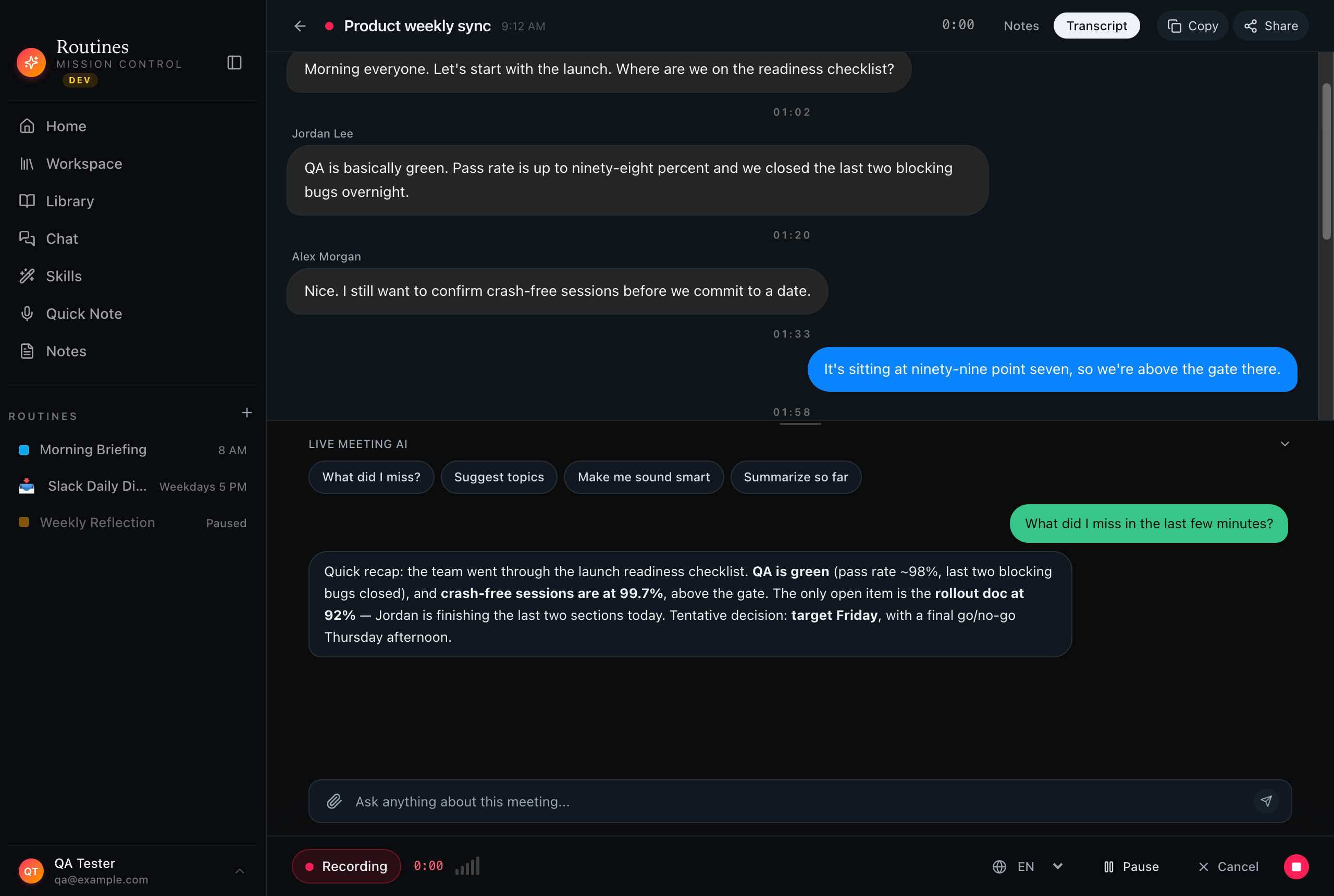
Live, mid-meeting
The transcript streams in as people talk. Pop open the chat, ask "what did I miss?", and get a straight answer in seconds, without leaving the call or pausing the recording.


Live transcript · ask anything · still recording
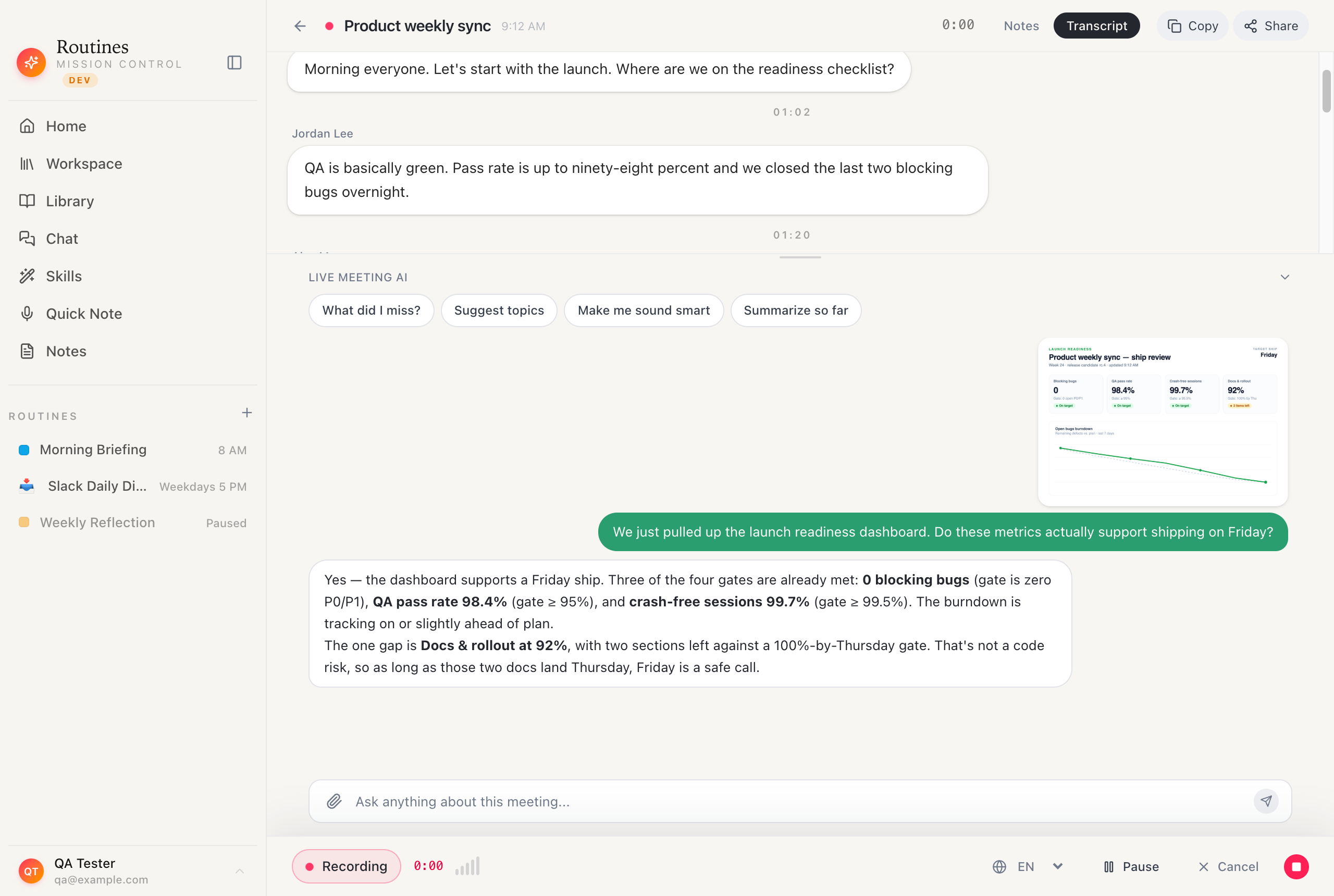
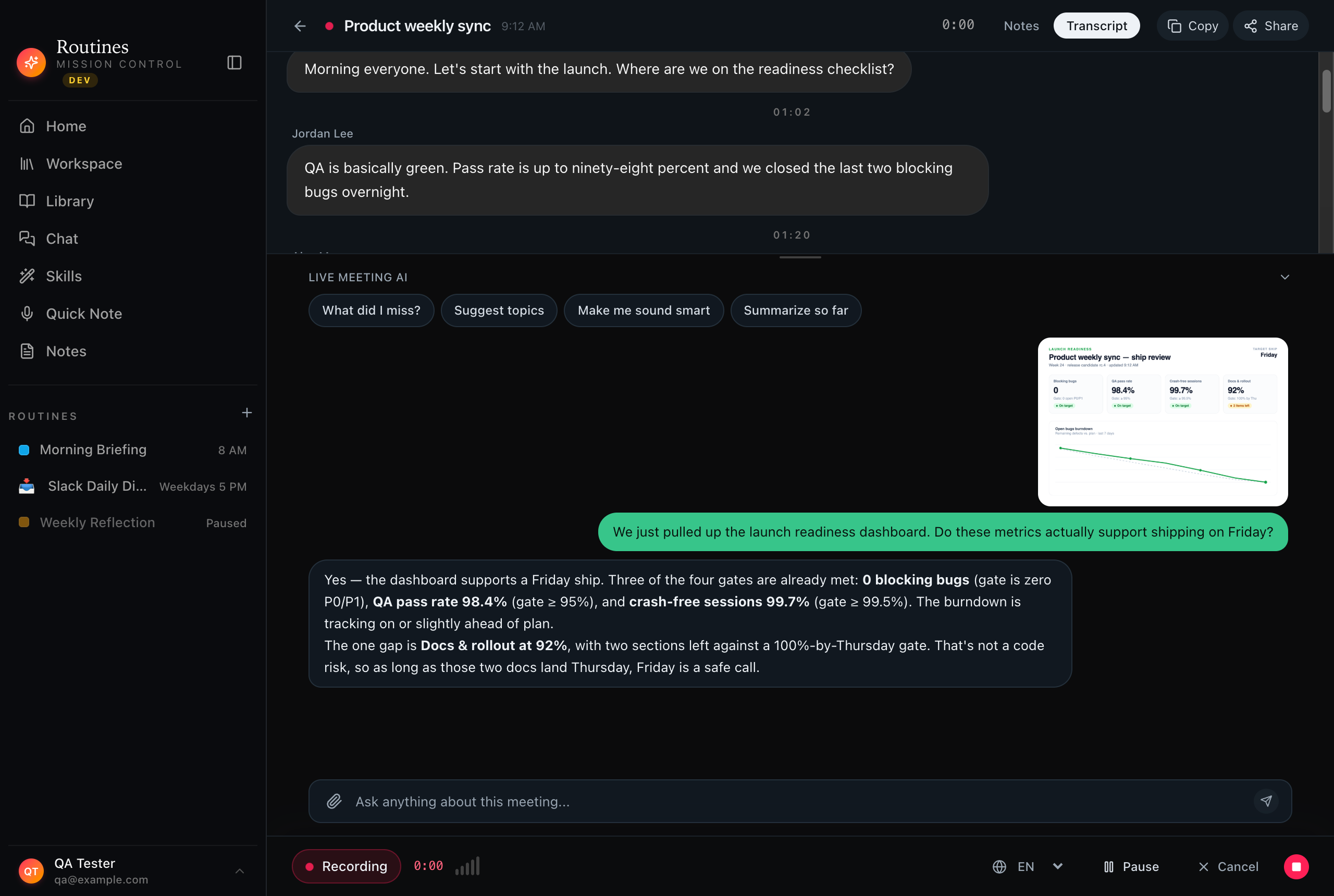
Drop in a screenshot
Someone shares a dashboard or a slide in the call? Paste or drop the image straight into the meeting chat. Routines reads it alongside the transcript and answers in context.


Paste or drop an image · the AI reads it · answers in context
After you hang up
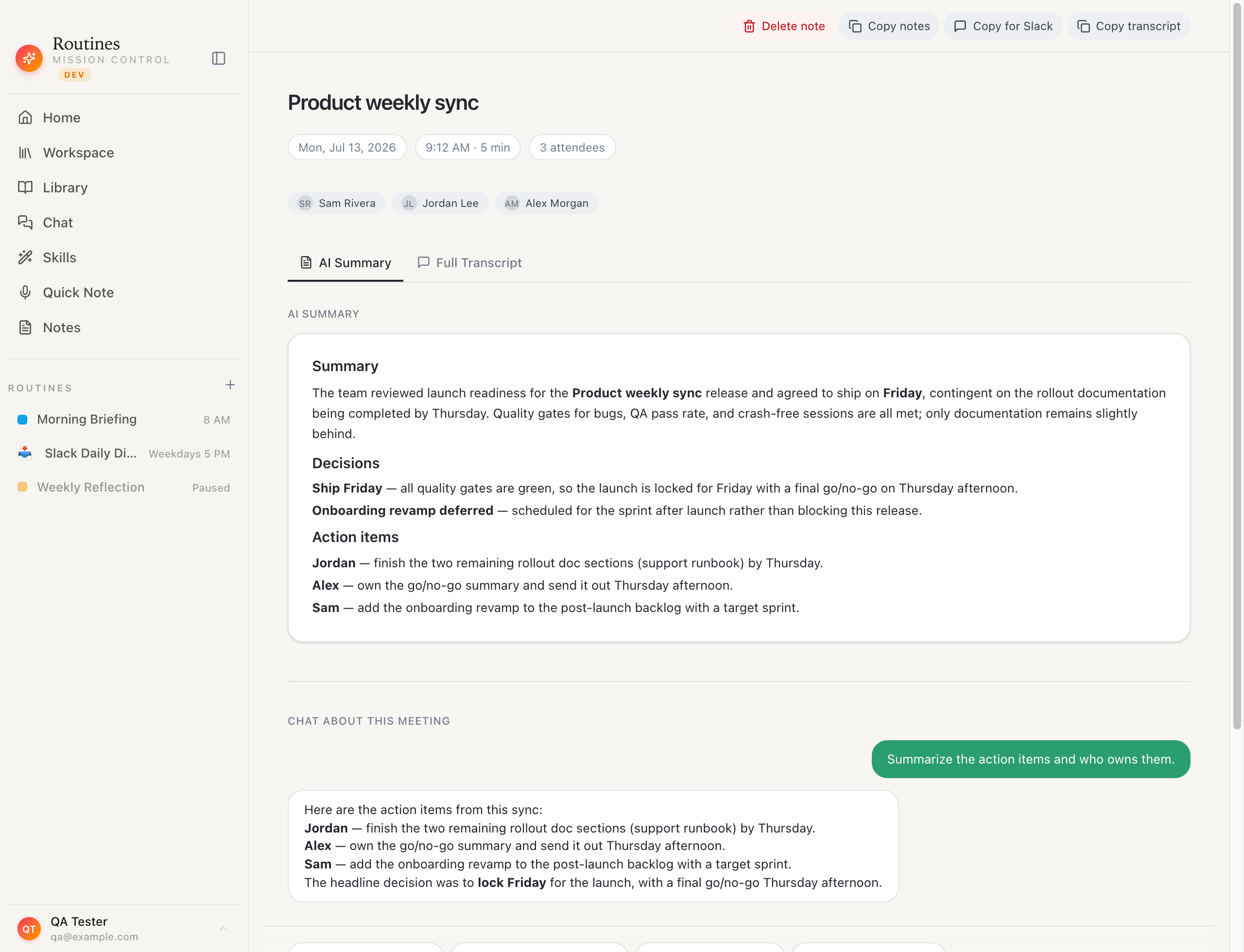
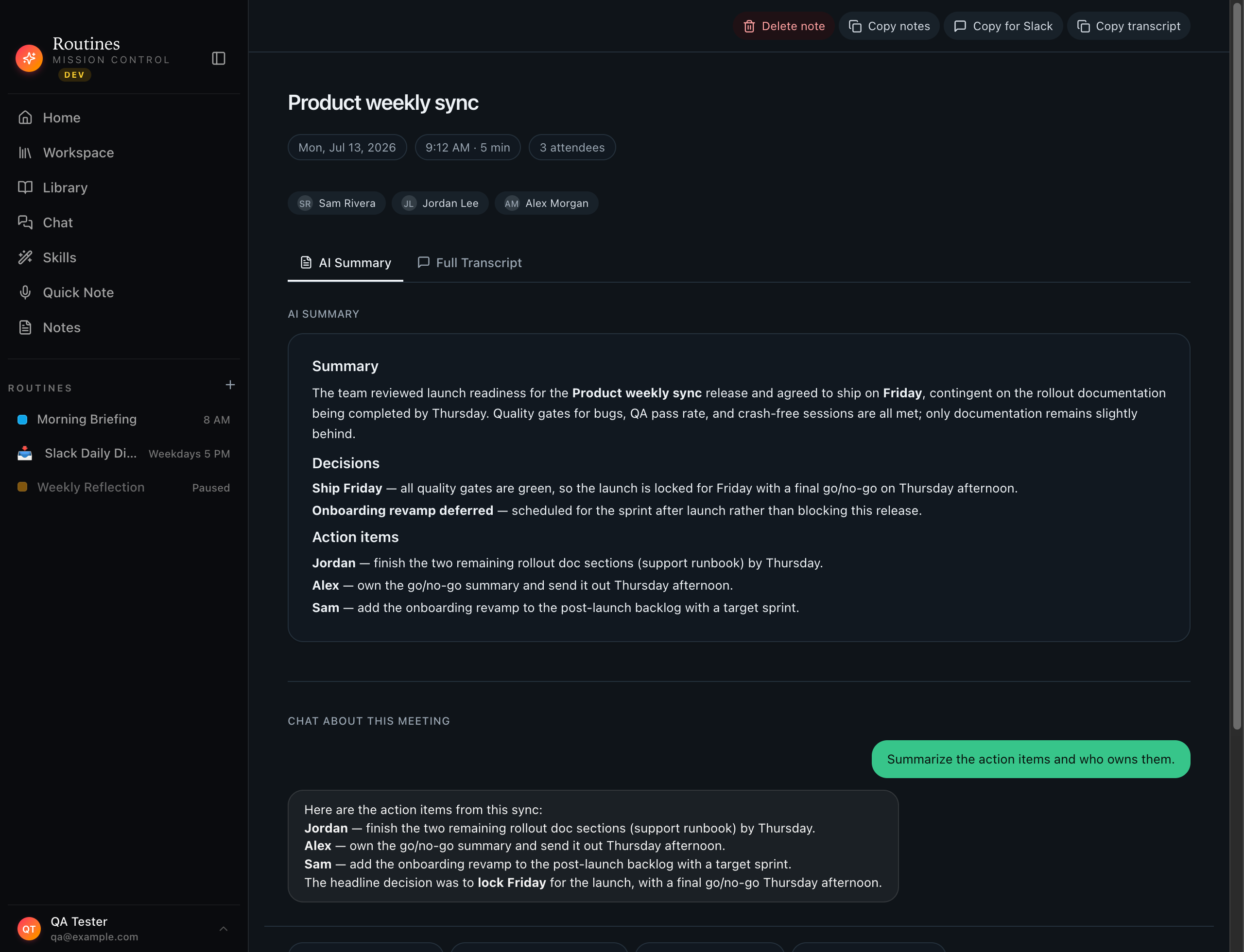
The recording stops and the one-pager is already there: summary, the decisions, who owns what. The full transcript sits one tab away, and you can keep chatting with the meeting or save it into your notes. It never leaves your Mac.


AI summary · action items · saved as local markdown
01
Routines watches your calendar and your screen — when a Meet, Zoom, Teams, or Slack huddle starts, it offers to record. One click and the transcript begins.
02
Your mic and the room are captured as separate streams — "You" vs every other speaker, echo-filtered, in real time.
03
The chat reads the live transcript. "What did I miss?" "Who owns this?" — answers in seconds, without leaving the call.
04
When you hang up, ask the chat to post the summary and action items straight to Slack, email, or Jira via your connectors.
05
Recording stops, Claude writes the one-pager: key points, decisions, owners — stored next to the transcript.
06
No internet? A local Whisper model keeps transcribing. Audio never has to leave your machine.
07
Checkpointed to disk every 5 seconds — survives crashes. Pause, resume, or hot-swap the language mid-call.
08
Every transcript, summary, and note lives in local SQLite — full-text searchable, never uploaded.
Routines records, transcribes, and answers — while your data stays exactly where it belongs. If Granola is the tool you are weighing, read our Granola AI review first.
Download