
Routines Routines

Compare / Granola AI

A granola ai alternative. Meeting notes that stay on your Mac.

Granola makes lovely AI meeting notes, with clean templates and a fast, frictionless flow. Routines records and summarizes your meetings in the same spirit, but keeps every transcript and summary as markdown on your Mac, and adds dictation, clipboard history, and scheduled AI routines on top. If you have not tried it yet, our Granola AI review covers what it does well.

Live, not just after

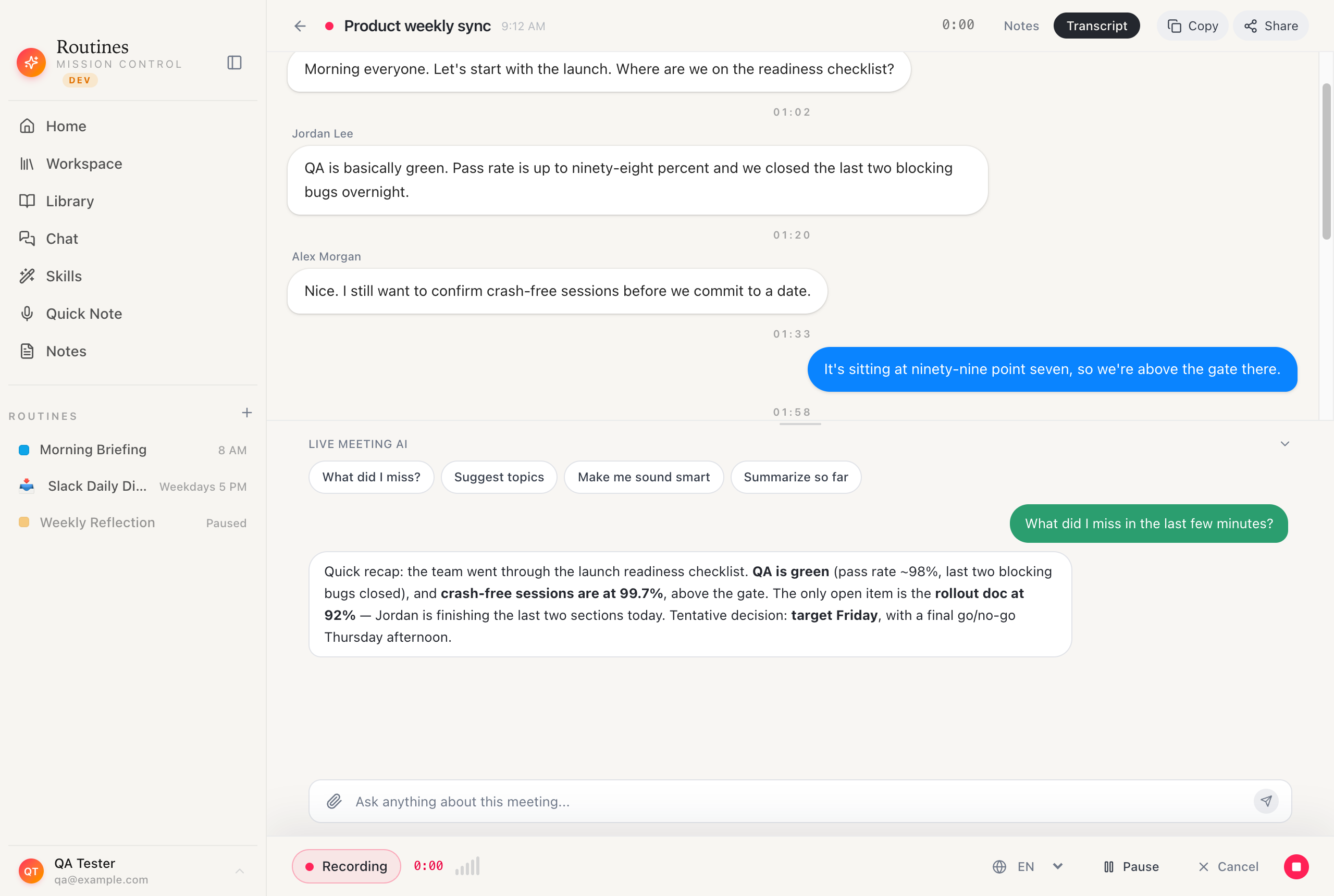
Ask the meeting a question while it's still going.

Granola gives you polished notes once the call ends. Routines lets you pop open the chat mid-meeting, ask "what did I miss?", and get a straight answer in seconds, while the transcript keeps streaming in.

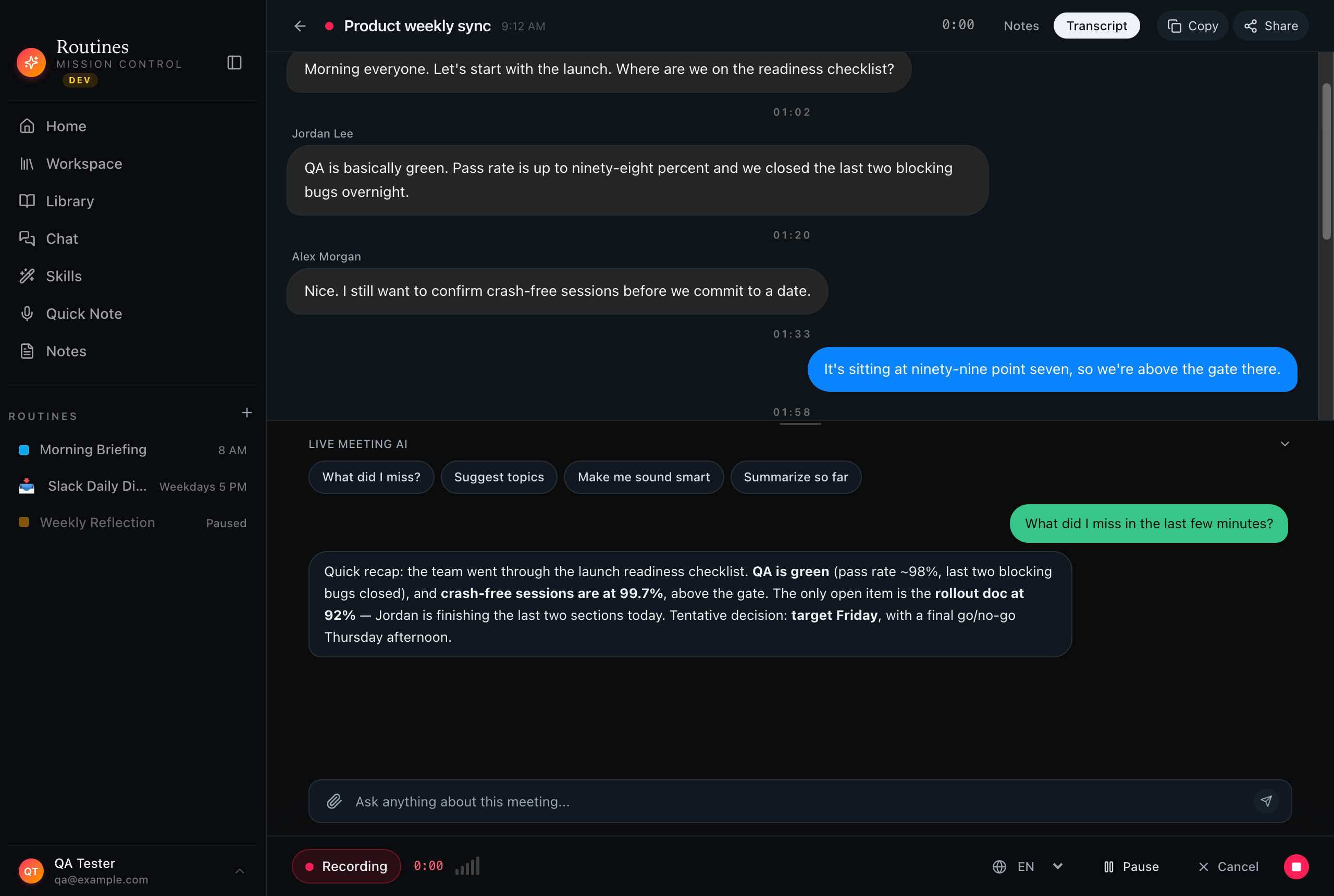
Routines recording a live meeting with a streaming transcript and the Live Meeting AI chat answering what did I miss during the call, a granola ai alternative that answers questions live

Live transcript · ask anything · still recording

Feature
Routines
Granola AI
Where your data lives
On your Mac — markdown + local SQLite
Synced to the vendor cloud
Meeting notes
Live transcript + AI summary and action items
Polished AI notes with refined templates
Note templates
AI summary with key points, decisions, owners
Rich, well-designed meeting templates
Speaker separation
Mic + system audio as separate streams
Captures system audio for notes
Dictation
Global hotkey voice typing into any app
Not the focus
Clipboard history
Last 500 copies, searchable, local only
Not included
Scheduled AI routines
Cron + event triggers, plain-English setup
Not included
Model choice / BYOK
Claude, GPT, OpenRouter — your key in Keychain
Managed models, no key needed
Offline transcription
Local Whisper fallback, no internet
Cloud-based
Install & price
Notarized DMG, 7-day trial, then a license
Quick setup, subscription

Checkmarks both ways · an honest comparison

The note, on your Mac

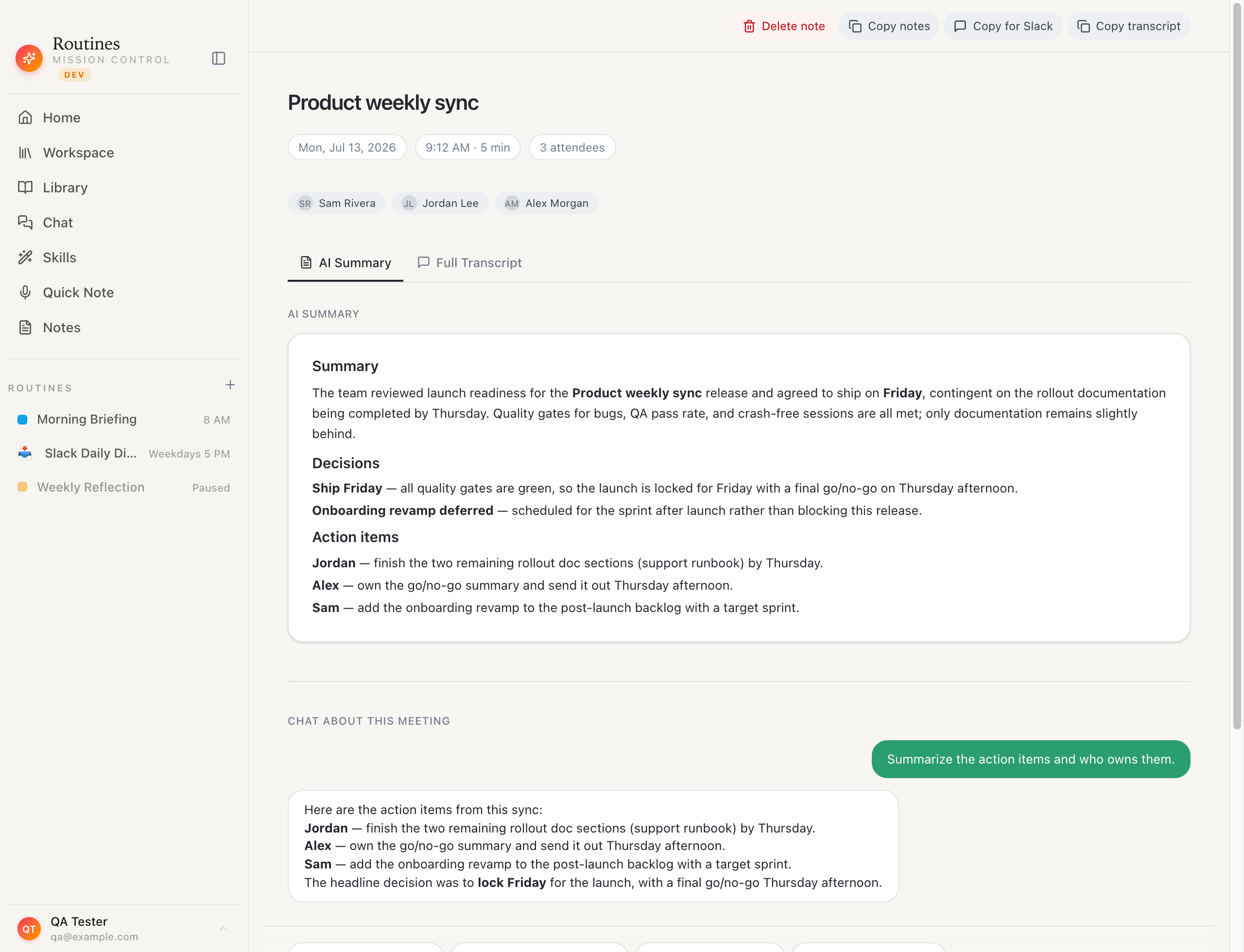
A one-page meeting note you actually own.

Every recorded meeting becomes a summary with key points, decisions, action items, and the full transcript, saved as markdown and local SQLite on your Mac. Open it in Obsidian, back it up yourself, no vendor cloud in the middle.

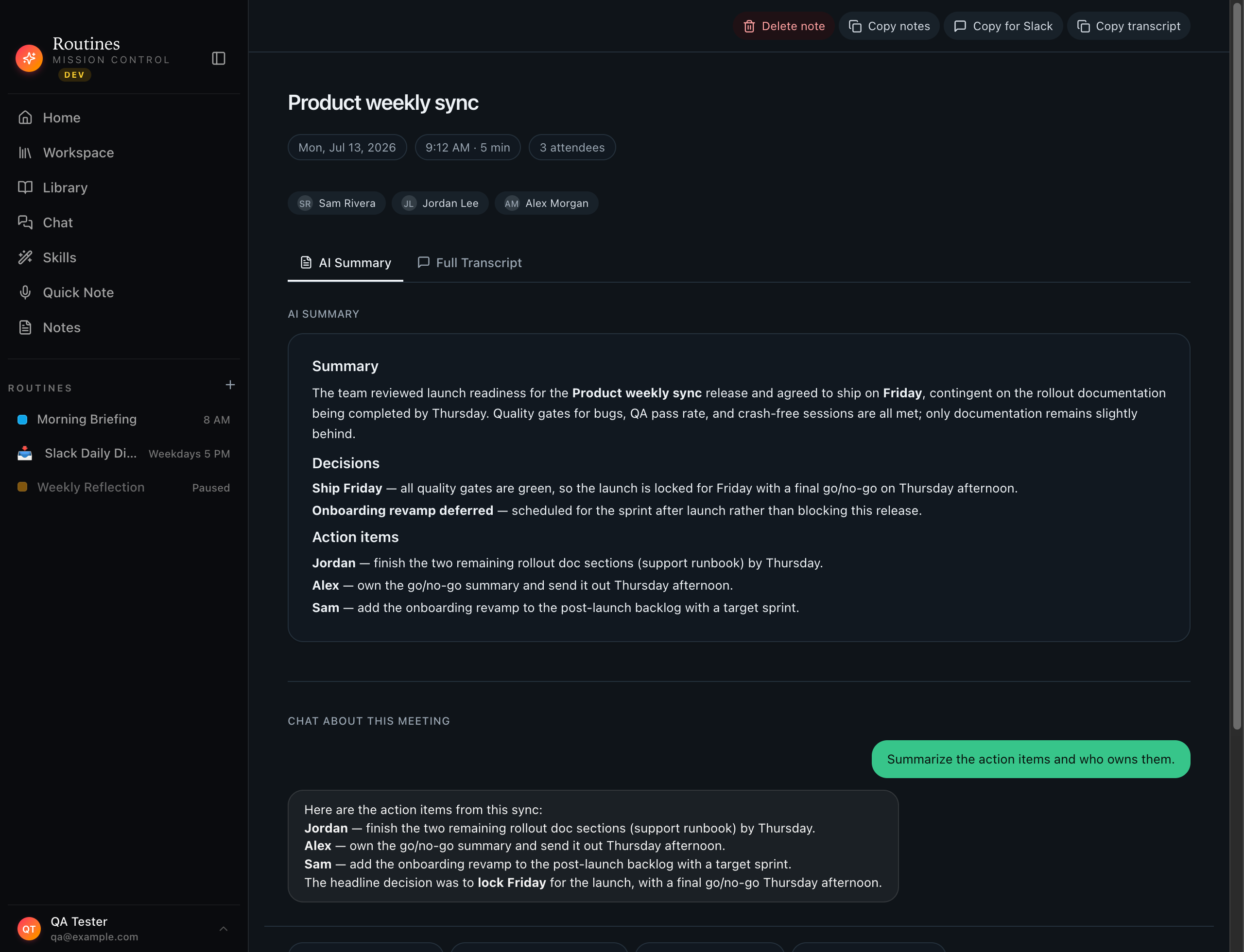
A recorded meeting one-pager in Routines showing the AI summary, key points, action items, and full transcript saved as markdown on the user's Mac

Summary · action items · transcript · markdown you keep

When Granola is the better choice

  • Beautifully structured AI notes and ready-made meeting templates are exactly what you want.
  • You prefer a fully managed, cloud-synced experience that works across your devices out of the box.
  • Meeting notes are the whole job, and you do not need dictation, clipboard history, or automations.

When Routines fits

  • You want your transcripts and summaries as markdown on your own Mac, openable in Obsidian and yours to keep.
  • You want meeting notes plus dictation, clipboard history, and scheduled AI routines in one native app.
  • You want to bring your own Claude, GPT, or OpenRouter key, with an offline Whisper fallback when you need it.

More than notes

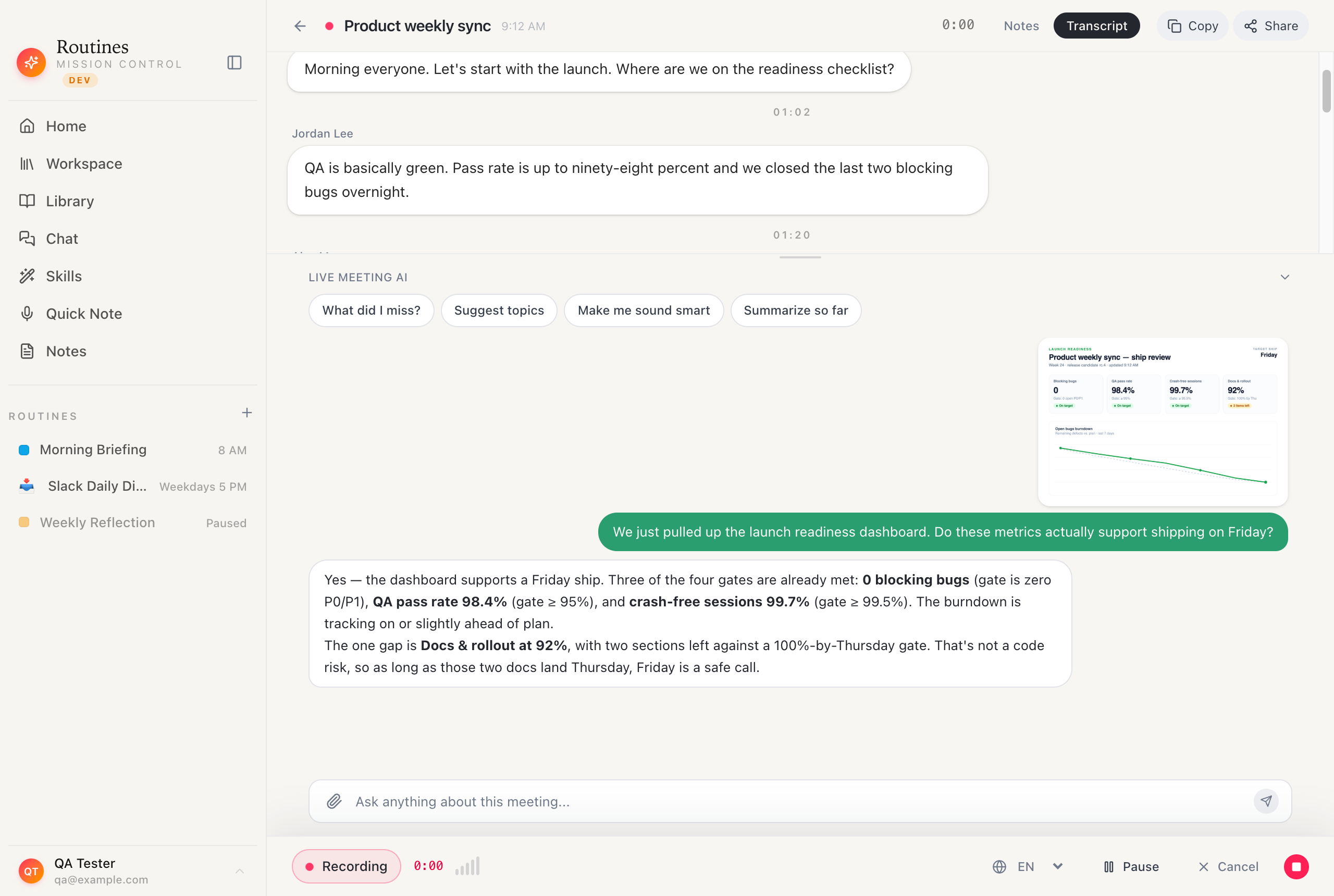
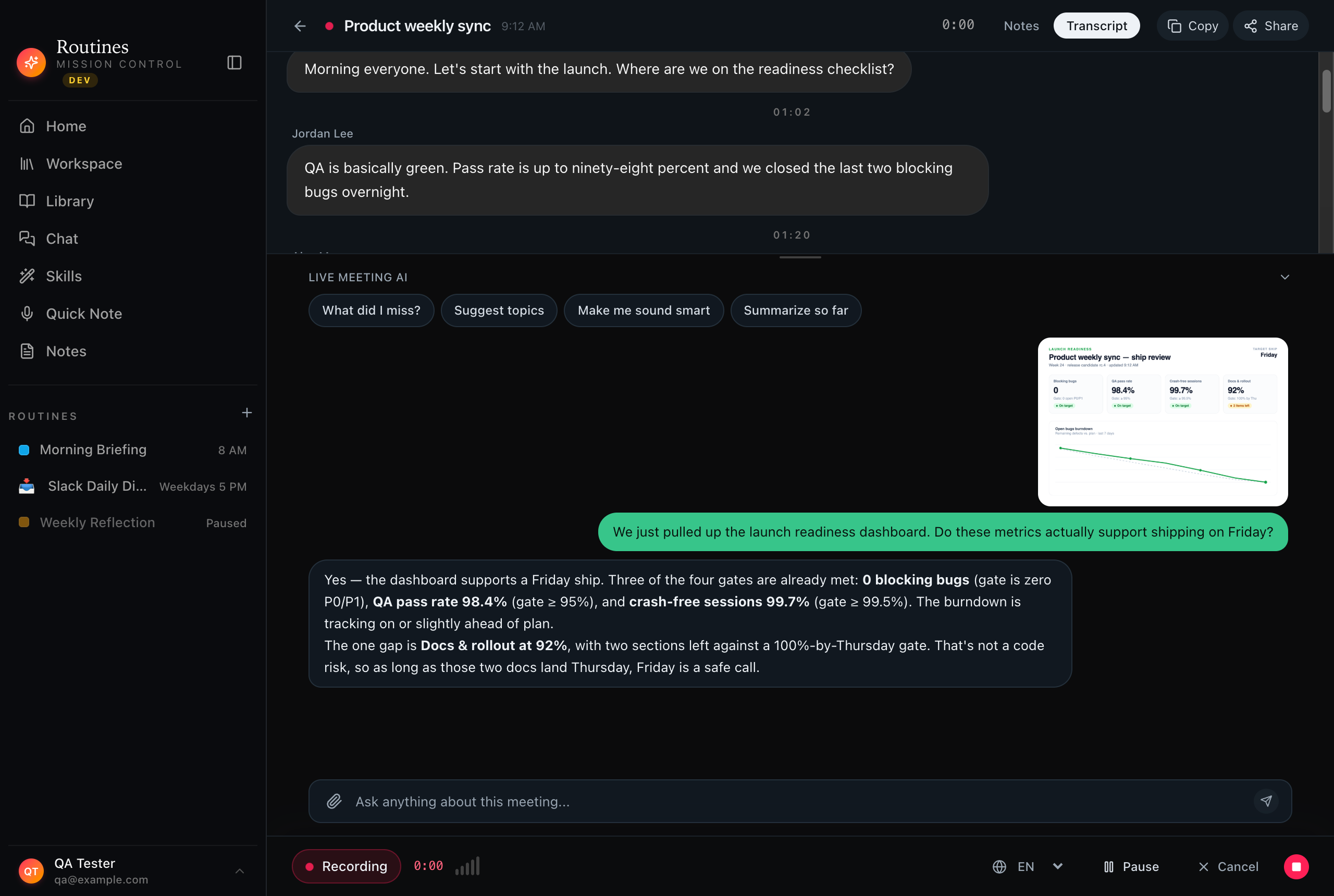
Drop in a chart and ask about it.

Paste a screenshot, a chart, or a slide straight into the meeting chat and ask what it means. Routines reads the image alongside your transcript, so the conversation is more than a note-taker, it's a working assistant.

A chart pasted into the Routines meeting chat with the AI answering a question about the image alongside the meeting transcript

Paste an image · ask a question · answered in context

FAQ

Routines vs Granola AI, answered.

Is Granola AI private?

Granola is a cloud product, so your meeting notes and transcripts are stored and processed on its servers under its privacy policy. That is the standard model for a hosted note-taker and works well for many teams. Routines is built the other way: transcripts and summaries are saved as markdown and local SQLite on your Mac, and audio can stay on-device with an offline Whisper fallback.

What is a good granola ai alternative that keeps notes local?

Routines is a granola ai alternative that records and summarizes meetings like Granola, but keeps every transcript, summary, and note on your Mac instead of a vendor cloud. You can open the files in Obsidian or VS Code and back them up yourself.

Does Granola write better meeting notes?

Granola has invested heavily in clean, well-structured AI notes and templates, and they are genuinely good. Routines turns your transcript into a one-page summary with key points, decisions, and action items, stored next to the transcript. If template polish is your priority, Granola is excellent at it.

Can Routines do more than meeting notes?

Yes. Beyond meeting transcription and summaries, Routines adds hotkey dictation, a searchable local clipboard history, and scheduled AI routines such as morning briefings and email digests, plus connectors for Gmail, Calendar, Slack, and Jira.

Do I need a subscription?

Routines offers a 7-day trial with no credit card, then unlocks with a license key. Everything you capture stays on your Mac either way.

Your meetings, written down and yours.

Record, transcribe, and summarize, with every note saved as markdown on your Mac. Working out the cost? We broke down Granola AI pricing and listed the other Granola alternatives worth a look.

Download