For product owners
Every decision from your calls, one question away.
Record your customer calls and reviews. Routines writes the decisions and who owns what, so later you can ask what a customer said about onboarding.

Free for macOS, iOS and watchOS. Your files stay yours.

A week with Routines
From the product sync to the roadmap review.
Decisions
Every decision written down, in plain words.
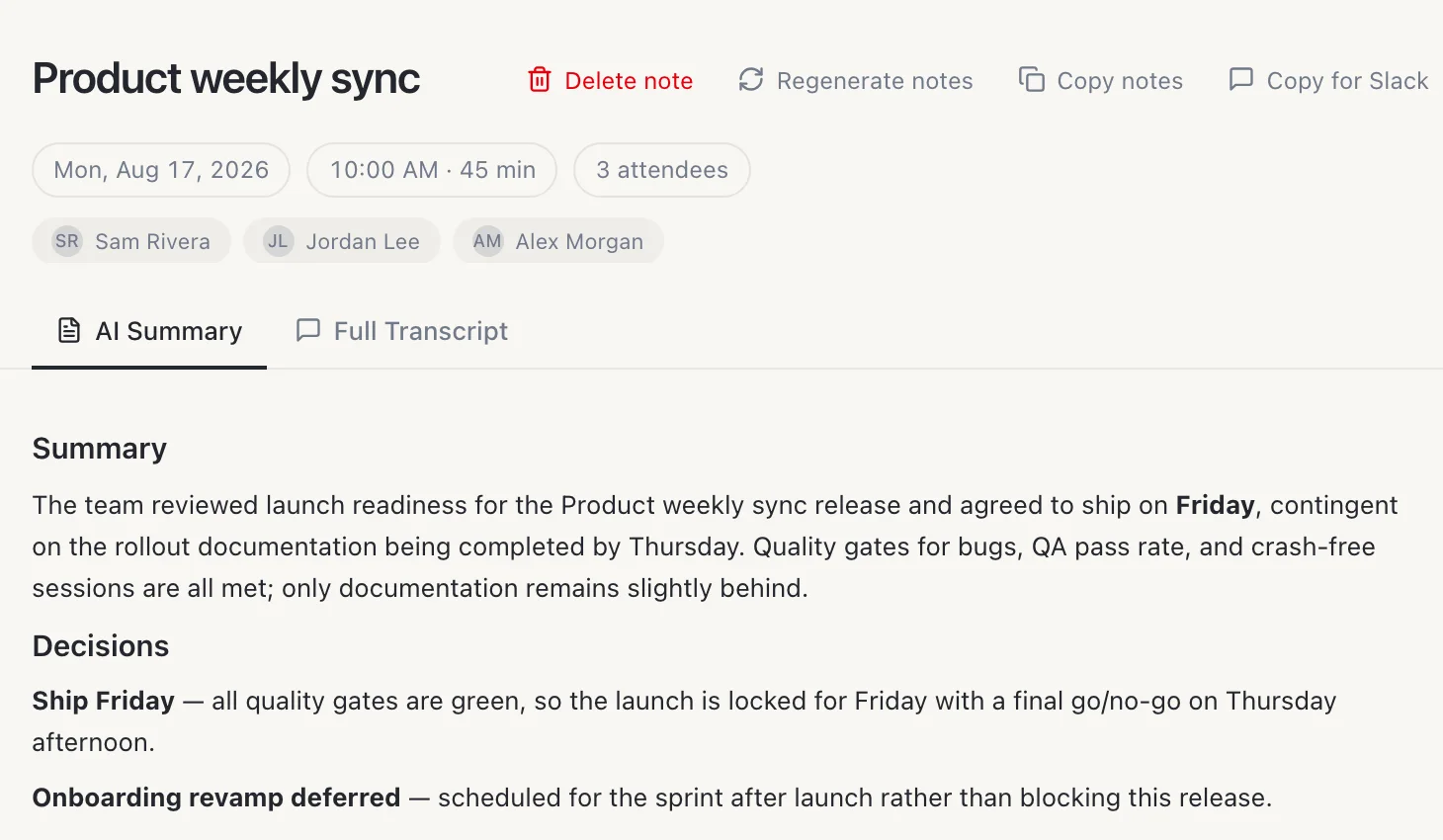
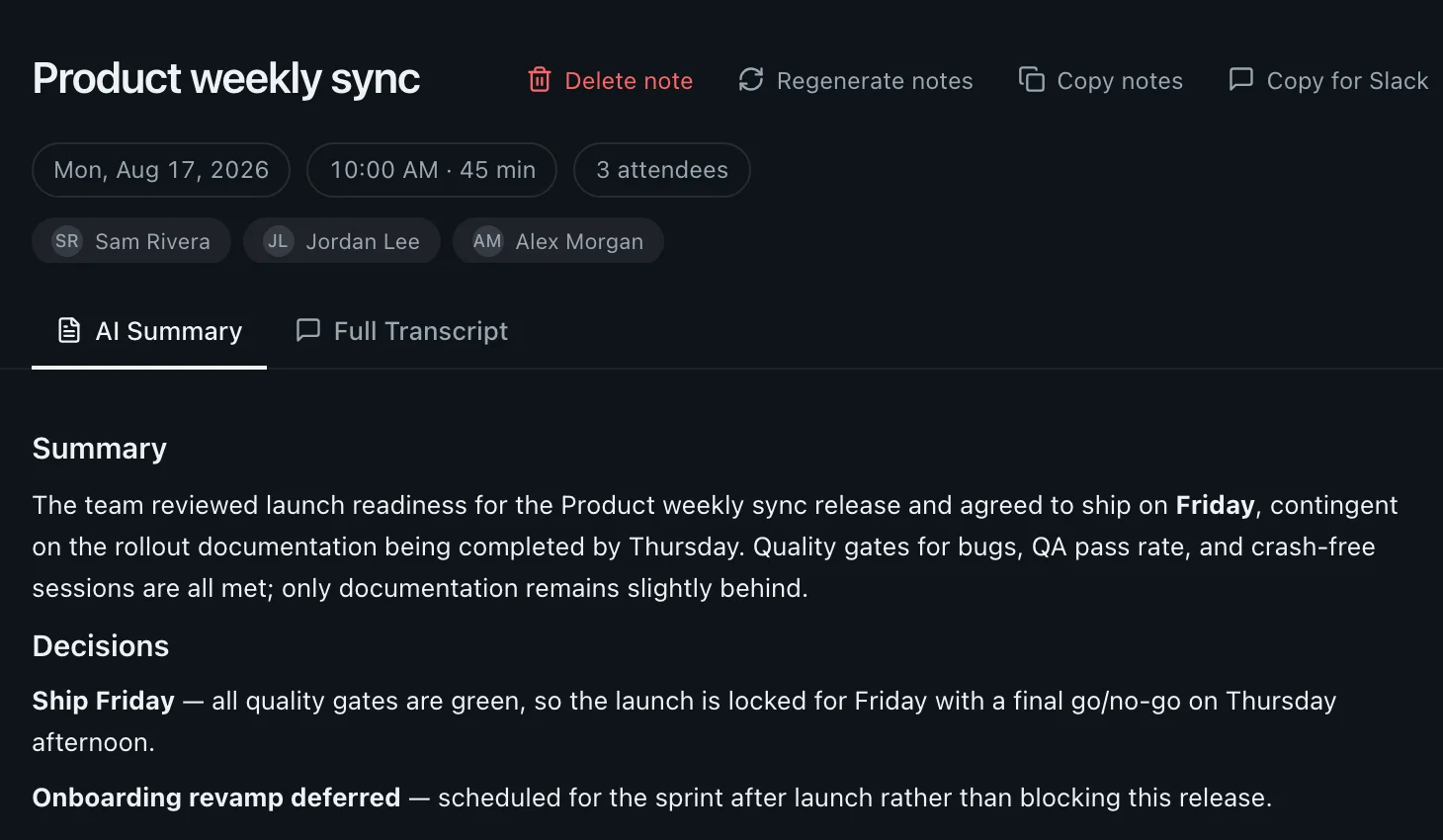
When the call ends, the notes carry who was there, a short summary and each decision with its reason. No one has to take minutes.
After the call
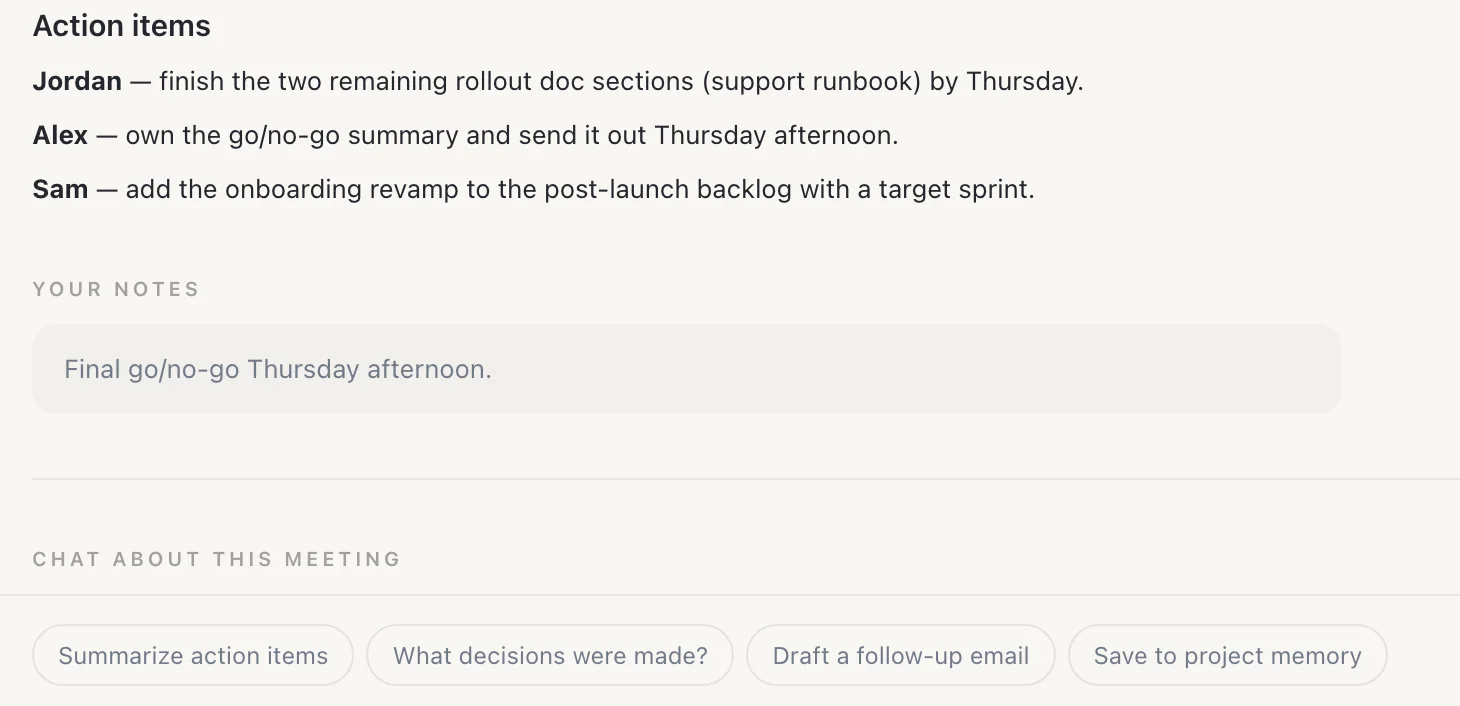
Who owns what, and a chat on the call.
Under the decisions, each person gets their action items. Your own come back as proposed to-dos you keep or drop. Ask the meeting chat to summarize the action items or draft the follow-up.
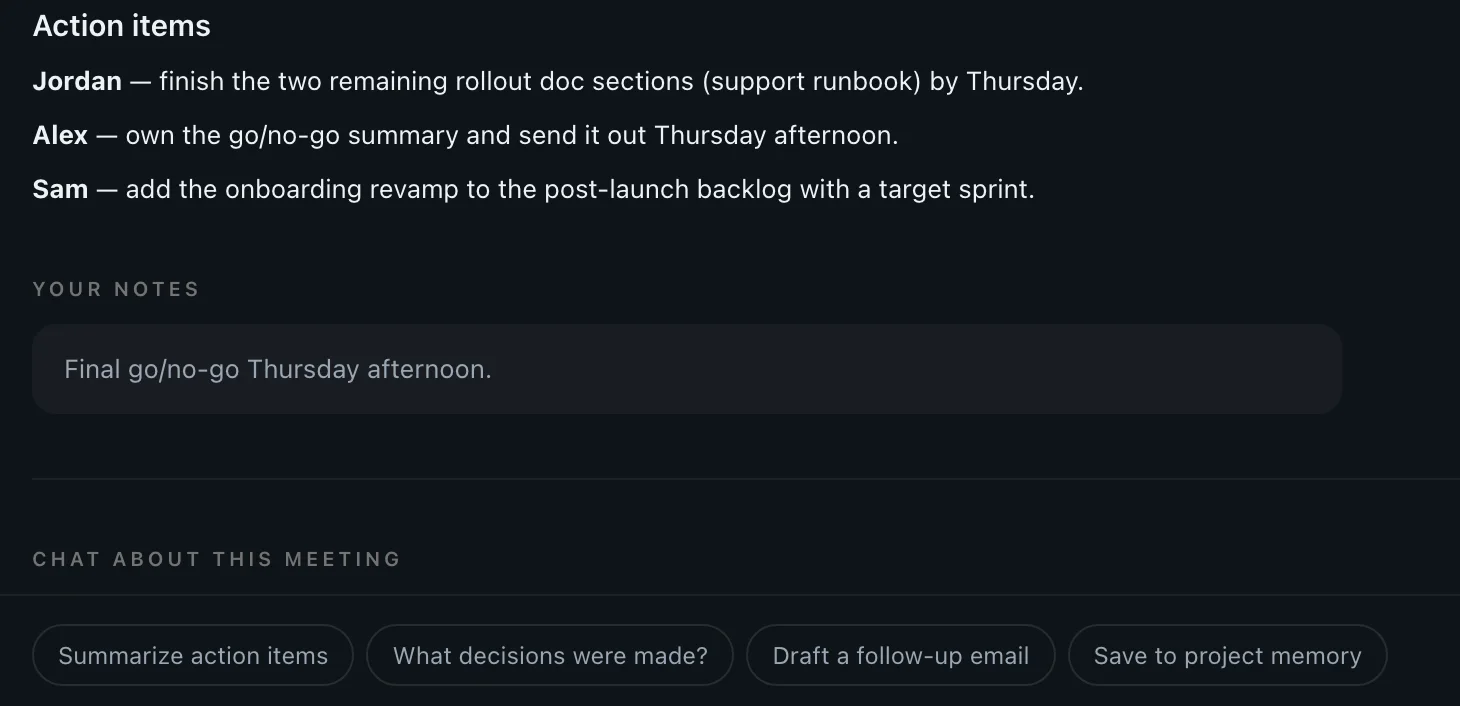
Roadmap review
Ask what the roadmap review decided.
Before the next stakeholder meeting, ask on your Mac or your iPhone. Routines answers from the meeting itself and names it. On the iPhone it reads the meetings you sync with Cloud Sync, which is off by default.
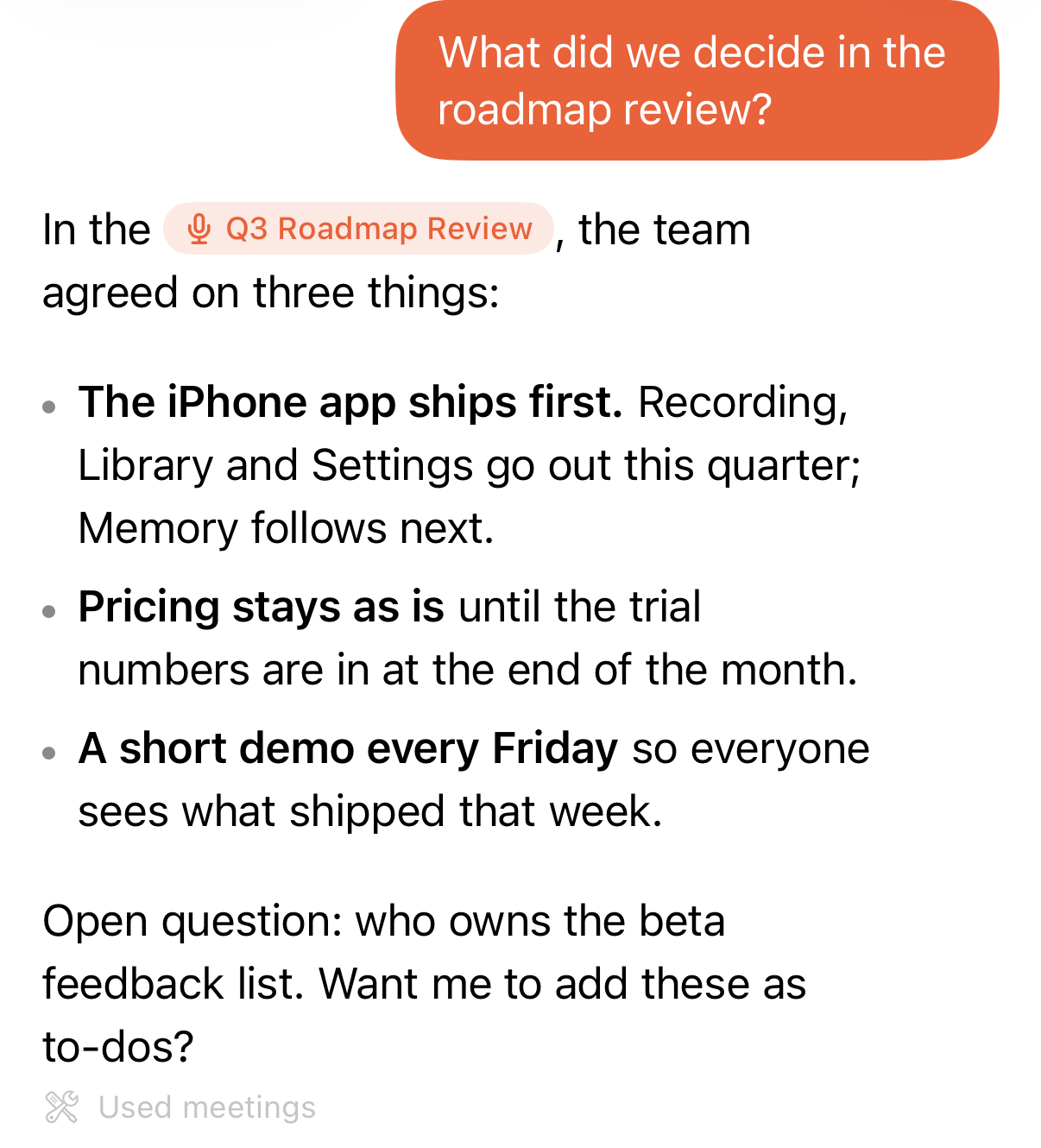
Asked on iPhone, with Cloud Sync on.
Questions before you download.
- Who starts the recording?
- You do, every time. Routines ships no disclosure watermark, no automatic announcement and no consent prompt today, so telling the people in the call is your responsibility, and we recommend saying you record.
- Can I find feedback from a call months ago?
- Yes, if you recorded that call. Ask in plain words, like what customers said about onboarding, and Routines points to the meeting the answer came from.
- Can I ask from my iPhone?
- Yes, in the Routines iPhone app, once your meetings sync to your Routines account. Cloud Sync is off by default, so you turn it on first.
- Where is the audio transcribed?
- Meeting audio streams to Deepgram to be turned into text. On Pro, Teams and the trial Routines supplies the Deepgram key. On Free you add your own key before your first recording.
Try it on your next meeting.
Press record when the call starts, and read the notes when it ends.