
Routines Routines

Compare / Wispr Flow

Routines vs Wispr Flow. Dictation that stays local.

Wispr Flow set the bar for fast, polished voice dictation on the Mac, and it is genuinely great at it. Routines takes a wider swing: hotkey dictation alongside meeting notes, clipboard history, and scheduled AI routines, with your notes and transcripts stored on your machine rather than in a vendor account. We ranked the wider field in the best voice to text apps for Mac.

Hotkey dictation

Press a shortcut, speak, and it lands where you're typing.

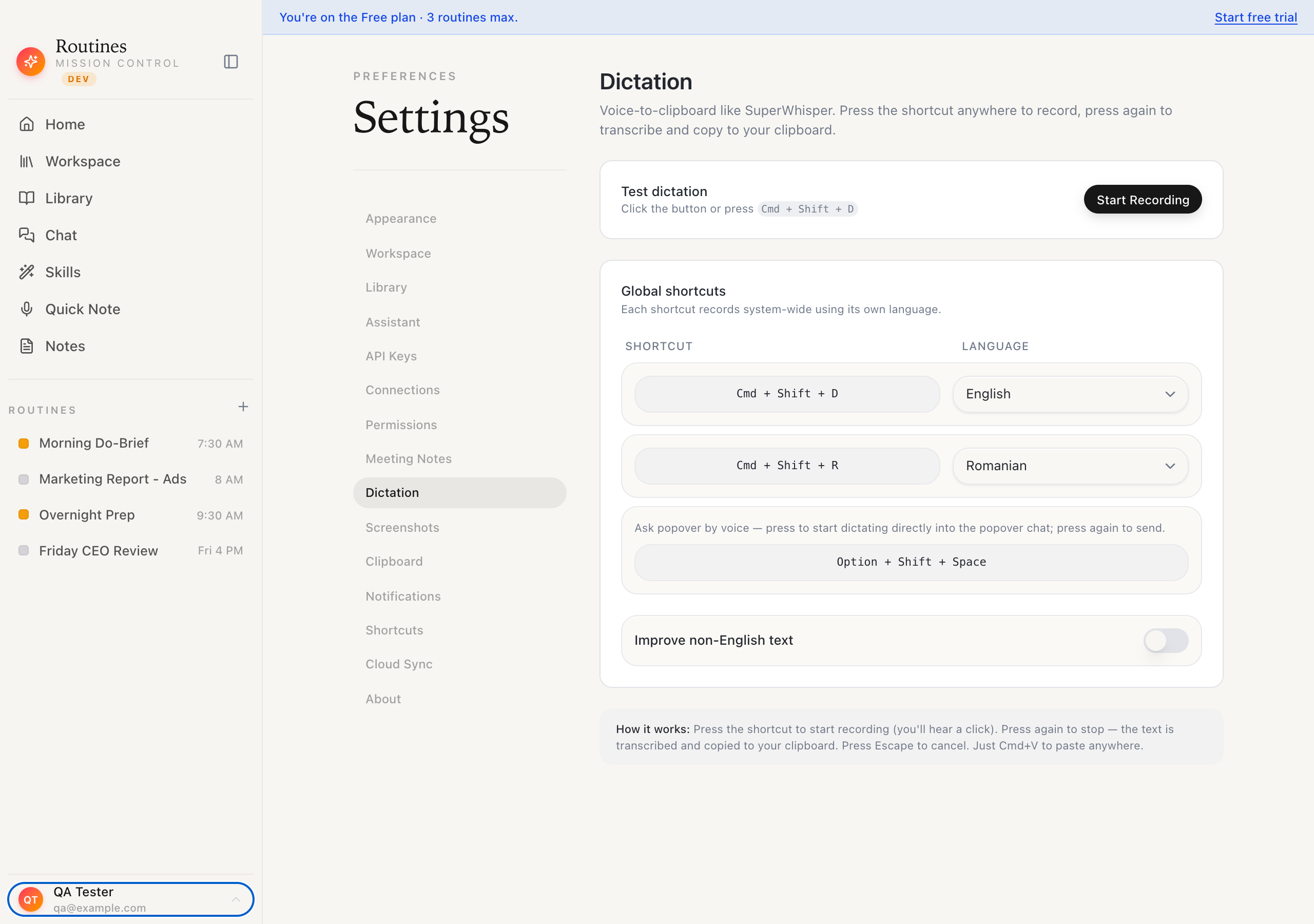
A global hotkey records system-wide, streams your words to transcription as you speak, then auto-pastes into the focused app. Assign a second shortcut per language, including Romanian diacritics on non-English speech.

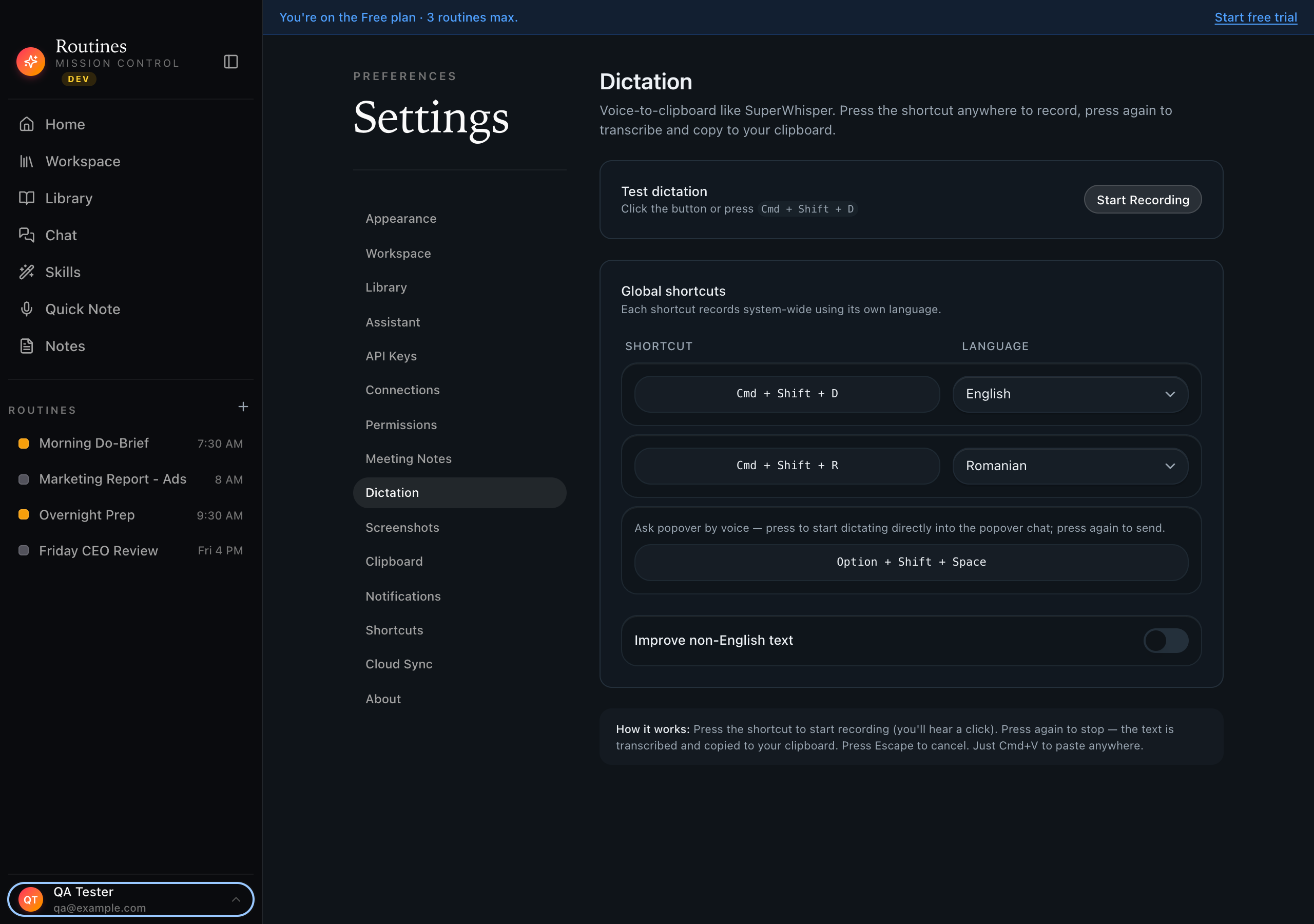
Routines dictation settings showing per-language global hotkeys — Cmd+Shift+D for English and Cmd+Shift+R for Romanian — plus a voice-to-popover shortcut and an improve-non-English-text toggle

One hotkey per language · voice-to-clipboard, local

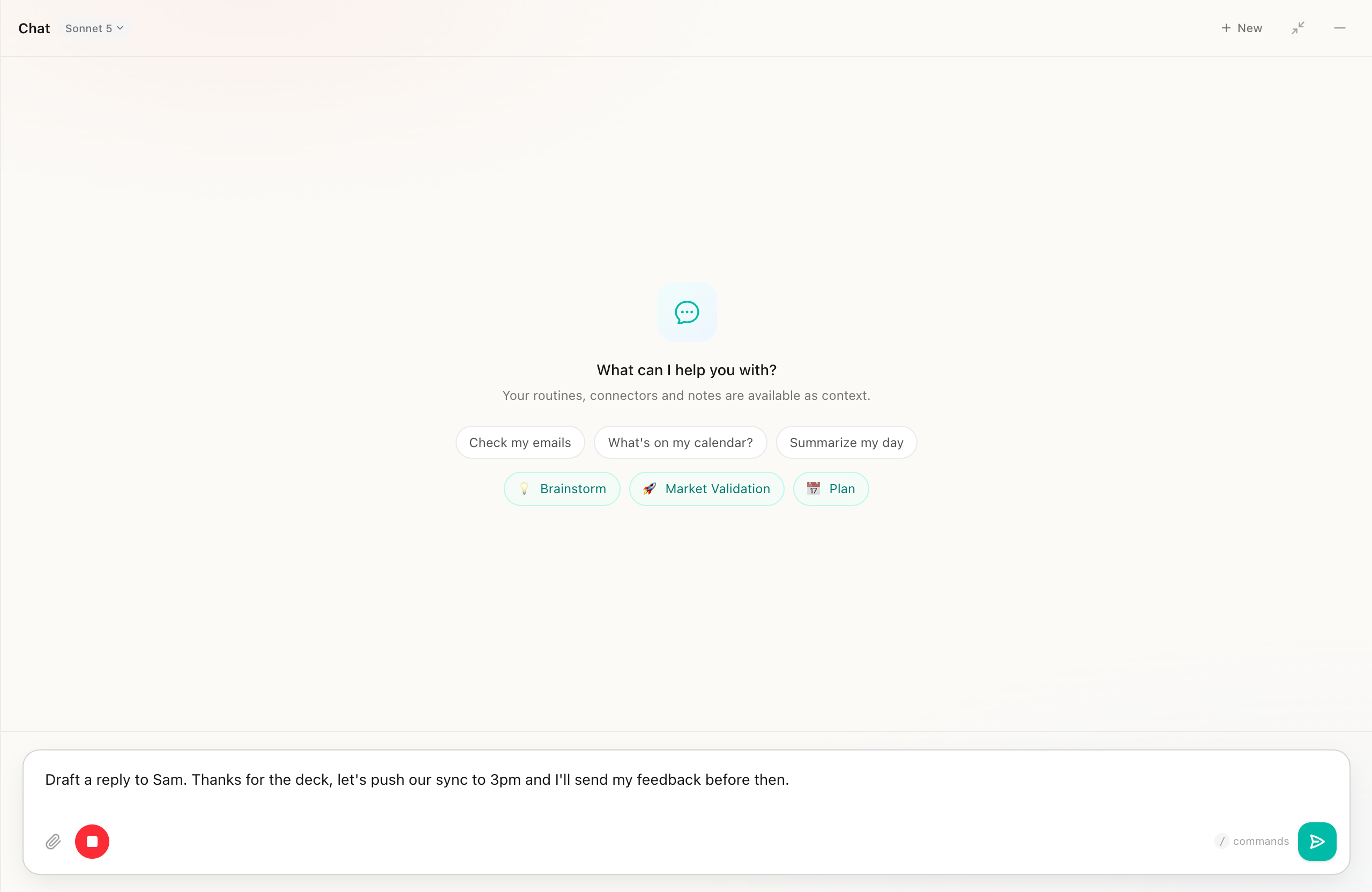
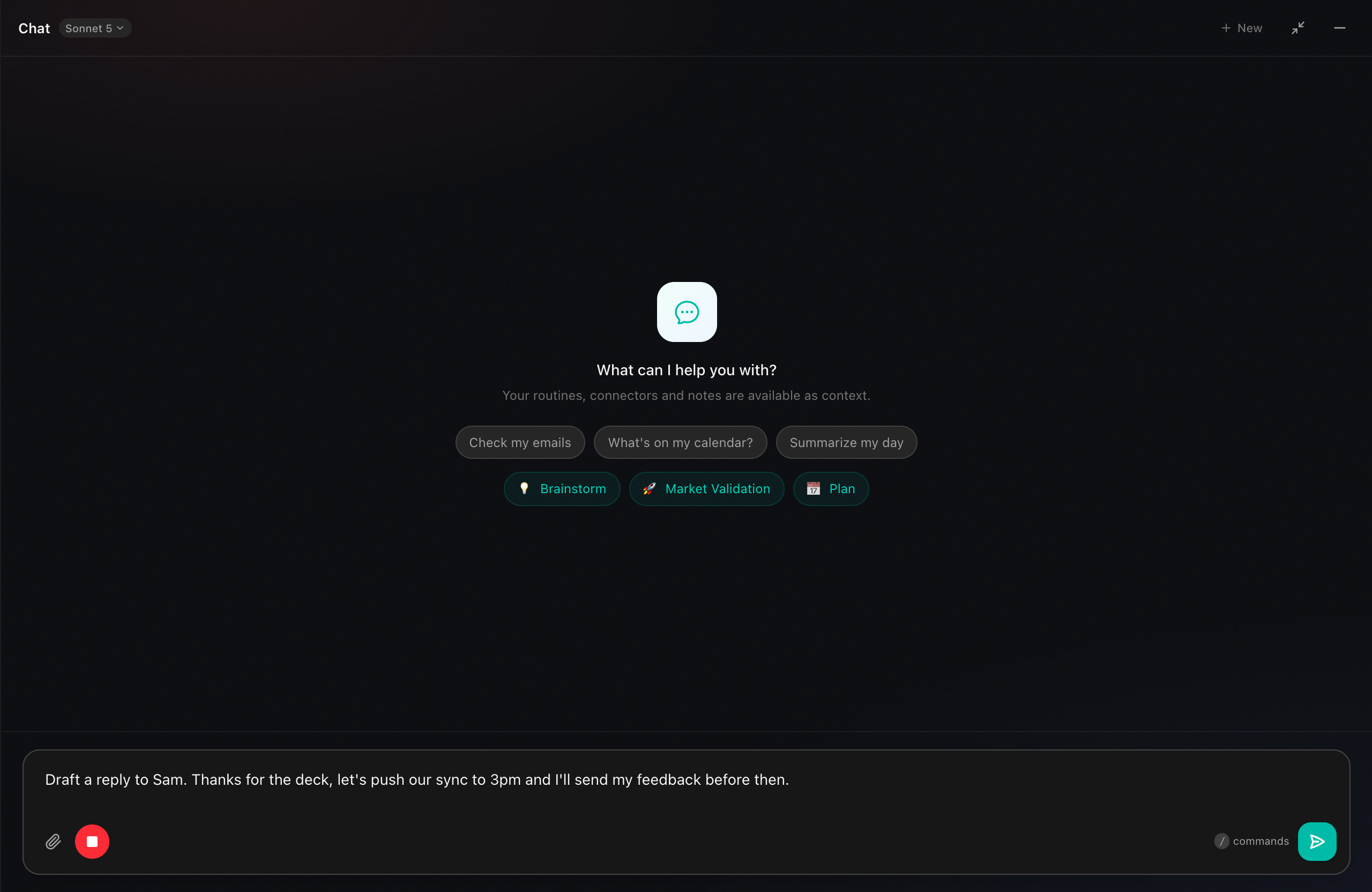
Routines chat with live dictation streaming a drafted email reply into the input field as it is spoken, with the recording stop button active

Words appear as you speak · then auto-paste

Feature
Routines
Wispr Flow
Where your data lives
On your Mac — markdown + local SQLite
Synced to the vendor cloud
Hotkey dictation
Global hotkey, streams as you speak, auto-paste
Flow-style dictation, deeply polished
Dictation polish
LLM cleanup + Romanian diacritics on non-English
Tone, formatting, and command polish built in
Meeting transcription
Speaker-separated, live, with AI summaries
Not the focus
Clipboard history
Last 500 copies, searchable, local only
Not included
Scheduled AI routines
Cron + event triggers, plain-English setup
Not included
Model choice / BYOK
Claude, GPT, OpenRouter — your key in Keychain
Managed models, no key needed
Offline transcription
Local Whisper fallback, no internet
Cloud-based
Install
Notarized DMG, ~60 seconds
Polished native install
Price model
One app, 7-day trial, then a license
Subscription

Checkmarks both ways · an honest comparison

When Wispr Flow is the better choice

  • Dictation is the one feature you live in all day and you want the most polished flow, tone, and voice commands available.
  • You prefer a fully managed experience with no API keys to manage and no model choices to make.
  • You do not need meeting notes, clipboard history, or scheduled automations in the same app.

When Routines fits

  • You want dictation plus meeting transcription, clipboard history, and scheduled AI routines in one native app.
  • Keeping your audio, transcripts, and notes on your own Mac matters to you, with an offline Whisper fallback when you want it.
  • You want to bring your own Claude, GPT, or OpenRouter key and swap models whenever you like.

Beyond voice typing

Wispr Flow types your words. Routines runs the rest of your day.

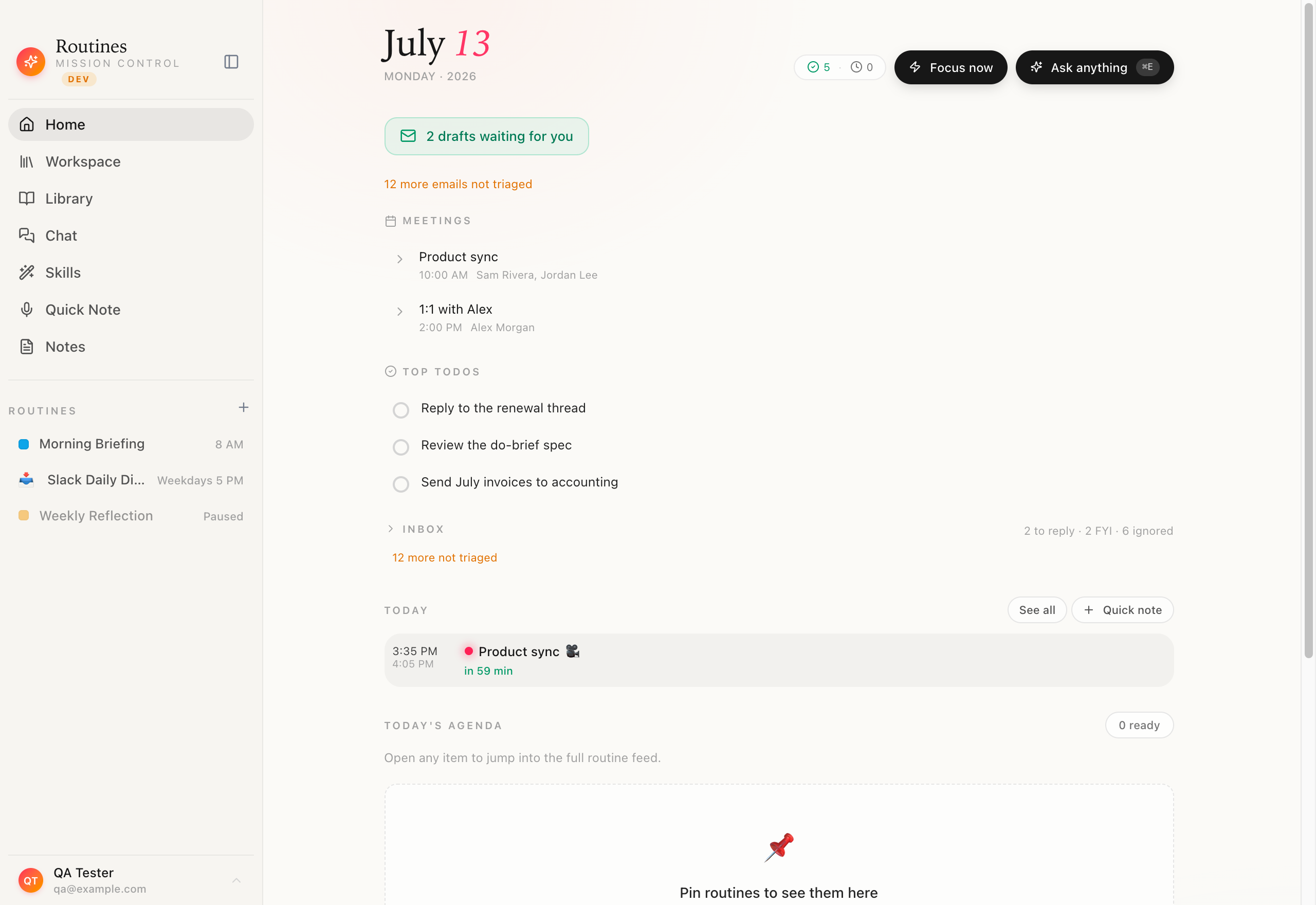
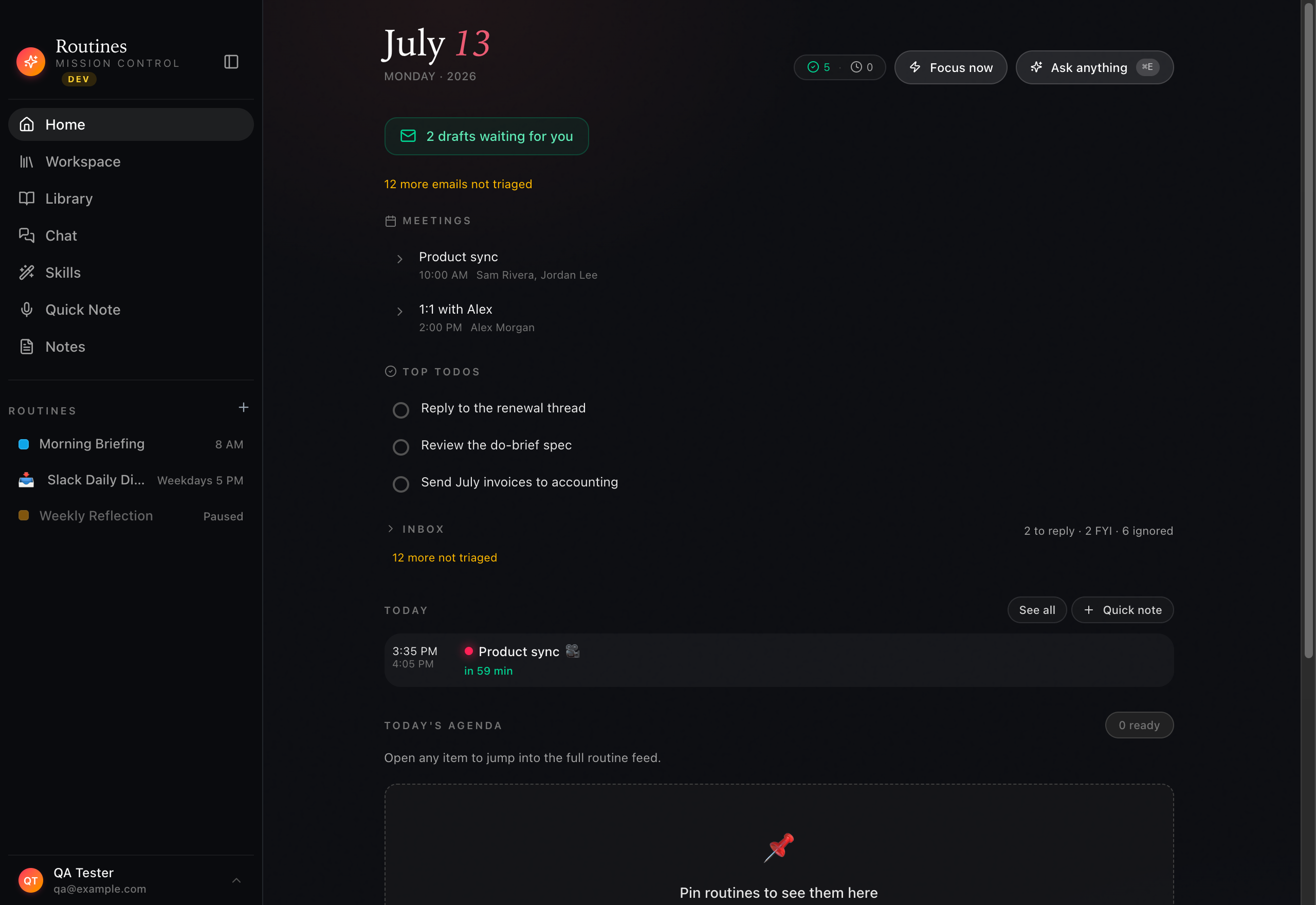
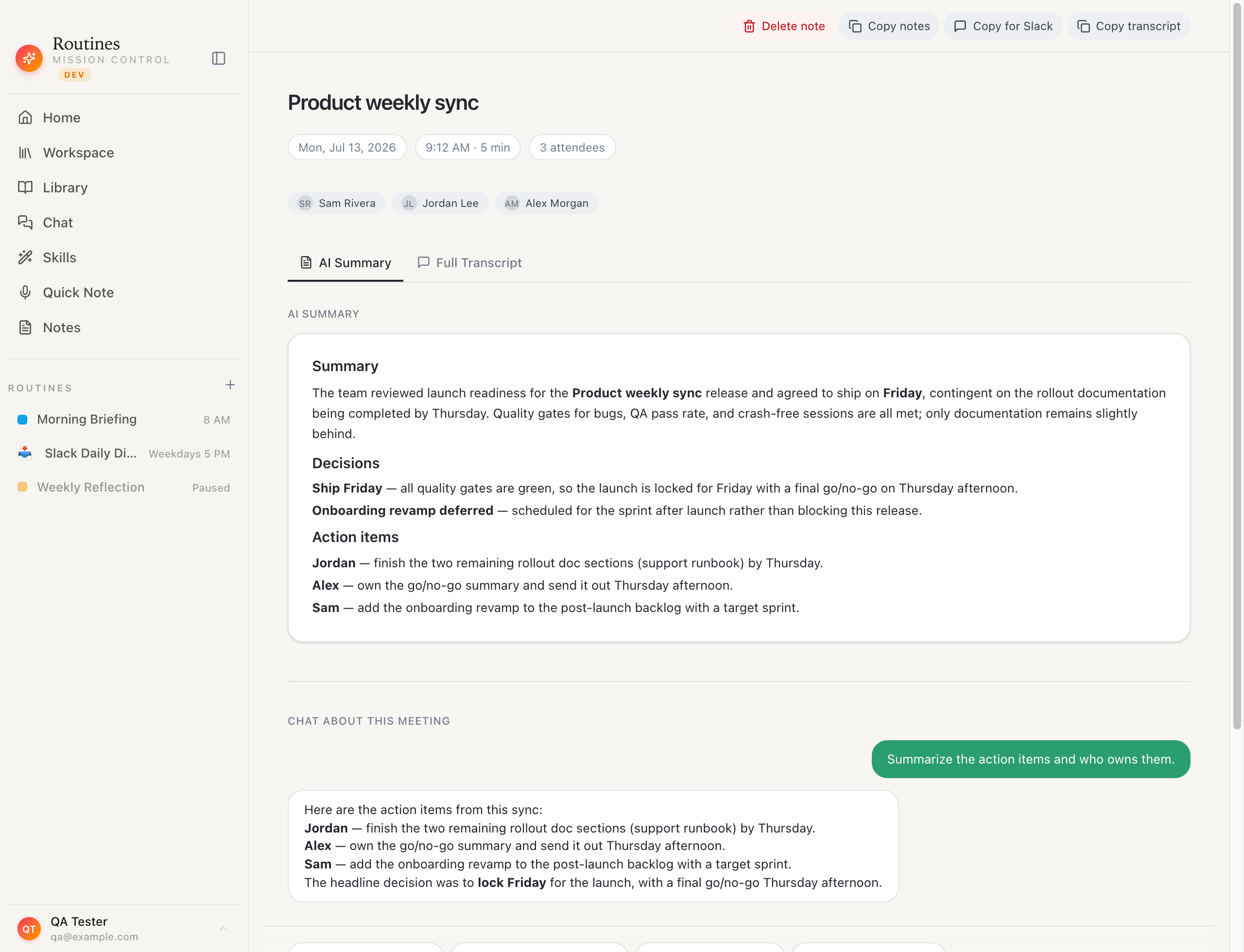
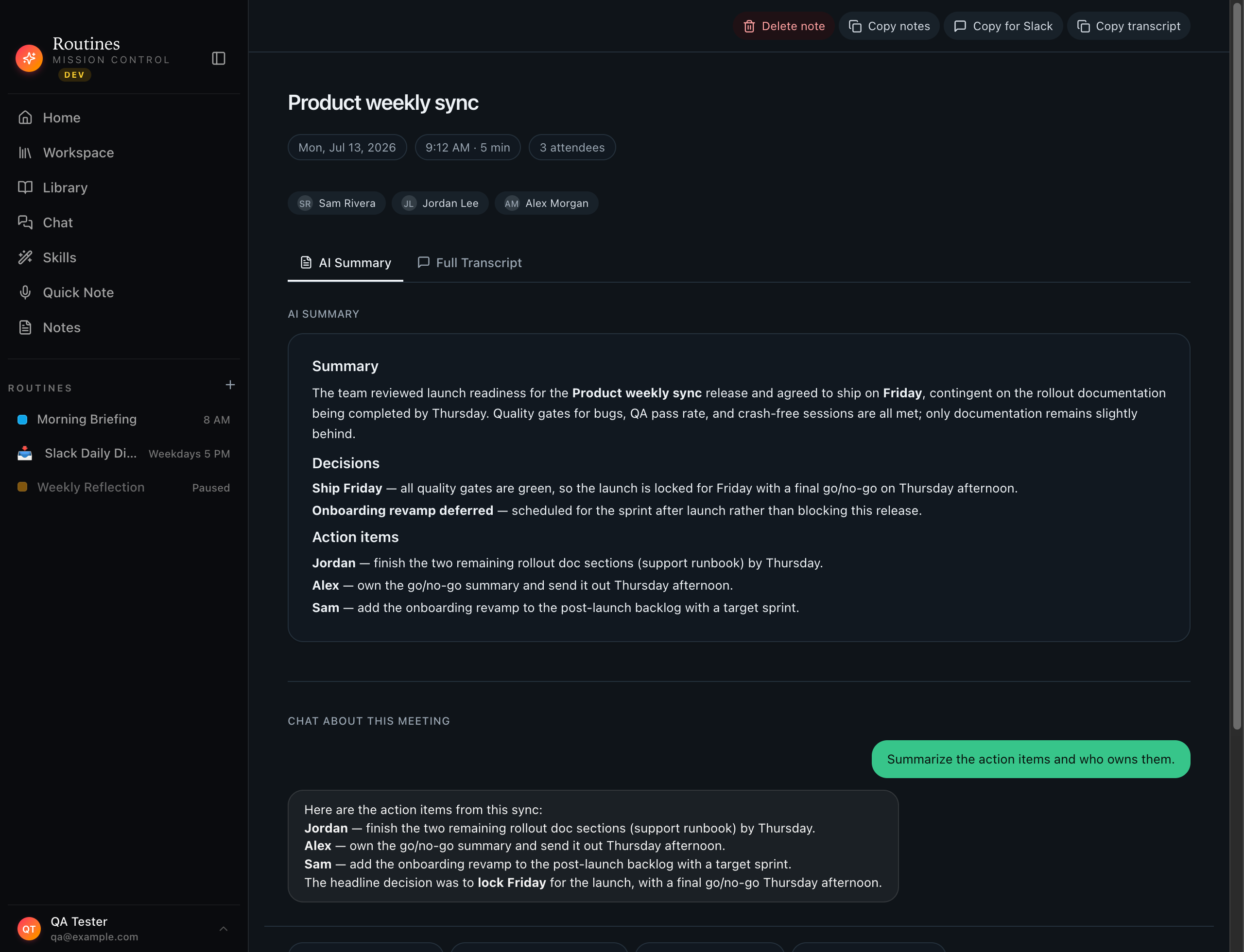
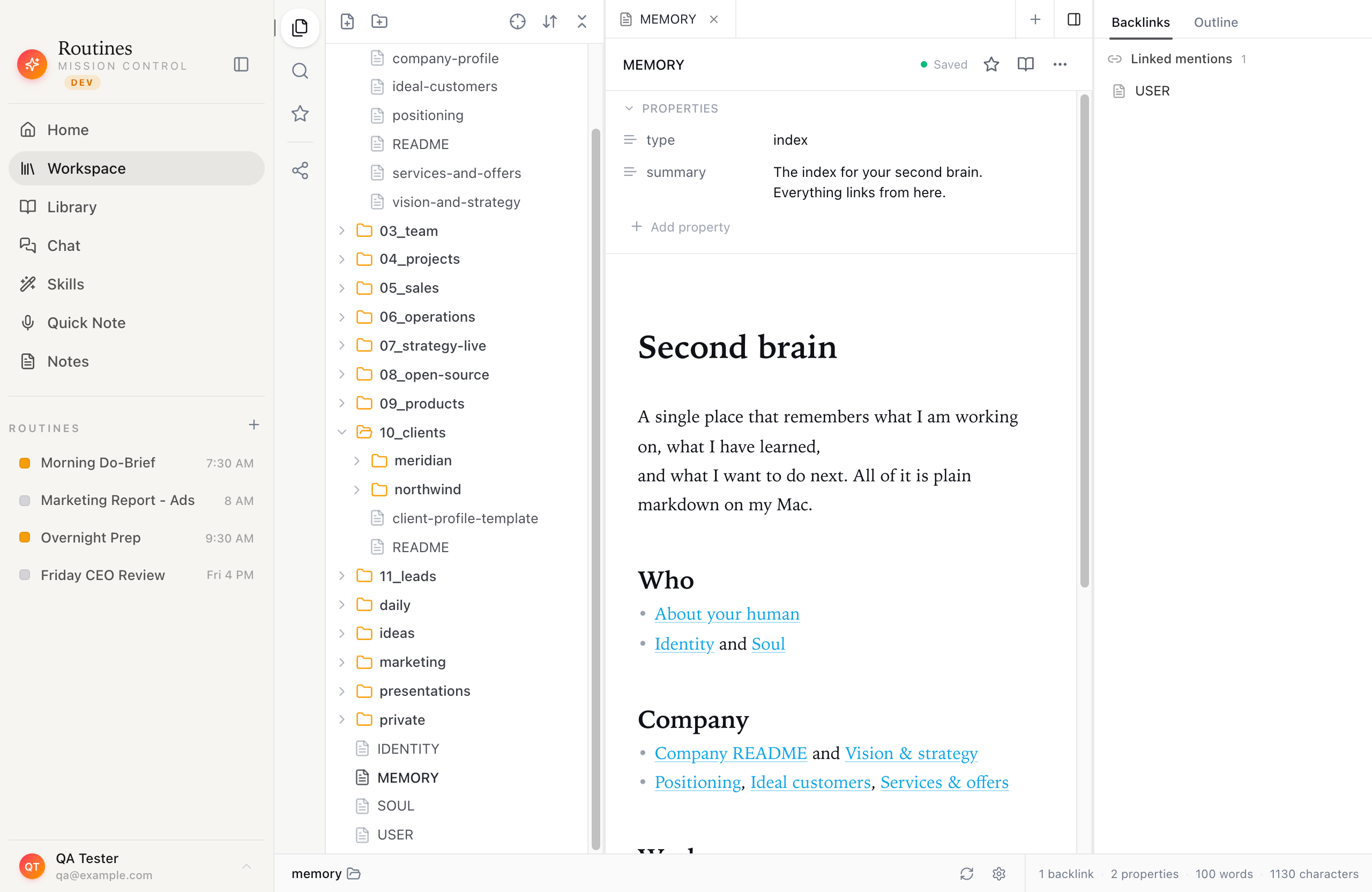
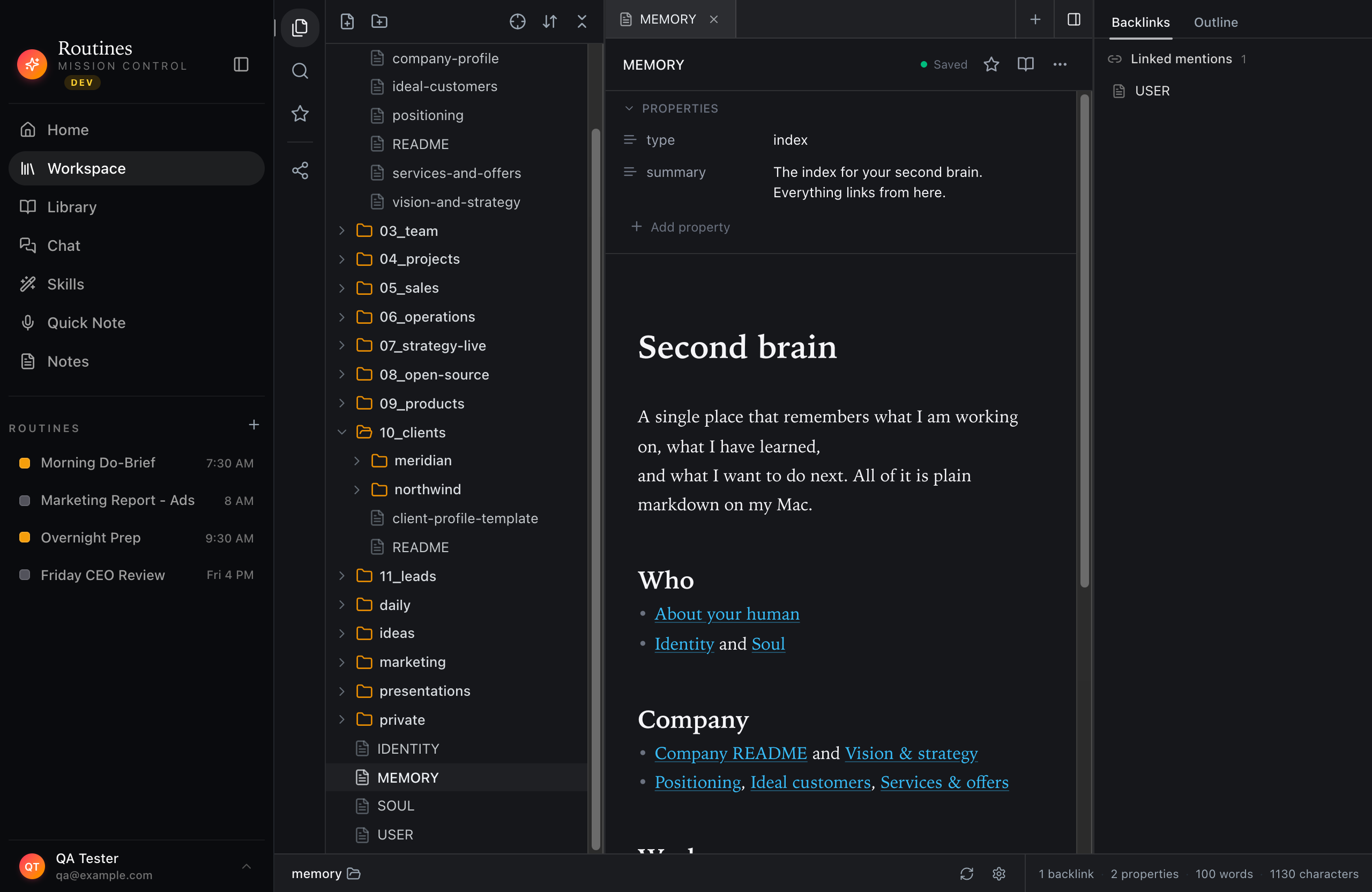
Where a dictation app stops, Routines keeps going: scheduled AI routines on a home dashboard, speaker-separated meeting notes, and a searchable local memory vault, all in the same native Mac app.

Routines mission control home dashboard showing scheduled AI routines like a morning do-brief, ads report, and CEO review with their run times

Scheduled AI routines · a dictation app has none

Routines recorded meeting view with a speaker-separated transcript and an AI-generated summary of the conversation

Meeting notes · speaker-separated

Routines workspace showing a searchable local memory vault of markdown notes stored on the Mac

Local memory vault · markdown on your Mac

FAQ

Routines vs Wispr Flow, answered.

Is Wispr Flow private?

Wispr Flow runs in the cloud to deliver its polished dictation, so your audio and transcribed text are processed on its servers under its privacy policy. That is a normal model for a managed product. Routines takes the opposite approach: audio can stay fully on your Mac with an offline Whisper fallback, and your text never has to leave the machine.

Does Routines dictate as well as Wispr Flow?

Wispr Flow has spent a long time refining flow-style dictation, tone, and command handling, and it shows. Routines streams your words to transcription as you speak and auto-pastes into the focused app, with LLM cleanup and Romanian diacritics on non-English. If dictation polish is the single thing you care about most, Wispr Flow is excellent at it.

Can I use my own AI model with Routines?

Yes. Routines talks to Claude, GPT, or OpenRouter directly from your Mac using a key you store in the macOS Keychain, or you can sign in with a ChatGPT account. You can swap models any time and keep all your memory and history.

What does Routines do that a dictation app does not?

Beyond dictation, Routines records and transcribes meetings with speaker separation, keeps a searchable local clipboard history, and runs scheduled AI routines like morning briefings and email digests. It is closer to a whole local assistant than a single-purpose tool.

Do I need a subscription?

Routines offers a 7-day trial with no credit card, then unlocks with a license key. Everything you capture stays on your Mac either way.

Dictate, record, automate. Locally.

One native Mac app for dictation, meetings, clipboard, and routines, with everything stored on your machine. The setup details live in our guide to dictation on Mac.

Download