Routines Routines

Compare / OpenClaw

An OpenClaw alternative. AI agents without the terminal.

OpenClaw is a brilliant, wide-open framework for building AI agents, and its raw flexibility is exactly why developers love it. Routines is for everyone else: the same idea of scheduled AI agents on your Mac, but you drag a DMG to Applications, sign in with Google, and your first routine runs in about 60 seconds. No terminal, no API-key wrangling. We keep a wider list of OpenClaw alternatives if you are still shopping around.

OpenClaw

Terminal, keys, config

Clone, install dependencies, set environment variables, paste API keys, and script your agents. Total control, if you are comfortable on the command line.

Routines

Drag, sign in, done

Drag the notarized DMG to Applications, click Continue with Google, and your first scheduled AI routine runs in about 60 seconds. No terminal, ever.

This is what you get

A native app, not a command line.

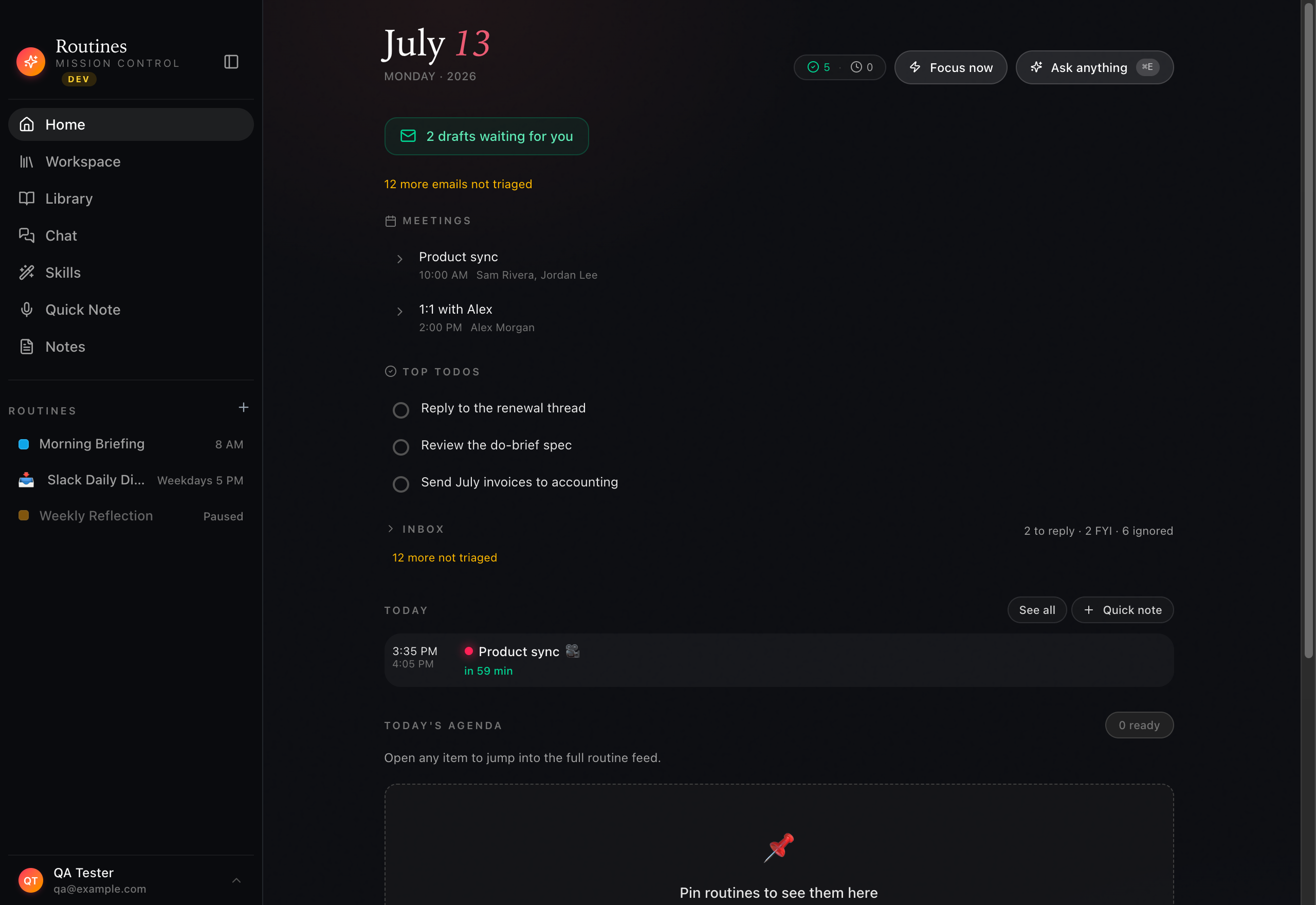
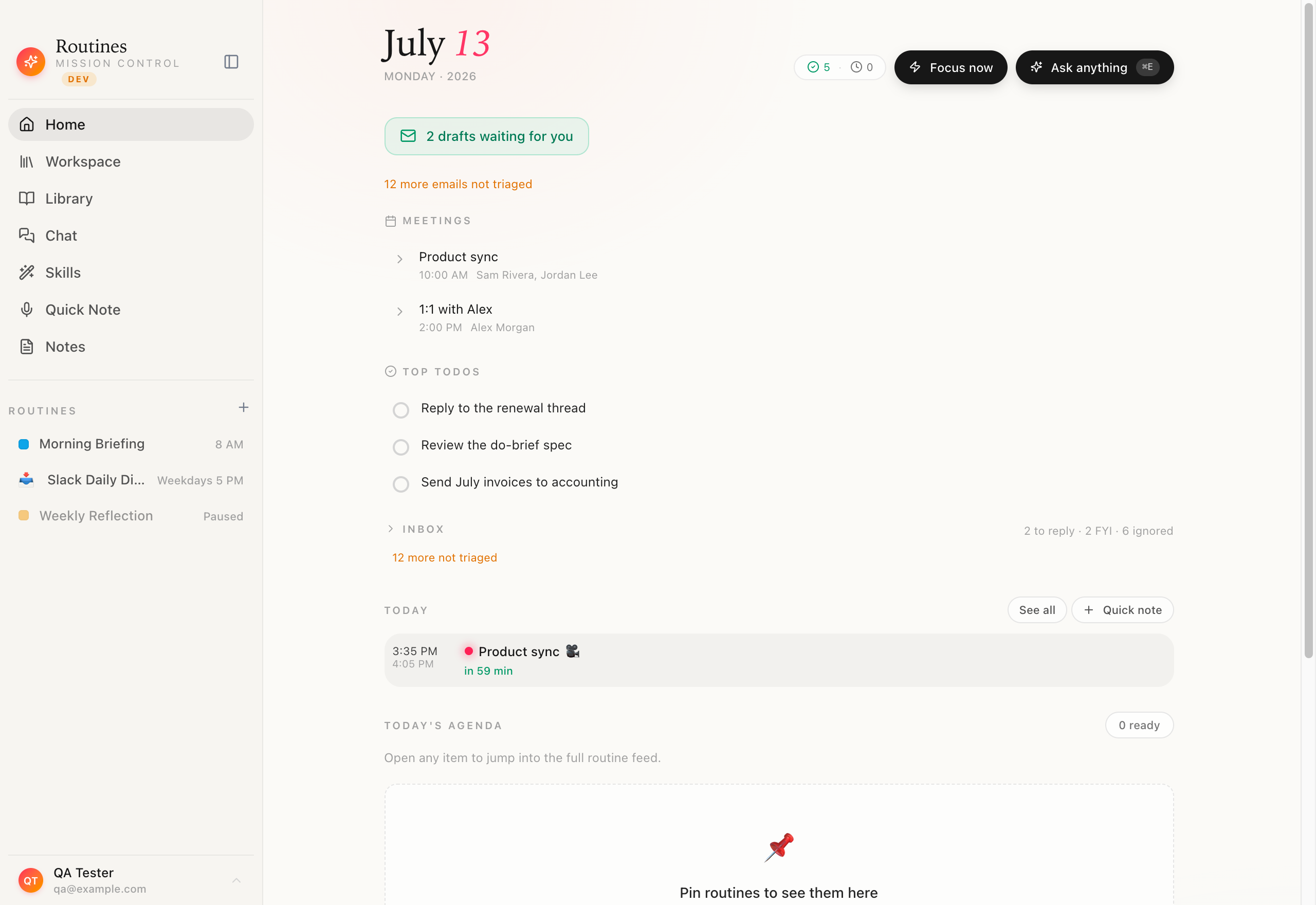
Where OpenClaw hands you a repo and a terminal, Routines opens to Mission Control: your scheduled AI routines, recent outputs, and connectors in one polished macOS window. Nothing to clone, nothing to configure.

Routines Mission Control home on macOS showing scheduled AI routines, recent routine outputs, and connectors in a native app window with no terminal

Native macOS app · no clone · no config

Feature
Routines
OpenClaw
Setup
Notarized DMG, drag to Applications, ~60 seconds
Terminal install plus API keys and config
Who it is for
Non-developers who want AI agents that just run
Developers comfortable in the terminal
Flexibility & extensibility
Connectors plus any MCP server
Raw, open, scriptable — bend it to anything
Where your data lives
On your Mac — markdown + local SQLite
Local-first, depends on your setup
Scheduled AI routines
Cron + event triggers, plain-English setup
Possible, but you wire it up yourself
Meeting notes
Speaker-separated transcription + AI summary
Not built in
Dictation & clipboard
Hotkey voice typing + local clipboard history
Not built in
Model choice / BYOK
Claude, GPT, OpenRouter — key in Keychain
Bring your own keys, fully configurable
Computer control
Approval-gated local actions and browser automation
Full programmatic control if you build it
Price model
One app, 7-day trial, then a license
Open framework, you bring infrastructure

Checkmarks both ways · an honest comparison

Schedule in plain English

Describe the agent. Pick when it runs.

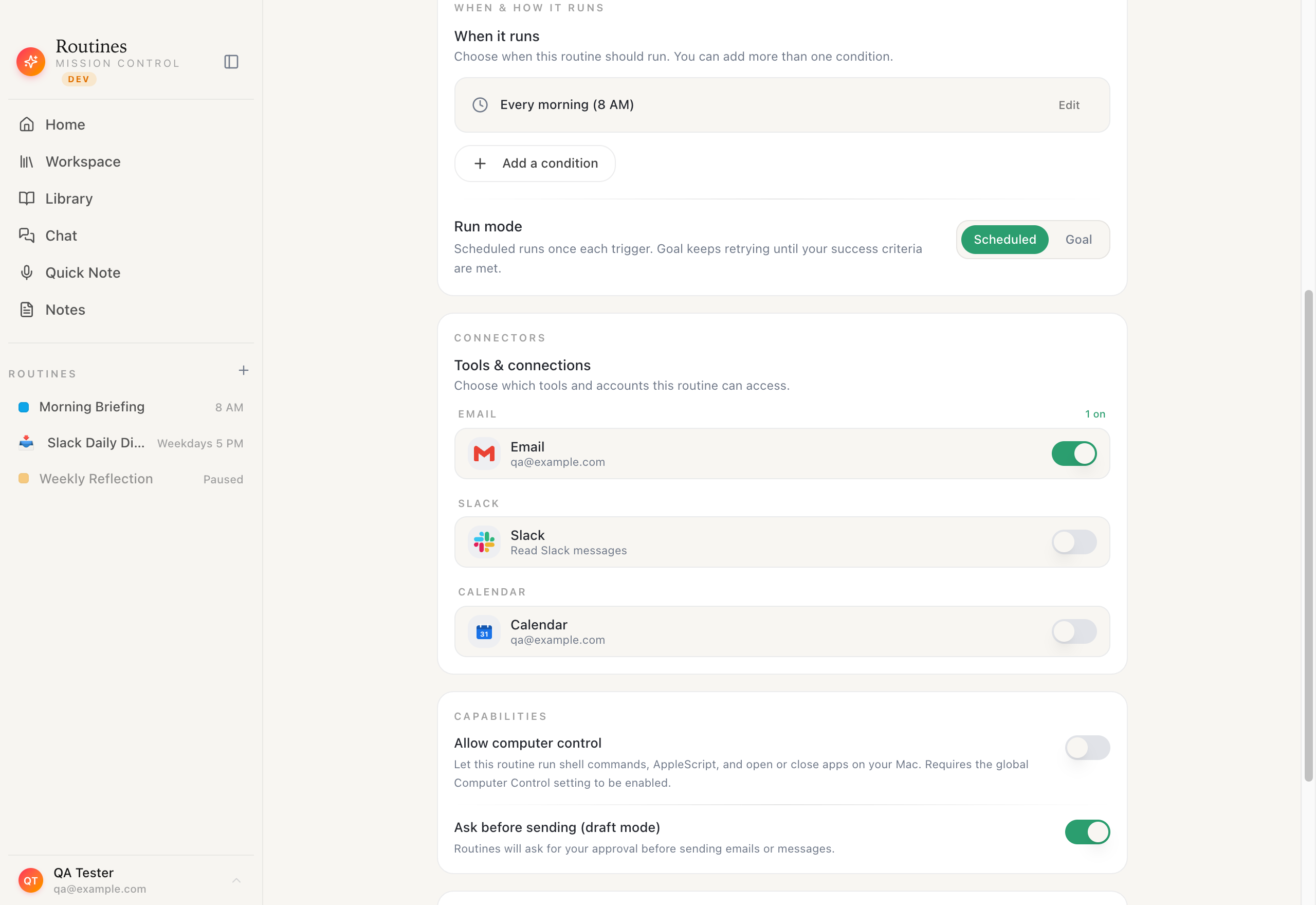
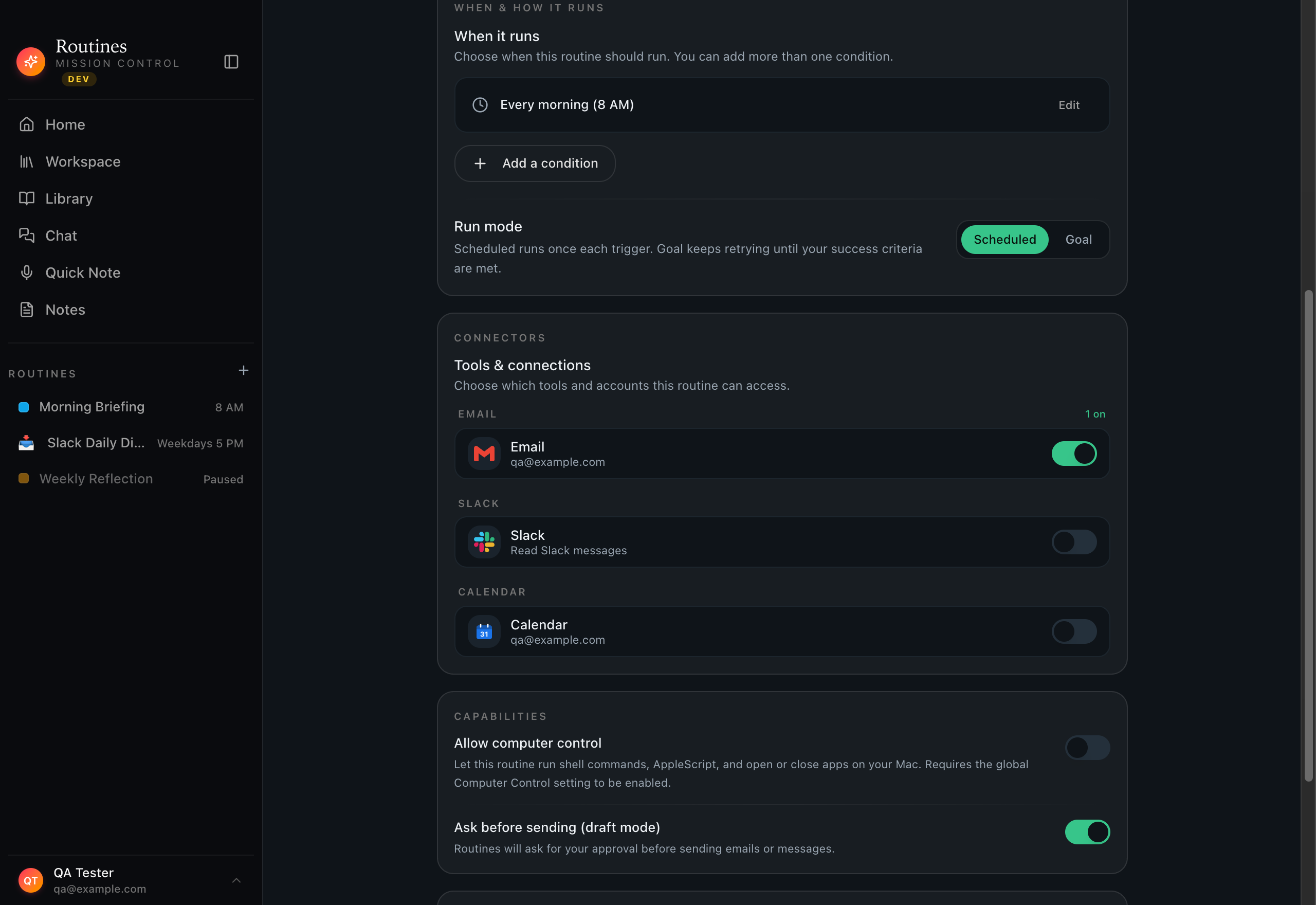
OpenClaw can run scheduled agents too, but you wire up the cron and the infrastructure yourself. In Routines you type what the routine should do in plain English and choose a schedule with a click. No YAML, no crontab.

Routines routine builder on macOS where a scheduled AI routine is described in plain English and given a run schedule with a click, no cron or config files

Plain-English setup · cron + event triggers · zero YAML

When OpenClaw is the better choice

  • You are a developer who wants raw, open-ended control and is happy living in the terminal.
  • You want to script custom agent behavior and wire up your own infrastructure exactly how you like it.
  • Extensibility matters more to you than a polished, out-of-the-box native app.

When Routines fits

  • You want scheduled AI agents on your Mac without touching a terminal or managing API keys by hand.
  • You want meetings, dictation, clipboard history, and connectors built in, not assembled yourself.
  • You want a native, notarized app that a non-developer can install and use the same day.

Everything stays on your Mac

A local second brain, in plain markdown.

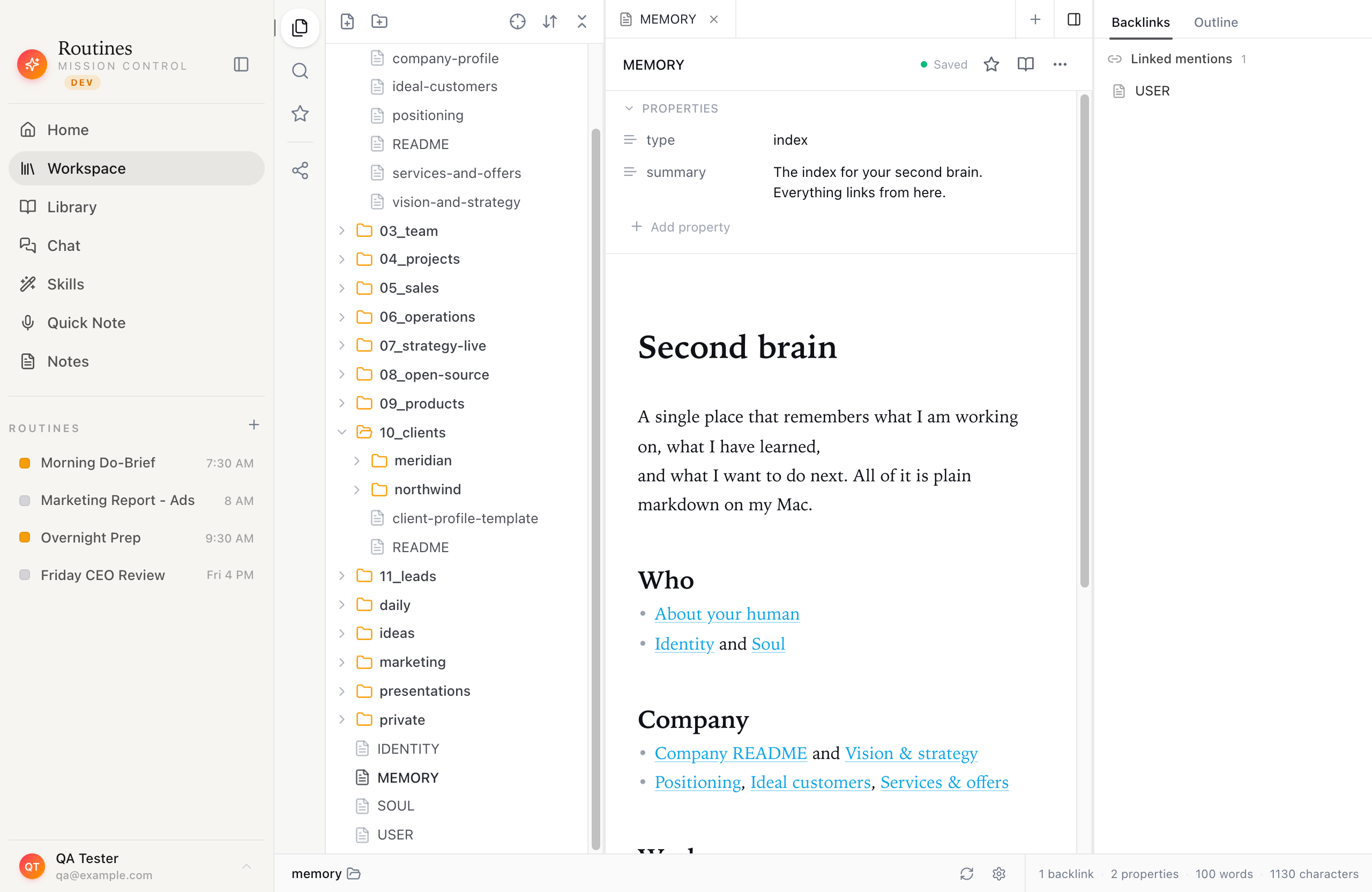
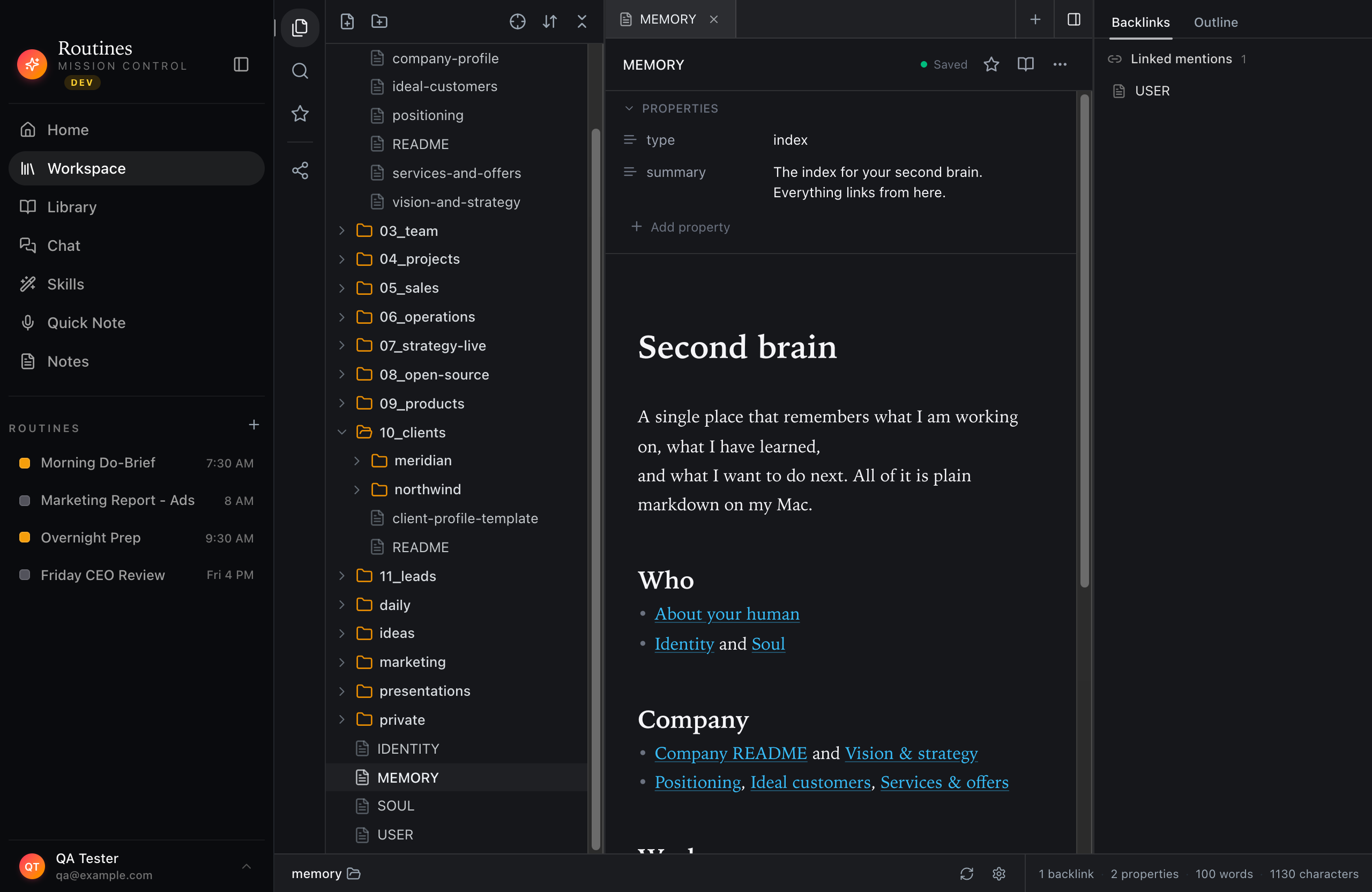
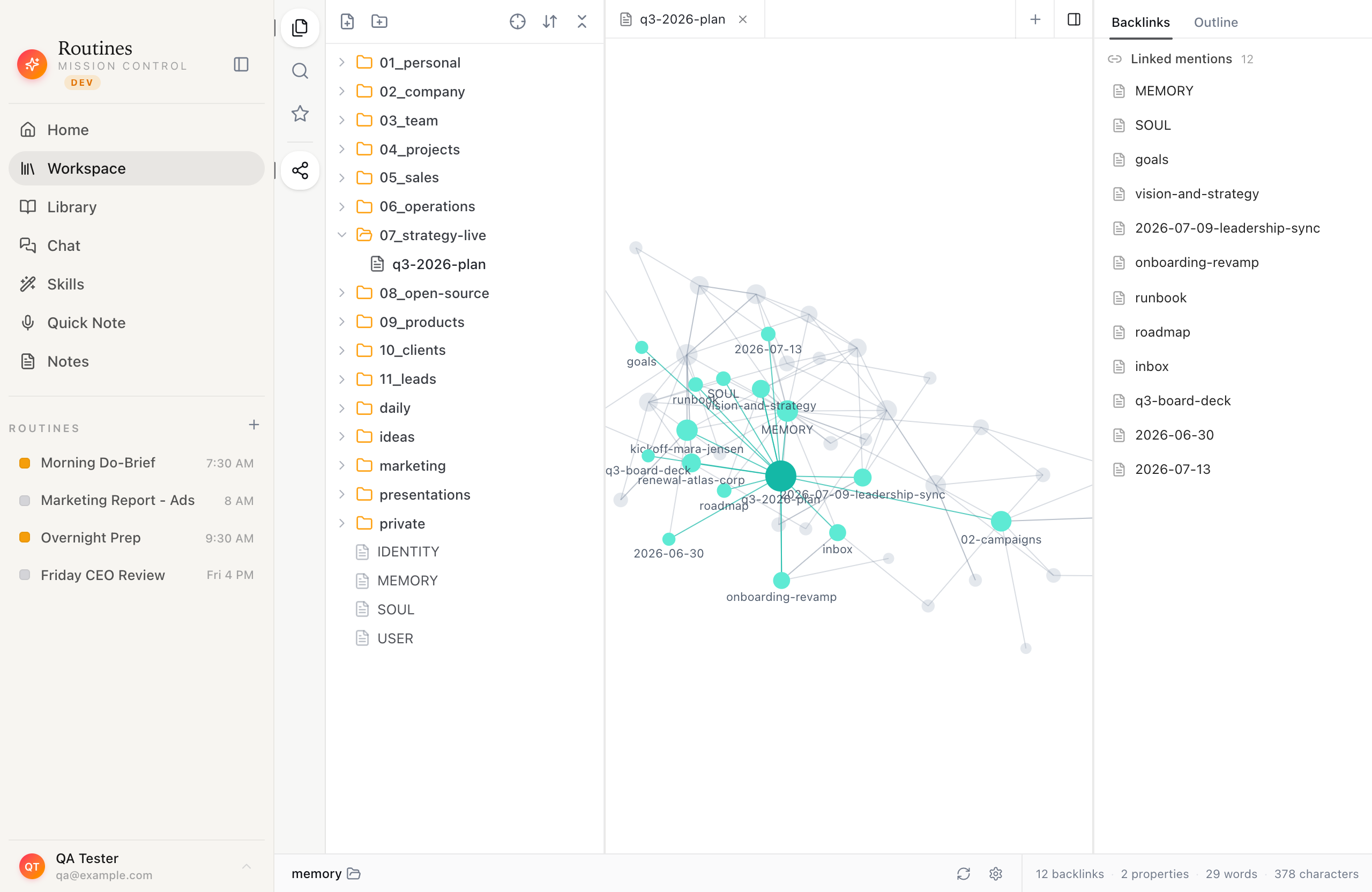
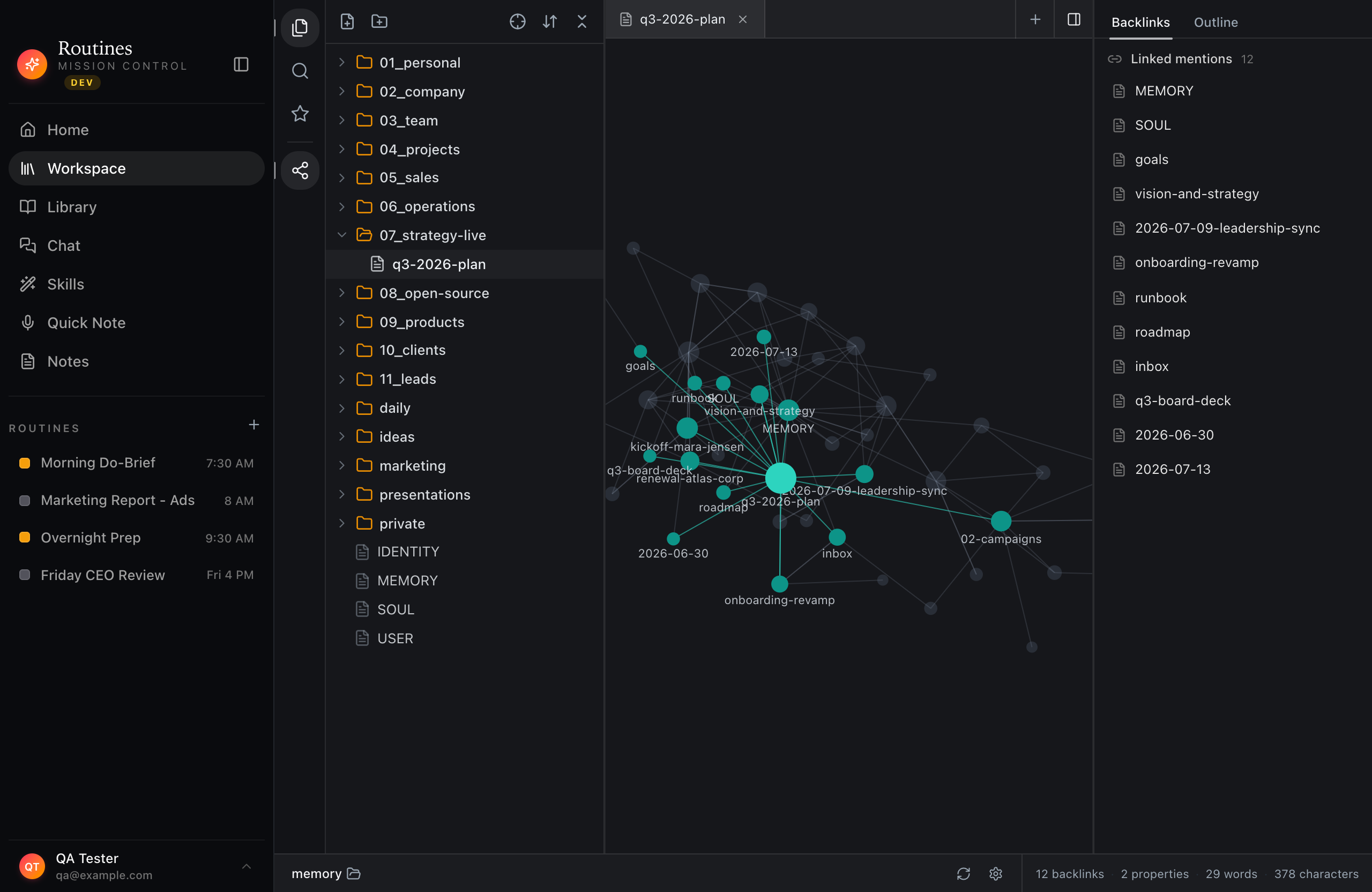
Your memory, notes, and routine outputs are markdown files and local SQLite on your Mac, browsable in a built-in vault and linked into a knowledge graph. No server, no cloud database, and no setup to make it private.

Routines workspace vault on macOS browsing a local markdown second brain of memory notes and routine outputs stored on the user's Mac
Routines local knowledge graph on macOS linking markdown memory notes into a connected second brain, all stored on the user's Mac

Markdown + local SQLite · no server · private by default

FAQ

OpenClaw alternative, answered.

Is OpenClaw private?

OpenClaw is a local-first, open framework, so how private it is largely depends on how you configure and host it. In skilled hands it can be very private. Routines is private by default: your memory, transcripts, and outputs are markdown and local SQLite on your Mac, and your keys live in the macOS Keychain.

Do I need to use the terminal with Routines?

No. Routines installs from a notarized DMG you drag to Applications, then you sign in with Google and your first AI routine can run in about 60 seconds. There is an optional CLI for power users, but the whole product works without ever opening a terminal.

Is OpenClaw better for developers?

For developers who want raw flexibility, OpenClaw is genuinely powerful: it is open, scriptable, and you can bend it to almost anything if you are comfortable with the terminal and API keys. Routines trades some of that open-endedness for a polished, native app that non-developers can run on day one.

Can Routines run scheduled AI agents like OpenClaw?

Yes. Routines runs scheduled AI routines with cron and event triggers, created in plain English, plus connectors for Gmail, Calendar, Slack, and Jira and any MCP server. You get agent-style automation without wiring up infrastructure yourself.

Do I need a subscription?

Routines offers a 7-day trial with no credit card, then unlocks with a license key. Your data stays on your Mac in every case.

AI agents, minus the terminal.

Scheduled AI agents on your Mac in about 60 seconds, with your data staying local. New to the project? Start with what OpenClaw actually is, or read how it behaves running on a Mac mini.

Download