
Voice to text on Mac has quietly gotten good. Five years ago dictation meant speaking slowly, in a robot cadence, then spending as long fixing the output as you would have spent typing it. Today a decent app transcribes normal conversational speech, with names and punctuation, faster than most people type, and drops the text straight into whatever window you were already in.
The problem is that these apps look nearly identical from the outside. They all sit on a global hotkey, they all claim to be fast, and they all put words on your screen. Two differences actually matter: what it costs, and where your audio goes when you speak. This guide covers the best voice to text Mac apps available today: macOS built-in dictation, Superwhisper, Wispr Flow, VoiceInk, and Routines, with real prices and an honest read on who each suits.
Disclosure up front: we build Routines, so we have a stake in this. We have tried to be specific about where the other four are better, because for a lot of people they will be.
The short version
| App | Price | Where audio is processed | Best for |
|---|---|---|---|
| Apple Dictation | Free, built in | On device (Apple silicon) | Short bursts, zero setup, zero cost |
| Superwhisper | Free tier, Pro around $8.49/mo, lifetime option | On device with local models, cloud optional | The best focused private dictation app |
| Wispr Flow | Free 2,000 words/week, Pro $15/mo ($12 annual) | Cloud only, on Wispr's servers | Maximum polish, cross platform, iPhone too |
| VoiceInk | One-time $25 to $49, open source | On device | One purchase, no subscription, auditable code |
| Routines | Free plan with AI credit or your own key, Pro €19/mo | Streamed for live transcript, offline Whisper fallback | Dictation plus meetings, clipboard, and AI routines in one app |
macOS built-in dictation: free, and better than its reputation
Before you pay anyone, try the one you already have. Open System Settings, go to Keyboard, scroll to Dictation, and switch it on. Tap the microphone key in any text field and start talking. You can pick a different shortcut in the same pane.
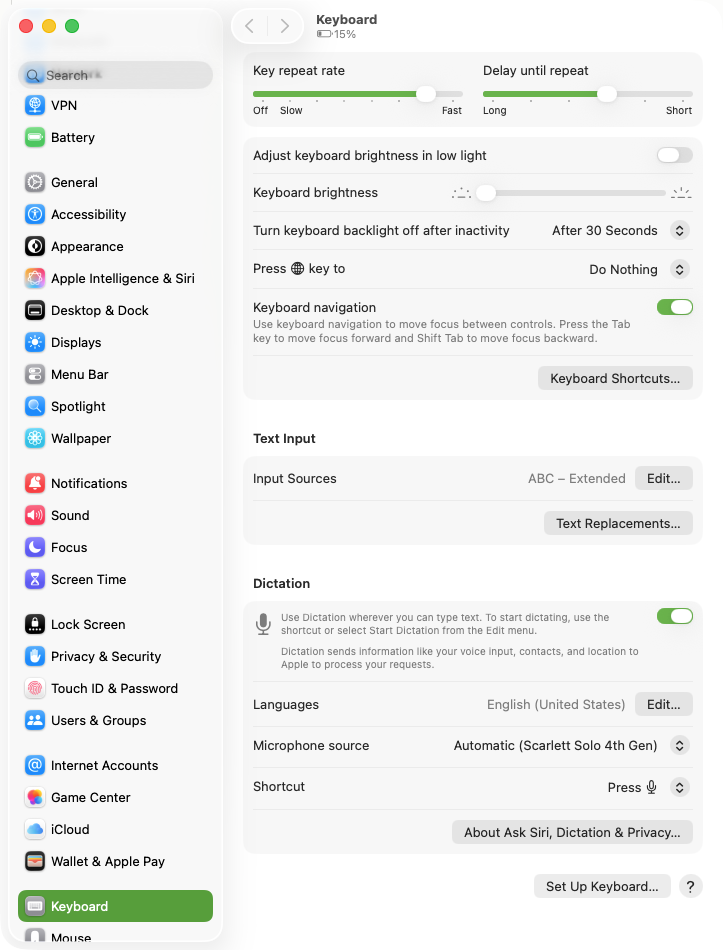
On an Apple silicon Mac this runs entirely on device. Your voice never touches a server, it works on a plane with no connection, and there is no word cap because there is no meter. Punctuation is automatic: macOS inserts commas and periods as you speak, with no toggle to manage.
Where it falls down is the long tail. It stops listening after about 30 seconds of silence, which breaks the "leave it running while I think" workflow. There is no custom vocabulary, so product names, colleagues' surnames, and technical jargon get mangled the same way every time. There are no per-app modes, so a Slack message and a long document get the same treatment. And accuracy on dense technical speech is a step behind the Whisper-class models the paid apps use.
If you dictate a few messages a day, Apple Dictation is enough and you can stop reading here. Our guide to dictation on Mac walks through the setup in more detail. If you dictate for an hour a day, the ceiling arrives fast.
Superwhisper: the best focused private dictation app
Superwhisper is a Mac-native dictation app that lives on a global hotkey and can run speech recognition entirely on your machine using local Whisper models. That last part is the reason to pick it: where most tools quietly ship your recordings out for processing, Superwhisper's default is that your audio stays home.
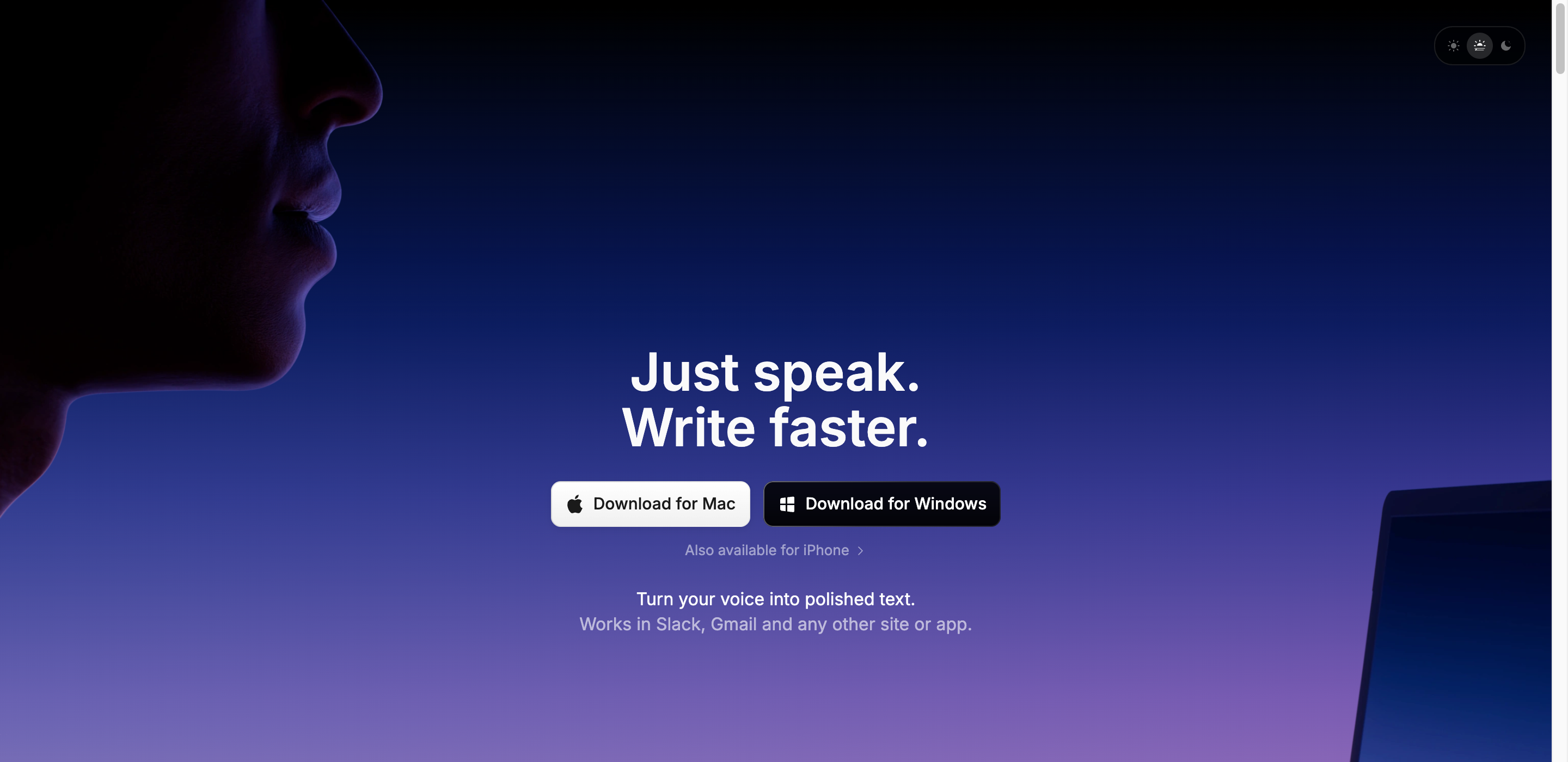
The free tier is genuinely usable: unlimited dictation with its small local models, meeting recording, and 100+ languages. Pro sits at roughly $8.49 a month at the time of writing, with an annual plan and a lifetime option, and adds larger cloud and local models, your own API keys, file transcription, and translation. Prices moved during 2026, so check the site before you commit.
What sets it apart day to day is modes and custom vocabulary. You can configure different behaviours for a quick Slack reply, a long note, and a prompt aimed at an AI tool, and you can teach it the names and product terms it would otherwise butcher.
Where it stops: it does dictation and nothing else, by design. No clipboard history, no scheduled tasks, no shared memory across your work. And if you switch from a local model to a cloud model for accuracy, the on-device privacy story no longer applies to that session. We wrote a longer Superwhisper review and keep a Routines vs Superwhisper comparison if you want the side by side.
Wispr Flow: the most polished, and fully cloud
Wispr Flow is the most consumer-polished option here. It handles conversational speech well, cleans up filler words and false starts, adapts tone to the app you are writing in, and runs on Mac, Windows, iPhone, and Android, which none of the others do. If you dictate on your phone as much as your laptop, that alone can decide it.
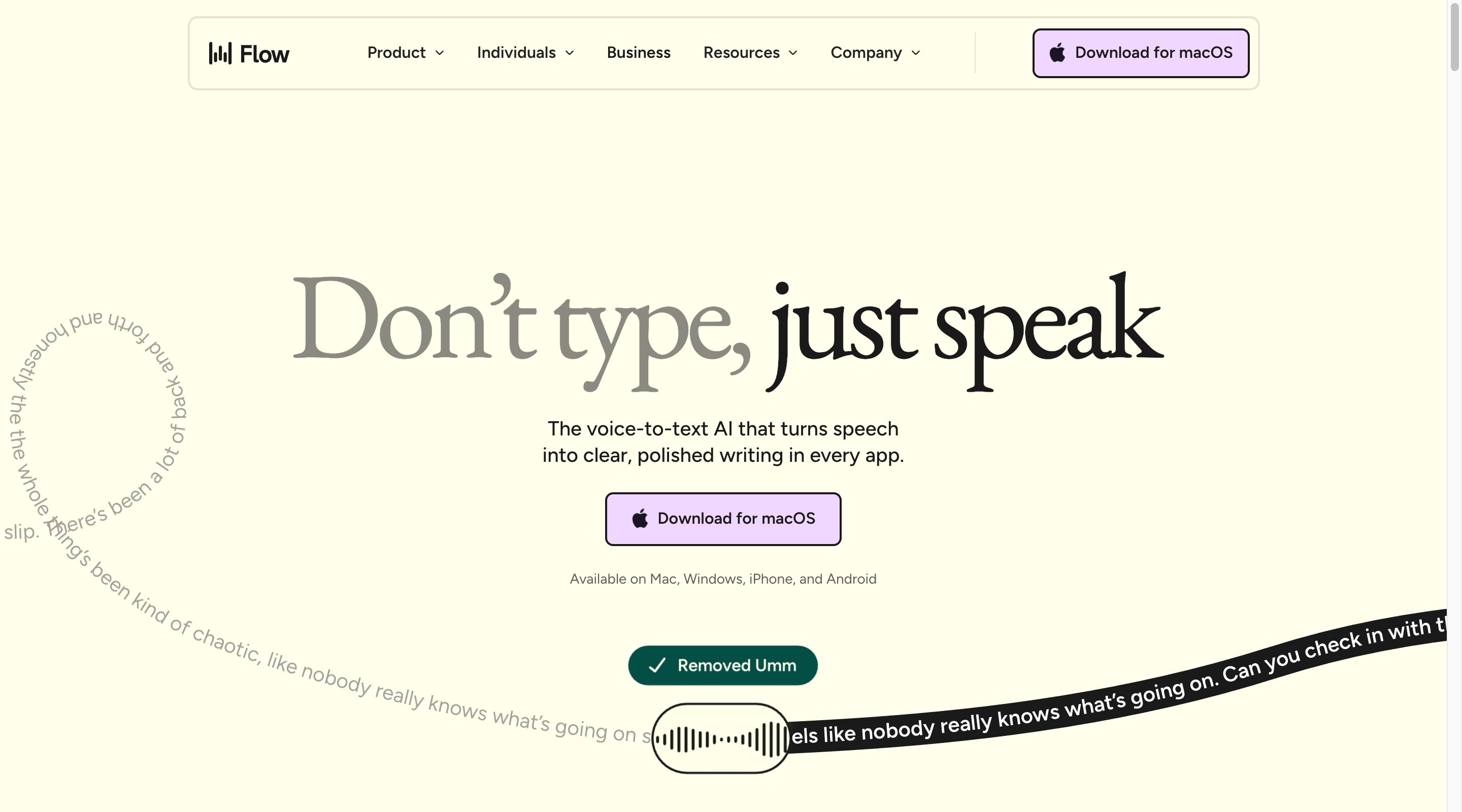
Pricing is a free tier of 2,000 words per week on Mac or Windows, and Flow Pro at $15 per user per month, or $12 monthly if you pay annually, for unlimited words.
The tradeoff is structural: Wispr Flow is cloud only. Audio goes to its infrastructure for processing and there is no on-device mode at any tier. The company offers a privacy mode with zero data retention and says dictation data is not used for training, so this is a matter of policy rather than negligence. But if your rule is "client audio does not leave this machine," a policy is not the same as an architecture. Our Routines vs Wispr Flow page covers the rest.
VoiceInk: buy it once, read the source
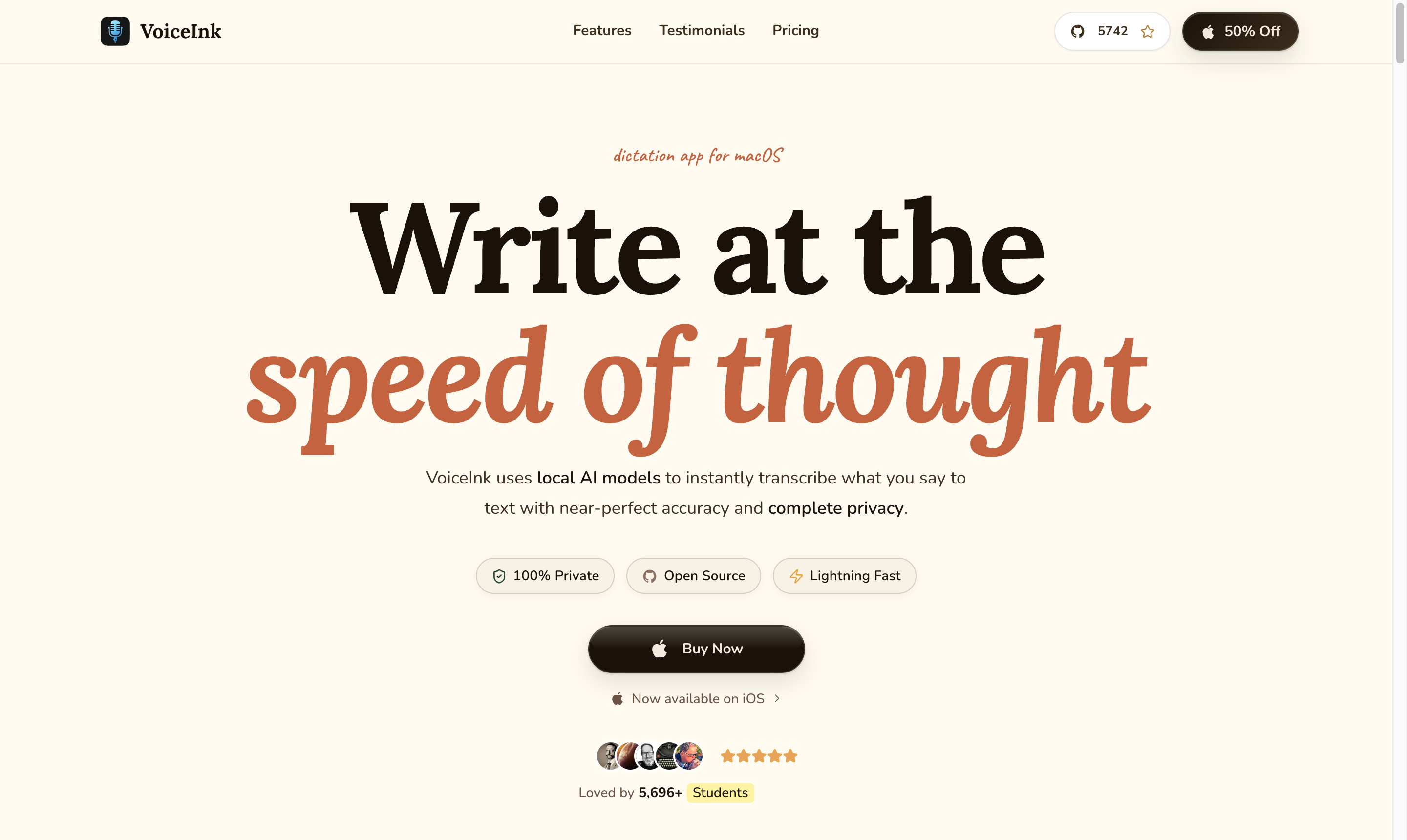
VoiceInk is the answer for people allergic to subscriptions. It is a macOS dictation app with a one-time price: $25 for one device, $39 for two, $49 for three. No recurring charge, no word meter.
Transcription runs locally on your Mac, and the project is open source on GitHub, so the privacy claim is one you can verify instead of taking on trust. Local processing plus auditable code plus a single payment is a rare combination, and if that describes what you want, VoiceInk is the shortest path to it.
It is a smaller project than Superwhisper or Wispr Flow, so expect a shallower feature set and a smaller support surface. It does dictation well and leaves the rest of your workflow alone.
Routines: dictation as one feature of a local-first assistant
Routines comes at this from a different angle. It is a native macOS assistant that includes hotkey dictation alongside AI meeting notes, clipboard history, screenshots, a local markdown memory, and scheduled AI routines. The pitch is not "a better dictation app" but "one app instead of four."
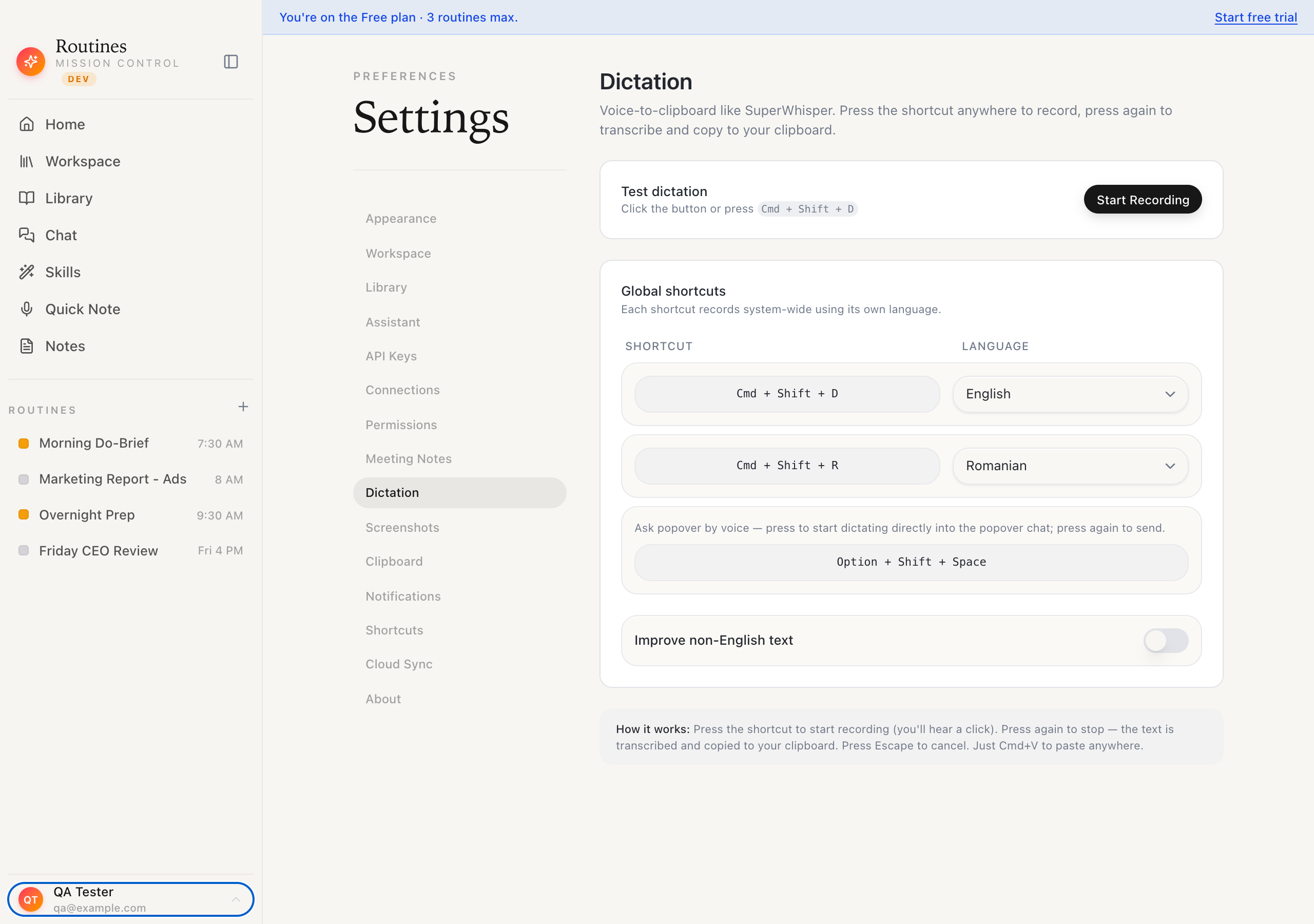 Per-language hotkeys, an LLM polish toggle for non-English, and a live test button.
The dictation does what you would expect from a good voice tool. Press a global hotkey from anywhere, talk, tap the hotkey again to stop, and the text auto-pastes at your cursor in whatever app had focus. A second hotkey handles a second language, so you can move between English and, say, Romanian without opening a menu. Non-English transcripts get an LLM polish pass that fixes punctuation and restores accented characters, while English stays instant. Press Escape mid-sentence and nothing is transcribed and nothing is pasted.
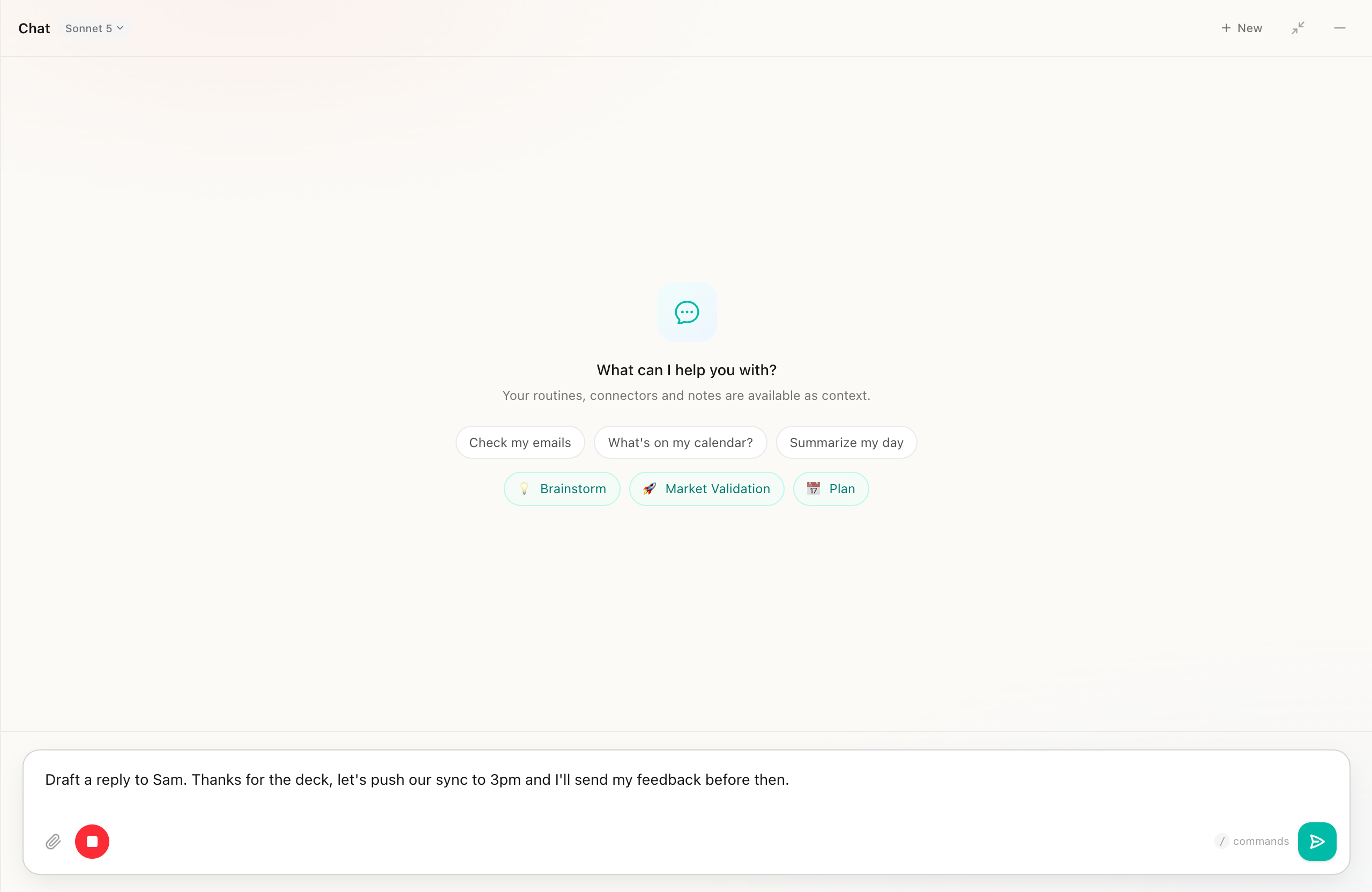
Where the audio goes, stated plainly: the live transcript streams to a speech service so the text is ready the moment you tap the shortcut again to stop, and an offline Whisper fallback takes over when the connection drops. That is a weaker raw-audio privacy story than Superwhisper's local models or VoiceInk's, and we are not going to pretend otherwise. What does stay local, always, is everything downstream: your notes, transcripts, clipboard, and routine outputs live as plain markdown and a SQLite database on your Mac, and nothing syncs anywhere unless you switch on Cloud Sync yourself or share it by link.
Pricing is a free plan at €0 forever, which includes dictation, clipboard history, screenshots, meeting notes with your own Deepgram key, and up to three active routines. Every new account starts with €5 of AI credit, and you can point it at your own Anthropic API key instead whenever you want. Pro is €19 a month, or €16 billed yearly, and adds unlimited routines, managed meeting transcription, and every connector. The trial is 7 days with no credit card.
Where the specialists beat us: Superwhisper and Wispr Flow are more mature, more focused dictation tools, with deeper dictation-specific features like modes and custom vocabulary. If voice to text is the only job you want solved, buy one of those.
How to actually pick
Three questions settle this faster than any feature grid.
Does the audio need to stay on your machine? If you dictate anything covered by a client agreement or an NDA, that narrows the list to Apple Dictation, VoiceInk, or Superwhisper on a local model. Cloud tools with good policies are still cloud tools.
Are you paying monthly or once? VoiceInk is one payment, Apple Dictation is zero, Superwhisper has a lifetime option. Wispr Flow and Routines Pro are subscriptions, and both need to earn that every month.
Is dictation the whole job, or one piece of it? If you are also about to buy a meeting-notes app, a clipboard manager, and something to run scheduled AI tasks, that is four subscriptions and your work scattered across four clouds. That is the case a broader local-first app is built for.
Most people should start with the free option they already own, use it for a week, and notice exactly where it annoys them. The thing that annoys you is what you should shop for.
FAQ
Does macOS have built-in voice to text? Yes. Open System Settings, go to Keyboard, and switch Dictation on. By default you tap the microphone key to start. On Apple silicon Macs it runs on device and works with no internet connection, and punctuation is inserted automatically as you speak.
Is voice to text private on a Mac? It depends on the app. Apple Dictation on Apple silicon and VoiceInk transcribe on device. Superwhisper does too when you pick a local model. Wispr Flow is cloud only, though it offers a privacy mode with zero retention. Check which model an app is using before you assume the audio is staying put.
Which Mac dictation app is most accurate? The paid apps built on Whisper-class and cloud models beat Apple Dictation noticeably on names, technical terms, and long sentences. Superwhisper with a larger model and Wispr Flow are both strong. Accuracy also depends on your microphone and on custom vocabulary, which Apple Dictation does not support.
Does voice to text work offline on Mac? Apple Dictation works offline on Apple silicon. VoiceInk is local by design. Superwhisper works offline on a local model. Wispr Flow requires a connection. Routines streams for the live transcript and falls back to offline Whisper when the connection drops.
What is the best free voice to text app for Mac? Apple Dictation, because it is already installed and runs on device. For better free accuracy, Superwhisper's free tier gives you unlimited dictation with local models, and Routines includes dictation on every plan, free plan included. Dictation spends no AI credit: transcription runs on Deepgram, or on your own Deepgram key if you add one, billed by Deepgram, with an offline Whisper fallback.
Do I need a subscription for dictation on Mac? No. Apple Dictation is free forever, VoiceInk is a one-time purchase starting at $25, and both Superwhisper and Routines have free tiers.
Try the one-app version
If your list is longer than dictation, and it usually is, see what one local-first app covers before you assemble a stack.
Download Routines, put dictation on a hotkey, and talk. Your words land where you were typing, your notes stay as files you own, and the same app records your meetings and runs your morning briefing. Seven days, no credit card.