
Obsidian has no built-in AI. If you search for obsidian ai, what you find are community plugins, YouTube tutorials, and third-party apps that happen to read the same vault folder. That is the whole category: Obsidian gives you a plain-markdown folder and an excellent editor, and everything called AI on top of it comes from somewhere else. This article covers what the plugins actually do, how Claude connects to a vault over MCP, and what it looks like when a separate app writes new notes into the same folder for you, including meeting notes and AI summaries, without you doing the filing.
What Obsidian AI actually is
Obsidian.md is a local markdown editor. Its homepage title reads "Obsidian - Sharpen your thinking" and its pricing page lists Sync, Publish, Catalyst, and a commercial license. Neither page mentions AI (checked 2026-09-17; this finding is inferred from three pages, so it is a strong signal rather than a proof). The company has not shipped a native AI feature.
What people call "obsidian ai" falls into three categories:
- A community plugin installed inside the editor that calls an external AI provider.
- An AI client such as Claude reading your vault via an MCP server.
- A separate app that writes new markdown files into the same folder, so your vault grows without you filing anything.
All three are real options. They differ in what they do to the vault, who holds the API key, and how much setup is required.
The AI plugins people use most
The community plugin directory lists dozens of AI plugins for Obsidian, and the list changes often. The most commonly cited ones at the time of writing:
Smart Connections adds semantic search across your notes. It embeds your vault locally or via an external API and lets you find notes by meaning rather than exact keyword.
Copilot for Obsidian opens a chat panel where you can ask questions about your notes. It sends selected note content to an AI provider of your choice and returns answers in the panel.
Text Generator adds AI writing into the editor itself: complete a sentence, expand a bullet, generate an outline from a heading.
Every plugin in this category makes its own call to an AI provider, which means you give the plugin an API key and the plugin sends note content to that provider. What each provider does with that content depends on the provider's own terms. The ecosystem is active and maintained by individuals, so plugin quality and support vary.
If you use any of these plugins, the AI in your obsidian workflow is the provider the plugin calls, not Obsidian itself.
Can Claude read my Obsidian vault?
Yes, but through a community plugin, not a native Obsidian feature. The path is:
- Install the Obsidian Local REST API community plugin in Obsidian. It starts a local HTTP server that exposes your vault as an API.
- Connect a third-party mcp-obsidian server to that API and add it to Claude's MCP configuration.
We started that server on a Mac on 2026-08-03 and it listed all 12 tools. We did not complete an authenticated call because the Obsidian Local REST API plugin was not installed on the test machine, so the setup requires both components running simultaneously. Full setup notes are on the /mcp/obsidian page.
One thing to be precise about: Routines' own MCP server is a separate thing. It exposes the markdown folder Routines writes into, which can be the same folder as your Obsidian vault, but it is not the mcp-obsidian server above. Two different servers, same underlying folder if you point them at the same path.
Beyond plugins: an AI that writes into the vault, not just reads it
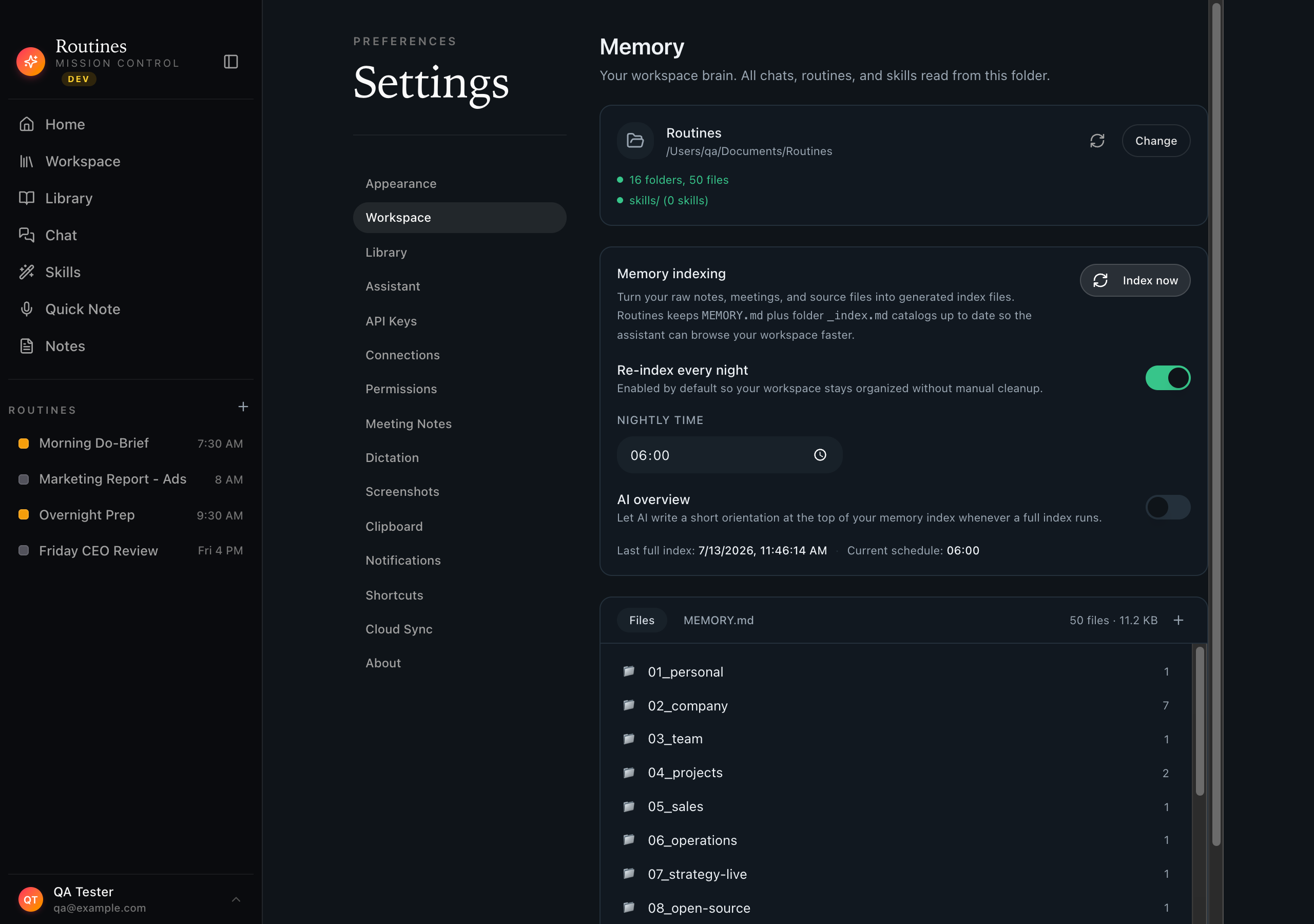
Plugins and MCP connections let AI read and chat over your notes. The third option is different: a separate app that writes new markdown files into the vault on your behalf, so your second brain grows passively as you work.
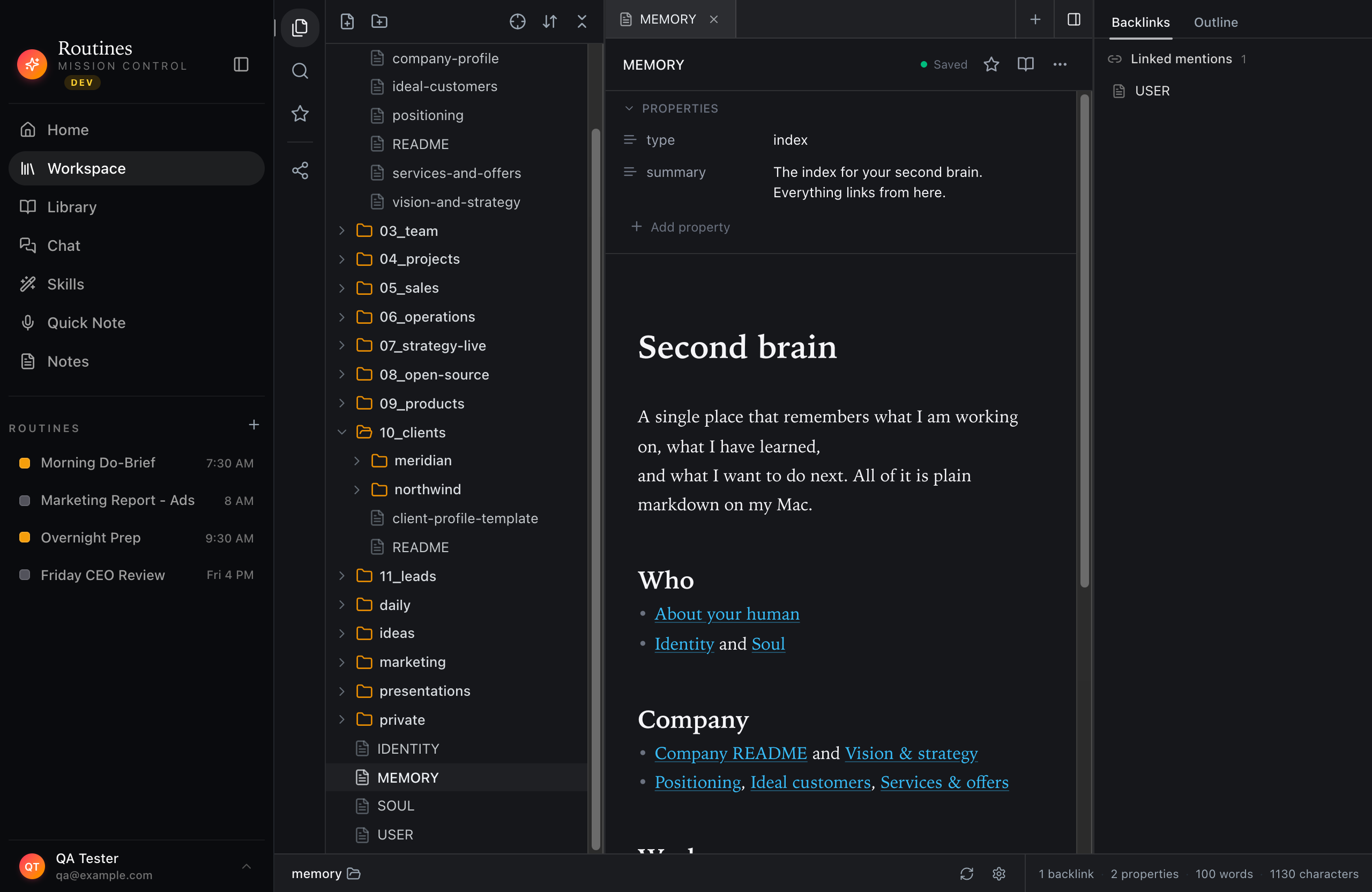
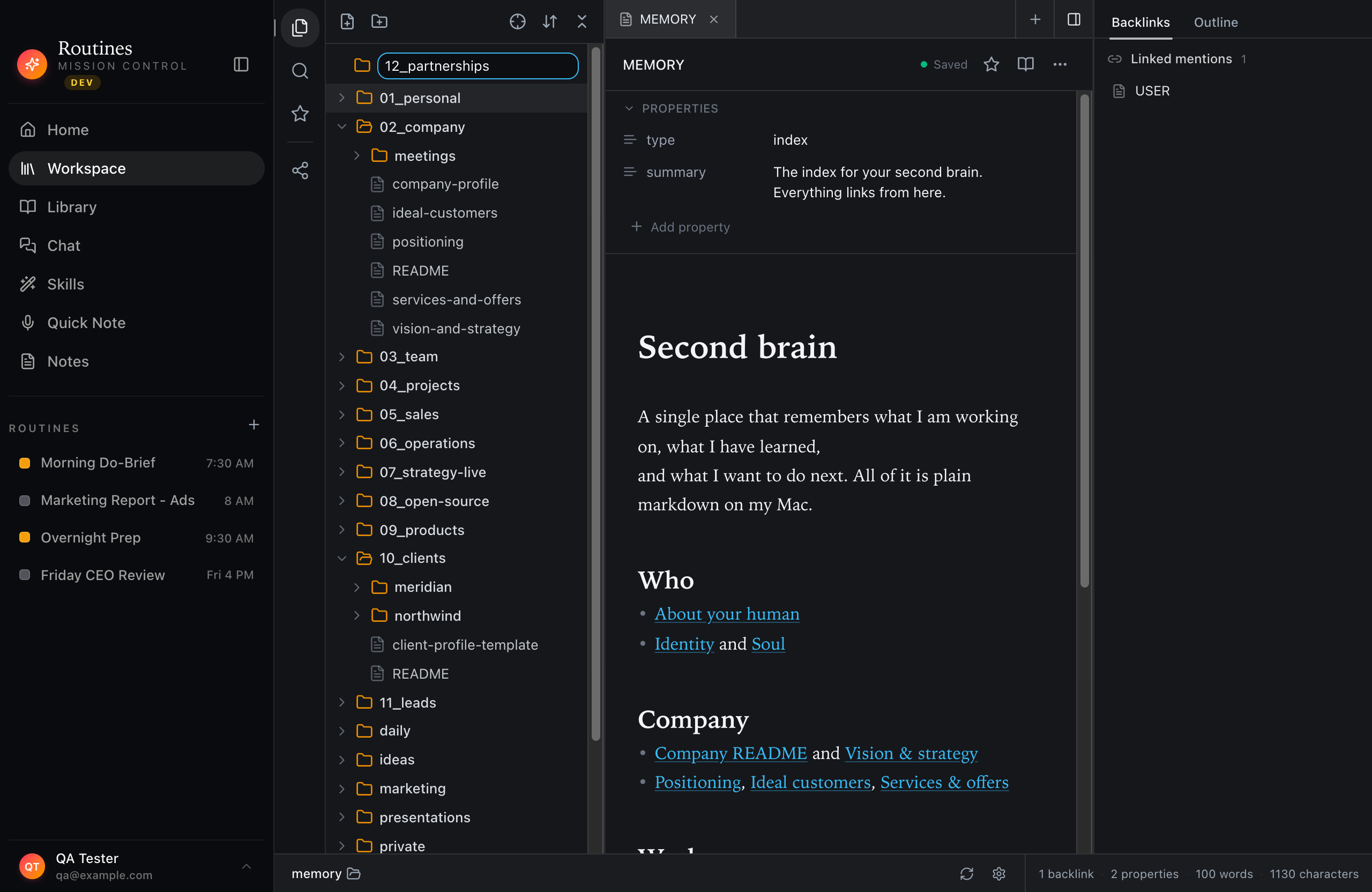
Routines is a Mac app that works this way. You record a meeting, and it writes the note as a markdown file in a folder you pick. That folder can be your existing Obsidian vault with no import and no migration. Action items from the meeting become to-dos. Scheduled AI routines read the folder back and can produce digests, summaries, or morning briefings over the notes you already have.
A note on what stays where: the meeting note, its summary, and its action items are markdown files in the folder. Meeting transcripts and routine outputs are stored in a local database on your Mac, not as markdown files. Meeting audio streams to Deepgram to be transcribed; there is no setting that moves transcription onto your Mac. On Pro, Teams, and during the trial, Routines manages the Deepgram key. On Free, you add your own.
The companion framing is intentional. You are not choosing between Obsidian and this; you can run both over the same files. Obsidian remains the better pick if you want to keep filing every note by hand and want no AI in the loop. If you want AI to do the filing for meetings and produce scheduled briefings over the same vault, the two tools run side by side.
The memory feature page has the full architecture, including how the folder is indexed on disk and how the MCP server exposes it to Claude or any other MCP client. The best second brain apps comparison covers how this approach sits next to Notion, Logseq, and Obsidian itself.
Obsidian pricing: what is free vs. paid
This answers a common question that comes up alongside obsidian ai searches: what does Obsidian actually cost, especially if you want sync but not an AI layer?
| Feature | Price | Notes |
|---|---|---|
| Core editor and vault | Free | No sign-up required |
| Obsidian Sync | 4 USD/user/mo (annual) or 5 USD/mo | Syncs vault across your devices |
| Obsidian Publish | 8 USD/site/mo (annual) or 10 USD/mo | Publishes vault as a website |
| Commercial license | 50 USD/user/year | Required for business use (encouraged, not mandatory per Obsidian's FAQ) |
| Catalyst (early access) | 25 USD one-time | Early insider builds |
Prices verified 2026-09-17. The core app is genuinely free and stays that way. Sync and Publish are paid add-ons. AI comes entirely from community plugins or external tools, none of which are Obsidian products.
The path that fits your workflow
If you want AI inside the editor, a community plugin is the fastest route and keeps you in Obsidian's interface. If you want Claude to be able to read and reason over your vault without a plugin running, the MCP path is the right one, though it requires both the Obsidian Local REST API plugin and an mcp-obsidian server running at the same time.
If you want new notes added automatically as you work, meetings turned into markdown files without you typing a word, and scheduled AI routines that read back over what is already there, a companion app writing into the same vault folder is the shape that fits. Your files stay on your Mac either way. Download Routines and point it at your existing vault during setup.
Frequently asked questions
Does Obsidian have AI?
Obsidian ships no built-in AI feature. Its homepage and pricing page do not mention AI at all, checked 2026-09-17. Everything people call Obsidian AI comes from community plugins you install yourself, or from a separate app reading the same vault folder.
Can Claude read my Obsidian vault?
Yes. Claude reaches an Obsidian vault through the Obsidian Local REST API community plugin plus the third-party mcp-obsidian server. We started that server on a Mac on 2026-08-03 and it listed all 12 tools, and we did not complete an authenticated call because the plugin was not installed on the test machine. Routines' own MCP server is a different thing: it exposes the markdown folder Routines writes into, which can be the same folder as your vault.
Is Routines an Obsidian alternative or a companion?
Either, and the files decide. Routines keeps its memory as markdown in a folder you pick, and that folder can be your existing Obsidian vault, with no import and no migration, so you can run both over the same files. You are not choosing between Obsidian and this; you can run both over the same files. If you want to keep filing every note by hand, Obsidian alone is the simpler answer.
What does Obsidian Sync cost if I do not want an AI-run vault?
Obsidian itself is free with no sign-up. Obsidian Sync is 4 USD per user per month billed annually, or 5 USD billed monthly. Obsidian Publish is 8 USD per site per month billed annually, or 10 USD billed monthly. Checked 2026-09-17.