Record any meeting with one red button Hi there, Routines 1.20.0 is out, with the biggest changes since our last email. Routines now works around your meetings: one button to record, one list to find them, and a chat next to every meeting and every routine. Here is what changed, and at the end, how to update in one click. 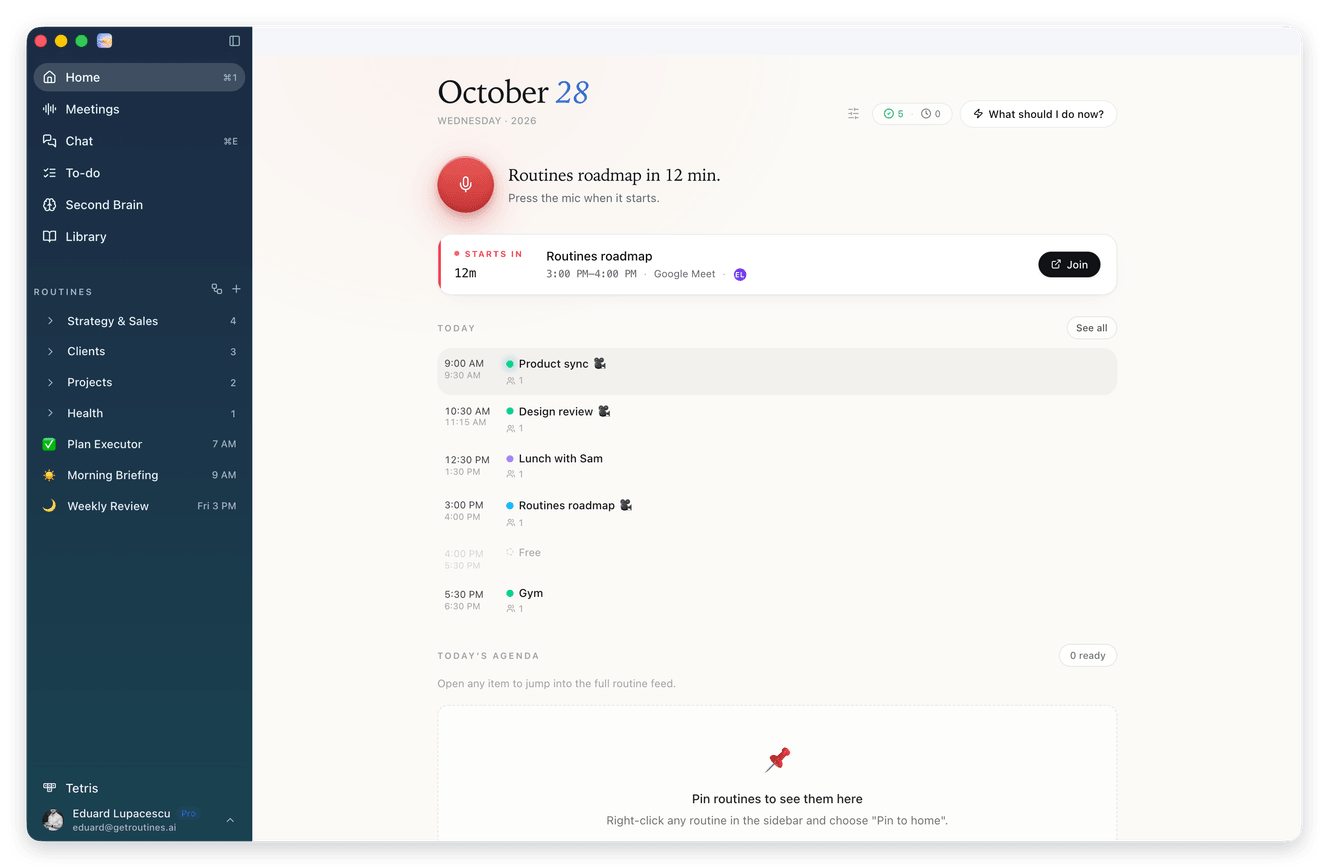
|

|
01 Record a meeting with one button Open Routines. Home now has a red microphone button at the top. 1 Press the red button when your meeting starts. While it records, ask questions in the Ask while you listen panel on the right. 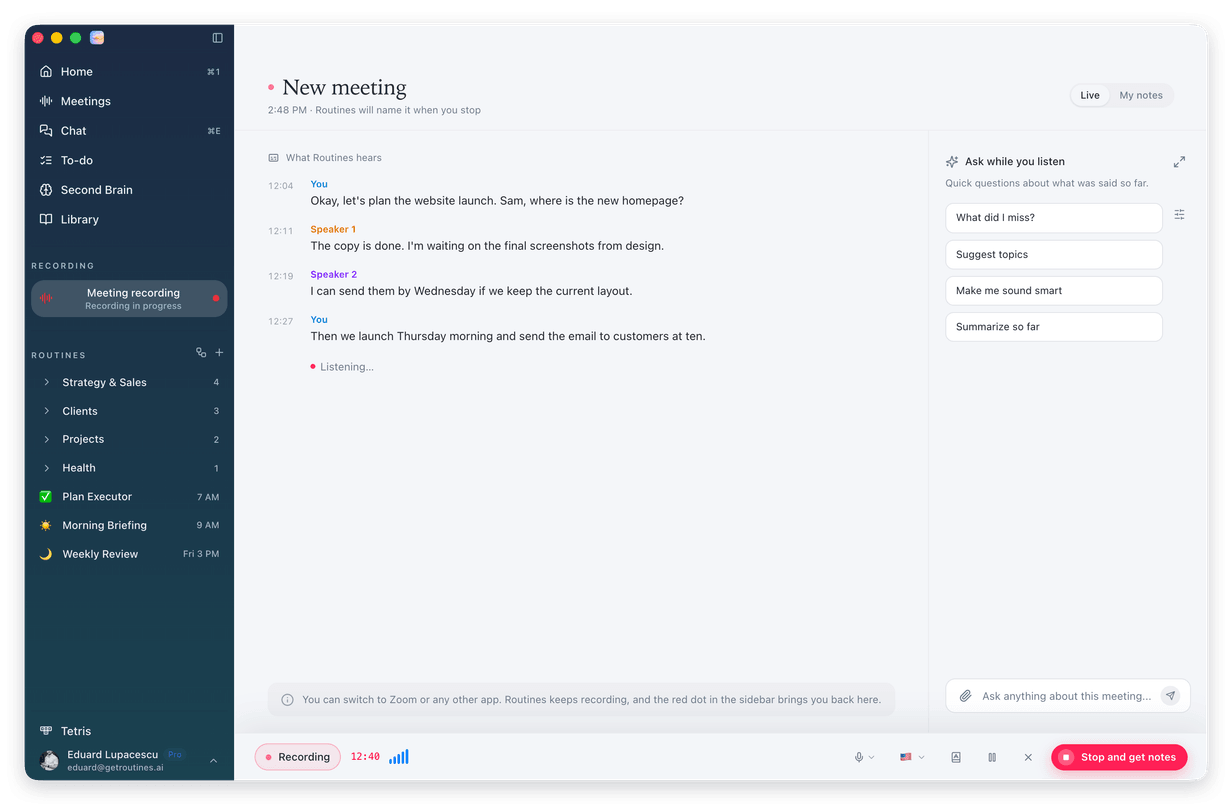
2 When the meeting ends, press Stop and get notes. Routines tells you your notes are being prepared and takes you to Meetings, which loads the first 30 right away and the rest as you scroll. 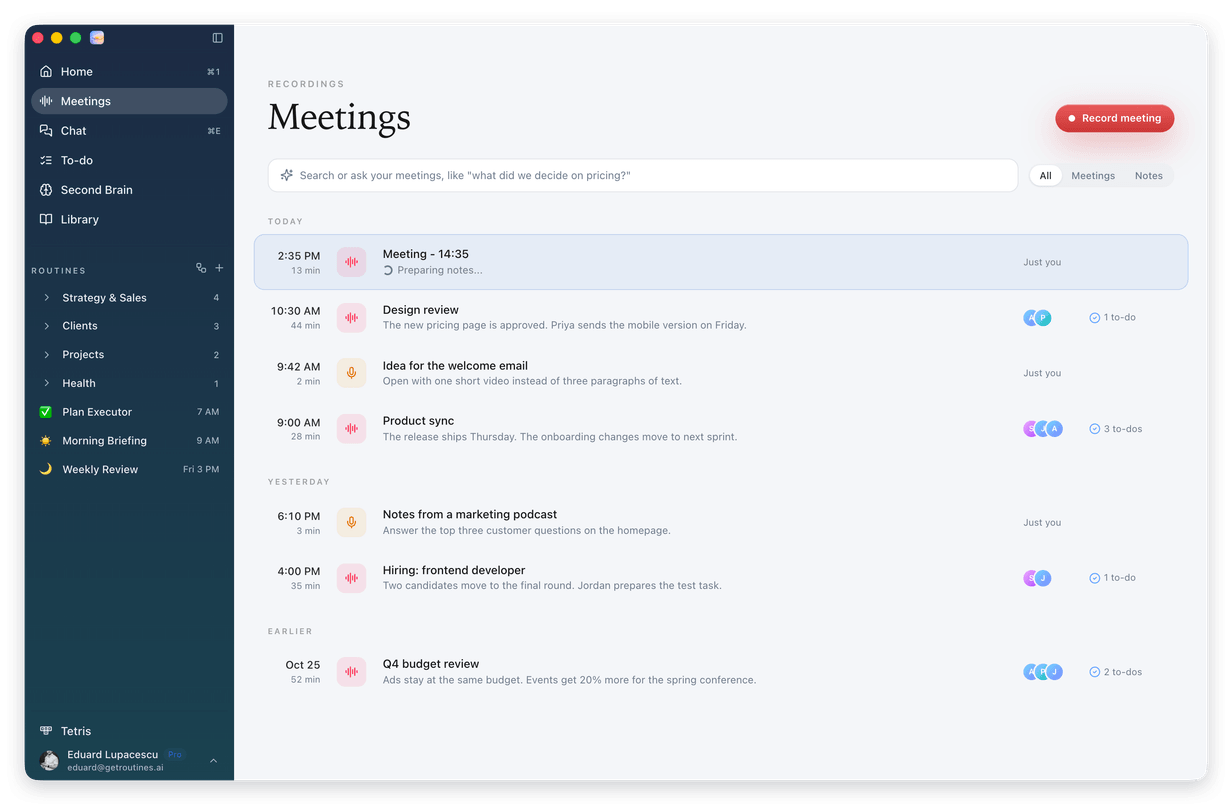

The recording bar is compact now: icons for the mic, language flag, vocabulary, pause and cancel, and a Stop button that always fits. |
||
|
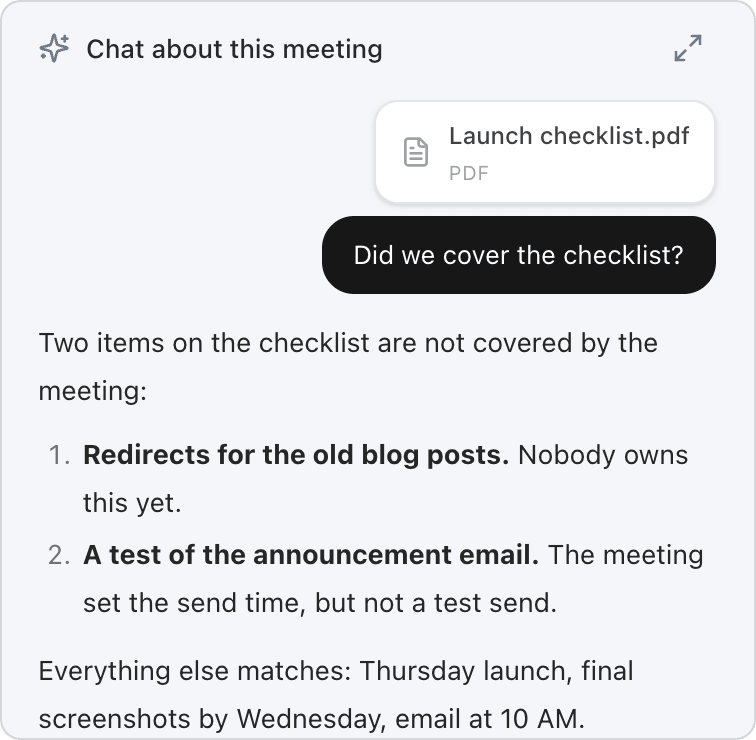
02 Chat about a meeting, with your files Open any finished meeting and chat about it in the Chat about this meeting panel on the right. Paste or drop an image, a PDF or a document, or attach one with the paperclip, and ask about it. 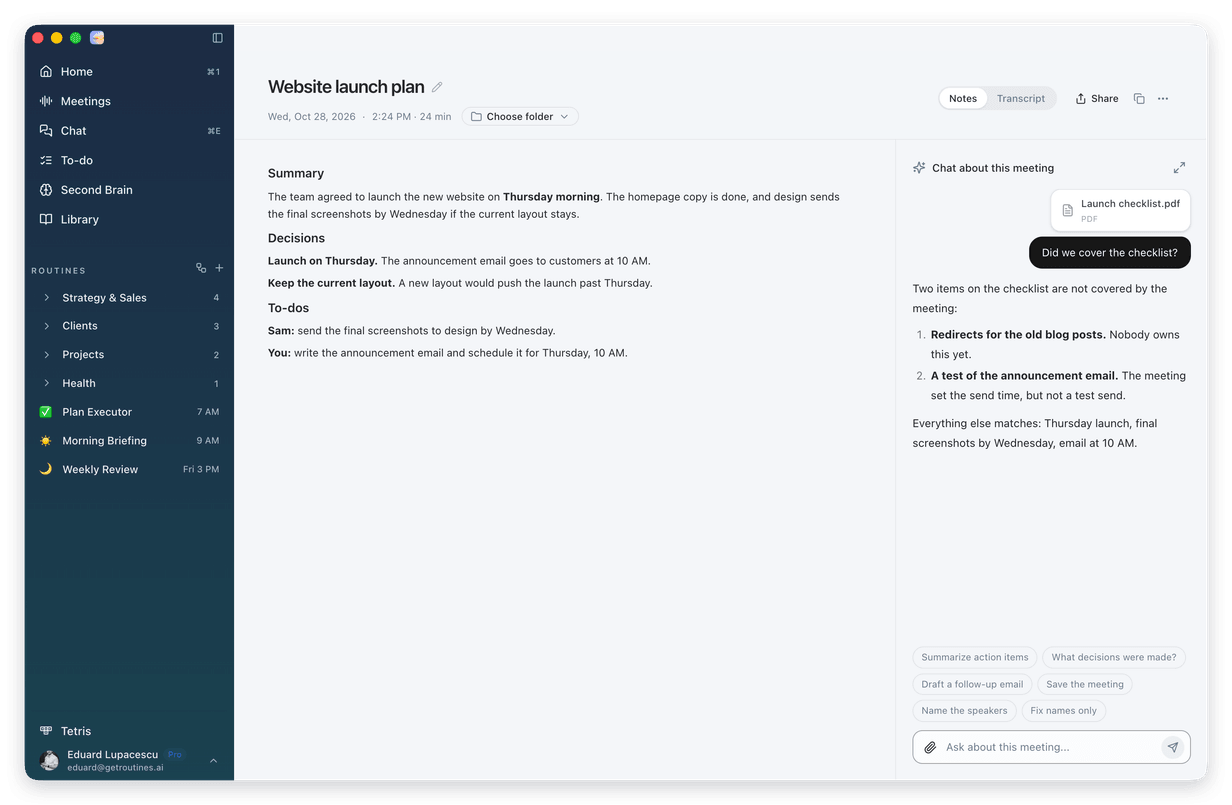
|
||
|
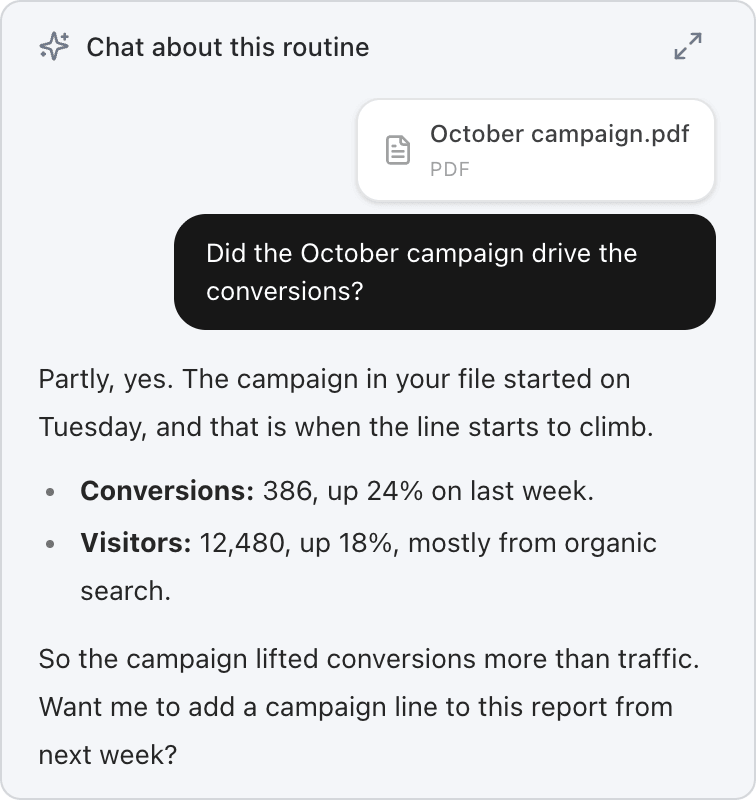
03 Routines now read like your meeting notes Open any routine. Its output sits on the left and Chat about this routine on the right, like your meeting notes. Ask about the results, and paste or attach an image, a PDF or a document to your question. 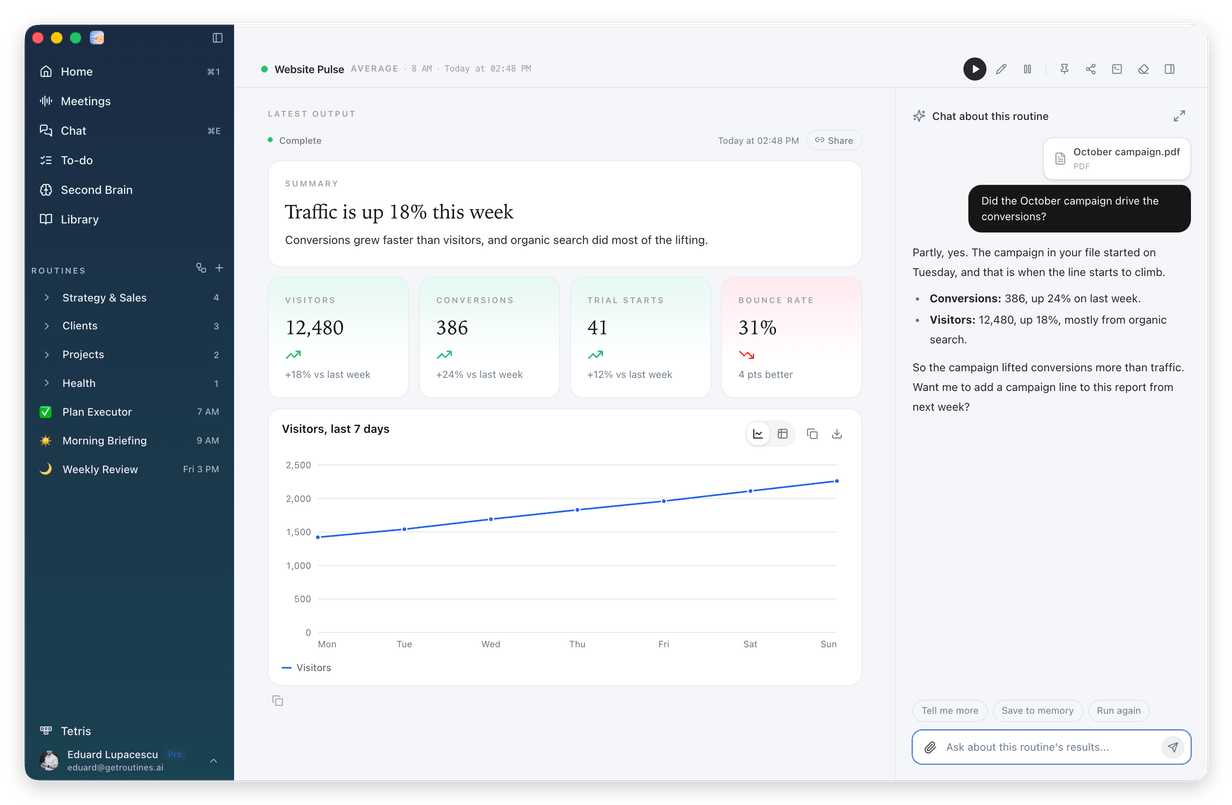
|
||
|
04 Your skills, right in Chat Skills are no longer in the left menu. Now they open right from Chat. 1 Click Chat in the left menu, then New at the top for an empty chat. Under the suggestions, click Manage skills, or Create a skill if you have no skills of your own yet. 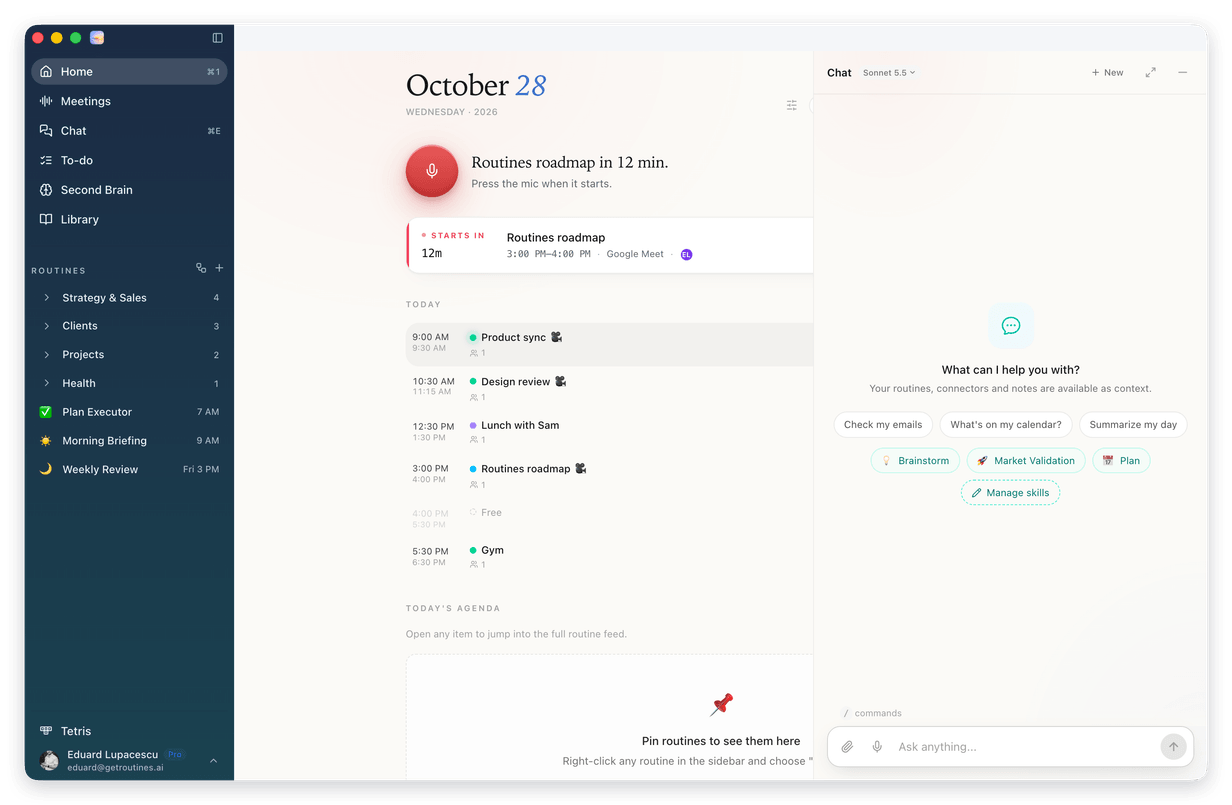
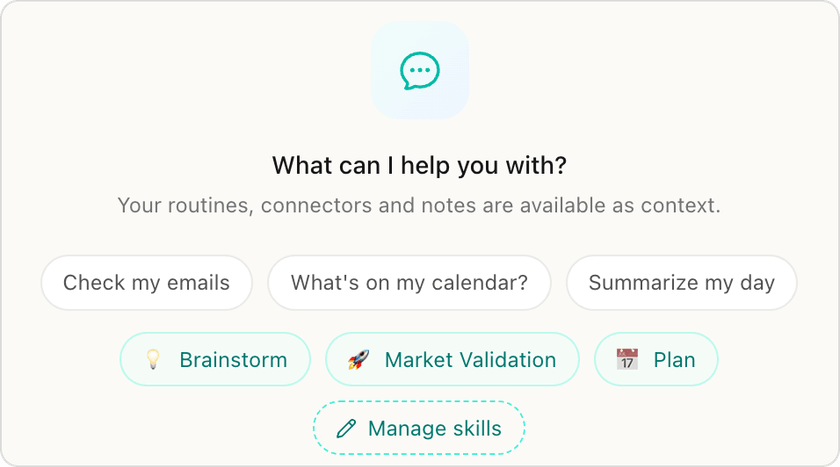
2 The skills editor opens. Change one of your skills, or click New skill to add one. 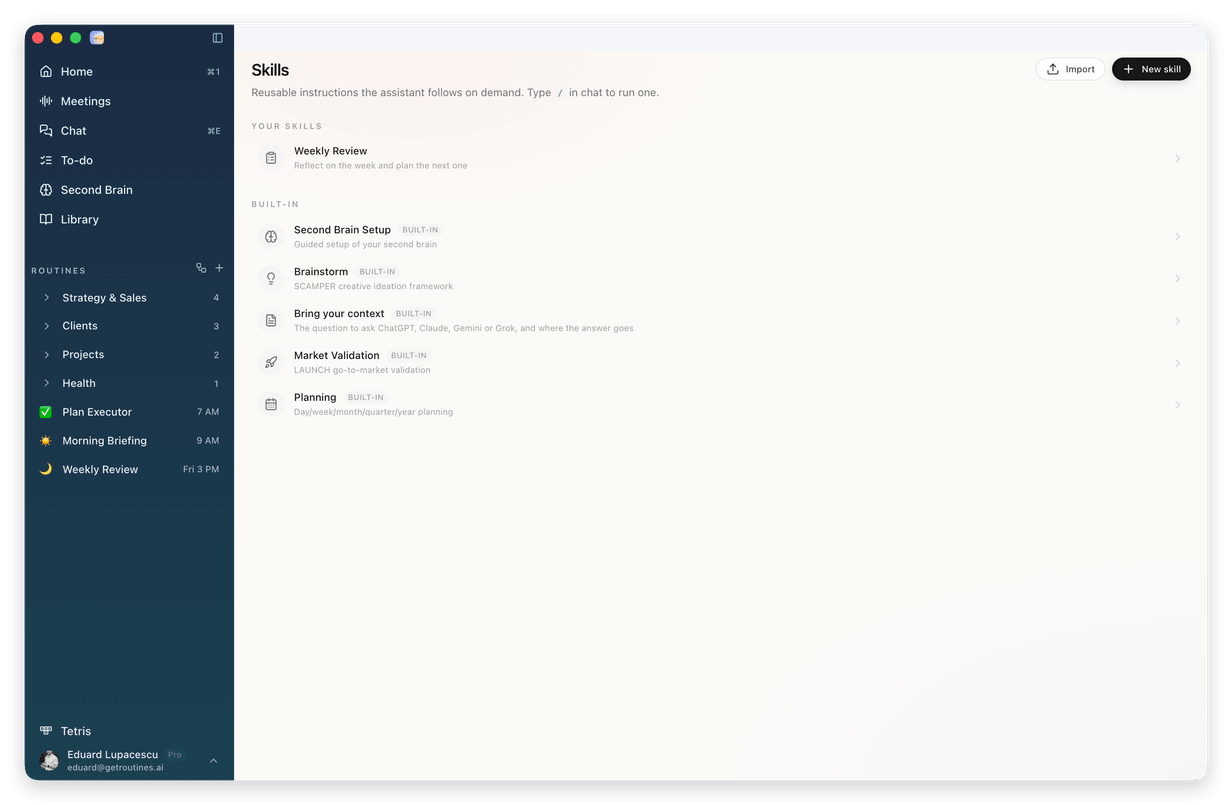
|
||
|
05 A slimmer header, a simpler menu The Routines logo and the window buttons now share one slim row at the top. Below it, the menu reads Home, Meetings, Chat, To-do, Second Brain and Library. Notes is now Meetings, Tasks is now To-do, and Workspace is now Second Brain. Same things, plainer names. 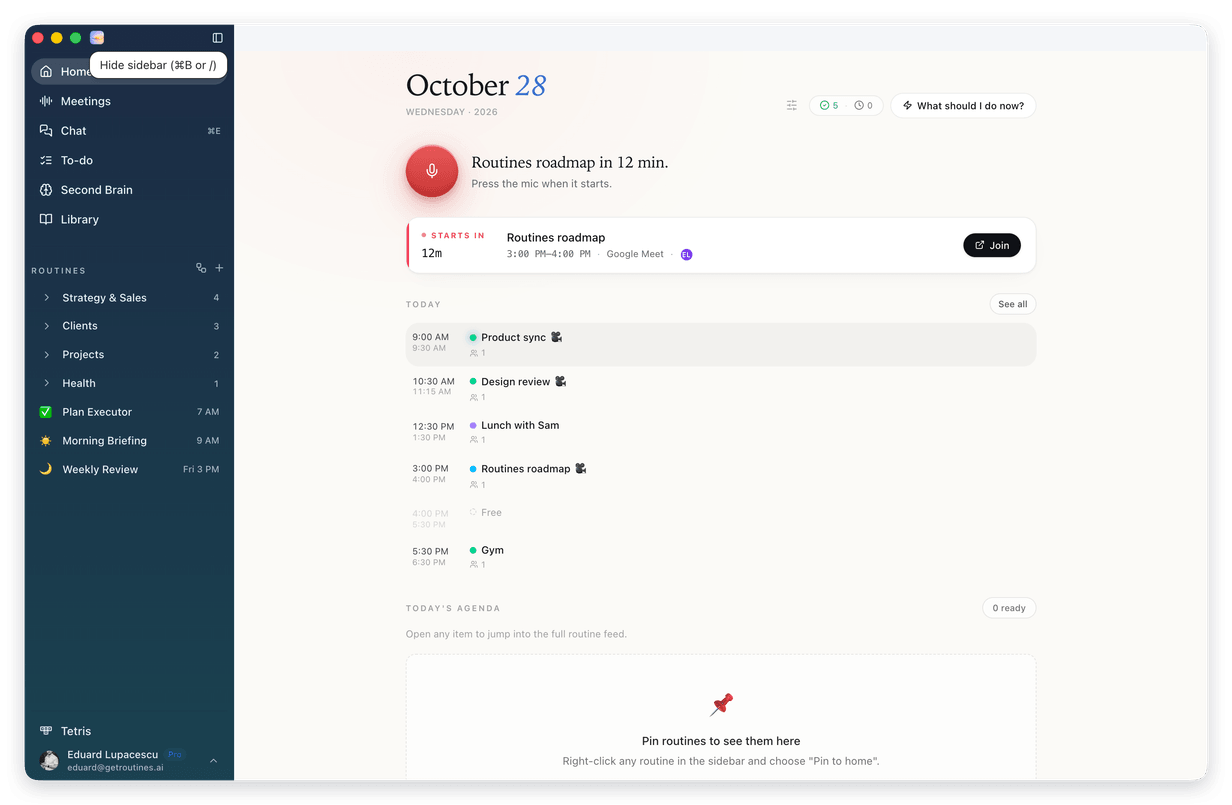
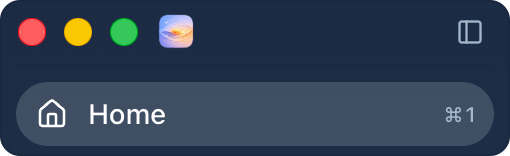
|
||
|
Also new · Calendars from all your connected accounts, several Google accounts and Outlook, now show together. · Second Brain: instant delete, a clear highlight on the note you have open, and Cmd+K inside the editor. · A new screenshot card: small, it follows you to a second screen, shows Copy and Save when you point at it, and slides away after you pick one. · Custom schedules understand day lists, like "mon, wed, fri at 8am". · In chat, emoji codes like :smile: show as emoji, and Balanced now uses Sonnet 5.5. |
||
|
How to update 1 Open Routines. A few seconds later it tells you a new version is available. 2 Click Install & Relaunch. Routines updates and restarts on its own. Your notes, meetings and settings stay where they are. 3 Don't see it? Open Settings, click About, then Check for updates. Using Routines on more than one Mac? Update each one. Or download the newest version and drag it into your Applications folder:
|
||
This is the web version of the email we sent to Routines users on October 28, 2026, for version 1.20.0. |