Quick prompts for your meetings, in your words Hi there, Routines 1.15.0 is out. The big one is quick prompts: the meeting buttons now ask what you write. Here is what changed, and at the end, how to update in one click. 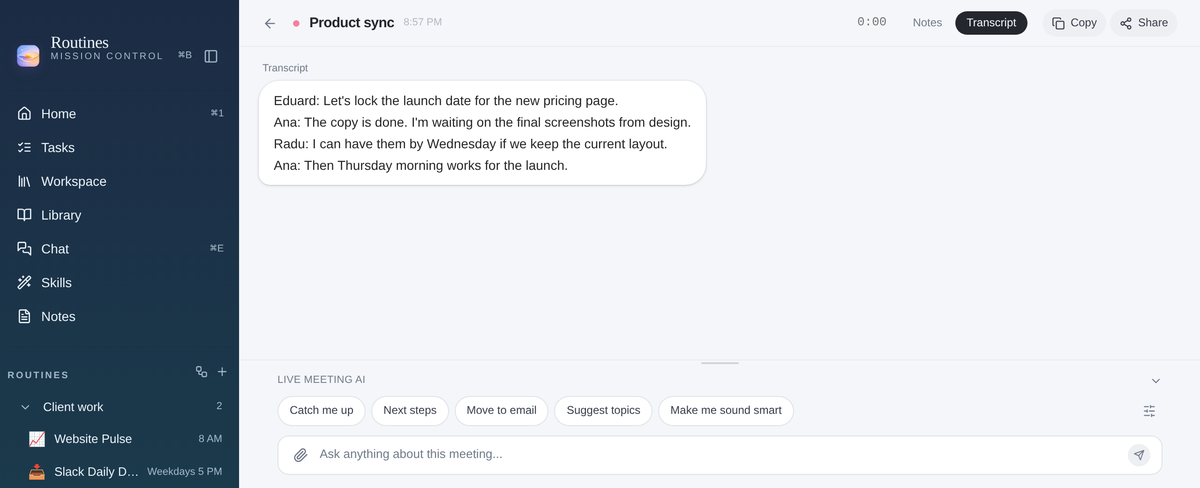
|

|
01 Quick prompts, in your words During a meeting, Live Meeting AI shows quick prompts: one-tap buttons above the chat box. Now they ask what you want them to ask. 1 In a meeting, click the small sliders button at the end of the row to open your Quick prompts. 
2 In Settings, rename a button, write exactly what it should ask, add up to 8 and put them in your order. 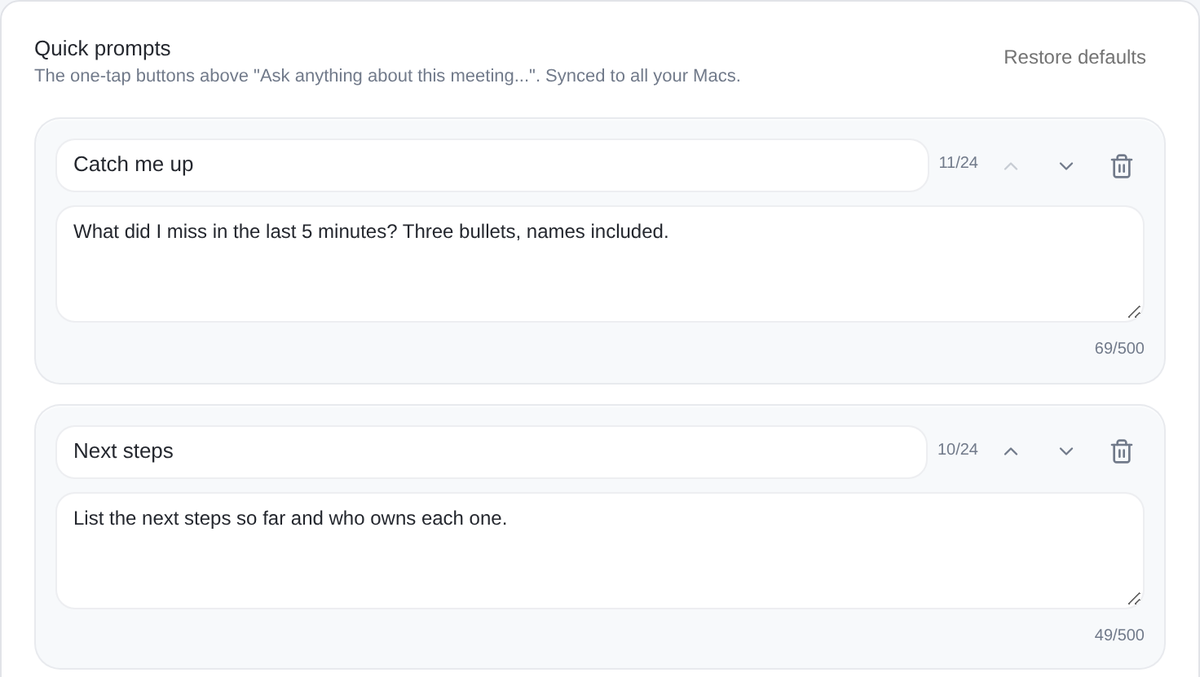
Deleted one by mistake? Click Undo. Your open meetings update right away, and your other Macs get the change too. |
||
|
02 Names and short forms, spelled right Meetings now learn your vocabulary. Names and short forms from the meeting invite, your Workspace notes and your own list help the transcript spell words like A2P or DID Hub right. Add your own words in Settings, Meetings, Vocabulary. 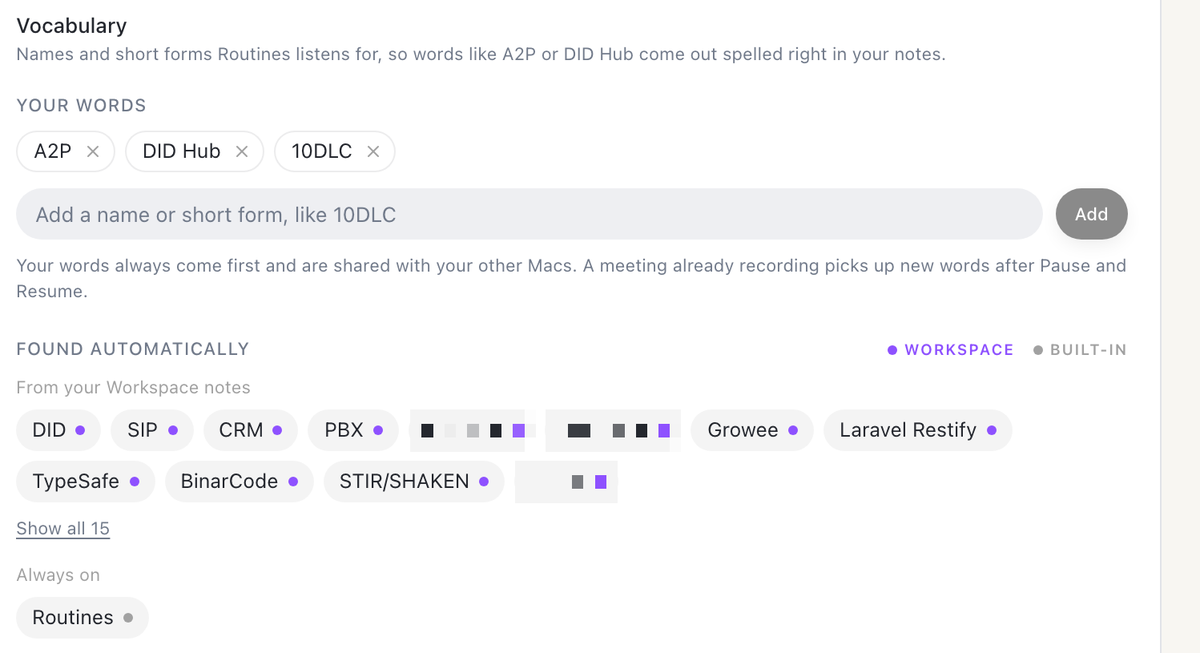
|
||
|
03 Calendar changes wait for your OK Ask the chat to book, move, change or cancel an event, and Routines shows you the change on a card first. Nothing the chat suggests is written to your calendar until you press Send, or reply yes to that exact change. On Home and in the menu bar, Move with chat, Edit with chat and Cancel with chat fill in the chat for you. The menu bar's quick Add Event now goes to the chat too, and you add a Meet link with Edit with chat. 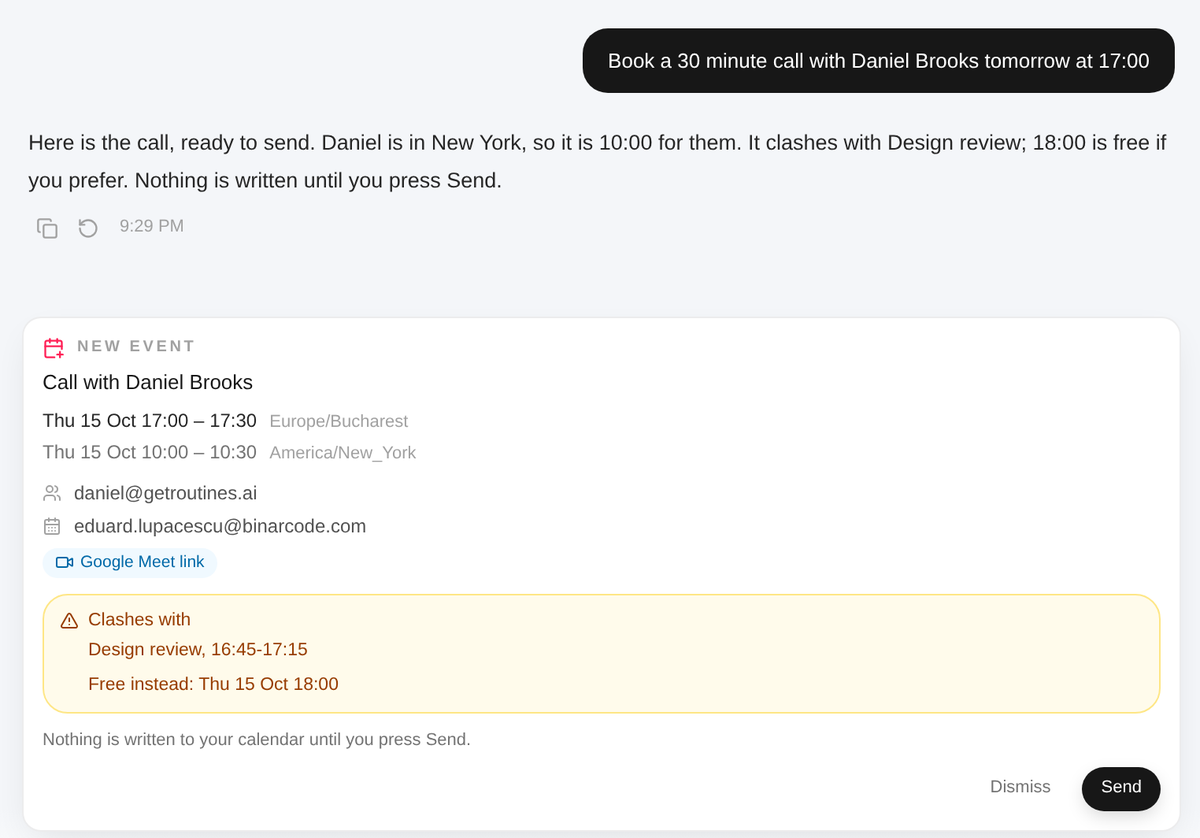
|
||
|
04 Your account, one click away Click your name at the bottom of the left menu. You can change your photo or your name right there and see your plan at a glance. Settings is simpler too: General opens on Appearance, and changing your password or email now sits in a short Security section at the end. 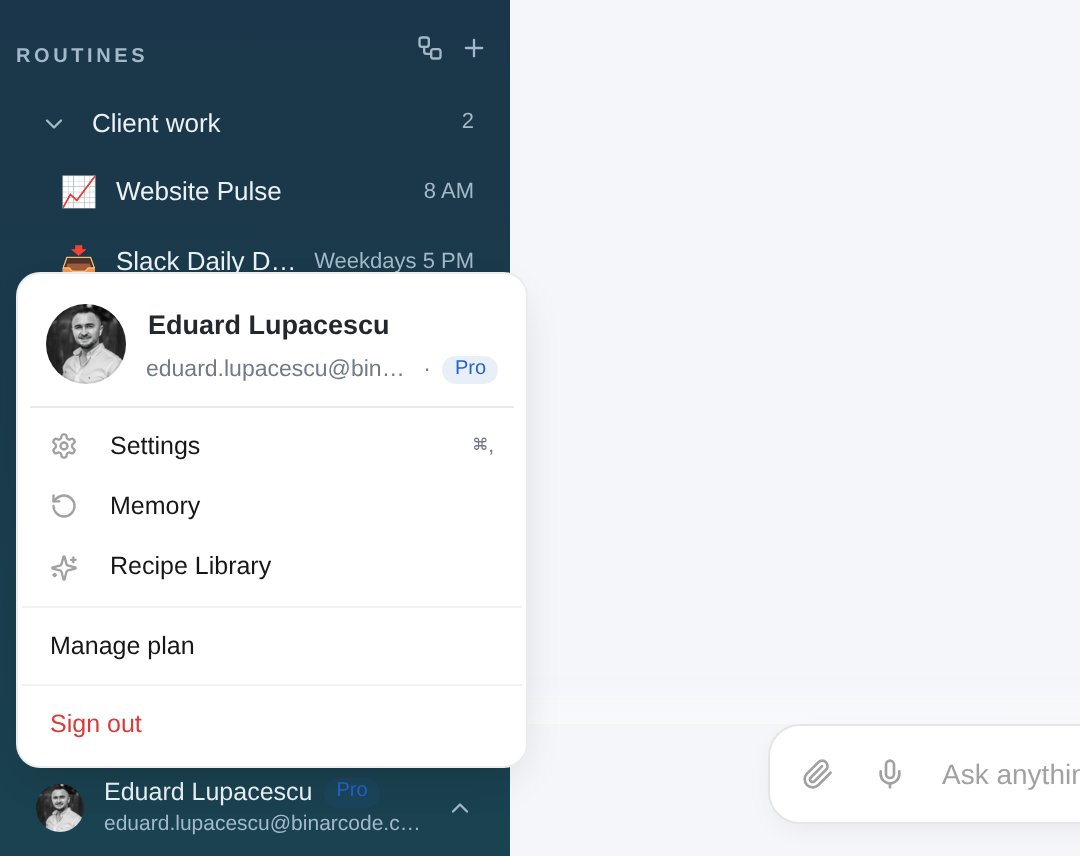
|
||
|
05 A developer console, for harder jobs For harder jobs, like reorganizing files, Routines now has a Developer console: Claude Code in a chat of its own, working in your workspace folder. It needs Claude Code installed on your Mac and signed in to your Claude account. It stays hidden until you turn it on in Settings, Advanced. 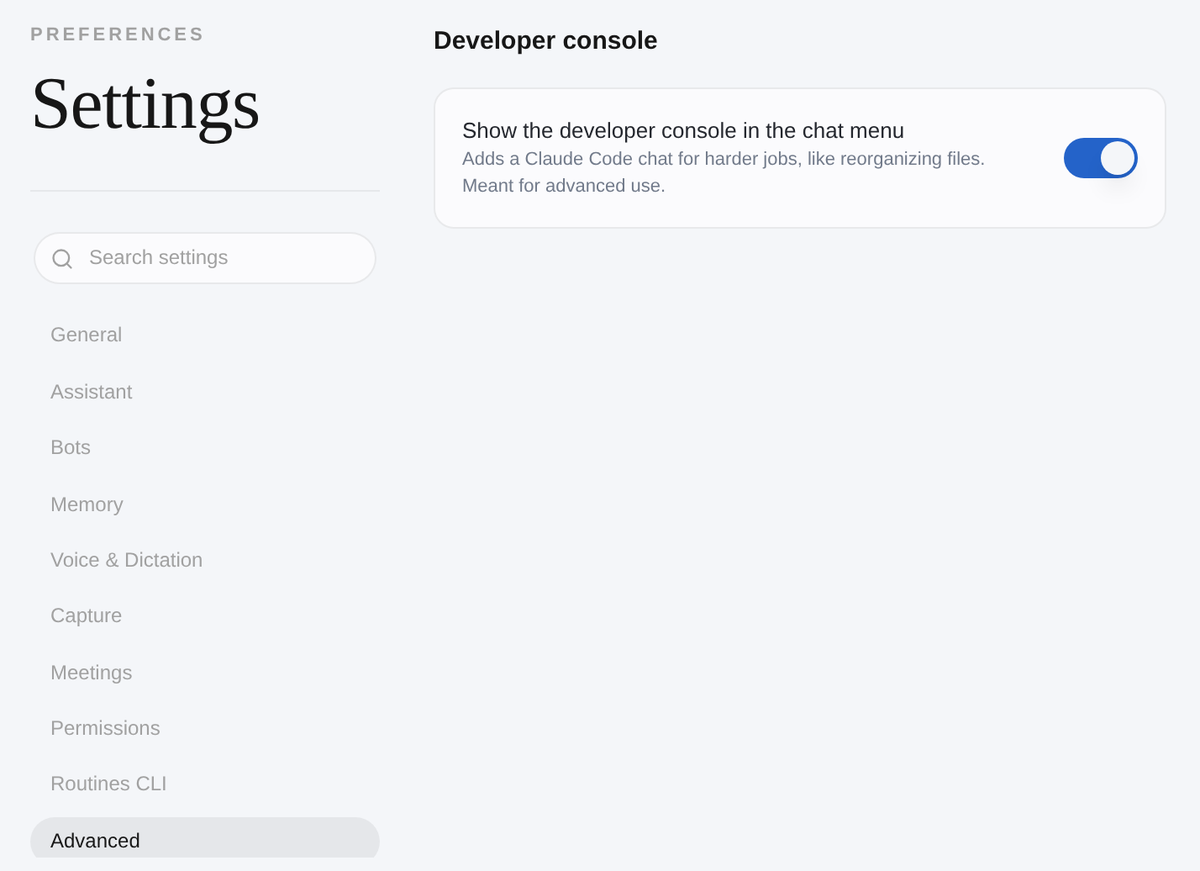
1 Then click the three-dot button at the top of Chat and choose Developer console. 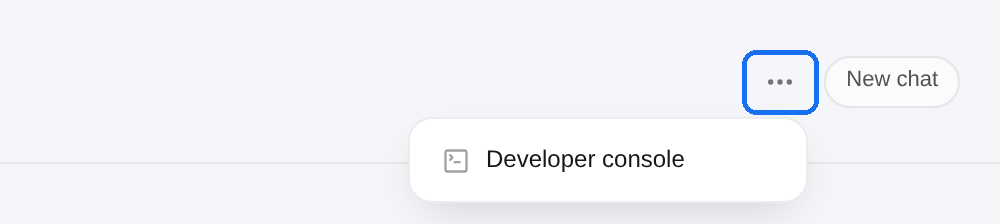
2 Claude Code starts in your workspace folder, ready for a bigger job like sorting your meeting notes into one folder per client. 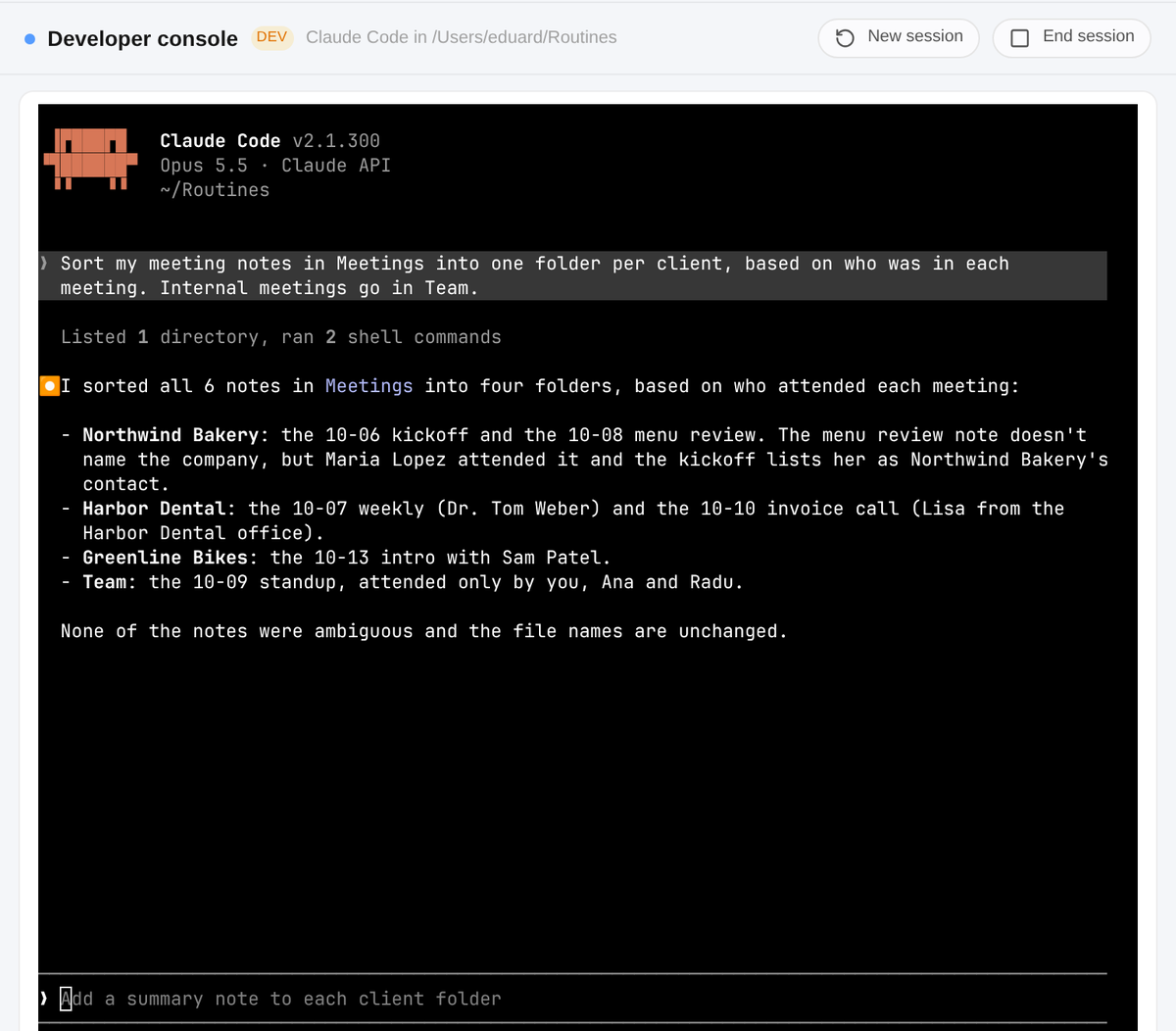
|
||
|
Also in this release · After a Wi-Fi drop, a voice Routines hears as new gets the next speaker number, like Speaker 3, instead of skipping ahead to Speaker 5. · On Pro? Manage plan in the account menu now opens your billing page in the browser, where you can change or cancel your subscription. If we set up your plan by hand, the menu tells you so and how to reach support. |
||
|
How to update 1 Open Routines. A few seconds later it tells you a new version is available. 2 Click Install & Relaunch. Routines updates and restarts on its own. Your notes, meetings and settings stay where they are. 3 Don't see it? Open Settings, click About, then Check for updates. Using Routines on more than one Mac? Update each one. Or download the newest version and drag it into your Applications folder:
|
||
This is the web version of the Routines email for version 1.15.0. |