Meeting transcripts that survive internet drops Hi there, a new version of Routines is out. Here are the four changes worth knowing, and at the end, how to update in one click. 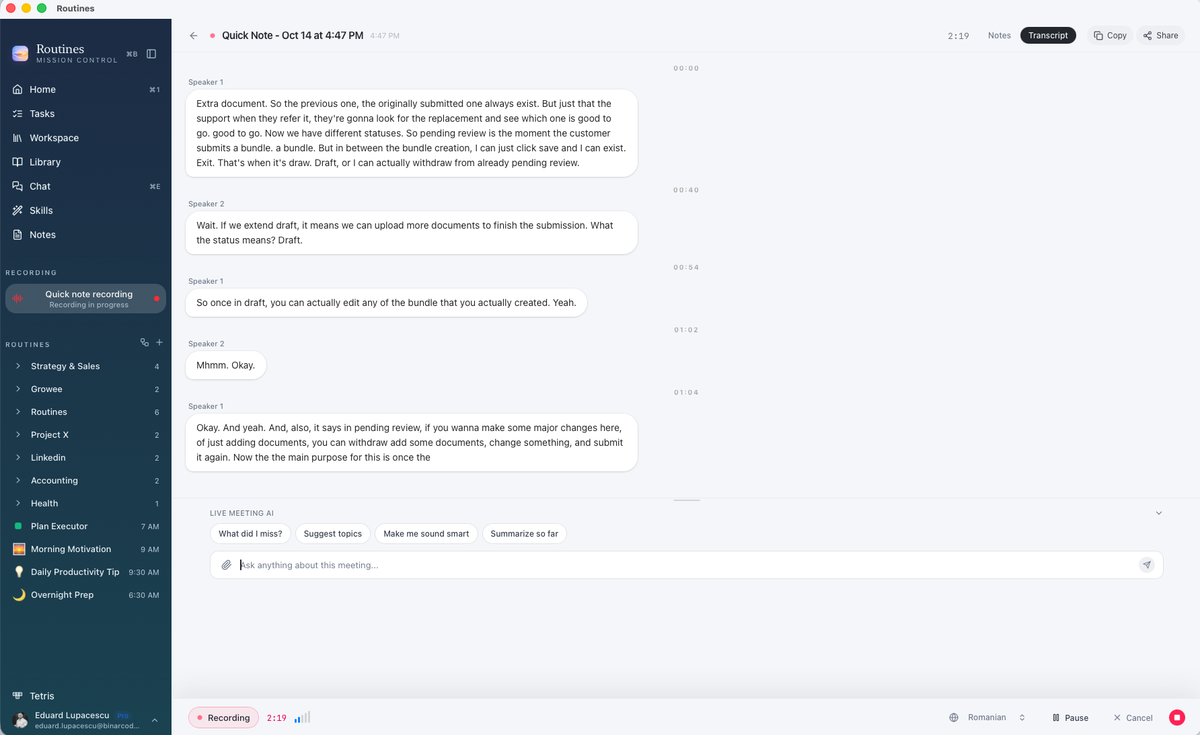
|

|
01 Transcripts that survive a dropped connection If your connection drops or slows down during a meeting, Routines keeps going and fills the transcript back in. You will see Transcript is catching up while it does. We tested this with simulated drops, slowdowns and provider failures: every test phrase was kept, once, in the right order, for your voice and for the other people on the call. 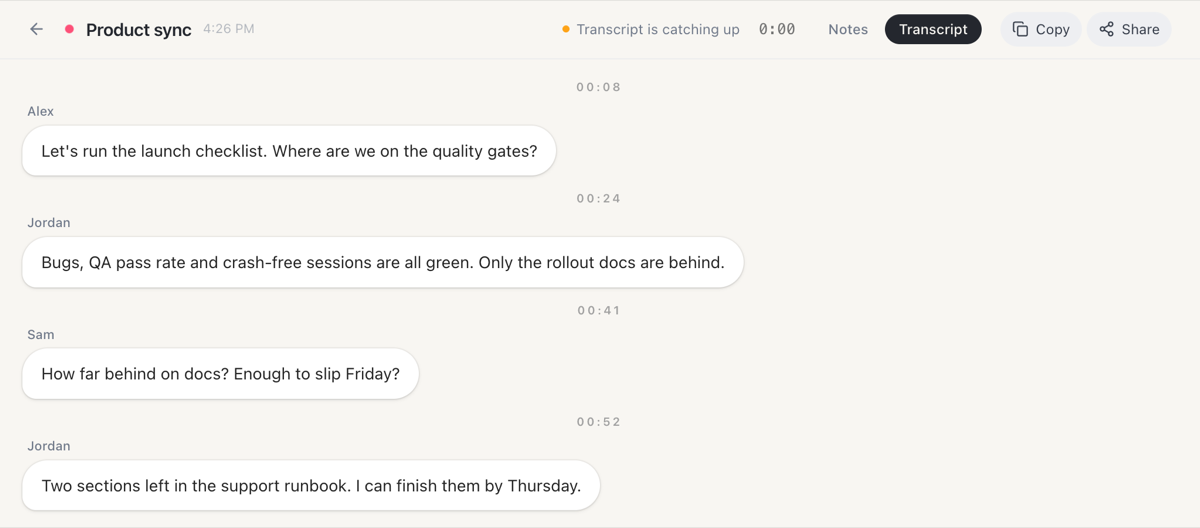
|
||
|
02 Find anything in a meeting note Click Notes in the left menu and open a meeting. Then press Command + F and type a word, like a name or a date. Routines highlights every place it appears in the summary or the full transcript, and tells you how many it found. Capitals and accents do not matter. 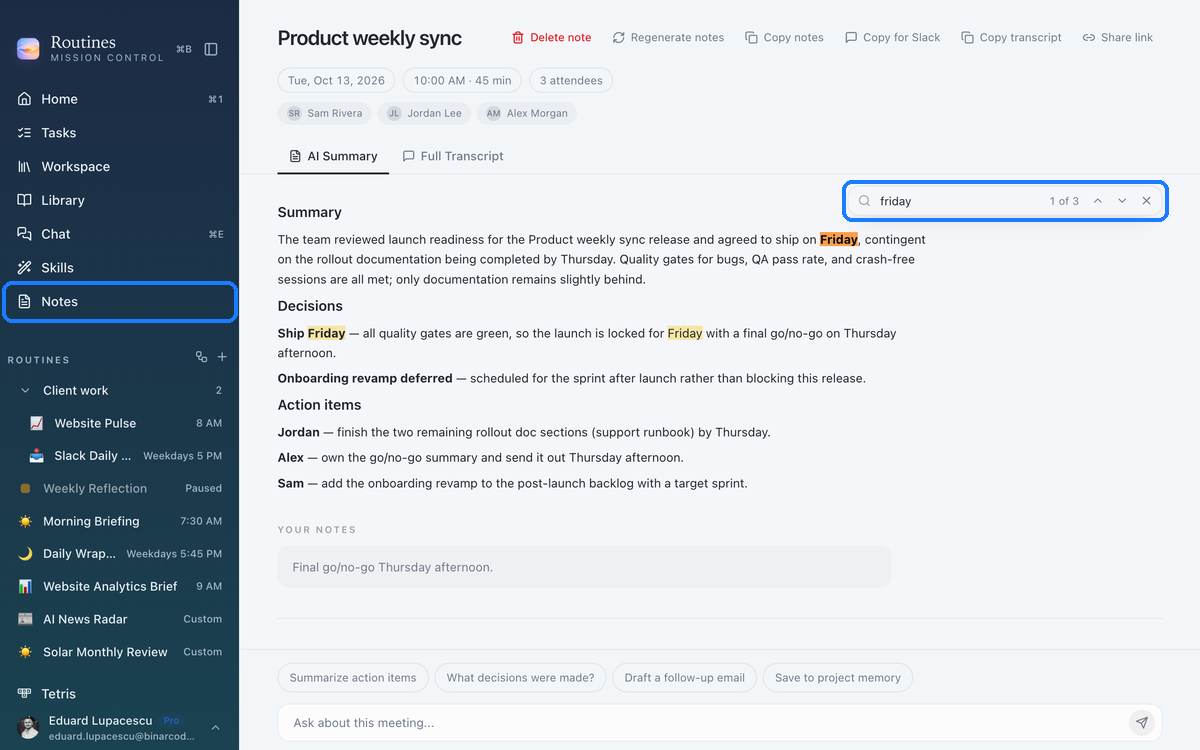
|
||
|
03 Find any note in your Workspace Press Command + K and start typing the name of a note or a folder. A typo or two is fine. Press Enter and the note opens. 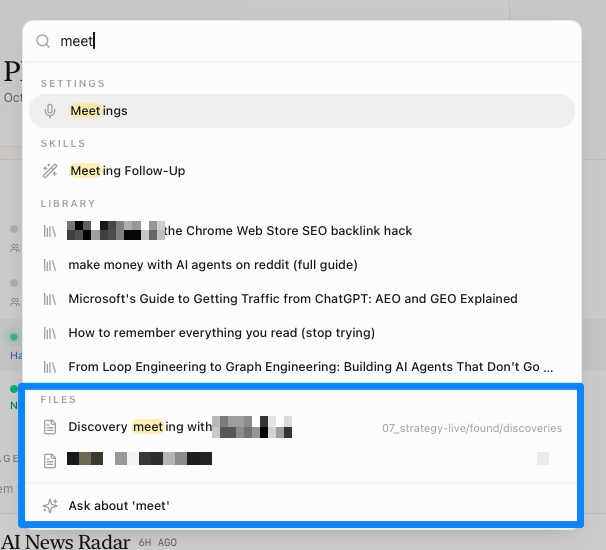
|
||
|
04 Your assistant's personality, on every Mac Your assistant's Personality (the SOUL.md file and its siblings ROUTINES.md, TOOLS.md and HEARTBEAT.md) and your sidebar folders now reach your other Macs, so your assistant behaves the same on each one. Turn it on once in Settings, Sync & Backup. 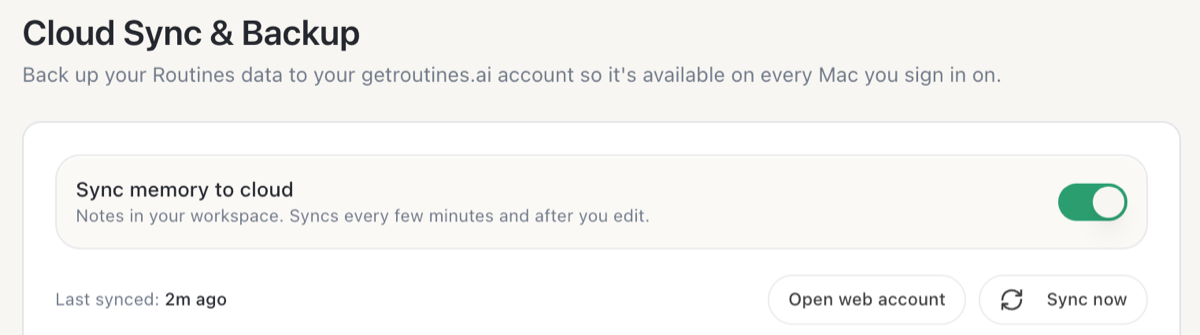
|
||
|
Also in this update · If one note cannot sync, all your other notes still do, and Settings shows you which note it was and why. A note changed on two Macs is kept on both until you choose one. · Signed in with Google? Your profile photo now shows instead of a grey placeholder. · For meetings saved after you update, naming the speakers or asking Routines to write the notes again updates the same note. If you edited that note yourself, Routines leaves your version alone. |
||
|
How to update 1 Open Routines. A few seconds later it tells you a new version is available. 2 Click Install & Relaunch. Routines updates and restarts on its own. Your notes, meetings and settings stay where they are. 3 Don't see it? Open Settings, click About, then Check for updates. Using Routines on more than one Mac? Update each one. Or download the newest version and drag it into your Applications folder:
|
||
This is the web version of the email we sent to Routines users on October 15, 2026, for version 1.14.0. |