- What is Routines?
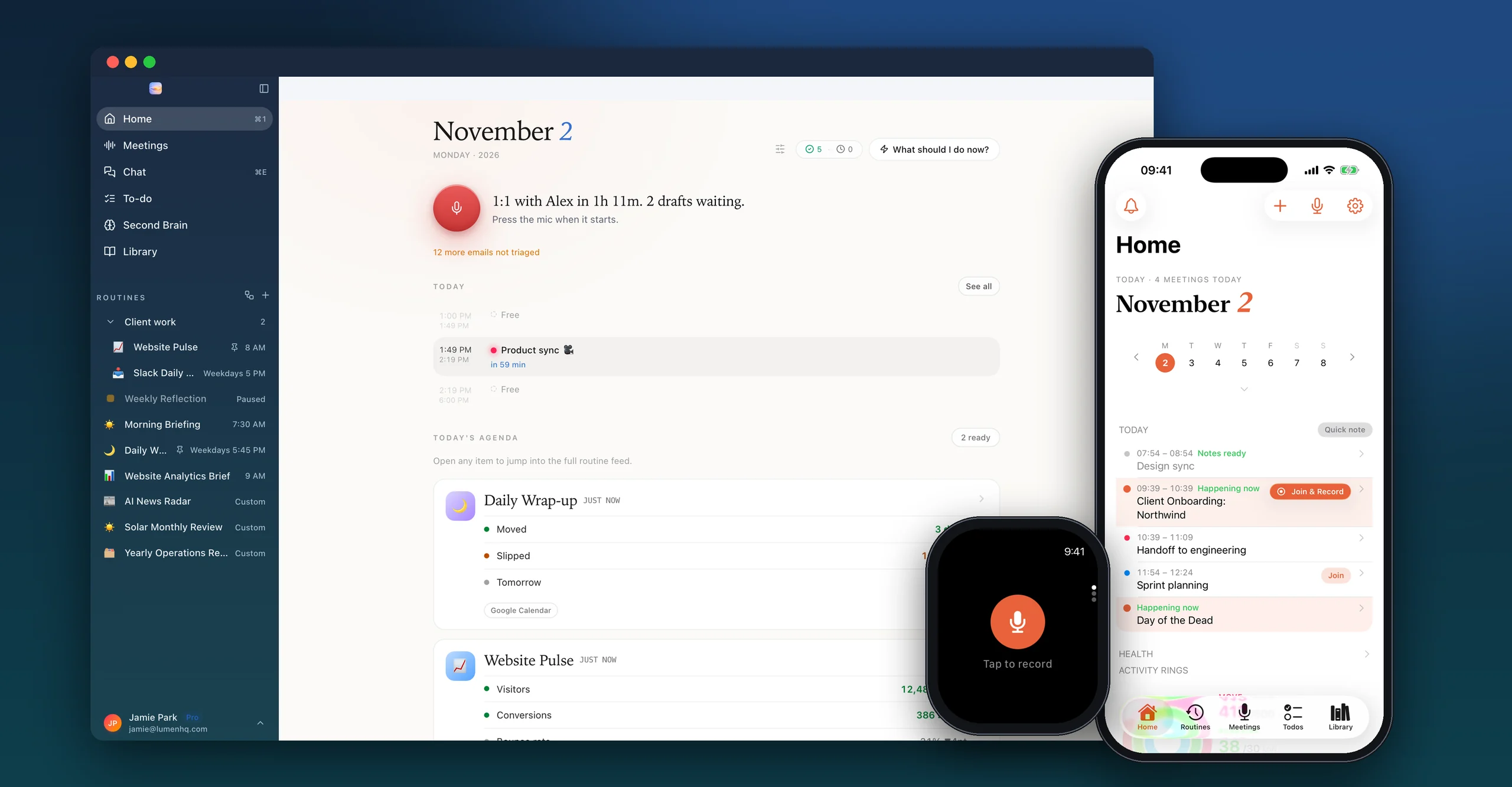
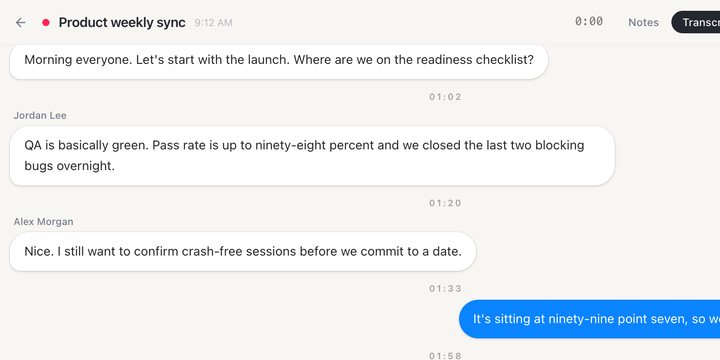
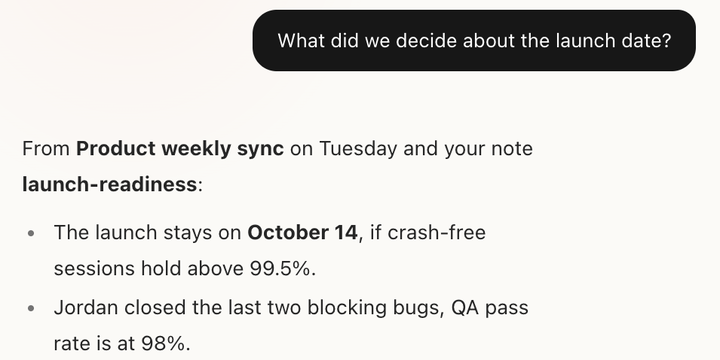
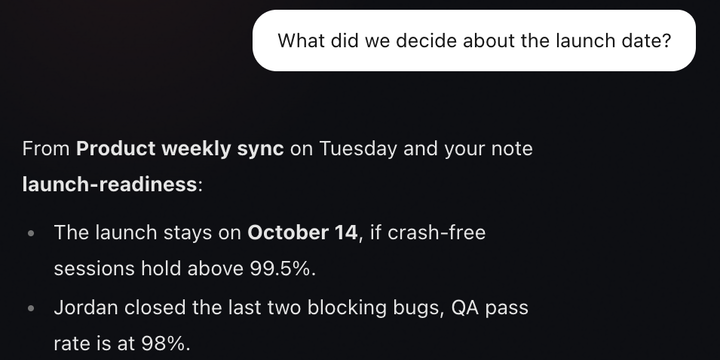
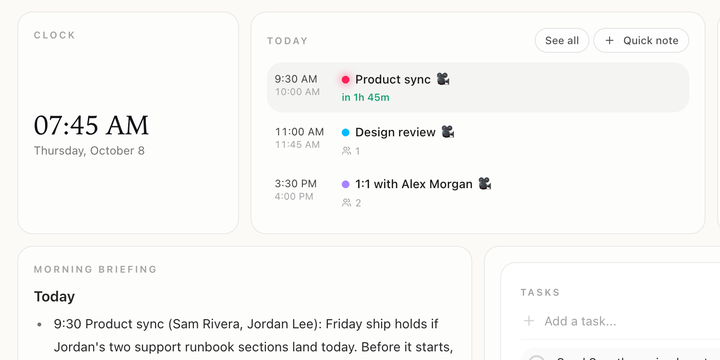
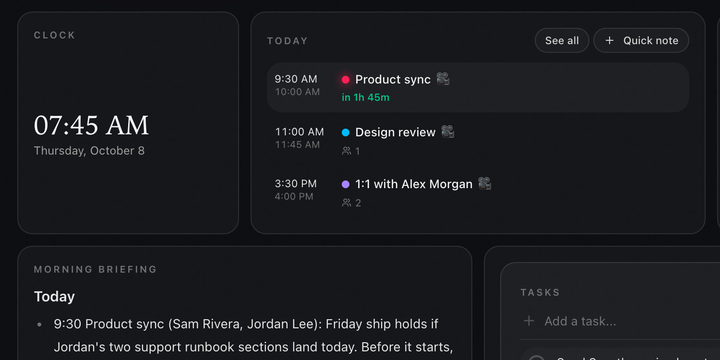
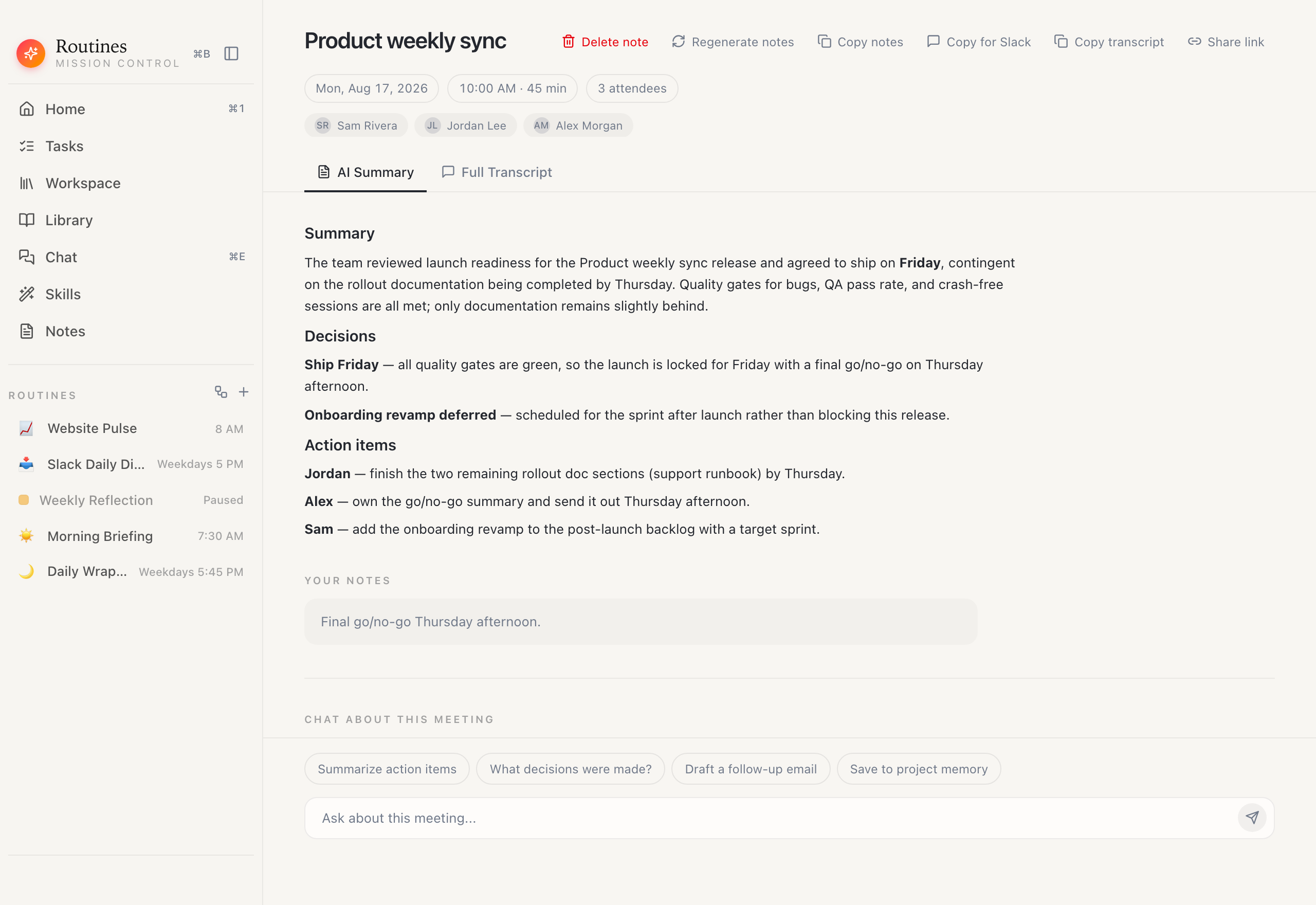
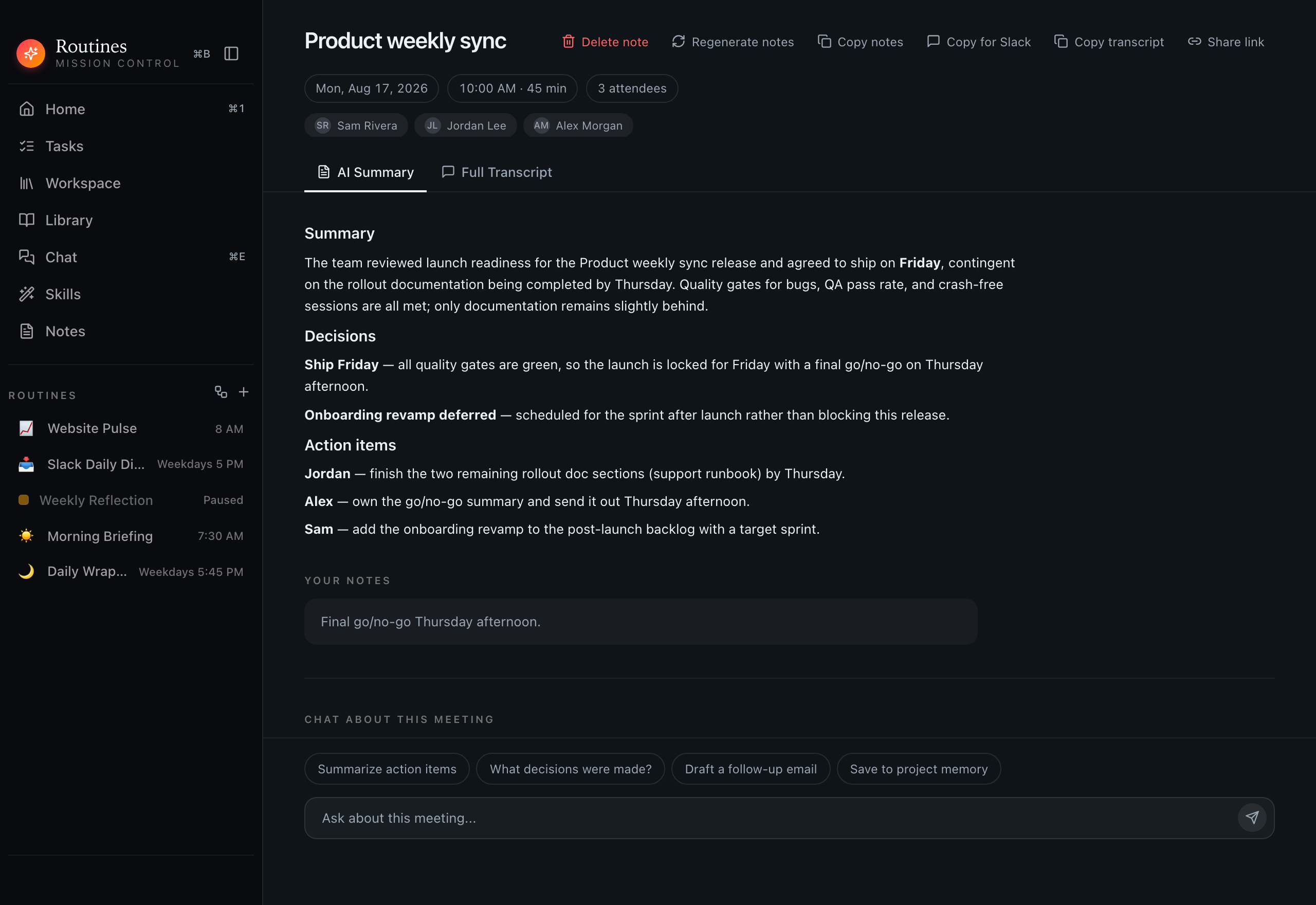
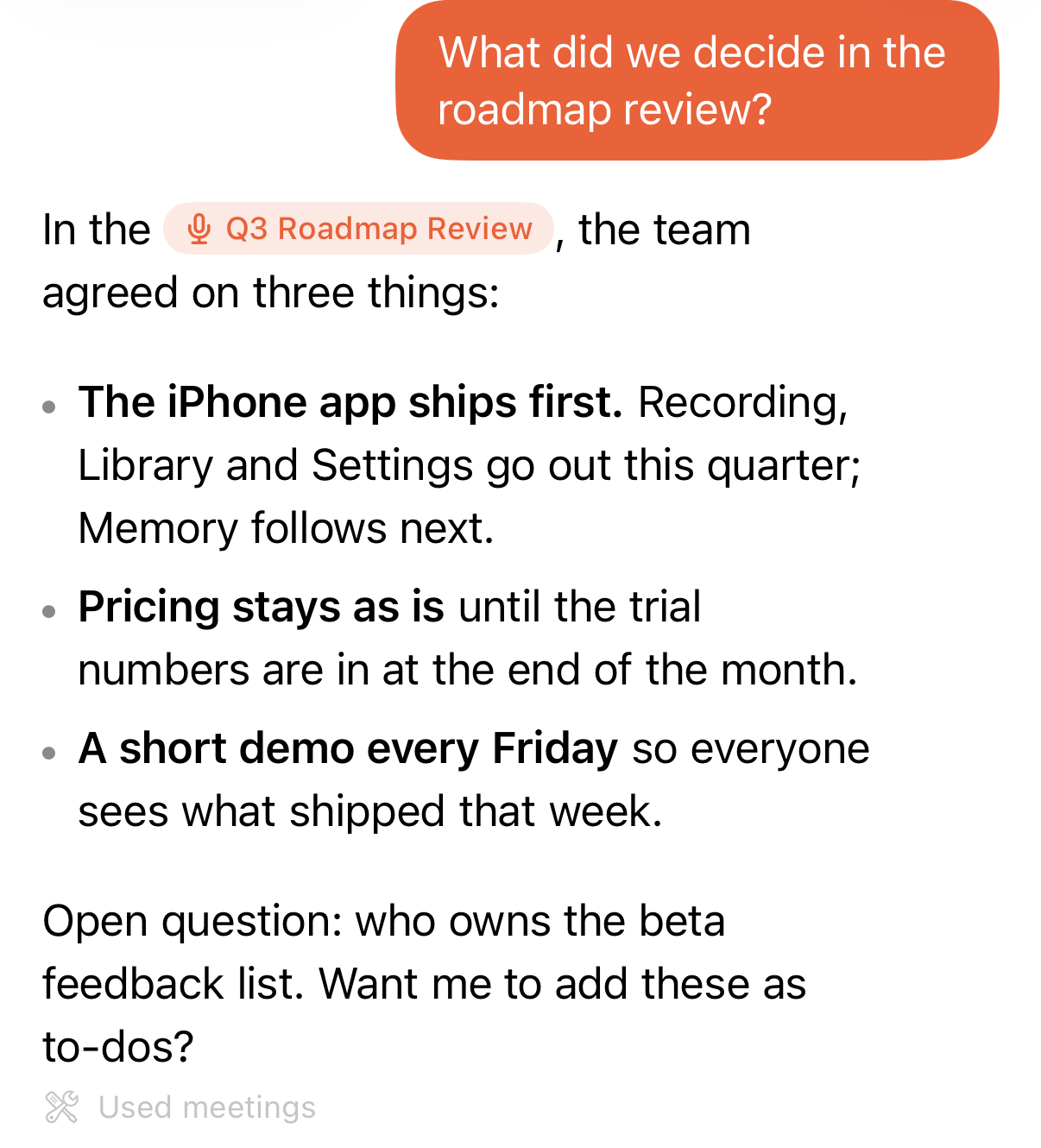
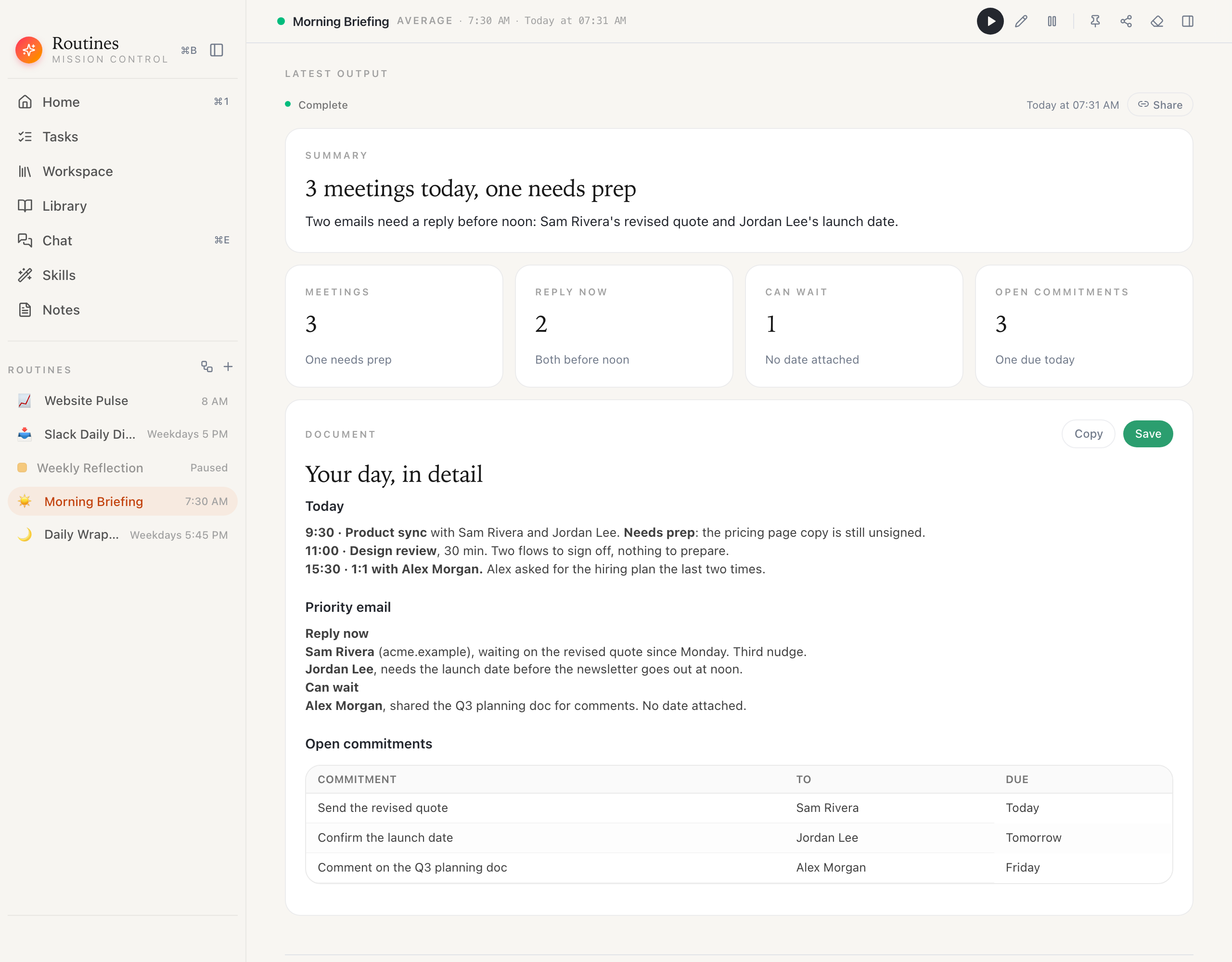
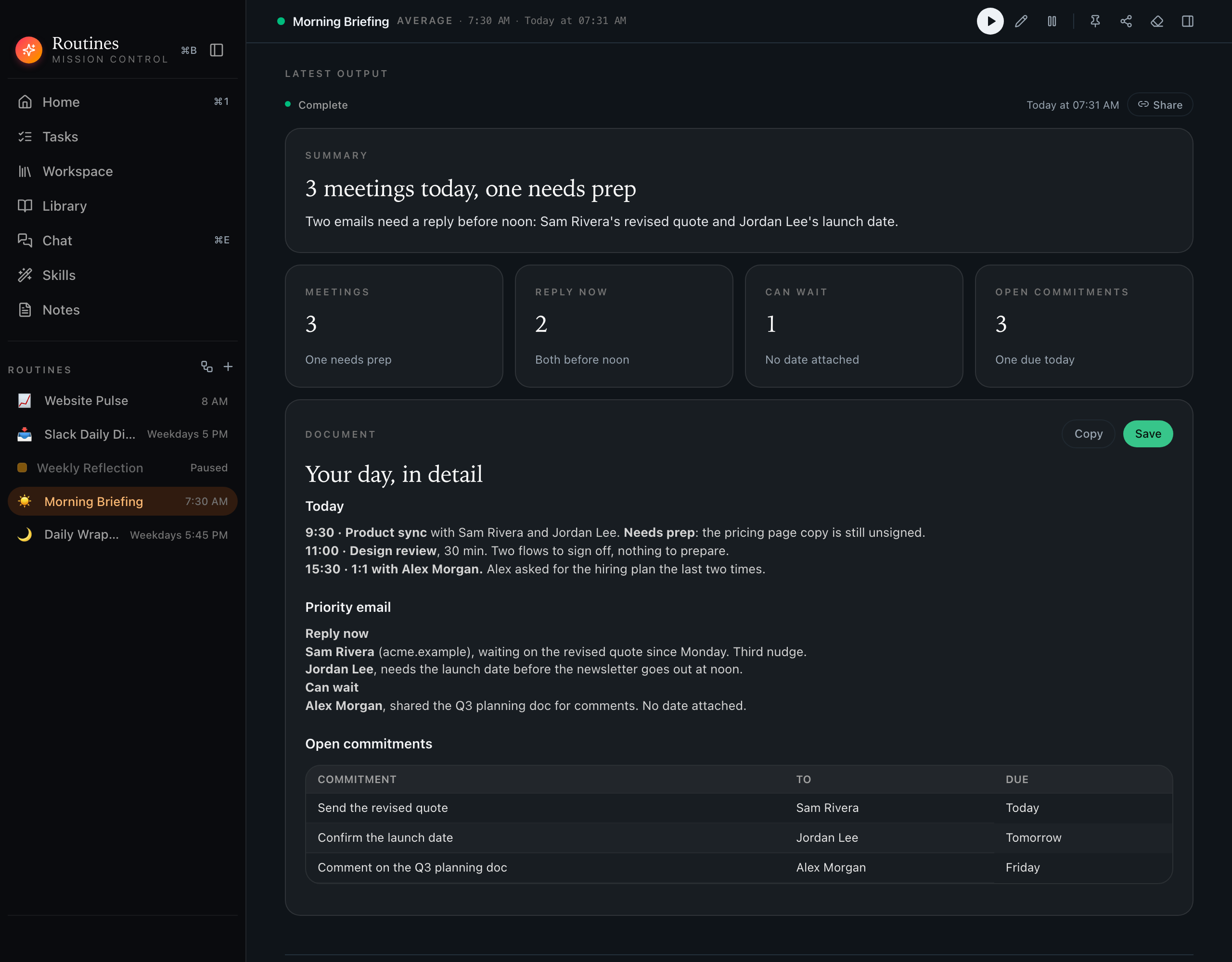
- Routines is a Mac app that remembers your work for you. Start a recording when a meeting begins, and when it ends Routines writes the summary, the decisions and the action items, and offers your own action items as to-dos you keep or drop. Your meetings and notes stay in one place you can search, or ask in plain words. Connect your email, calendar and Slack and it can check those too, and scheduled routines, like a morning briefing, run at a time you pick. There are companion apps for iPhone and Apple Watch.
- Where are my notes stored?
- Your meeting notes, summaries and action items are plain text files in the folder you choose on your Mac, so any editor or notes app can open them. Meeting transcripts, routine outputs, chat and clipboard history are kept in a local database next to them, and search runs against a local index on your disk. If you turn on Cloud Sync and Backup, which is off by default, they are copied to your Routines account too.
- How does Routines record a meeting?
- You start the recording yourself. Routines records your microphone and your Mac's system audio, so no extra participant appears in the call. Routines ships no disclosure watermark, no automatic announcement and no consent prompt today, so telling the people in the meeting is your responsibility, and we recommend saying you record.
- Where is meeting audio transcribed?
- Meeting audio streams to Deepgram to be turned into text. There is no setting that moves meeting transcription onto your Mac. On Pro, Teams and during the trial Routines supplies the Deepgram key. On Free you add your own Deepgram key, and until you do, Routines declines to start the recording. A local Whisper model can transcribe a recording in two narrow cases, when the app has no Deepgram key at all and when the live transcript came back empty, and that model is English only and has to be downloaded first, so it is a safety net rather than a mode you choose.
- Do I need my own AI key?
- No. Every new account starts with €5 of Routines AI credit, granted once, so there is no key to paste and nothing to set up. Those requests pass through our servers on the way to the AI provider, and we keep the token count, never the text. Top up with a one-time pack when you need more, or switch to the Claude or ChatGPT plan you already pay for, or a key of your own, and while you run on it the requests go straight from your Mac.
- What leaves my Mac?
- Cloud Sync and Backup is off by default. Turn it on and your notes folder goes to your Routines account together with the rest of your app data: routines, to-dos, meetings including their transcripts and notes, routine outputs, library items, snippets and skills. Connector tokens are the one thing deliberately stripped out and never sent. Share a meeting, a routine or another item by link and that item is uploaded too, with sync on or off. Prompts, including any note text used as context, go to an AI provider in both AI modes. Routines also makes a few calls of its own on a schedule: an update check, a subscription check, and weather for your briefings. On a Teams plan, your meeting titles and durations are also shared with your team by default. Every one of them is listed on our transparency page.